
Unveiling the Blueprint: Crafting Business-Ready Web Solutions with Today's AI
Discover the intricate process of leveraging artificial intelligence to build dynamic websites and web applications fit for the modern enterprise.
The development of a new, business-ready website or web application in 2025 has been profoundly reshaped by the integration of Artificial Intelligence (AI) tools. This evolution streamlines processes, enhances capabilities, and empowers creators to build more sophisticated, personalized, and efficient digital platforms. Understanding the anatomy of this AI-augmented development lifecycle is key to harnessing its full potential.
Key Insights: The AI-Powered Development Edge
- Accelerated Timelines: AI tools significantly reduce development time, from initial design concepts to coding and testing, enabling faster market entry.
- Enhanced Personalization: AI facilitates the creation of highly personalized user experiences by analyzing data to tailor content, interfaces, and interactions.
- Intelligent Automation: Many repetitive and complex tasks, including code generation, content creation, and even aspects of project management, can be automated or assisted by AI.
The Modern AI-Augmented Web Development Lifecycle
Building a business-ready website or web application with AI involves a structured approach, integrating intelligent tools at each stage. This process not only optimizes traditional workflows but also introduces new capabilities that were previously complex or resource-intensive.
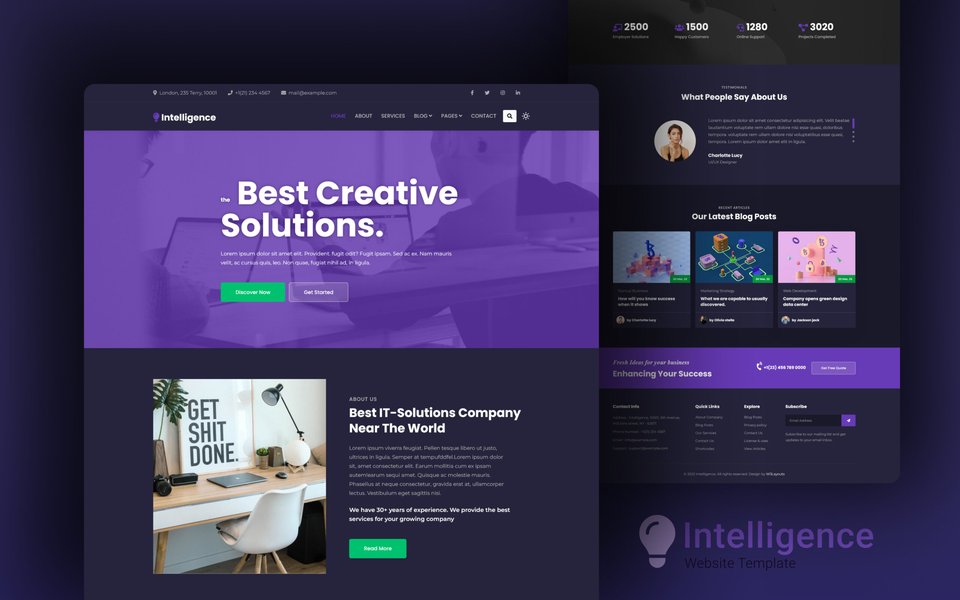
A modern website embodying intelligent design, often accelerated by AI tools.
Phase 1: Conceptualization and Strategic Planning
The journey begins with a clear vision. This foundational phase involves defining the project's objectives, target audience, and the unique value proposition AI can help deliver.
Problem Definition and Goal Setting
Clearly articulate the problem your website or web app will solve. Define specific, measurable, achievable, relevant, and time-bound (SMART) goals. This could range from lead generation and e-commerce sales to improving customer engagement or streamlining internal operations.
AI-Assisted Market and User Research
Leverage AI-powered analytics tools to gain deep insights into market trends, competitor strategies, and target user behaviors. AI can process vast amounts of data to identify patterns and preferences, informing data-driven decisions from the outset. AI-driven survey platforms or social media sentiment analysis tools can validate your concept by assessing potential user interest and feedback with minimal manual intervention.
Feature Prioritization with AI
Employ AI tools or project management platforms with AI-enhanced features to help prioritize functionalities. These tools can predict the potential impact of features on user engagement and business goals, ensuring resources are allocated effectively.
Phase 2: Design and User Experience (UX/UI)
With a solid plan, the focus shifts to crafting an intuitive and engaging user experience, where AI plays a significant role in both aesthetics and functionality.
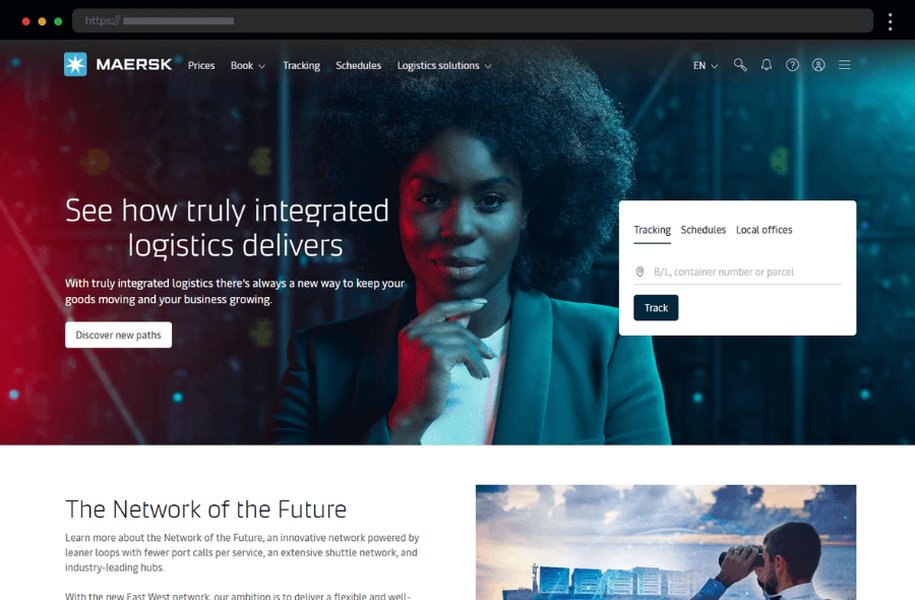
Modern website designs, increasingly shaped by AI-driven UX principles.
AI-Powered Design Tools
Platforms like Figma have introduced AI-assisted design workflows that can automatically generate responsive layouts, suggest UI improvements, and even create branding assets based on minimal input. AI website builders such as Wix AI, Hostinger AI, and 10Web AI Builder enable users to transform ideas into custom-designed sites through interactive prompts, often without extensive coding skills.
Content Generation and Personalization Engines
AI excels at generating various forms of content, including marketing copy, product descriptions, blog posts, and even multimedia elements. This saves considerable time and ensures consistency. Furthermore, AI can power personalization engines to dynamically tailor user interfaces and content based on individual user interaction data, significantly boosting engagement.
Phase 3: Development and AI Integration
This is where the designs and concepts are brought to life. AI tools act as powerful assistants and enablers for developers, and in some cases, can handle significant portions of the development work.
AI Coding Assistants and Low-Code/No-Code Platforms
AI coding assistants like GitHub Copilot or tools based on models like ChatGPT can accelerate the writing of clean, efficient code, suggest completions, and help debug. For faster development, especially for users with limited coding expertise, AI-enabled low-code/no-code platforms (e.g., Wix AI, Durable AI) allow for rapid application development through drag-and-drop interfaces and AI-driven automation.
API and AI Model Integration
Integrating pre-built AI models or custom-trained ones via APIs is crucial for adding intelligent features. This can include Natural Language Processing (NLP) for chatbots (e.g., Chatbase using Generative AI), computer vision for image analysis, or predictive analytics for personalized recommendations. Platforms like OpenAI, Google AI, and AWS AI services provide robust APIs for these purposes.
Backend Development and Automation
AI can assist in automating backend tasks, managing databases, and optimizing server performance. The integration of AI models into the backend infrastructure requires careful planning to ensure seamless communication between the frontend and the AI capabilities.
Phase 4: Testing, Validation, and Quality Assurance
Ensuring the website or web app is robust, secure, and performs optimally is critical. AI tools offer advanced capabilities for comprehensive testing.
AI-Driven Automated Testing
AI can generate test cases, perform performance monitoring, conduct security scans, and simulate real user interactions to identify bugs and vulnerabilities more efficiently than traditional methods. AI algorithms can analyze user responses during A/B testing phases, quickly identifying UI/UX bottlenecks or optimal workflows.
AI Algorithm Validation
For applications heavily reliant on specific AI models, validating these algorithms to ensure they produce relevant and accurate output is a critical step before full-scale integration and deployment.
Phase 5: Deployment and Scalability
Once thoroughly tested, the application is ready for launch. AI can also play a role in optimizing the deployment process and ensuring the infrastructure can scale.
Automated Deployment and Cloud Infrastructure Management
CI/CD (Continuous Integration/Continuous Deployment) pipelines, when integrated with AI, can predict deployment outcomes and optimize runtime environments. AI can dynamically manage cloud resources, auto-scale services based on real-time traffic, and help reduce operational costs on platforms like AWS or Google Cloud.
AI-Powered Security Monitoring
Post-deployment, AI tools can provide continuous security monitoring, using anomaly detection to identify and mitigate potential cyber threats in real-time.
Phase 6: Post-Launch: Maintenance and Continuous Improvement
The development lifecycle doesn't end at launch. Ongoing maintenance, monitoring, and iteration are vital for long-term success, and AI provides valuable support here.
User Behavior Analytics and Insights
AI-powered analytics tools continuously track user behavior, providing deep insights that can inform new feature recommendations, usability improvements, and content strategies. Hostinger's AI Website Builder, for example, offers tools like AI heat maps.
AI Customer Support
Implementing AI chatbots and virtual assistants can provide 24/7 customer support, answer frequently asked questions, and guide users, improving satisfaction and reducing the load on human support teams.
Content and Design Updates
AI tools can assist in keeping content fresh and designs current by analyzing trends and SEO requirements, enabling quick updates without requiring full redevelopment cycles.
Visualizing the AI-Powered Development Journey
The following mindmap illustrates the interconnected phases and AI integrations within the modern web and application development lifecycle. It provides a bird's-eye view of how AI tools are woven into each step, transforming a traditionally linear process into a more dynamic and intelligent workflow.
(AI-driven insights)"] id1_3["Idea Validation
(AI sentiment analysis)"] id1_4["Feature Prioritization
(AI assistance)"] id1_5["AI Tool Selection Strategy"] id2["Phase 2: Design & User Experience (UX/UI)"] id2_1["AI-Generated Wireframes & Prototypes
(e.g., Figma AI)"] id2_2["Personalized UI/UX Design Principles"] id2_3["AI Content Generation
(Text, Images, Video Summaries)"] id2_4["Accessibility & Responsive Design
(AI checks & suggestions)"] id3["Phase 3: Development & AI Integration"] id3_1["AI Coding Assistants
(e.g., GitHub Copilot, ChatGPT for code)"] id3_2["Low-Code/No-Code AI Builders
(e.g., Wix AI, Hostinger AI, 10Web)"] id3_3["API & AI Model Integration
(NLP, Computer Vision, Predictive Analytics)"] id3_4["Backend Automation & AI Logic Implementation"] id4["Phase 4: Testing & Quality Assurance"] id4_1["AI-Driven Automated Testing
(Functional, Performance)"] id4_2["AI-Powered Security Scans & Vulnerability Detection"] id4_3["A/B Testing Analysis & Optimization
(AI insights)"] id4_4["AI Algorithm Validation & Relevance Checks"] id5["Phase 5: Deployment & Scaling"] id5_1["Automated CI/CD Pipelines
(AI-enhanced predictions)"] id5_2["Cloud Resource Management & Auto-Scaling
(AI optimization)"] id5_3["AI-Powered Real-Time Security Monitoring"] id6["Phase 6: Maintenance & Continuous Improvement"] id6_1["AI-Powered Analytics & User Behavior Tracking"] id6_2["AI Customer Support & Chatbots
(e.g., Chatbase)"] id6_3["Predictive Maintenance & Issue Detection"] id6_4["AI-Driven Content, SEO & Feature Update Suggestions"]
The Impact of AI on Web Development Metrics
The integration of AI tools brings measurable improvements across various aspects of web and application development. The radar chart below offers a comparative visualization of how AI-augmented development typically enhances key metrics compared to traditional approaches. These are generalized assessments based on current trends and capabilities.
This chart visually underscores how AI contributes to faster, more cost-effective development cycles, while significantly boosting the potential for creating highly personalized, innovative, and scalable web solutions.
Key AI Tools and Platforms in the Development Ecosystem
A diverse array of AI tools and platforms cater to different stages and needs within the web development process. The table below highlights some prominent categories and examples:
| Tool/Platform Category | Examples | Primary Application in Web/App Development |
|---|---|---|
| AI Website Builders | Wix AI, Hostinger AI Website Builder, 10Web AI Builder, Durable AI, Framer AI | Rapid website creation from prompts, automated design generation, content population, no-code/low-code development environment. |
| AI Design Assistants | Figma AI features, Uizard, Adobe Sensei | Automated UI/UX wireframing, prototyping, generation of design elements, layout suggestions, accessibility checks. |
| AI Coding Assistants | GitHub Copilot, ChatGPT (for code generation/debugging), Tabnine, Amazon CodeWhisperer | Code generation, autocompletion, bug detection and fixing, code refactoring, natural language to code translation. |
| AI Content Generation Tools | Jasper (formerly Jarvis), Copy.ai, ChatGPT, Google Bard | Creation of marketing copy, blog posts, product descriptions, SEO-optimized text, social media updates. |
| AI Model APIs & Platforms | OpenAI API (GPT models), Google AI Platform (Vertex AI), AWS AI Services (SageMaker, Comprehend) | Integration of advanced AI capabilities like NLP, computer vision, machine learning models, speech-to-text, and predictive analytics into applications. |
| AI-Powered Testing Tools | Testim.io, Applitools, Mabl, Functionize | Automated test case generation, visual regression testing, self-healing tests, performance testing, anomaly detection in user flows. |
| AI Analytics & Personalization Platforms | Google Analytics (with AI features), Mixpanel (AI insights), Optimizely (AI-powered A/B testing) | User behavior analysis, predictive analytics for churn or conversion, content personalization, dynamic UX adjustments. |
| AI Chatbot & Customer Support Platforms | Chatbase, Tidio, Intercom (with AI), Drift, Zendesk (AI features) | Automated customer service, 24/7 support, lead generation, user query interpretation and response using NLP and machine learning. |
These tools represent just a fraction of the rapidly expanding AI ecosystem available to developers and businesses, enabling them to build more intelligent and responsive web experiences.
See AI in Action: Building a Website
The following video demonstrates how AI website builders, like Hostinger's, can be used to create a professional-looking website rapidly. It offers a practical glimpse into how AI streamlines the design and initial setup process, which is a core part of the modern development anatomy discussed.
This example illustrates how AI tools can democratize web development, allowing individuals and businesses to establish an online presence quickly and efficiently, even without deep technical expertise. The AI handles much of the initial heavy lifting in terms of design, layout, and even basic content suggestions.
Frequently Asked Questions (FAQ)
How has AI fundamentally changed traditional web development?
AI has introduced significant automation, speed, and intelligence into web development. It assists in or automates tasks like code generation (e.g., GitHub Copilot), UI/UX design (e.g., Figma AI), content creation (e.g., Jasper), and testing. This leads to faster development cycles, reduced costs, enhanced personalization capabilities, and the ability to build more complex, data-driven applications with smaller teams or less specialized expertise.
Can I build a complex web application solely using AI tools?
While AI tools, especially no-code/low-code AI platforms, can build surprisingly sophisticated applications, highly complex, bespoke web applications often still require human developers for custom logic, intricate integrations, and nuanced problem-solving. AI tools serve as powerful assistants and accelerators in these scenarios, rather than complete replacements for skilled developers, especially for unique backend functionalities and advanced AI model fine-tuning.
What are the main benefits of using AI in web development for businesses?
Key benefits include:
- Speed to Market: Faster development and deployment.
- Cost Efficiency: Reduced development hours and potentially smaller team sizes.
- Enhanced User Experience: AI-driven personalization, intuitive interfaces, and intelligent features like chatbots.
- Improved Decision Making: AI analytics provide deeper insights into user behavior and market trends.
- Increased Innovation: Frees up human developers to focus on more creative and strategic tasks.
- Scalability: AI can assist in managing and scaling applications more effectively.
Do I need coding skills to use AI website builders?
Generally, no. Most AI website builders (like Wix AI, Hostinger AI, Durable AI) are designed to be user-friendly for individuals without coding experience. They typically use intuitive interfaces, drag-and-drop functionality, and AI-driven prompts to guide you through the website creation process. While some platforms may offer options for custom code for more advanced users, the core functionality is accessible to non-coders.
How does AI contribute to website personalization?
AI analyzes user data (like browsing history, demographics, interaction patterns, and preferences) to deliver tailored experiences. This can manifest as:
- Personalized Content: Showing relevant articles, products, or offers.
- Adaptive UI/UX: Modifying layouts or navigation based on user behavior.
- Recommendation Engines: Suggesting products or content similar to what the user has shown interest in (common in e-commerce and media sites).
- Targeted Messaging: Delivering personalized notifications or chat interactions.
Recommended Further Exploration
- What are the top AI tools specifically designed for enhancing e-commerce websites and personalizing customer journeys?
- How is AI expected to further evolve web application security and improve threat detection capabilities in the coming years?
- What are the key ethical considerations businesses must address when using AI to analyze user data for web application personalization?
- How do the leading AI-powered low-code development platforms compare in terms of features, scalability, and suitability for different types of business applications?
References
 squarespace.com
Last updated May 8, 2025