
Unlocking Collaborative Development: Architecting Your Cloud IDE
A comprehensive blueprint for building a scalable, secure, and feature-rich cloud-based Integrated Development Environment.
Highlights
- Architectural Foundation: Cloud IDEs leverage a multi-layered architecture (Frontend, Backend Services, Infrastructure) often built with microservices for scalability and maintainability.
- Core Functionality: Key features include a rich code editor, multi-language support, build/debug tools, version control integration, real-time collaboration, and isolated runtime environments.
- Essential Considerations: Design must prioritize scalability, security through isolation and authentication, low latency for responsiveness, extensibility via plugins, and robust data persistence.
Understanding the Cloud IDE Concept
A Cloud Integrated Development Environment (Cloud IDE) represents a paradigm shift in software development, moving the entire coding, building, testing, and debugging workflow from a local machine to cloud-based infrastructure. Accessed typically via a web browser, it offers developers a complete toolkit without needing powerful local hardware or complex environment setups. The core idea, reflected across platforms like Theia, GitHub Codespaces, and Gitpod, is to provide a consistent, accessible, and collaborative development experience from anywhere, anytime. This approach not only democratizes access to development tools but also streamlines team collaboration and simplifies resource management, leveraging the inherent scalability and reliability of the cloud.
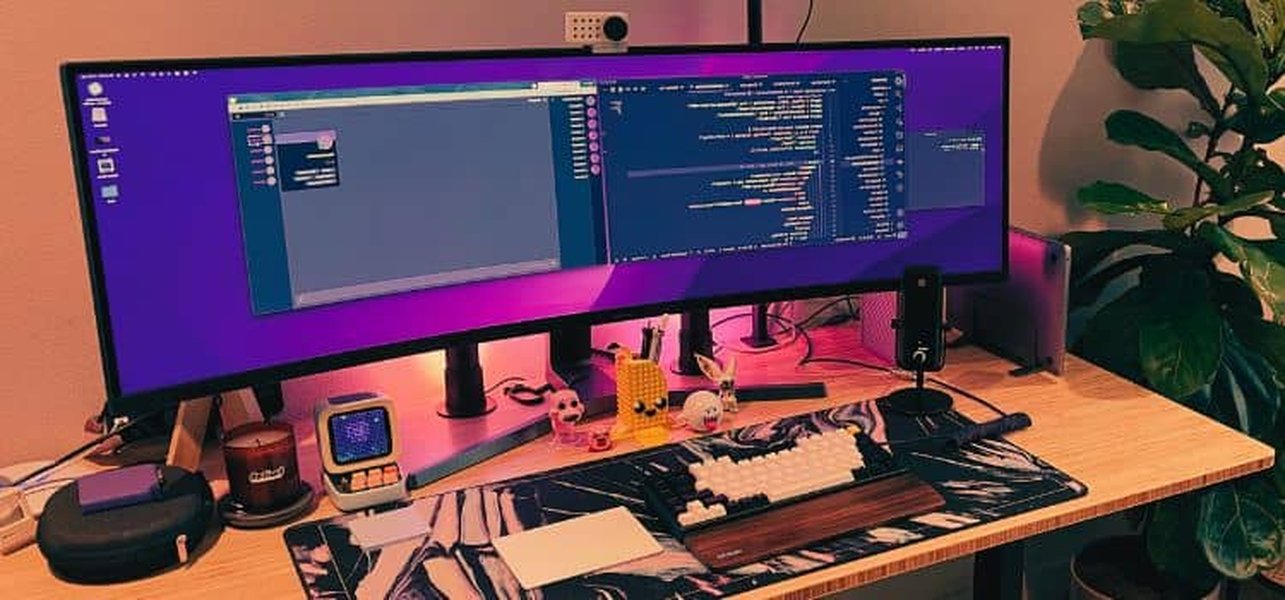
A typical developer setup, which a Cloud IDE aims to make accessible from simpler devices via the cloud.
Core Functional Requirements
Designing a successful Cloud IDE hinges on fulfilling several key functional requirements demanded by modern developers:
- Rich Code Editor: A responsive editor supporting syntax highlighting, intelligent code completion (IntelliSense-like features), linting, formatting, code snippets, and find/replace capabilities across multiple languages.
- Build, Run, & Debug Tools: Integrated capabilities to compile, execute, and debug code remotely within the IDE interface, supporting various languages and frameworks with appropriate runtimes.
- Project & File Management: A robust system for creating, organizing, browsing, and managing project files and directories stored in the cloud, including seamless integration with version control systems like Git.
- Real-time Collaboration: Features enabling multiple users to simultaneously view, edit, and discuss code within the same workspace, often involving shared terminals and communication tools.
- Extensibility & Customization: Support for installing extensions or plugins to add new languages, tools, themes, or functionalities, ideally compatible with popular ecosystems like VS Code extensions via protocols like the Language Server Protocol (LSP).
- Secure Authentication & Authorization: Mechanisms to securely manage user identities, control access to workspaces and projects, and ensure data privacy (multi-tenancy).
- Workspace Persistence: Ensuring that user workspaces, including files, settings, dependencies, and state, are reliably saved and can be resumed across sessions.
- Isolated Runtime Environments: Providing sandboxed environments (typically using containers) for each project or user session to ensure consistency, security, and prevent interference between workspaces.
- AI-Assisted Development (Optional but increasingly common): Integration with AI models for code suggestions, bug detection, automated documentation, and other intelligent assistance features.
Architectural Blueprint: Layers and Components
A robust Cloud IDE architecture typically follows a distributed, multi-layered approach, leveraging microservices to enhance scalability, resilience, and maintainability. This design separates concerns across different layers, from the user interface to the underlying infrastructure.
Frontend Layer: The User Gateway
This is the primary interface through which users interact with the Cloud IDE, usually a sophisticated Single Page Application (SPA) running in the web browser. Occasionally, a dedicated desktop client (e.g., built with Electron) might connect to the cloud backend.
Key Elements
- Web-based IDE UI: Built using modern frameworks like React, Vue, or Angular. It hosts the main components users see.
- Code Editor Component: Often leverages powerful editor libraries like Monaco (powering VS Code) or frameworks like Theia, providing the core editing experience.
- Integrated Terminal Emulator: Provides command-line access to the underlying development environment directly within the browser.
- GUI Elements: Includes visual tools for file exploration, version control management (Git operations), debugging sessions, managing settings, and viewing build/test output.
- Collaboration UI: Visual cues and features supporting real-time co-editing, user presence indicators, and potentially integrated chat.
Backend Services: The Engine Room
The backend comprises a collection of services, often designed as microservices, that handle the core logic, processing, and state management of the Cloud IDE. An API Gateway often serves as the single entry point for client requests, routing them to the appropriate service.
Microservices Approach
Using microservices allows individual components to be developed, deployed, and scaled independently. This improves resilience (failure in one service doesn't bring down the whole system) and allows teams to specialize.
Essential Services
- Authentication & Authorization Service: Manages user login (e.g., via OAuth, SSO, JWT), permissions, and access control to workspaces and resources.
- Workspace Management Service: Responsible for provisioning, managing the lifecycle (start, stop, pause, resume), and persisting the state of user development environments (often containerized).
- File Storage & Version Control Service: Interfaces with cloud storage (like S3 or GCS) for project files and integrates with Git services for versioning.
- Code Execution & Build Service: Handles requests to compile, run, test, and debug code, often orchestrating tasks within sandboxed containers and managing job queues.
- Collaboration Service: Manages real-time synchronization of edits (using OT or CRDTs), cursors, and shared states via WebSockets or similar protocols.
- Extension & Language Server Service: Manages the installation and execution of IDE extensions and hosts Language Servers (LSP) to provide language-specific intelligence.
- Terminal Service: Provides the backend for the integrated terminal, connecting the frontend emulator to a shell process running in the user's workspace container.
- AI Integration Service (Optional): Connects to AI models to provide code completion, analysis, and other smart features.
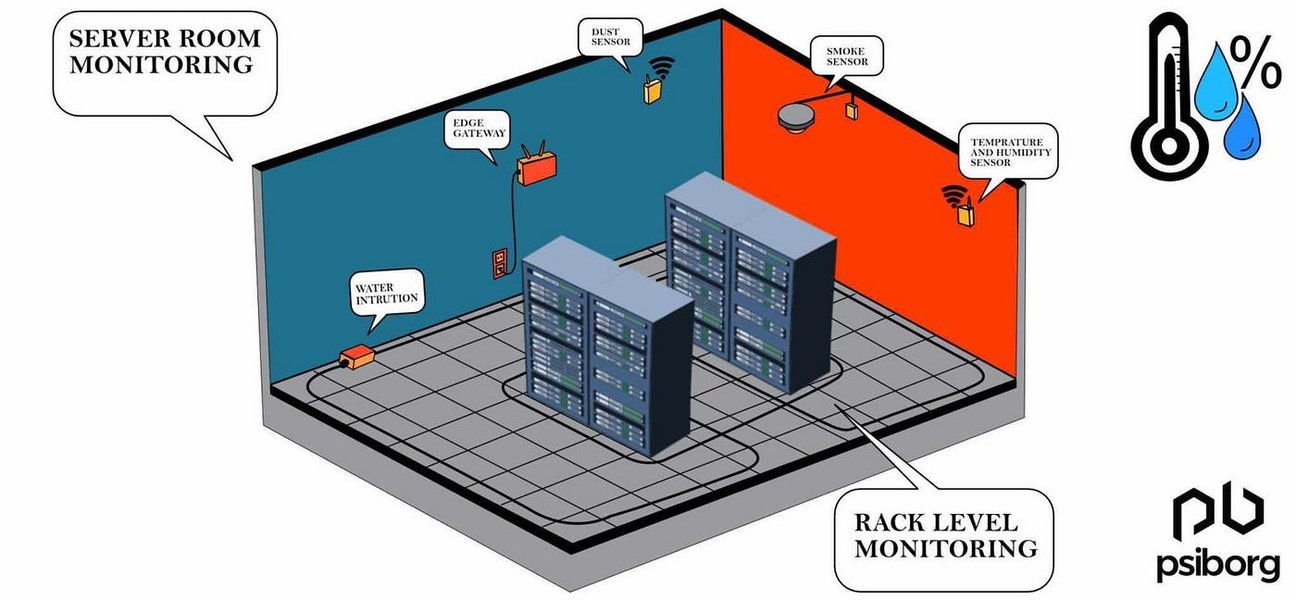
Backend services run on cloud infrastructure, often involving complex server and network management.
Infrastructure & Data Layer: The Foundation
This layer provides the underlying cloud resources necessary to run the frontend and backend services reliably and at scale. It includes compute, storage, networking, and databases.
Core Infrastructure
- Container Orchestration: Systems like Kubernetes are crucial for deploying, managing, and scaling the containerized workspaces and backend microservices automatically based on demand.
- Compute Resources: Virtual machines, containers, or serverless functions provide the processing power for running user code and backend services.
- Persistent Storage: Network-attached storage or cloud provider persistent volumes are needed to store user project data durably, even when workspaces are stopped.
- Networking: Load balancers distribute incoming traffic, CDNs cache static assets for faster delivery, and robust network configurations (including WebSockets support) ensure efficient communication.
- Databases: Relational (e.g., PostgreSQL) or NoSQL (e.g., MongoDB) databases store metadata about users, projects, workspaces, settings, and potentially logs or analytics data.
- Observability: Tools for centralized logging (e.g., ELK stack), monitoring (e.g., Prometheus, Grafana), and tracing are essential for maintaining system health and diagnosing issues.
Data Management
Effective data management involves using appropriate storage solutions: Cloud Object Storage (like AWS S3 or Google Cloud Storage) for large files and project assets due to scalability and cost-effectiveness; Databases for structured metadata; and potentially Caching layers (like Redis) for frequently accessed data to reduce latency.
Visualizing the Architecture: A Mindmap
To better understand the relationships between the different parts of the Cloud IDE system, the following mindmap outlines the high-level architecture, breaking it down into its core layers and key components.
Key Design Considerations
Building a performant, reliable, and user-friendly Cloud IDE requires careful attention to several cross-cutting design principles. The following radar chart visualizes the relative importance assigned to these considerations during the design phase. Higher scores indicate greater priority.
Key considerations include ensuring the system can scale horizontally (Scalability), protecting user data and code through robust authentication and sandboxing (Security, Isolation), providing a responsive user experience (Low Latency), allowing customization (Extensibility), enabling seamless teamwork (Collaboration), managing cloud resource usage effectively (Cost-Efficiency), and ensuring high availability (Reliability).
Choosing the right technologies for each component is crucial for meeting these design goals. The following table outlines some common technology choices for key parts of a Cloud IDE system:
| Component | Example Technologies | Key Considerations |
|---|---|---|
| Frontend UI Framework | React, Angular, Vue.js | Component ecosystem, performance, developer familiarity, state management. |
| Code Editor Library | Monaco Editor, CodeMirror, Theia Framework | Performance, feature set (completion, linting), extensibility, mobile support. |
| Backend Framework/Language | Node.js (Express/NestJS), Go (Gin), Java (Spring Boot), Python (Django/Flask) | Concurrency handling, performance, ecosystem maturity, team expertise. |
| Containerization & Orchestration | Docker, Kubernetes (K8s), Docker Swarm | Scalability, resource management, isolation guarantees, ecosystem integration. |
| File Storage | AWS S3, Google Cloud Storage, Azure Blob Storage, Ceph | Durability, availability, scalability, cost, access latency, versioning support. |
| Databases | PostgreSQL, MySQL (Relational); MongoDB, Cassandra (NoSQL) | Data model fit, consistency requirements, scalability, query performance. |
| Real-time Collaboration | WebSockets, Socket.IO, Operational Transformation (OT), CRDTs | Latency, conflict resolution complexity, scalability, message ordering. |
| Authentication | OAuth 2.0, OpenID Connect, JWT, SAML | Security standards, integration with identity providers, ease of use. |
Real-time Collaboration Mechanisms
One of the defining features of modern Cloud IDEs is their ability to support real-time collaboration. This allows multiple developers to work within the same workspace simultaneously, seeing each other's cursors and code changes as they happen. Achieving this requires careful handling of synchronization:
- WebSockets: Persistent, bidirectional communication channels are typically established between the clients (browsers) and the Collaboration Service using WebSockets (or libraries like Socket.IO) for low-latency updates.
- Synchronization Algorithms: To handle concurrent edits without data loss or corruption, algorithms like Operational Transformation (OT) or Conflict-free Replicated Data Types (CRDTs) are employed.
- OT: A well-established approach used in tools like Google Docs. It transforms operations based on previously applied operations to maintain consistency, but can be complex to implement correctly.
- CRDTs: A newer approach designed for distributed systems. CRDTs ensure eventual consistency by design, simplifying conflict resolution in some scenarios, but might have different performance characteristics.
- State Management: The Collaboration Service needs to efficiently manage and broadcast changes related to code edits, cursor positions, selections, shared terminal sessions, and other collaborative states.
The video below discusses the system design and coding process for building a cloud IDE, offering practical insights into implementing some of these concepts:
This video explores building a Repl.it clone, covering system design aspects and the practical coding involved in setting up server and client components for a functional cloud IDE, including considerations for file management and execution environments.
Security and Isolation Strategies
Security is paramount in a Cloud IDE where users entrust their source code and potentially sensitive data to the platform. A multi-layered security approach is essential:
- Authentication and Authorization: Securely verify user identities (e.g., OAuth 2.0, MFA) and enforce granular permissions (Role-Based Access Control - RBAC) to control who can access which workspaces, projects, or features.
- Workspace Isolation: This is critical for multi-tenancy. Each user session or workspace must run in a strongly isolated environment, typically achieved using containerization (Docker) orchestrated by Kubernetes. Network policies within the orchestrator further restrict communication between workspaces and internal services.
- Data Encryption: Encrypt data both in transit (using TLS/SSL for all communication between client, gateway, and services) and at rest (encrypting project files in object storage and sensitive data in databases).
- Sandboxed Code Execution: When running user-provided code, ensure it executes within a secure sandbox with limited privileges and resource constraints (CPU, memory, network access) to prevent abuse or escape vulnerabilities.
- Dependency and Vulnerability Scanning: Regularly scan base workspace images and application dependencies for known security vulnerabilities.
- Rate Limiting and Abuse Prevention: Implement limits on API calls, resource consumption, and potentially malicious activities to protect the platform infrastructure.
- Audit Logging: Maintain comprehensive logs of user actions, system events, and security-related incidents for monitoring and forensics.
Frequently Asked Questions (FAQ)
What exactly is a Cloud IDE?
How does a Cloud IDE ensure the security of my code?
How is scalability handled in a Cloud IDE?
Can I use my existing VS Code extensions in a Cloud IDE?
What about latency? Will a Cloud IDE feel slow?
Recommended Further Exploration
- How do Operational Transformation (OT) and CRDTs compare for enabling real-time collaboration in distributed systems?
- What are the best practices for securing multi-tenant applications running in containers on Kubernetes?
- What architectural considerations are involved in integrating AI code assistants like Copilot into a Cloud IDE?
- How can the performance and responsiveness of web-based code editors like Monaco be optimized for large files and complex operations?
References
Last updated May 5, 2025