
Z890-A Motherboard and V100 GPU Compatibility
A detailed examination of compatibility factors, power and cooling considerations, and performance implications
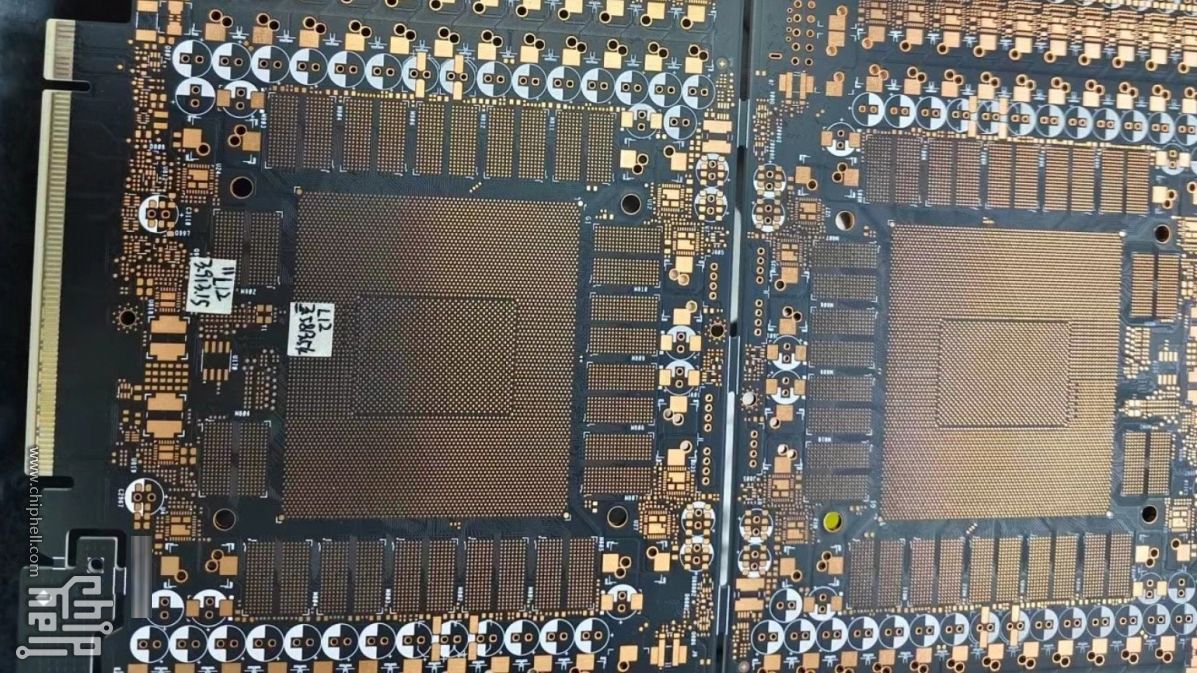
Highlights
- PCIe Compatibility: The Z890-A motherboard offers modern PCIe slots that accommodate the V100 GPU’s PCIe 3.0 interface.
- System Requirements: Beyond slot compatibility, verifying power delivery, cooling solutions, and physical space is crucial for integrating the V100 GPU.
- Intended Use: While physically compatible, the V100 GPU is designed primarily for data center and AI workloads, rather than typical consumer or gaming scenarios.
Understanding the Physical and Technical Compatibility
PCIe Slot and Interface
The core of any GPU compatibility review is the relation between the PCIe slot offered by the motherboard and the interface used by the GPU. The V100 GPU is built with a PCIe 3.0 x16 connector, and even though the Z890-A motherboard typically features PCIe 5.0 or 4.0 slots, these slots are designed to be backward compatible with PCIe 3.0 devices. This means that, physically, the V100 GPU will fit into the PCIe x16 slot on a Z890-A motherboard.
However, it’s vital to emphasize that compatibility is not determined solely by physical slot fitting. The lesser generation of the GPU’s PCIe interface (PCIe 3.0) will operate correctly in a slot of higher generation (PCIe 4.0 or 5.0), but users will not see performance gains from the enhanced features of the newer PCIe slots. Instead, the GPU will operate at the capabilities provided by its PCIe 3.0 interface.
Power Delivery and Electrical Considerations
The NVIDIA V100 Tensor Core GPU has significant power requirements typical of high-performance computing devices. It usually demands one or more additional power connectors such as 6-pin or 8-pin connectors besides drawing power from the PCIe slot itself. Even though the Z890-A motherboard supports high-performance graphics cards and offers robust power delivery systems, it is crucial to scrutinize the specific board’s design in relation to the V100's needs. The motherboard’s power delivery system, including the integrity of the VRM (voltage regulator module) and available power connectors, plays a critical role in ensuring stable operation under the GPU’s heavy load conditions.
Many Z890-A boards are engineered with modern components to accommodate powerful GPUs and even exotic computing workloads. Nonetheless, for a specific configuration involving the V100 GPU, checking the detailed specifications provided by the motherboard manufacturer is recommended to guarantee that the power supply unit (PSU) and onboard connectors meet the GPU's requirements.
Cooling, Space, and Physical Fit
Cooling and physical space are other vital considerations when integrating the NVIDIA V100 GPU into your system. The V100 is known not only for its computational prowess but also for its considerable heat output. The overall design of high-performance motherboards like the Z890-A typically includes enhanced cooling options and thermal management features. However, the enclosure or case being used must have sufficient space and airflow to accommodate the V100’s large heatsink and cooling mechanisms.
Many Z890-A boards incorporate features such as SafeSlot retention brackets which help support the weight of modern GPUs. This not only helps in properly securing the GPU in place but also contributes to maintaining the integrity of the physical installation over time. When planning a system with the V100, it is also advisable to ensure that case cooling, including efficient fans or liquid cooling solutions, is well-optimized to handle the additional thermal output.
System and BIOS Compatibility
BIOS and Driver Support
While physical and electrical compatibility is achieved through proper PCIe support and power delivery, the final step in ensuring successful integration is verifying that the motherboard’s BIOS fully recognizes and supports the V100 GPU. Given that most modern motherboards, such as those built on the Z890 chipset, are designed to support a wide range of devices, there is a high likelihood that they have built-in support for high-performance GPUs. However, due to the specialized nature of the V100 – often utilized in data centers rather than consumer environments – firmware updates or specific BIOS settings may sometimes be necessary.
Manufacturer documentation should be reviewed to confirm that the latest BIOS updates support the GPU you intend to install. Additionally, verifying that drivers from NVIDIA are current and appropriately support the motherboard’s chipset and any specific software features required by your project contributes significantly to system stability and optimal performance.
System Configuration and Intended Use
It is important to address the intended use case of both the Z890-A motherboard and the V100 GPU. The V100 is predominantly designed for data center applications, machine learning, and high-performance compute tasks. As such, while it can be physically installed on a Z890-A motherboard, which is widely marketed for gaming and workstation settings, the practical use-case may differ.
A typical consumer or gaming build on a Z890-A may not leverage the V100’s computational capabilities, which are particularly advantageous in AI and data center environments. Users planning to use the V100 must consider software environments, thermal and power configurations specific to professional workloads. If the goal is to run advanced computations, simulation tasks, or deep learning models, ensuring that the rest of the system is optimized for such functionalities is critical.
Technical Specifications Overview Table
Below is a table summarizing the key technical considerations for using the V100 GPU with a Z890-A motherboard:
| Specification | Z890-A Motherboard | NVIDIA V100 GPU |
|---|---|---|
| PCIe Slot Version | PCIe 5.0 / 4.0 (Backward compatible with PCIe 3.0) | PCIe 3.0 x16 |
| Physical Slot Compatibility | Modern x16 slot, with retention bracket support | Standard x16 connector |
| Power Requirements | Robust VRM and multiple power connectors available | Typically requires 6-pin/8-pin PCIe power connectors |
| Cooling Considerations | Enhanced thermal design with multiple cooling options | High heat output, requires proper case airflow and cooling solutions |
| BIOS Support | Modern BIOS supporting a wide range of hardware | May require specific firmware updates/settings for optimal operation |
| Intended Environment | Gaming, workstations, general computing | Data center, machine learning, high-performance computing |
Practical Implications and Recommendations
Selecting the Right Configuration
For users contemplating integrating a NVIDIA V100 GPU into a Z890-A motherboard-based system, it is advisable to consider the following:
System Requirements Alignment
First, assess whether the intended computational tasks will fully benefit from the capabilities of the V100 GPU. If you are operating within a data center or conducting AI and machine learning research, the V100 is highly valuable. For gaming or regular workstation tasks, consider that alternative GPUs might offer a more balanced performance-to-cost ratio.
Ensuring Adequate Power Delivery
Ensure that the power supply unit (PSU) you plan to use meets the energy and connector requirements of the V100 GPU. A PSU with sufficient wattage and proper connector configurations will help avoid stability issues during intensive workloads.
Managing Cooling and Physical Installation
Make sure that your system case supports the thermal design needed for a high-performance GPU. This might involve installing additional cooling components, such as fans or even liquid cooling systems, to manage the increased heat output from the V100.
Evaluating BIOS and Firmware
It is advisable to review the BIOS version and settings on your Z890-A motherboard prior to installing the V100 GPU. Updating the BIOS to the latest version not only might provide improved hardware compatibility but can also resolve potential stability issues related to unusual configurations like incorporating a datacenter GPU into a consumer-oriented board.
Verify from the manufacturer's documentation that the BIOS is configured to support PCIe x16 devices properly, and check for any notes regarding support for high-powered GPUs. Should any firmware adjustments or specific compatibility modes be necessary, it's helpful to review support forums or official documentation before proceeding.
Final Considerations
Balancing Performance and Practicality
In conclusion, the Z890-A motherboard does support the NVIDIA V100 GPU from a hardware standpoint, leveraging the backward compatibility of its PCIe slots with the V100's PCIe 3.0 interface. Yet, several factors—such as ensuring sufficient power delivery, implementing optimal cooling solutions, and managing BIOS configurations—require attention to meet the requirements of the V100’s high-performance and high-power demands.
Consider the intended usage of your system: while the Z890-A motherboard is versatile and widely used in systems for gaming or professional workstations, the V100 GPU is primarily intended for data center and machine learning applications. Therefore, if your priority is to deploy an environment optimized specifically for AI and deep learning, you must ensure that the entire system—power, cooling, and firmware support—can handle the V100 GPU's specialized demands.
For many high-performance computing applications, using a motherboard that is carefully matched to the GPU’s intended workload might yield better results. However, if you already have or plan to use the Z890-A motherboard in a heterogeneous system, the integration is technically feasible so long as you pay close attention to the system engineering nuances highlighted above.
Conclusion and Final Thoughts
In summary, the Z890-A motherboard is physically and electrically compatible with the NVIDIA V100 GPU due to its durable PCIe slot design that supports backward compatibility with PCIe 3.0 devices. To ensure successful operation, confirm that your system meets the necessary power, cooling, and BIOS requirements, which are essential given the V100’s significant energy and thermal demands. While the V100 is predominantly utilized in data center and AI-specific scenarios, enthusiasts or professionals planning to integrate it into a Z890-A based system should verify that all components of the system are fully aligned with the high-performance requirements and may need to adjust configurations accordingly.
References
- ROG STRIX Z890-A GAMING WIFI - ASUS
- NVIDIA Products and Specifications - NVIDIA
- Gigabyte Motherboards - Gigabyte
Recommended Queries
Last updated February 21, 2025