
貪食蛇遊戲完整 Python 代碼指南
使用 Pygame 模組開發經典貪食蛇遊戲的詳細步驟與說明
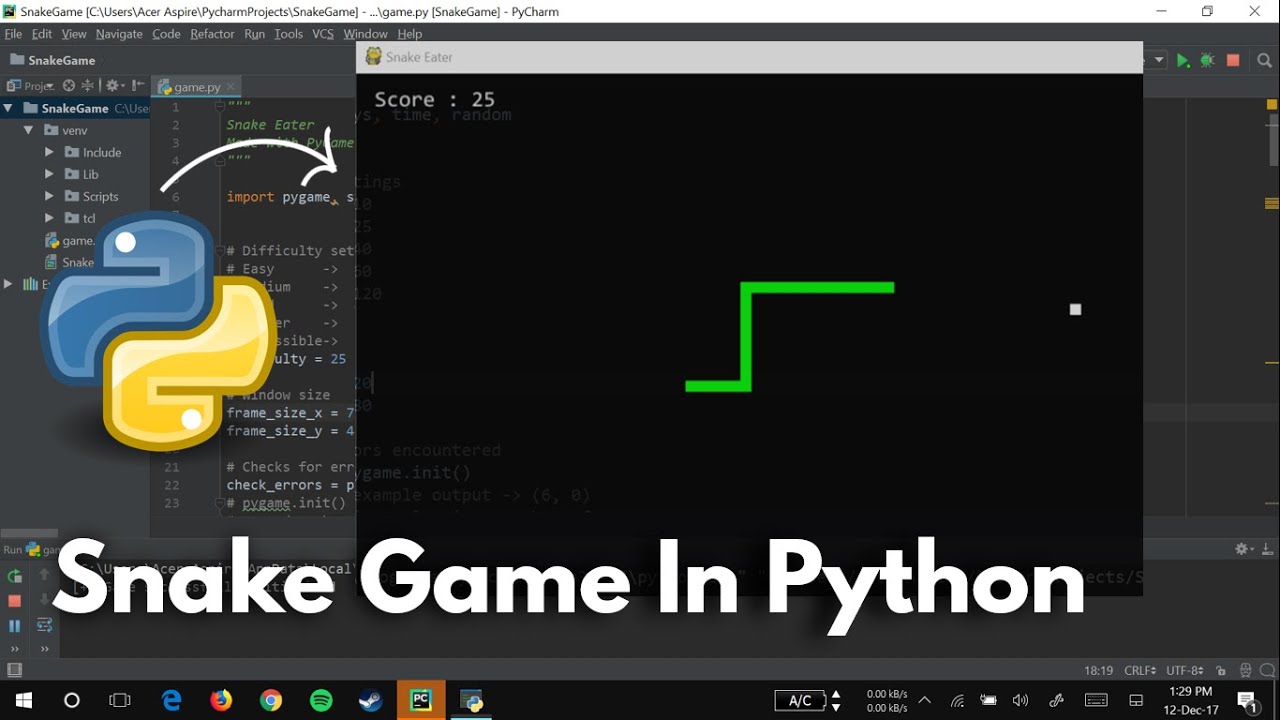
三個重點:
- 基礎遊戲架構:初始化 Pygame、設置窗口、定義顏色和蛇的屬性。
- 遊戲邏輯與控制:蛇的移動、食物生成、碰撞檢測以及分數統計。
- 擴展功能與優化:添加遊戲結束畫面、重新開始選項、不同難度等。
環境設置與初始化
安裝與導入必要模組
在開始編寫貪食蛇遊戲之前,我們需要確保已經安裝了 Python 和 Pygame 庫。你可以使用以下命令來安裝 Pygame:
pip install pygame接下來,我們需要在 Python 程式中導入所需的模組:
import pygame
import random
import sys
import time
初始化 Pygame 和設置遊戲窗口
初始化 Pygame 並設置遊戲窗口的大小和標題:
pygame.init()

# 設置遊戲窗口大小
SCREEN_WIDTH = 800
SCREEN_HEIGHT = 600
screen = pygame.display.set_mode((SCREEN_WIDTH, SCREEN_HEIGHT))

# 設置遊戲標題
pygame.display.set_caption("貪食蛇遊戲")

# 定義遊戲時鐘
clock = pygame.time.Clock()
蛇的屬性與初始設定
定義顏色
定義遊戲中使用的顏色,我們將使用 RGB 色碼表示:
# 定義顏色
WHITE = (255, 255, 255)
BLACK = (0, 0, 0)
RED = (255, 0, 0)
GREEN = (0, 255, 0)
蛇的初始設定
設置蛇的大小、初始位置、移動速度,以及蛇的身體和長度:
# 蛇的初始設定
SNAKE_BLOCK = 20
SNAKE_SPEED = 15

# 蛇的初始位置
snake_x = SCREEN_WIDTH / 2
snake_y = SCREEN_HEIGHT / 2
snake_dx = 0
snake_dy = 0

# 蛇的身體和長度
snake_body = []
snake_length = 1
食物的生成與顯示
隨機生成食物位置
食物將隨機出現在遊戲窗口內,並且位置必須與蛇的大小對齊:
# 隨機生成食物位置
def generate_food():
    food_x = round(random.randrange(0, SCREEN_WIDTH - SNAKE_BLOCK) / SNAKE_BLOCK) * SNAKE_BLOCK
    food_y = round(random.randrange(0, SCREEN_HEIGHT - SNAKE_BLOCK) / SNAKE_BLOCK) * SNAKE_BLOCK
    return food_x, food_y

food_x, food_y = generate_food()
繪製食物
在遊戲循環中,我們需要不斷地在窗口上繪製食物:
# 在主循環中繪製食物
pygame.draw.rect(screen, RED, [food_x, food_y, SNAKE_BLOCK, SNAKE_BLOCK])
遊戲主循環
處理用戶輸入與事件
在主循環中,我們需要處理用戶的鍵盤輸入,讓蛇按照用戶的指令移動:
for event in pygame.event.get():
    if event.type == pygame.QUIT:
        pygame.quit()
        sys.exit()
    elif event.type == pygame.KEYDOWN:
        if event.key == pygame.K_LEFT and snake_dx != SNAKE_BLOCK:
            snake_dx = -SNAKE_BLOCK
            snake_dy = 0
        elif event.key == pygame.K_RIGHT and snake_dx != -SNAKE_BLOCK:
            snake_dx = SNAKE_BLOCK
            snake_dy = 0
        elif event.key == pygame.K_UP and snake_dy != SNAKE_BLOCK:
            snake_dx = 0
            snake_dy = -SNAKE_BLOCK
        elif event.key == pygame.K_DOWN and snake_dy != -SNAKE_BLOCK:
            snake_dx = 0
            snake_dy = SNAKE_BLOCK
更新蛇的位置
根據用戶的輸入,我們需要更新蛇的位置:
# 更新蛇的位置
snake_x += snake_dx
snake_y += snake_dy
碰撞檢測
檢查蛇是否撞到邊界或自己的身體:
# 檢查邊界碰撞
if snake_x >= SCREEN_WIDTH or snake_x < 0 or snake_y >= SCREEN_HEIGHT or snake_y < 0:
    game_over = True

# 更新蛇的身體
snake_head = [snake_x, snake_y]
snake_body.append(snake_head)
if len(snake_body) > snake_length:
    del snake_body[0]

# 檢查蛇是否撞到自己
for segment in snake_body[:-1]:
    if segment == snake_head:
        game_over = True
吃食物的邏輯
當蛇的頭部位置與食物位置重合時,蛇長度增加,並重新生成食物:
# 檢查是否吃到食物
if snake_x == food_x and snake_y == food_y:
    food_x, food_y = generate_food()
    snake_length += 1
繪製蛇與更新顯示
在每個循環中,我們需要繪製蛇的每一節,以及更新遊戲窗口的顯示:
# 清空屏幕
screen.fill(BLACK)

# 繪製食物
pygame.draw.rect(screen, RED, [food_x, food_y, SNAKE_BLOCK, SNAKE_BLOCK])

# 繪製蛇
for segment in snake_body:
    pygame.draw.rect(screen, GREEN, [segment[0], segment[1], SNAKE_BLOCK, SNAKE_BLOCK])

# 更新顯示
pygame.display.update()

# 控制遊戲速度
clock.tick(SNAKE_SPEED)
分數顯示與遊戲結束
顯示當前分數
我們可以在遊戲窗口的角落顯示當前的分數:
# 定義分數顯示函數
font_style = pygame.font.SysFont(None, 35)

def show_score(score):
    score_text = font_style.render("分數: " + str(score), True, WHITE)
    screen.blit(score_text, [10, 10])

# 在主循環中調用分數顯示
show_score(snake_length - 1)
遊戲結束畫面與重新開始選項
當遊戲結束時,顯示結束訊息並提供重新開始或退出的選項:
# 遊戲結束處理
def game_over_screen():
    message = font_style.render("遊戲結束! 按下 C 重新開始或 Q 退出", True, RED)
    screen.blit(message, [SCREEN_WIDTH / 6, SCREEN_HEIGHT / 3])
    pygame.display.update()

    while True:
        for event in pygame.event.get():
            if event.type == pygame.QUIT:
                pygame.quit()
                sys.exit()
            if event.type == pygame.KEYDOWN:
                if event.key == pygame.K_q:
                    pygame.quit()
                    sys.exit()
                if event.key == pygame.K_c:
                    game_loop()

# 在遊戲主循環中檢查遊戲是否結束
if game_over:
    game_over_screen()
完整代碼展示
以下是完整的貪食蛇遊戲 Python 代碼,整合了上述所有部分:
import pygame
import random
import sys
import time

# 初始化 Pygame
pygame.init()

# 定義顏色
WHITE = (255, 255, 255)
BLACK = (0, 0, 0)
RED = (255, 0, 0)
GREEN = (0, 255, 0)

# 設置遊戲窗口大小
SCREEN_WIDTH = 800
SCREEN_HEIGHT = 600
screen = pygame.display.set_mode((SCREEN_WIDTH, SCREEN_HEIGHT))

# 設置遊戲標題
pygame.display.set_caption("貪食蛇遊戲")

# 定義遊戲時鐘
clock = pygame.time.Clock()

# 蛇的初始設定
SNAKE_BLOCK = 20
SNAKE_SPEED = 15

# 蛇的初始位置
snake_x = SCREEN_WIDTH / 2
snake_y = SCREEN_HEIGHT / 2
snake_dx = 0
snake_dy = 0

# 蛇的身體和長度
snake_body = []
snake_length = 1

# 定義分數顯示函數
font_style = pygame.font.SysFont(None, 35)

def show_score(score):
    score_text = font_style.render("分數: " + str(score), True, WHITE)
    screen.blit(score_text, [10, 10])

# 隨機生成食物位置
def generate_food():
    food_x = round(random.randrange(0, SCREEN_WIDTH - SNAKE_BLOCK) / SNAKE_BLOCK) * SNAKE_BLOCK
    food_y = round(random.randrange(0, SCREEN_HEIGHT - SNAKE_BLOCK) / SNAKE_BLOCK) * SNAKE_BLOCK
    return food_x, food_y

food_x, food_y = generate_food()

# 繪製蛇和食物
def draw_snake(snake_body):
    for segment in snake_body:
        pygame.draw.rect(screen, GREEN, [segment[0], segment[1], SNAKE_BLOCK, SNAKE_BLOCK])

# 遊戲結束處理
def game_over_screen():
    message = font_style.render("遊戲結束! 按下 C 重新開始或 Q 退出", True, RED)
    screen.blit(message, [SCREEN_WIDTH / 6, SCREEN_HEIGHT / 3])
    show_score(snake_length - 1)
    pygame.display.update()

    while True:
        for event in pygame.event.get():
            if event.type == pygame.QUIT:
                pygame.quit()
                sys.exit()
            if event.type == pygame.KEYDOWN:
                if event.key == pygame.K_q:
                    pygame.quit()
                    sys.exit()
                if event.key == pygame.K_c:
                    game_loop()

# 遊戲主循環
def game_loop():
    global snake_x, snake_y, snake_dx, snake_dy, snake_body, snake_length, food_x, food_y

    game_over = False
    game_close = False

    # 蛇的初始位置
    snake_x = SCREEN_WIDTH / 2
    snake_y = SCREEN_HEIGHT / 2
    snake_dx = 0
    snake_dy = 0

    # 蛇的身體和長度
    snake_body = []
    snake_length = 1

    # 生成初始食物
    food_x, food_y = generate_food()

    while not game_over:

        while game_close:
            game_over_screen()

        for event in pygame.event.get():
            if event.type == pygame.QUIT:
                game_over = True
                game_close = False
            elif event.type == pygame.KEYDOWN:
                if event.key == pygame.K_LEFT and snake_dx != SNAKE_BLOCK:
                    snake_dx = -SNAKE_BLOCK
                    snake_dy = 0
                elif event.key == pygame.K_RIGHT and snake_dx != -SNAKE_BLOCK:
                    snake_dx = SNAKE_BLOCK
                    snake_dy = 0
                elif event.key == pygame.K_UP and snake_dy != SNAKE_BLOCK:
                    snake_dx = 0
                    snake_dy = -SNAKE_BLOCK
                elif event.key == pygame.K_DOWN and snake_dy != -SNAKE_BLOCK:
                    snake_dx = 0
                    snake_dy = SNAKE_BLOCK

        # 更新蛇的位置
        snake_x += snake_dx
        snake_y += snake_dy

        # 檢查邊界碰撞
        if snake_x >= SCREEN_WIDTH or snake_x < 0 or snake_y >= SCREEN_HEIGHT or snake_y < 0:
            game_close = True

        # 更新蛇的身體
        snake_head = [snake_x, snake_y]
        snake_body.append(snake_head)
        if len(snake_body) > snake_length:
            del snake_body[0]

        # 檢查蛇是否撞到自己
        for segment in snake_body[:-1]:
            if segment == snake_head:
                game_close = True

        # 清空屏幕
        screen.fill(BLACK)

        # 繪製食物
        pygame.draw.rect(screen, RED, [food_x, food_y, SNAKE_BLOCK, SNAKE_BLOCK])

        # 繪製蛇
        draw_snake(snake_body)

        # 顯示分數
        show_score(snake_length - 1)

        # 更新顯示
        pygame.display.update()

        # 檢查是否吃到食物
        if snake_x == food_x and snake_y == foody:
            food_x, food_y = generate_food()
            snake_length += 1

        # 控制遊戲速度
        clock.tick(SNAKE_SPEED)

    pygame.quit()
    quit()

# 啟動遊戲
game_loop()
擴展功能與優化建議
添加不同難度級別
你可以通過調整蛇的移動速度來添加不同的難度級別。例如,將 SNAKE_SPEED 設為不同的值來改變遊戲節奏:
# 定義不同難度的速度
DIFFICULTY_LEVELS = {
    "簡單": 10,
    "中等": 15,
    "困難": 20
}

# 選擇難度
difficulty = "中等"  # 可以通過用戶輸入來選擇
SNAKE_SPEED = DIFFICULTY_LEVELS[difficulty]
添加障礙物
為了增加遊戲的挑戰性,你可以在遊戲中添加障礙物,蛇碰到障礙物也會導致遊戲結束:
# 障礙物的位置
obstacles = [
    [200, 200],
    [300, 300],
    [400, 400]
]

# 在主循環中繪製障礙物
for obstacle in obstacles:
    pygame.draw.rect(screen, WHITE, [obstacle[0], obstacle[1], SNAKE_BLOCK, SNAKE_BLOCK])

# 檢查是否碰到障礙物
for obstacle in obstacles:
    if snake_x == obstacle[0] and snake_y == obstacle[1]:
        game_close = True
優化蛇的移動方式
目前蛇的移動是基於格子的,如果你想要更加流暢的移動,可以使用浮點數來表示位置,並調整移動步伐:
# 使用浮點數來表示蛇的位置
snake_x = float(SCREEN_WIDTH) / 2
snake_y = float(SCREEN_HEIGHT) / 2

# 更新位置時使用小數
snake_x += snake_dx * 0.1
snake_y += snake_dy * 0.1
結論
通過以上步驟,你可以成功地使用 Python 和 Pygame 開發一個功能全面且可擴展的貪食蛇遊戲。了解遊戲的基本結構和邏輯後,你可以根據自己的創意進一步擴展遊戲功能,如增加不同的障礙物、添加音效、設計更豐富的遊戲界面等。希望這個指南能幫助你創建出屬於自己的精彩貪食蛇遊戲!
參考資料
Last updated January 28, 2025