
Unleash Your Inner Artist: A Comprehensive Guide to Image Creation in the Digital Age
From AI Generations to Traditional Digital Art, Discover the Tools and Techniques to Bring Your Visions to Life
In today's visually-driven world, the ability to create compelling images is more accessible and crucial than ever. Whether you're a seasoned professional, a burgeoning artist, or simply someone looking to add a personal touch to your digital presence, the landscape of image creation offers a plethora of options. This guide delves into the exciting realm of digital image creation, exploring both revolutionary AI-powered tools and established software, providing you with the knowledge and resources to transform your ideas into stunning visuals.
Key Highlights in Image Creation
- AI Image Generators: Leverage the power of artificial intelligence to create stunning visuals from simple text prompts, offering unparalleled speed and diverse stylistic options.
- Versatile Digital Art Software: Utilize robust editing and design platforms like Canva, Adobe Express, GIMP, and Pixlr for comprehensive image manipulation, graphic design, and photo enhancement.
- Strategic Prompt Engineering: Master the art of crafting detailed and effective text prompts to guide AI generators toward producing precise and desired results.
The Dawn of AI Image Generation
Artificial intelligence has revolutionized how we think about and create images. AI image generators, also known as text-to-image tools, allow users to produce highly diverse and complex visuals by simply describing what they envision in text. This technology democratizes art creation, making it accessible even to those without traditional artistic skills.
Leading AI Image Generation Platforms
Several platforms offer powerful AI image generation capabilities, each with unique strengths:
- Canva: A user-friendly platform with integrated AI image generators like Magic Media™ and Create an image. Canva is excellent for quick visualization of ideas, creative brainstorming, and adding AI-generated elements to existing designs. It offers various styles like Watercolor, Filmic, Neon, and 3D, and has safety measures to prevent inappropriate content. Free accounts have limited use, with more features available in Canva Pro.
- Microsoft Designer: Powered by DALL-E 3, Microsoft's AI image generator allows users to create high-quality images from text prompts for presentations, posters, or any visual need. It emphasizes generating unlimited images for free with a Microsoft account and provides options to refine outputs by adjusting prompts.
- Adobe Firefly: Integrated within Adobe Creative Cloud (including Photoshop and Adobe Express), Firefly is recognized for producing copyright-safe images, trained on Adobe Stock content, openly licensed content, and public domain content. It excels in realism for human faces and offers a free web version with monthly generative credits.
- DALL-E 3 (via ChatGPT Plus or Microsoft Designer): Praised for its ability to create vivid, engaging images that closely adhere to prompts, DALL-E 3 handles complex instructions well and offers extensive editing and customization tools. It's often considered an editor's choice for its detail and conversational flow.
- Leonardo AI: A strong contender for AI creatives on a budget, offering a comprehensive free plan with ample generation credits and fast speeds. While post-generation editing tools are paywalled, it provides prompt improvement features and customization elements.
- DeepAI: Offers a free online AI image generator that converts text descriptions into high-quality images. It supports various styles, including photorealistic, illustration, abstract, fantasy, and modern art, and permits commercial use of generated images.
- Freepik: An all-in-one image generator that allows users to create AI images from any text prompt, with multiple generation models and styles.
- Fotor: Provides a free AI image creator to turn text into images and AI art in real-time. It suggests a prompt formula (subject + detailed description + environment + art style + lighting + image quality) for optimal results and allows further beautification with editing tools.
- Pixlr: A suite of user-friendly online photo editors and design tools that incorporates AI image generation. It's praised for its ease of use, even for beginners, and offers generative AI tools alongside traditional photo editing.
- OpenArt: Focuses on high-quality art creation with advanced tools like Composition guidance, ControlNet, and Sketch to Image, allowing users to transform drafts into fully-rendered images. It supports high-resolution image generation and offers a wide range of artistic styles.
- Craiyon (formerly DALL·E mini): A free AI image generator known for unleashing creativity and generating stunning AI art from simple text prompts, pushing the boundaries of what's possible.
- Gemini Apps: Google's AI image generator powered by Imagen 4, capable of creating high-quality images in seconds for various inspirations. It allows users to start prompts with words like "draw," "generate," and "create."
Crafting Effective Prompts for AI Generators
The quality of your AI-generated image heavily relies on the prompt you provide. Here are some tips for crafting effective prompts:
- Be Specific and Detailed: Include the subject, what they are doing, the environment, background, mood, colors, lighting, and desired art style (e.g., "photorealistic," "oil painting," "cyberpunk," "watercolor," "anime").
- Experiment with Styles: Many generators offer predefined styles. Explore these options to find the aesthetic that best suits your vision.
- Refine and Iterate: If the initial output isn't what you envisioned, adjust your prompt. Small changes in wording can lead to significant differences in the generated image.
- Consider Aspect Ratio: Some tools allow you to specify the aspect ratio (e.g., square, panoramic), which can impact the composition of your image.
- Use Reference Images (where available): Some advanced tools like Adobe Firefly and OpenArt allow you to upload a reference image to guide the AI's style or composition.
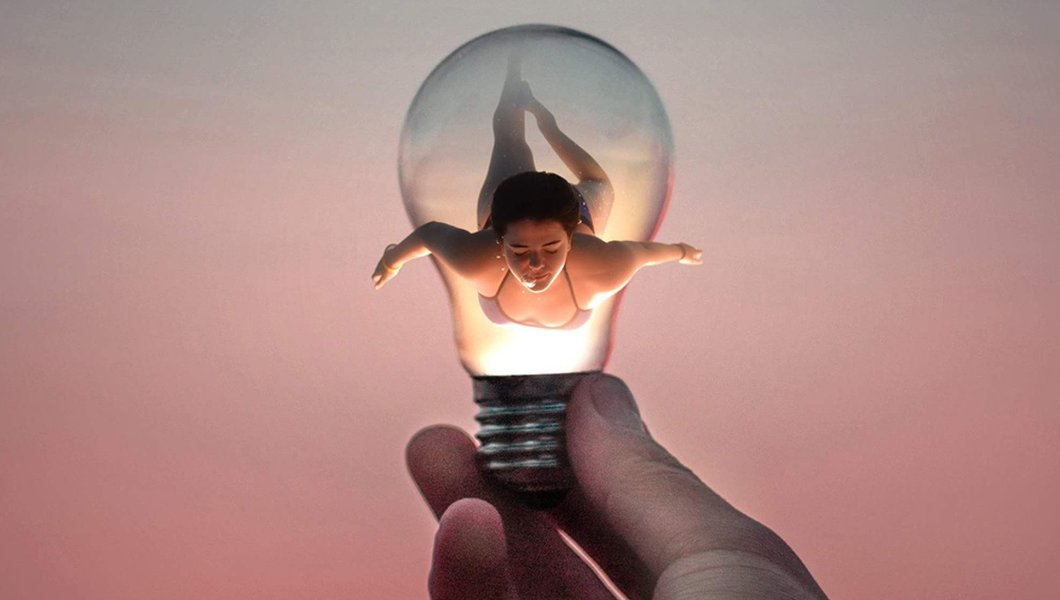
An example of combining strangers' photos to create digital art, highlighting the power of digital image manipulation.
Traditional Digital Image Creation and Editing
While AI image generation is rapidly advancing, traditional digital image creation and editing software remain indispensable for precise control, advanced manipulation, and creating original artwork from scratch. These tools offer robust features for photographers, graphic designers, and illustrators.
Essential Software for Digital Image Creation
- Canva: Beyond AI, Canva is an intuitive online design tool with drag-and-drop functionality, making it easy to create various visuals like infographics, social media posts, and presentations. It offers extensive libraries of graphics, templates, and stock photos, with options for editing, cropping, and adding effects.
- Adobe Express: A free online picture editor for quick and easy photo enhancement. It features tools for removing backgrounds, adding text, applying filters, and incorporating pre-loaded design assets. It's ideal for creating social media content and quick edits.
- Adobe Photoshop: A professional-grade image editor widely used for photo manipulation, graphic design, and digital painting. It offers advanced features for layering, retouching, compositing, and fine-tuning every aspect of an image. Photoshop on the web now also incorporates generative AI features.
- GIMP (GNU Image Manipulation Program): A powerful, free, and open-source cross-platform image editor. GIMP provides sophisticated tools comparable to professional software, suitable for graphic designers, photographers, illustrators, and scientists.
- Pixlr: Offers a suite of online photo editors (Pixlr Editor, Pixlr Express, Pixlr Designer) with AI tools for editing, generating images, and designing. It supports various file formats like PSD, PNG, WEBP, HEIC, and SVG.
- PicMonkey: An online picture maker with tools to create designs using graphics, templates, and stock photos. It's user-friendly and designed for making stunning visuals without requiring advanced design skills.
Key Techniques in Digital Image Editing
Mastering digital image editing involves several core techniques:
- Cropping and Resizing: Essential for framing your subject, adjusting composition, and optimizing images for different platforms (e.g., web, print).
- Color Correction and Enhancement: Adjusting brightness, contrast, saturation, and color balance to improve image quality and evoke specific moods.
- Retouching: Removing imperfections, blemishes, or unwanted elements from photos to achieve a polished look.
- Layering and Compositing: Combining multiple images or elements into a single composition, allowing for complex visual narratives and effects.
- Adding Text and Graphics: Incorporating typography, icons, and other design elements to convey messages or enhance visual appeal.
- Applying Filters and Effects: Utilizing built-in or custom filters to alter the aesthetic of an image, ranging from artistic styles to practical adjustments like sharpening or blurring.
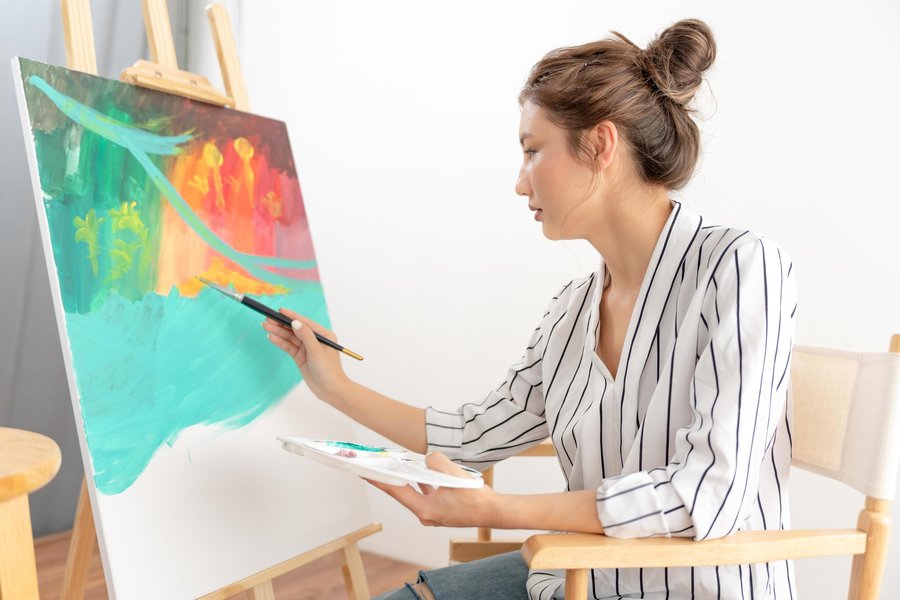
A professional female artist using a paintbrush to create abstract art, showcasing the blend of traditional artistic skills with modern tools.
Understanding Image Formats and Optimization
Once an image is created or edited, understanding different file formats and optimizing them for their intended use is critical, especially for web and digital distribution.
Common Image File Formats
Different image formats serve different purposes:
- JPEG/JPG: Best for photographs and complex images with many colors. It uses lossy compression, meaning some data is discarded to reduce file size, which can affect quality if compressed too much.
- PNG: Ideal for images with transparency or sharp edges, such as logos, icons, and graphics. It uses lossless compression, retaining all image data.
- GIF: Suitable for simple animations and images with a limited color palette.
- WEBP: A modern image format developed by Google, offering superior lossless and lossy compression for images on the web. It provides smaller file sizes while maintaining quality.
- SVG (Scalable Vector Graphics): A vector-based format ideal for logos, icons, and illustrations. Unlike raster images (like JPEG or PNG), SVG images can be scaled to any size without loss of quality.
- HEIC: A High-Efficiency Image File format, commonly used by Apple devices, offering better compression than JPEG while maintaining high quality.
- PSD (Photoshop Document): Adobe Photoshop's native file format, supporting layers, effects, and other editable elements.
Optimizing Images for Performance
Optimizing images is essential for fast loading times, especially on websites:
- Compression: Use image compression tools to reduce file size without significantly compromising visual quality. Many online editors and dedicated tools offer this functionality.
- Resizing: Ensure images are sized appropriately for their display area. Large images unnecessarily increase page load times.
- Lazy Loading: Implement lazy loading for images on web pages, which defers loading images until they are needed (e.g., when they enter the viewport).
Tools and Techniques for Creating and Editing Images
The journey of creating and editing images can be broken down into various steps and tools, each serving a distinct purpose. This table provides a quick overview of different tools and their primary applications in image creation and editing.
| Tool Category | Primary Use Cases | Examples of Tools | Key Features |
|---|---|---|---|
| AI Image Generators | Rapid prototyping, creative brainstorming, generating diverse styles from text prompts, concept art, marketing visuals. | Canva (Magic Media™), Microsoft Designer, Adobe Firefly, DALL-E 3, Leonardo AI, DeepAI, Freepik, Fotor, Pixlr, OpenArt, Craiyon, Gemini Apps. | Text-to-image generation, style variations, aspect ratio control, prompt refinement, some offer image-to-image. |
| Online Photo Editors & Design Tools | Quick photo enhancements, graphic design for social media, presentations, web content, template-based design, basic image manipulation. | Canva, Adobe Express, Pixlr, PicMonkey. | Drag-and-drop interface, filters, effects, text overlay, background removal, collage makers, access to stock libraries. |
| Professional Image Editing Software | Advanced photo retouching, complex compositing, digital painting, fine-tuned graphic design, print-ready outputs. | Adobe Photoshop, GIMP. | Layering, masks, advanced selection tools, color grading, non-destructive editing, vector graphics capabilities. |
| Specialized Tools/Libraries | Image manipulation through code (e.g., for developers), specific format conversions, vector graphics creation. | ImageMagick, libpng, Cairo (for C programming); Adobe Illustrator (for vector art). | Programmatic image creation/modification, format conversion, vector drawing. |
Visualizing AI Image Generator Capabilities
To further illustrate the diverse capabilities of modern AI image generators, let's look at a radar chart comparing several popular platforms based on subjective metrics like realism, artistic versatility, user-friendliness, prompt adherence, and output quality. These scores are based on aggregated user experiences and feature sets, offering a qualitative comparison.
This radar chart provides a comparative snapshot of some of the most prominent AI image generators. Each axis represents a crucial aspect of their performance and utility. For instance, 'Realism' indicates how lifelike the generated images appear, while 'Artistic Versatility' measures the breadth of styles and creative outputs possible. 'User-Friendliness' reflects the ease of use for beginners, and 'Prompt Adherence' assesses how closely the AI follows the given text instructions. 'Output Quality' is a general measure of the visual fidelity and aesthetic appeal, 'Commercial Use Safety' indicates suitability for commercial projects, and 'Free Tier Generosity' highlights the extent of features available without a subscription. This chart helps users identify which tool might best suit their specific needs based on these critical factors.
Embracing the Future of Image Creation
The field of image creation is continuously evolving, driven by advancements in AI and user-friendly design tools. Whether you choose to generate images with AI, meticulously craft them in a professional editor, or combine both approaches, the key is to experiment and find what works best for your creative workflow. The accessibility of these tools empowers individuals from all backgrounds to produce high-quality visuals, making the digital landscape more vibrant and expressive than ever before.
The embedded video, "How to Make & Edit Images in ChatGPT's NEW Image Generator!", offers a practical, step-by-step tutorial on leveraging ChatGPT's integrated image generation capabilities. It provides a direct look into how text prompts are translated into visual outputs and demonstrates basic editing functionalities within the platform. This video is highly relevant as it showcases one of the cutting-edge methods of AI-powered image creation, which is particularly beneficial for beginners looking to quickly understand and utilize these powerful tools for their creative or professional projects.
Frequently Asked Questions (FAQ)
What is the easiest way to create an image?
Can I create images for free?
How do I ensure the quality of my AI-generated images?
Are AI-generated images copyright-safe for commercial use?
What is the difference between raster and vector images?
Conclusion
Creating images in the digital realm has never been more accessible or diverse. From the innovative capabilities of AI image generators that turn text into stunning visuals to the powerful precision offered by traditional digital art and editing software, individuals now have an unprecedented array of tools at their fingertips. Understanding the strengths of each approach, whether it's the speed and versatility of AI or the granular control of dedicated editing suites, empowers you to choose the right path for your specific creative needs. By combining strategic prompt engineering for AI, mastering essential editing techniques, and optimizing your final outputs, you can effectively bring any visual concept to life and ensure your images make a lasting impact. The continuous evolution of these technologies promises even more exciting possibilities for digital artists and content creators in the years to come.
Recommended Further Exploration
- Explore the best AI image generators suitable for beginners to kickstart your creative journey.
- Discover advanced prompt engineering techniques to achieve highly specific and artistic results from AI.
- Learn about professional digital painting software and find tutorials to develop your artistic skills.
- Understand essential image optimization tips to ensure your visuals load quickly on websites and applications.