
Fortify Your Digital Fortress: Crafting Strong and Secure Passwords
Essential Strategies for Unbreakable Online Security
In today's interconnected world, the strength of your passwords is the first and often the most critical line of defense against cyber threats. Weak passwords are an open invitation to unauthorized access, potentially leading to identity theft, financial loss, and compromised personal information. Fortunately, creating robust passwords and managing them effectively is more accessible than ever before.
Key Takeaways for Password Strength
- Length is Paramount: Aim for passwords that are at least 12 characters long, with 14 or more being even better. Longer passwords significantly increase the time and computational power required for attackers to crack them through brute-force methods.
- Mix It Up: Combine uppercase and lowercase letters, numbers, and special characters to create complex and unpredictable passwords. Avoid using easily guessable patterns or common dictionary words.
- Uniqueness is Non-Negotiable: Use a different, strong password for every online account. This prevents a breach on one site from compromising your other accounts, a common tactic in credential stuffing attacks.
The Building Blocks of a Strong Password
Understanding the fundamental characteristics of a strong password is the first step towards enhancing your online security. Cybercriminals often employ automated programs to guess passwords, making predictable or short combinations easy targets.
Prioritizing Length and Complexity
While complexity is important, the length of your password is a significant factor in its strength. A password of 12 characters or more drastically increases the number of possible combinations, making it exponentially harder to crack. Incorporating a mix of uppercase and lowercase letters, numbers, and special characters adds another layer of complexity, frustrating automated cracking attempts.
Consider the difference in effort for a hacker between a short, simple password and a longer, more complex one:
| Password Type | Example | Estimated Time to Crack (Brute Force) |
|---|---|---|
| Short, Simple | password123 |
Seconds to Minutes |
| Medium Length, Mixed Case | MyPasS |
Minutes to Hours |
| Long, Complex, Random | Tr@vEl.bRighT_Sun7 |
Thousands of Years |
This table highlights the dramatic impact that length and character variety have on password security.
Avoiding the Obvious: What Not to Include
One of the most common mistakes is using easily guessable information. Avoid incorporating personal details that can be found on social media or public records, such as:
- Your name or username
- Birthdays or anniversaries
- Names of family members or pets
- Common dictionary words
- Sequential numbers or letters (e.g., "123456", "abcdef")
- Keyboard patterns (e.g., "qwerty")
These are the first things attackers will try when attempting to gain access to your accounts.
Strategies for Creating Memorable Yet Strong Passwords
Creating a strong password is only effective if you can remember it. Forcing yourself to memorize a long string of random characters can be challenging. Fortunately, there are several strategies that can help you create passwords that are both secure and relatively easy to recall.
The Power of Passphrases
Instead of thinking of a single "password," consider creating a "passphrase." A passphrase is a sequence of several unrelated words. The length of the phrase makes it strong, while the words make it easier to remember than a random string of characters.
For example, instead of trying to remember P@$$w*rd!, you could use a passphrase like correct horse battery staple. While this example is now well-known due to an influential comic, the principle remains: combine several uncommon words to create a long and strong password.
You can further enhance the security of a passphrase by:
- Replacing some letters with numbers or symbols (e.g., 'o' with '0', 'a' with '@', 's' with '$').
- Adding capitalization in an unexpected way.
- Inserting spaces or special characters between words.
An example of a strengthened passphrase could be H0tCh0col@te0nRa1nyD@ys!
Leveraging Sentences and Quotes
Similar to passphrases, you can use a memorable sentence or quote and transform it into a password. Take the first letter of each word, incorporate numbers and symbols, and vary the capitalization. For instance, the quote "The quick brown fox jumps over the lazy dog" could become something like Tqbfjotld. or by adding more complexity, Th3Qu1ckBr0wnF0xJumPs0v3rTh3L@zyD0g!
Here is a video that explains how to create strong passwords using quotes:
Transforming Quotes into Secure Passwords
The Role of Randomness
For maximum security, a random string of mixed characters is the most difficult to crack. While challenging to memorize, this is where password managers become invaluable tools.
The Indispensable Tool: Password Managers
Trying to create and remember unique, strong passwords for every online account is a daunting task. This is where password managers come to the rescue.
What is a Password Manager?
A password manager is a secure application or service that generates, stores, and organizes your passwords. Instead of remembering dozens or hundreds of unique passwords, you only need to remember one strong master password to unlock your password vault.
Password managers offer numerous benefits:
- Strong Password Generation: They can instantly generate long, complex, and random passwords that are nearly impossible to guess.
- Secure Storage: Your passwords are stored in an encrypted vault, protected by your master password.
- Auto-fill Capabilities: They can automatically fill in your login credentials on websites and applications, saving you time and preventing typing errors.
- Syncing Across Devices: Most password managers allow you to access your passwords across multiple devices.
Popular Password Managers
Several reputable password managers are available, each with its own set of features and pricing. Some well-regarded options include:
-
1Password
-
Bitwarden
-
LastPass
-
KeePass
-
Proton Pass
Many browsers, such as Microsoft Edge, also offer built-in password management features, which can generate and remember strong passwords for you.
Choosing and Securing Your Master Password
Since your password manager holds the keys to your digital kingdom, the master password protecting it must be exceptionally strong and unique. Use the strategies discussed earlier, such as a long passphrase with mixed characters, to create your master password. Additionally, enable multi-factor authentication (MFA) on your password manager for an extra layer of security.
Beyond the Password: Additional Security Measures
While strong passwords are fundamental, they should be part of a broader cybersecurity strategy.
Enabling Multi-Factor Authentication (MFA)
Multi-factor authentication requires you to provide more than one form of verification to log in to an account. This typically involves something you know (your password) combined with something you have (like a code from a mobile authenticator app or a physical security key) or something you are (like a fingerprint or facial scan).
Enabling MFA significantly enhances security, as even if your password is compromised, an attacker would still need the second factor to gain access.
Frequently Asked Questions (FAQ)
How long should my password be?
Your password should be at least 12 characters long, with 14 or more being highly recommended for increased security.
What types of characters should I include?
A strong password should include a combination of uppercase letters, lowercase letters, numbers, and special characters.
Should I use the same password for multiple accounts?
No, you should absolutely use a unique and strong password for every online account to prevent widespread compromise in case of a data breach.
Is writing down my passwords safe?
While not ideal, if you must write down passwords, do so securely. Avoid sticky notes or easily discoverable locations. A password manager is a much safer and more convenient alternative.
Below are images illustrating the risks of writing passwords down on sticky notes:
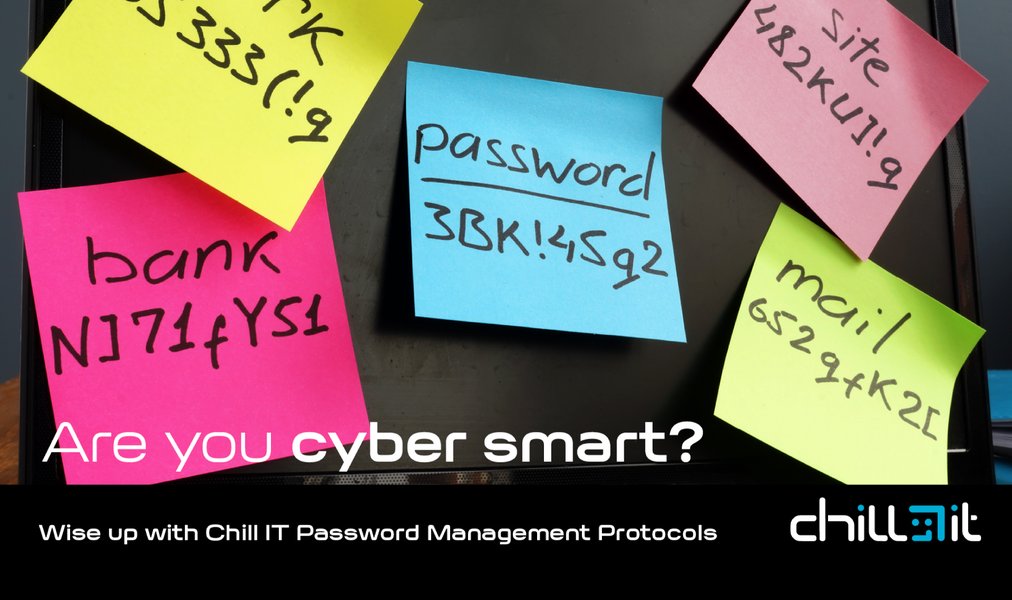
The Insecurity of Password Notes
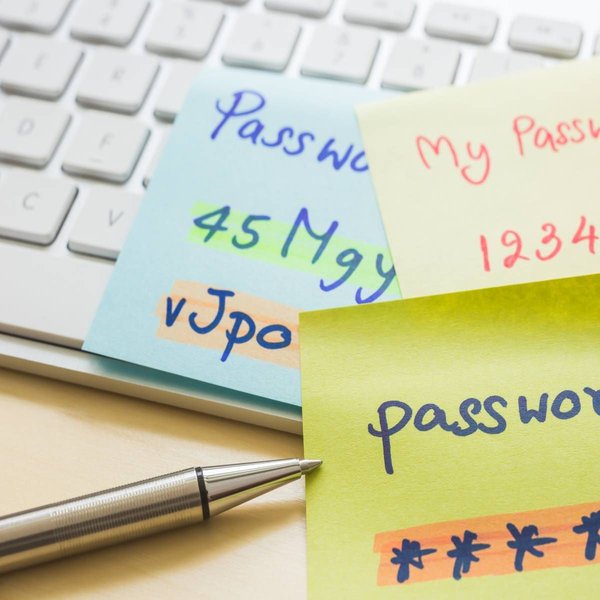
Another Example of Insecure Password Storage
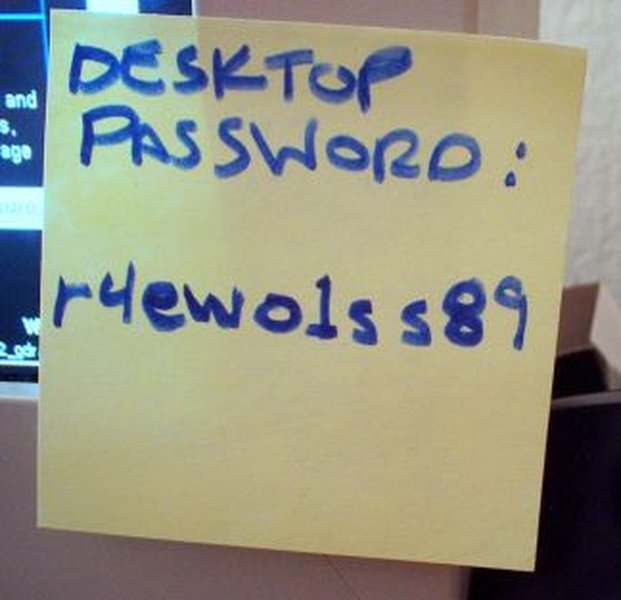
Visualizing the Risk
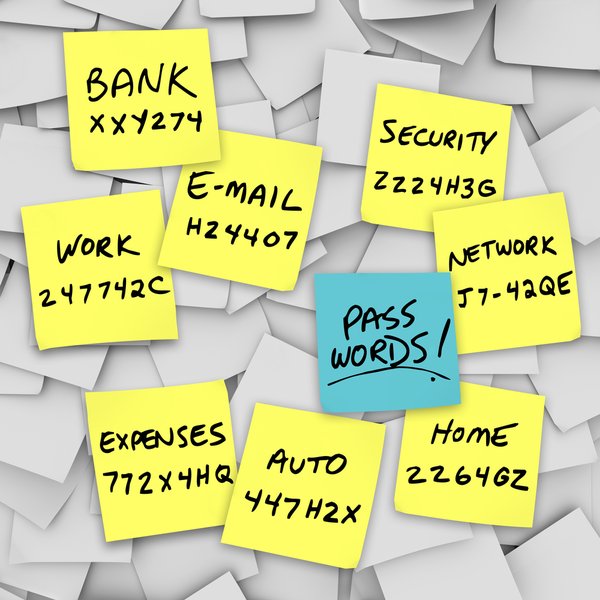
Sticky Note Password Habit
Are password generators reliable?
Yes, password generators are highly reliable tools for creating strong, random passwords that are difficult for attackers to guess.
Do I need to change my passwords frequently?
It's more important to have long, strong, and unique passwords than to change them frequently. Change your password if you suspect an account has been compromised or if a service you use experiences a data breach.
References
Last updated May 9, 2025