
Creating the Custom Command [Hello]
Step-by-step guide on implementing an interactive command
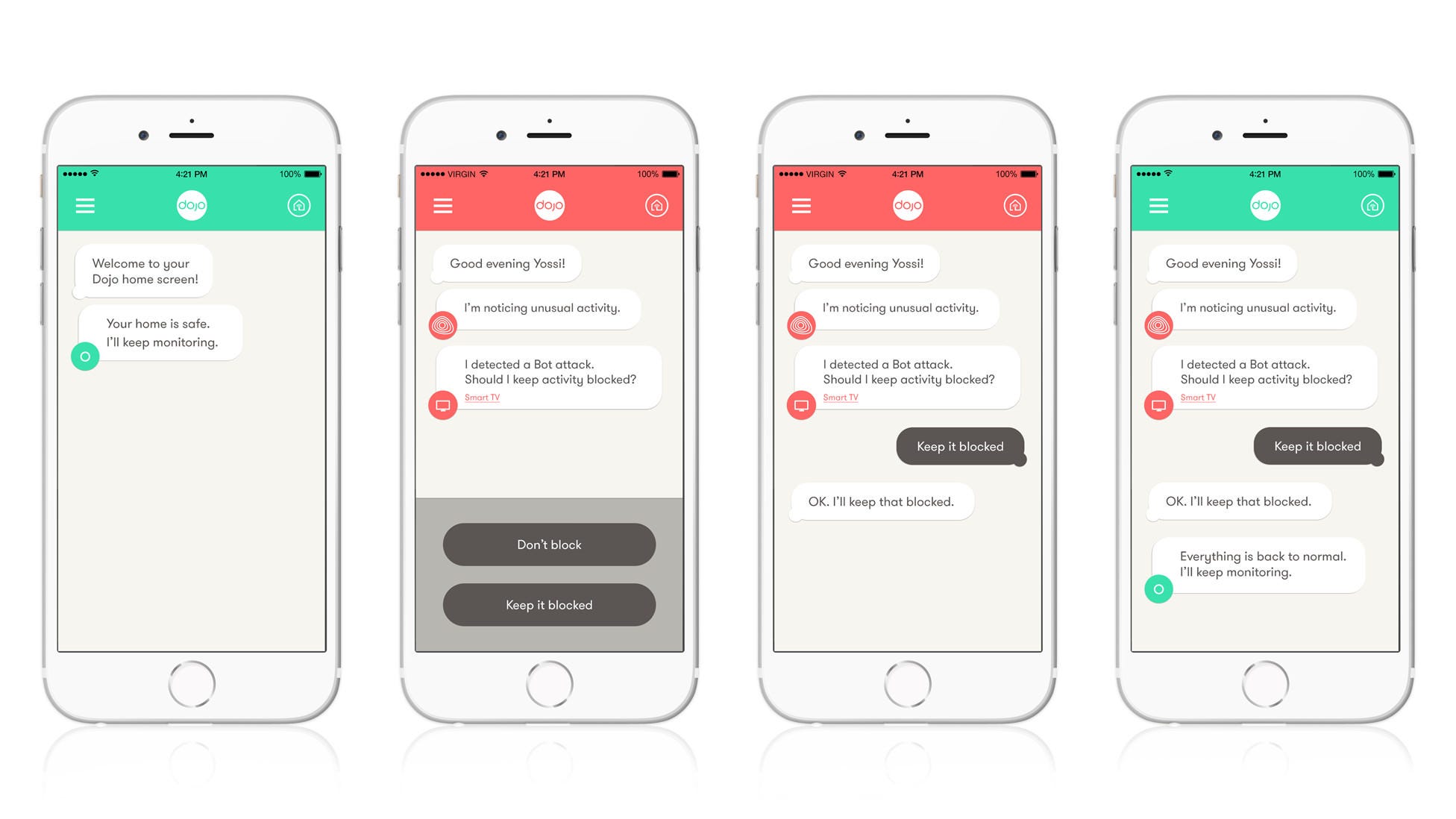
Your request involves creating a new command called [Hello] for a chatbot that interacts with users in a sequential manner. When the command is triggered, the chatbot should ask two questions in order: “What's your name?” followed by “How old are you?”. Once both responses have been collected, the system should format and return a response using the template: “[Name] is [Age] years old.” The following document provides a comprehensive guide on how to implement this functionality across various platforms and technologies.
Highlights
- Interactive User Input: The bot asks sequential questions to capture necessary user details.
- Template Response Construction: The response is dynamically created using the collected data.
- Platform Agnostic Concepts: The logic applies to many chatbot platforms including Twitch, Discord, and custom web applications.
Understanding the Requirements
Overview
The custom command [Hello] is designed to initiate an interaction where the chatbot collects two pieces of personal information: the user's name and age. The interaction proceeds as follows:
Step 1: Trigger the [Hello] Command
The interaction starts when a user enters the command [Hello]. This command acts as a trigger, prompting the chatbot to begin a series of questions.
Step 2: Ask for the User's Name
Once the command is invoked, the chatbot immediately asks, “What's your name?”. This question is the first opportunity for user data collection.
Step 3: Ask for the User's Age
After capturing the user's name, the chatbot proceeds to ask, “How old are you?”. It is crucial that this question is asked only after the name has been provided to ensure a logical conversational flow.
Step 4: Format and Return Response
Once both responses have been received, the chatbot constructs a final response string using the template: “[Name] is [Age] years old.” This response confirms that the input was properly captured and formatted.
Implementation Considerations
Platform Specific Details
Although the underlying logic is universally applicable, the actual implementation details might vary depending on the platform used. Let’s review some common scenarios:
1. Twitch Chatbot (e.g., StreamElements, Moobot)
Many Twitch chatbot platforms allow the creation of custom commands. Within these platforms, you'll typically be able to set a command identifier (such as "!Hello") and then outline a series of scripted responses. However, more complex multi-step interactions (such as sequentially asking questions) might require additional scripting or the use of external API calls.
For example, platforms like StreamElements might need you to set up variables to store the user’s responses. Once both the name and age are captured, you can then construct the final output. Check the specific documentation:
2. Discord Bots
When working with Discord bots, developers often use libraries such as Discord.js or Discord.py. These frameworks allow for more sophisticated interactions, including multi-step commands where each user response is awaited before proceeding to the next step.
A typical implementation might involve listening for messages in a private channel or directly in the chat, using conditional logic to store the name and then the age. Once both are provided, the bot formats and sends the response.
3. Custom Web Applications
In a custom web application with chatbot functionality, you have complete control over the interaction sequence. Implementing the command would involve front-end programming (likely JavaScript) to handle events and back-end services to store and process the data.
For instance, you can design a chatbot interface that triggers a series of pop-up prompts. Each prompt collects an input from the user, and once both inputs are received, the application uses a template literal or string interpolation to display the formatted response.
Example Code Implementations
Python Example for a Simple Chatbot Interaction
Below is a simple Python script that simulates this behavior when executed in a console environment:
# The following code simulates the interaction sequence for the [Hello] command.
def hello_command():
    # Ask for the user's name
    print("What's your name?")
    name = input()  # Capture the name input

    # Ask for the user's age
    print("How old are you?")
    age = input()  # Capture the age input

    # Construct and display the formatted response
    response = f"{name} is {age} years old."
    print(response)

# Execute the command
hello_command()
This code prompts the user for their name and age sequentially and then prints out a message based on the template.
JavaScript Example for a Web-Based Chatbot
Here is a sample JavaScript implementation that could be integrated into a web page:
// Function to simulate the [Hello] chatbot command in a browser
function helloCommand() {
  // Prompt the user for their name
  const name = prompt("What's your name?");

  // Prompt the user for their age
  const age = prompt("How old are you?");

  // Format the response using a template literal
  const response = `${name} is ${age} years old.`;

  // Display the response on the webpage
  alert(response);
}

// Execute the command when needed, for example, on button click:
// document.getElementById("helloButton").addEventListener("click", helloCommand);
In this example, the prompt dialogs sequentially capture the required information from the user, and the final message is then displayed using an alert box. You can modify this code to append the result to a specific part of your HTML document or handle the events in other ways.
Step-by-Step Process Table
| Step | Action | Description |
|---|---|---|
| 1 | Command Trigger | User invokes the [Hello] command, which signals the start of the interactive session. |
| 2 | Ask Name | The chatbot asks the question: "What's your name?" to initiate data capture. |
| 3 | Capture Name | The user's response is recorded and stored in a variable designated for their name. |
| 4 | Ask Age | Following the name capture, the chatbot asks: "How old are you?" to complete data collection. |
| 5 | Capture Age | The user's response is captured and stored in a separate variable for age. |
| 6 | Format Response | The chatbot formats the final message using the template: "[Name] is [Age] years old." |
| 7 | Output Message | The final formatted message is sent back to the user, concluding the interaction. |
Handling Potential Challenges
User Input Validation
Although the process of asking for a name and age is straightforward, it is important to consider the validation of user inputs. Here are several points to keep in mind:
- Data Type Checking: For the age input, ensure that the response is a valid number. If not, prompt the user to enter a numeric value.
- Empty Inputs: Check if input fields are left blank and provide a default prompt or error message requiring the user to supply valid data.
- Formatting: If the name input exceeds a certain length or contains special characters, sanitization might be required to prevent issues in the final response.
Platform Limitations and Data Storage
Some chatbot platforms might limit the sequential execution of commands, especially regarding multi-step interactions. In such cases, consider:
- Session Persistence: Use session variables or temporary storage to remember the user’s responses until the entire sequence is complete.
- Timeout Settings: Implement timeouts for unanswered questions to avoid leaving the session hanging indefinitely.
- Error Handling: In case of network or platform issues, design fallback messages to inform the user to try again later.
Integrating into Your Chatbot Environment
General Implementation Guidelines
When integrating the [Hello] command into your chatbot, first review the documentation provided by the platform you are using. The core logic remains the same:
- Define the trigger command ([Hello]).
- Create prompts for the user inputs (name and age).
- Store the responses in designated variables.
- Construct the final output using the provided template.
- Return the response to the user within the context of the chat interface.
This structured approach ensures consistency and reliability across various chatbot deployments.
Custom Command Capabilities
Many advanced chatbot systems support not only static responses but also interactive and dynamic behavior. The custom command described here leverages these capabilities to create a personalized experience for your users:
- User Engagement: By interacting with users directly, you create a more engaging chat environment.
- Real-time Data Collection: Immediate data collection from the user allows for tailored responses and possibly further personalized interactions.
- Extensibility: The command framework can be expanded to include additional questions or even conditional logic based on the received responses.
Potential Enhancements
Adding More Functionality
Beyond the basic use case, you can extend the functionality of the [Hello] command by incorporating the following enhancements:
- Additional Prompts: You might extend the sequence to gather more details such as location, favorite color, or any other user-specific information.
- Conditional Response Logic: Depending on the age or name provided, the chatbot could adjust the response style or offer personalized recommendations.
- Integration with Databases: Save user responses for later analysis or use in more complex interactions. This can be especially useful in a customer service or support context.
User Feedback Incorporation
Consider implementing a feedback loop where the user can confirm or edit their responses if an error is detected. This helps maintain data accuracy and improves the overall user experience.
Implementing the Command on Different Platforms
StreamElements Setup
If you are using StreamElements, you will need to:
- Create a new custom command labeled [Hello].
- Use the platform’s variables to store responses temporarily.
- Implement a series of conditional actions that first ask and capture the name, then the age.
- Finally, format the response using the defined template and display it in the chat.
Discord Bot Using Discord.js
For a Discord bot built on Discord.js, consider the following steps:
- Configure the bot to listen for the [Hello] command.
- Utilize message collectors or command frameworks to sequentially gather the user's name and age.
- After collecting both inputs, respond with a message formatted as “[Name] is [Age] years old.”
References
- StreamElements Custom Commands - StreamElements
- Moobot Custom Twitch Chat Commands - Moobot
- Chatbot Ask a Question - Chatbot.com
- Discord.js Documentation - Discord.js
- Python Input/Output - Python Official Documentation
Recommended Related Queries
Last updated March 19, 2025