
Exploring Directr: A Filmmaking App for Everyone
Unveiling the features and purpose of the Directr application in simplifying video creation.
Highlights of Directr
- Simplified Filmmaking: Directr aimed to make video creation accessible to a broader audience, regardless of prior filmmaking experience.
- Storyboarding Guidance: The app provided users with storyboards and guidance to structure their video projects scene-by-scene.
- Google Acquisition: Directr was acquired by Google in 2014, with the team joining YouTube's video ad team.
Directr was a mobile application designed to simplify the process of creating videos, particularly for users who may not have extensive filmmaking knowledge. It aimed to bridge the gap between casual smartphone video recording and more structured, narrative-driven content creation. The app was notable for its approach to guiding users through the video production process, making it easier to conceptualize, shoot, and edit short films and promotional videos.
Directr's Core Functionality and Purpose
Demystifying Video Production with a User-Friendly Approach
Directr's primary purpose was to democratize filmmaking. It recognized that while smartphone cameras made capturing video ubiquitous, the technical and creative aspects of assembling those shots into a cohesive narrative could be daunting for many. The app sought to provide tools and guidance that would empower users to create more polished and engaging videos.
Guided Creation Process
One of the key features of Directr was its reliance on storyboards. Users could select from pre-designed storyboards created by professional directors, offering a template for different types of videos, such as travel vlogs, product demos, or personal stories. This provided a clear structure, guiding users on what shots to capture for each scene and how long they should be. Alternatively, users had the flexibility to create their own storyboards from scratch, allowing for more creative freedom.
The app would then walk users through the filming process, prompting them to shoot specific shots based on the chosen storyboard. This systematic approach helped users think about their video in terms of sequences and scenes, rather than just a single continuous recording. This structured guidance was particularly beneficial for beginners, helping them understand basic filmmaking concepts like shot composition and pacing.
Simplified Editing and Sharing
Beyond filming, Directr also aimed to simplify the editing process. The app would automatically help sync and assemble the filmed clips according to the storyboard. While not offering the full range of complex editing tools found in professional software, it provided the essential functions needed to create a coherent video. Once the video was complete, Directr facilitated easy sharing on social media platforms like Facebook, making it simple for users to showcase their creations.
The Impact of Google's Acquisition
Integrating Directr's Capabilities with YouTube
In 2014, Directr was acquired by Google. This acquisition was significant as it brought the Directr team and their expertise in simplifying video creation into the fold of YouTube, Google's massive video platform. The acquisition signaled Google's interest in making video creation more accessible on YouTube, particularly for businesses and everyday users looking to create more structured content than typical short-form videos.
While the Directr app itself continued to exist for a period after the acquisition, the primary focus of the Directr team shifted towards contributing to YouTube's video advertising efforts. Their experience in guiding users through video creation was likely leveraged to help businesses and advertisers create more effective video content for the platform.
Comparison to Other Filmmaking Resources
Directr in the Landscape of Video Creation Tools
In the broader landscape of filmmaking resources, Directr occupied a unique space. Unlike professional-grade video editing software such as Adobe Premiere Pro or Final Cut Pro, which offer extensive control and complex features, Directr focused on simplicity and guidance. It was more akin to user-friendly video editing apps designed for mobile devices, but with the added dimension of structured storyboarding.
Here's a brief comparison:
| Feature | Directr | Professional Editing Software | Basic Mobile Editing Apps |
|---|---|---|---|
| Storyboarding Guidance | Yes (Templates and Custom) | Manual or requires separate tools | Limited or None |
| Ease of Use | High | Low to Moderate | High |
| Editing Capabilities | Basic (Assembly, Syncing) | Extensive (Multi-track editing, effects, color grading) | Basic to Moderate |
| Target Audience | Beginners, Small Businesses | Professionals, Enthusiasts | Casual Users |
Directr differentiated itself by providing a framework for creating videos, making it an excellent starting point for individuals and small businesses who wanted to produce coherent video content without needing extensive technical knowledge or a deep understanding of filmmaking principles.
Filmmaking Equipment and Resources Beyond Directr
Essential Tools and Directories for Film Production
While Directr focused on simplifying the creation process, professional filmmaking often involves a wide array of specialized equipment and resources. Companies like Filmtools provide a comprehensive range of gear for film, video, and content creation. This includes everything from cameras and lenses to grip and lighting equipment, expendables, and production monitors.
Access to the right equipment is crucial for achieving high production values. For instance, camera mounts from Filmtools are used in major films and TV shows, highlighting the importance of stable and versatile camera support.
Industry Directories and Location Scouting
Beyond equipment, the film industry relies heavily on directories and location scouting resources. State film commissions, such as those in Tennessee, Colorado, South Carolina, and Georgia, maintain production directories that list local professionals, support services, and talent. They also offer location directories or databases to help filmmakers find suitable places to film, ranging from urban environments to natural landscapes.
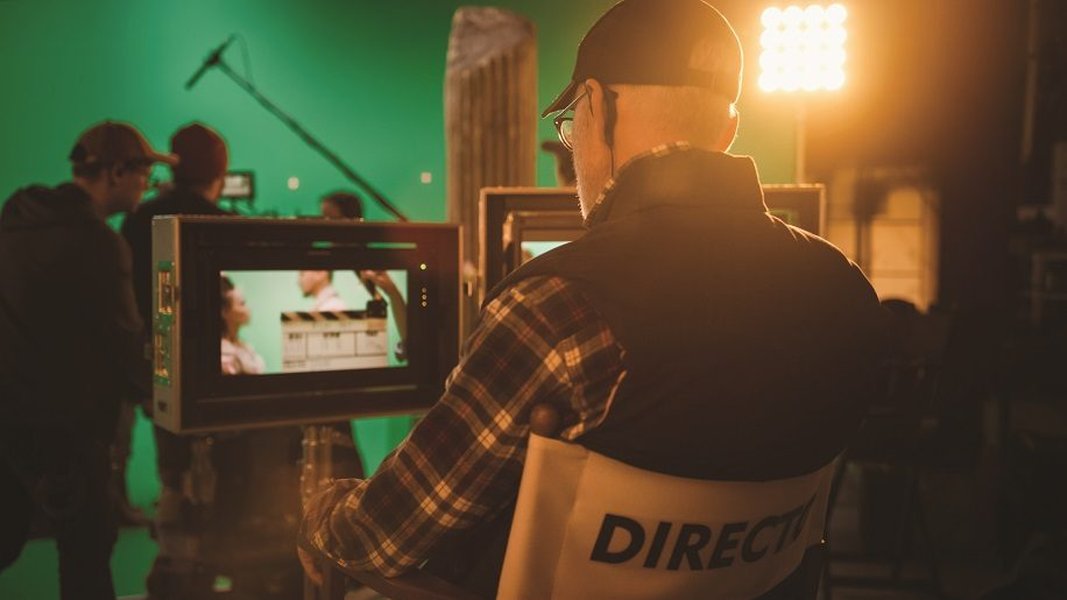
Filming on location requires careful planning and coordination.
Finding the right location is a critical step in pre-production, influencing the visual style and logistical challenges of a film. Websites and resources dedicated to showcasing filmable properties and locations are invaluable for production teams.
Digital Tools and Platforms
In addition to physical equipment and location resources, digital tools play a significant role in modern filmmaking. This includes software for editing (like Adobe products, which offer integration with tools like Digital Film Tools plug-ins), color grading, sound design, and visual effects. Platforms like Movies Anywhere aim to provide a seamless experience for accessing purchased films across different services, highlighting the increasing integration of digital distribution in the film ecosystem.
Connecting with Audiences: Distribution and Viewing
How Films Reach Their Viewers
Once a film is completed, the next step is distribution and reaching an audience. Traditional methods include theatrical releases and physical media, but digital streaming has become increasingly prominent. Services like DIRECTV offer various packages for viewing films and television shows, including access to live TV and on-demand content. Their integration with platforms like Movies Anywhere allows users to consolidate their digital film libraries.
Streaming services provide a convenient way for audiences to access a vast library of content, transforming how people consume films and TV shows. While some users have reported issues with customer service and contract terms with providers like DIRECTV, the accessibility and breadth of content offered by streaming platforms are undeniable.
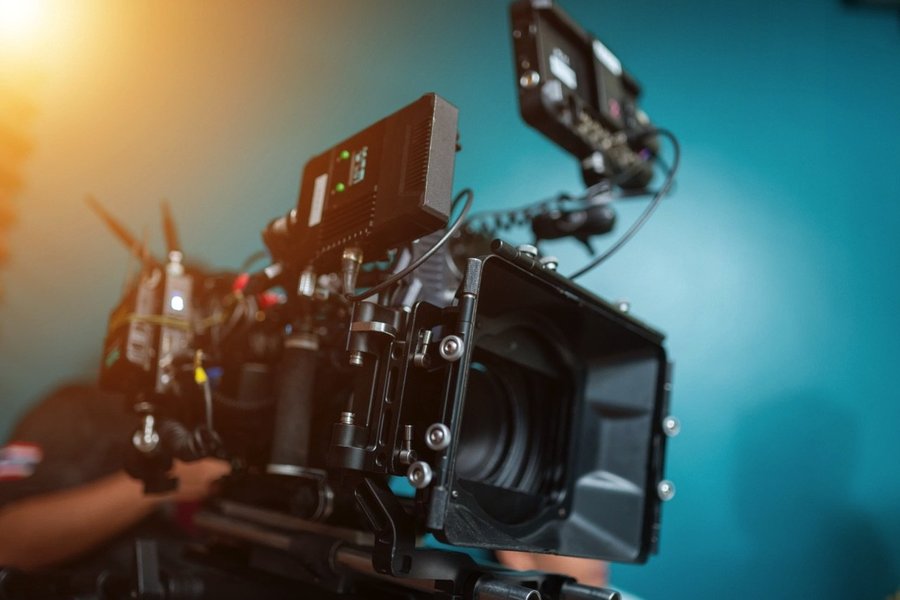
Essential equipment for video directors includes cameras, lighting, and sound gear.
Frequently Asked Questions About Directr and Filmmaking
What kind of videos could you create with Directr?
Directr was designed for creating various types of short videos, including personal stories, travel videos, product demonstrations, testimonials, and promotional clips. Its storyboard feature made it suitable for projects that benefited from a structured narrative.
Is Directr still available?
While the Directr app existed for a period after its acquisition by Google, information suggests that the focus shifted towards integrating the team's expertise into YouTube's advertising efforts. The original Directr app may no longer be actively maintained or available in app stores in the same form.
What are some alternatives to Directr for mobile video editing?
There are numerous mobile video editing apps available today that offer a range of features for editing videos on smartphones and tablets. Some popular options include iMovie (for iOS), Adobe Premiere Rush, and PowerDirector, which provide tools for cutting, trimming, adding music, and applying effects.
What is the role of a director in filmmaking?
The director is a key creative figure in filmmaking, responsible for overseeing the artistic and technical aspects of the production. This includes guiding the actors' performances, determining the visual style of the film, making decisions about camera angles and composition, and working with the various department heads (such as the cinematographer, production designer, and editor) to realize their vision.
Where can filmmakers find locations for shooting?
Filmmakers can find shooting locations through various resources, including state and regional film commissions that maintain location databases and offer scouting assistance. Private location scouting agencies and online directories also provide access to potential filming sites. Sometimes, filmmakers may directly approach property owners to request permission to film.
References
Last updated May 10, 2025