
Unraveling "Left-Hand Download" vs. "Right-Hand Export" for Ithy Articles
Deciphering the nuances of digital content retrieval and transformation within the Ithy ecosystem.
Key Insights into Article Handling
- Downloading an Ithy article primarily means acquiring an exact, local copy of the content as it is presented, often in its original format, for immediate offline access or archiving.
- Exporting an Ithy article signifies a more transformative process, where the content is extracted from a system, potentially reformatted, customized, or enriched with metadata, for use in other applications or workflows.
- The terms "left-hand" and "right-hand" likely serve as metaphorical or UI labels, distinguishing between a straightforward retrieval process (download) and a more complex, purpose-driven extraction (export) within a system.
The distinction between "the left hand Ithy article which I download" and "the right hand Ithy article which I export" lies primarily in the actions of downloading and exporting digital content. While the "left-hand" and "right-hand" references may allude to user interface placement or a metaphorical differentiation in your workflow, they do not denote specific types of articles or physical handedness in this context. Instead, they highlight the distinct purposes and processes involved in retrieving digital information.
Understanding the Core Actions: Download vs. Export
Both downloading and exporting involve transferring data, but they differ significantly in their purpose, format handling, and typical use cases. When interacting with "Ithy articles," these actions dictate how you acquire and utilize the content.
Downloading: The Direct Copy
Downloading an Ithy article is akin to receiving a direct, unaltered copy of the article file from a remote source, such as a web server or cloud storage, onto your local device. This action is generally straightforward and focuses on immediate access and personal archiving.
Purpose of Downloading
The primary goal of downloading is to obtain a local replica of the file for personal use, offline reading, or simple storage. It ensures you have a readily accessible version of the content exactly as it was stored on the remote location.
Format and Customization in Downloading
When you download, the article typically retains its original or default file format, such as PDF, DOC, or plain text. There are usually minimal to no options for customization or reformatting during this process; the file is simply copied as is.

An illustrative image of Ithy highlighting features related to website downloading, emphasizing local content retrieval.
Exporting: The Transformed Data
Exporting an Ithy article, in contrast, involves extracting the content from its original application or system with the explicit intention of using it elsewhere. This process often includes reformatting, restructuring, or adding metadata to ensure compatibility and utility in a different environment.
Purpose of Exporting
Exporting is geared towards making the article's data or content available for use in other applications, systems, or workflows. It prepares the data for external consumption, integration, or further processing, often in a more structured or universal format.
Format and Customization in Exporting
A key feature of exporting is the flexibility to choose the output format. You might export an article as JSON, CSV, Markdown, or HTML, depending on where it will be used. This process can also allow for the inclusion of additional metadata, annotations, or filtering options, making the content more adaptable for complex tasks like data analysis, migration, or sharing across disparate platforms.
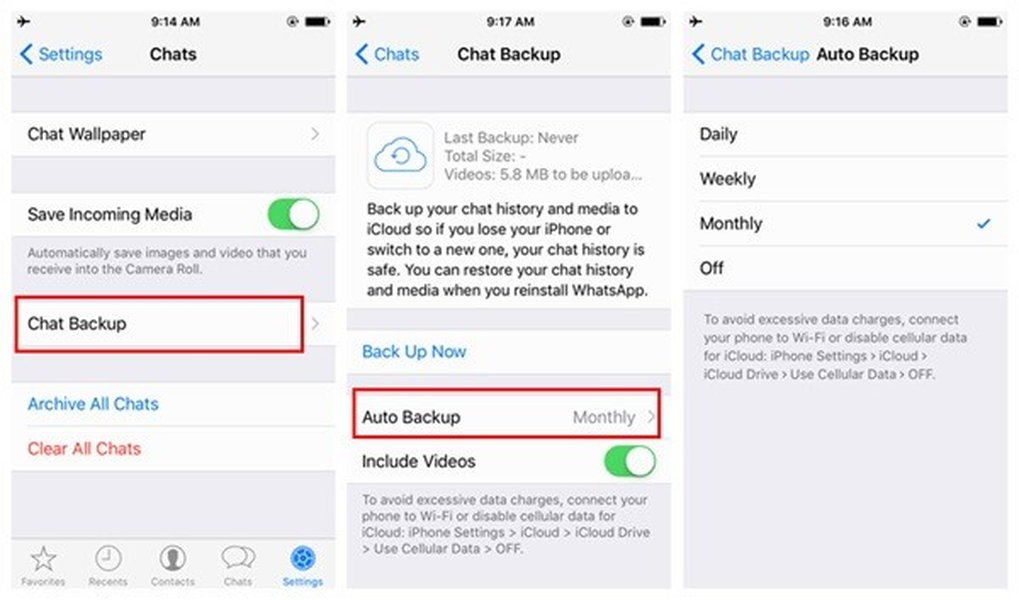
An image from Ithy related to backing up data from an iPhone to a thumb drive, conceptually illustrating the process of extracting and moving data for external use.
Metaphorical Labels: "Left Hand" vs. "Right Hand"
The terms "left hand" and "right hand" in your query are likely figurative or descriptive labels within a user interface or workflow. They serve to differentiate between the two distinct functionalities—downloading and exporting—rather than implying any inherent characteristics of the articles themselves related to handedness, cultural beliefs, or superstitions.
User Interface Context
It's common for applications to place different actions in distinct areas of the interface. For instance, a "Download" button might be on the left side of a content block, while an "Export" option might be on the right, or within a separate menu. This visual separation helps users quickly identify and perform the desired action.
This video explains the cultural beliefs associated with an itchy left hand, underscoring how cultural context can influence linguistic expressions, though in the context of Ithy articles, "left hand" is likely a UI metaphor rather than a superstitious reference.
A Comprehensive Comparison: Downloaded vs. Exported Ithy Articles
To fully grasp the difference, let's consolidate the distinct aspects of downloading and exporting Ithy articles into a clear comparison:
| Aspect | Download (Left Hand Article) | Export (Right Hand Article) |
|---|---|---|
| Action Type | Retrieving a complete file copy | Extracting and often transforming data from a system |
| Primary Purpose | Offline reading, personal archiving, direct access | Sharing, further processing, integration with other systems |
| Format Impact | Original or default format (e.g., PDF, DOC, TXT) | User-selectable or system-processed formats (e.g., JSON, CSV, Markdown, HTML, XML) |
| Customization | Limited to none; file is copied as-is | Often includes options for format selection, filtering, metadata inclusion, or structural adjustments |
| Complexity | Simpler, direct file transfer | More complex, often with user options and potential reformatting |
| Relationship | Standalone action; yields an independent file | Often paired with "import"; prepares data for another application |
| Typical Use Case | Reading an Ithy article on a tablet, saving it for a personal knowledge base | Taking an Ithy article's content and converting it for a presentation, a research database, or a content management system |
Functional Differences in an AI-Driven Context
Considering that Ithy is an AI assistant generating comprehensive, research-driven articles, these actions take on specific functional meanings:
Download for Preservation and Readability
When you download an Ithy article, you are essentially preserving a snapshot of the AI's generated content in a readily consumable format. This is ideal for scenarios where you need to read the article without an internet connection, or if you simply want a stable version for your records.
Export for Integration and Advanced Use
Exporting an Ithy article, conversely, caters to more advanced use cases. It allows you to transform the AI-generated content into a format that can be easily parsed, analyzed, or integrated into other digital tools. For example, exporting an article as JSON could enable you to extract specific data points for further analysis, while exporting as Markdown could facilitate seamless integration into a different writing or publishing platform.
The radar chart above visualizes the functional distinctions between downloading and exporting an Ithy article. Each spoke represents a key attribute, and the data points illustrate how each action performs across these attributes. "Download" (in blue) scores high on ease of use and direct access, indicating its utility for quick, local copies. "Export" (in green) scores higher on adaptability and customizability, reflecting its role in preparing data for diverse external systems and workflows. Both actions are crucial for effective content management, but they cater to different needs and user intentions.
Understanding Data Transformation with Mermaid.js
To further illustrate the pathways data can take when an Ithy article is either downloaded or exported, consider the following mindmap. This diagram visually breaks down the process and potential outcomes for each action, emphasizing the transformation that often occurs during export.
This mindmap clearly shows that while downloading results in a direct copy, exporting opens up a branching path of possibilities, including various format conversions and integrations with other systems. It highlights the active role exporting plays in data interoperability and advanced content manipulation.
Frequently Asked Questions
What does "Ithy article" mean?
Why would I choose to export rather than download an Ithy article?
Can an exported Ithy article be different in content from a downloaded one?
Are the terms "left hand" and "right hand" used universally for download/export?
Conclusion
In summary, the distinction between "the left hand Ithy article which I download" and "the right hand Ithy article which I export" primarily emphasizes the functional differences between retrieving a direct copy of content versus transforming and extracting it for broader use. Downloading provides immediate, unedited access, suitable for personal consumption. Exporting, on the other hand, empowers users with greater control over format and structure, facilitating integration into diverse digital ecosystems and workflows. Understanding these nuances allows for a more strategic approach to managing and utilizing the rich information provided by Ithy.
Recommended Further Queries
- How to automate content export for research analysis
- Best practices for archiving digital content offline
- Tools for converting web articles to various formats
- Understanding data interoperability in AI systems