
Extracting URLs from a Webpage with Python
A Comprehensive Guide Using BeautifulSoup and Requests
Extracting URLs from a webpage is a common task in web scraping. It allows you to gather links to other pages, resources, or specific content on a website. Python, with libraries like requests and BeautifulSoup, provides a straightforward way to achieve this.
Key Highlights
- BeautifulSoup is the primary tool: This library is specifically designed for parsing HTML and XML documents, making it ideal for navigating the structure of a webpage and locating elements like links.
- Anchor tags are key: URLs are typically embedded within
<a>(anchor) tags in HTML, specifically in thehrefattribute. - Requests fetches the content: Before you can parse the HTML, you need to retrieve it from the specified URL. The
requestslibrary simplifies making HTTP requests to get the webpage content.
Setting Up Your Environment
Installing Necessary Libraries
To begin, you'll need to install the requests and beautifulsoup4 libraries. You can do this using pip, Python's package installer:
pip install requests beautifulsoup4requests will handle fetching the HTML content from the web, and beautifulsoup4 (BeautifulSoup) will parse this HTML so you can easily find the links.
Writing the Python Code
A Basic URL Extraction Script
Here is a simple Python script that demonstrates how to extract all links (URLs) from a given webpage using requests and BeautifulSoup:
import requests
from bs4 import BeautifulSoup
from urllib.parse import urljoin

def extract_urls_from_page(url):
    """
    Extracts all URLs from a given webpage.

    Args:
        url (str): The URL of the webpage to scrape.

    Returns:
        set: A set of unique URLs found on the page.
    """
    urls = set()
    try:
        # Fetch the content of the URL
        response = requests.get(url)
        response.raise_for_status() # Raise an HTTPError for bad responses (4xx or 5xx)

        # Parse the HTML content
        soup = BeautifulSoup(response.content, 'html.parser')

        # Find all anchor tags (<a>)
        for anchor_tag in soup.find_all('a', href=True):
            href = anchor_tag['href']
            # Resolve relative URLs
            full_url = urljoin(url, href)
            urls.add(full_url)

    except requests.exceptions.RequestException as e:
        print(f"Error fetching the URL: {e}")
    except Exception as e:
        print(f"An error occurred: {e}")

    return urls

# Example usage:
target_url = "https://www.example.com" # Replace with the URL you want to scrape
extracted_urls = extract_urls_from_page(target_url)

print(f"Found {len(extracted_urls)} URLs on {target_url}:")
for link in extracted_urls:
    print(link)
Explanation of the Code
Let's break down the code:
-
import requests: Imports the library to make HTTP requests. -
from bs4 import BeautifulSoup: Imports the BeautifulSoup class. -
from urllib.parse import urljoin: Importsurljointo handle relative URLs correctly. -
def extract_urls_from_page(url):: Defines a function that takes the URL as input. -
urls = set(): Initializes an empty set to store the unique URLs. Using a set automatically handles duplicate URLs. -
response = requests.get(url): Sends an HTTP GET request to the specified URL. -
response.raise_for_status(): Checks if the request was successful. If not, it raises an exception. -
soup = BeautifulSoup(response.content, 'html.parser'): Parses the HTML content of the page using BeautifulSoup.'html.parser'is the built-in Python HTML parser. -
soup.find_all('a', href=True): This is the core of the extraction. It finds all<a>tags in the HTML where thehrefattribute exists. -
for anchor_tag in ...: Loops through each found anchor tag. -
href = anchor_tag['href']: Extracts the value of thehrefattribute from the anchor tag. -
full_url = urljoin(url, href): This is important for handling relative URLs (e.g.,/about).urljoincombines the base URL with the relative URL to create a complete, absolute URL. -
urls.add(full_url): Adds the extracted and resolved URL to the set. -
The
try...exceptblocks handle potential errors during the request or parsing process.
Understanding Anchor Tags and the 'href' Attribute
In HTML, the <a> tag is used to create hyperlinks. The destination of the link is specified in the href attribute. For example:
<a href="https://www.example.com/about">About Us</a>Here, https://www.example.com/about is the URL we want to extract. BeautifulSoup's find_all('a', href=True) method efficiently targets these tags and their href attributes.
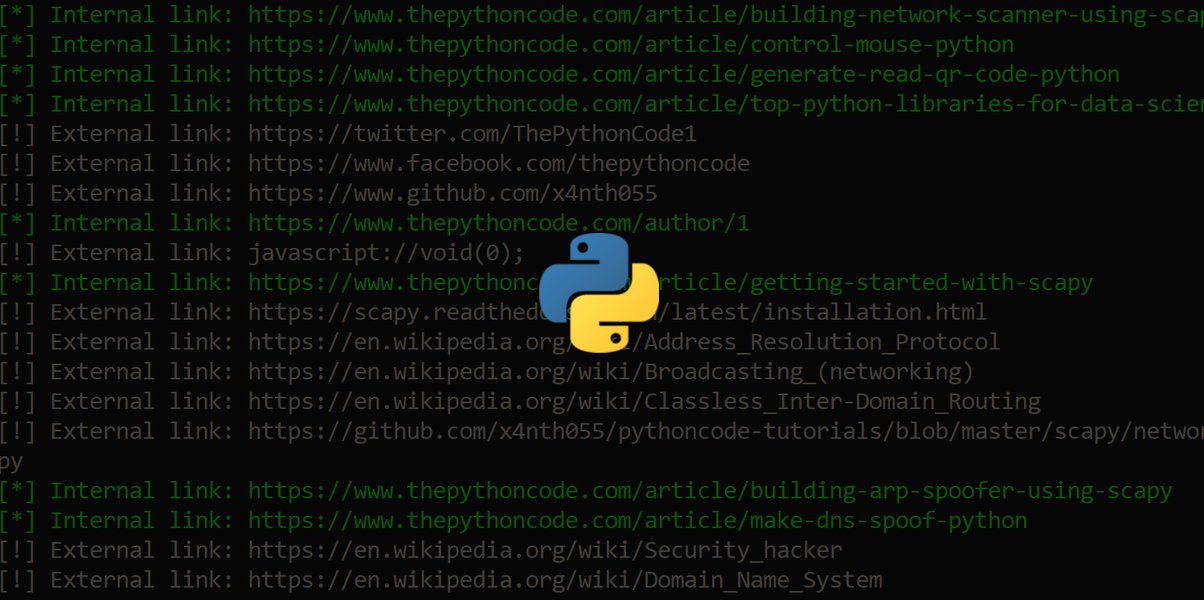
The following image illustrates the concept of extracting links from a webpage:
Understanding Link Extraction
Refining Your Extraction
Handling Different Types of URLs
The basic script extracts all links. However, you might want to filter these links based on various criteria:
Extracting Only Internal Links
Internal links point to other pages within the same website. You can check if an extracted URL starts with the base URL of the website.
# Inside the loop:
if full_url.startswith(url):
    urls.add(full_url)
Extracting Only External Links
External links point to websites different from the one you are scraping. You can check if an extracted URL does NOT start with the base URL.
# Inside the loop:
if not full_url.startswith(url):
    urls.add(full_url)
Extracting Specific File Types (e.g., PDFs, Images)
You can check the end of the URL string for specific file extensions.
# Inside the loop:
if full_url.endswith('.pdf'):
    urls.add(full_url)
# Or for images:
if full_url.lower().endswith(('.png', '.jpg', '.jpeg', '.gif')):
    urls.add(full_url)
Extracting Links from Specific HTML Elements
Sometimes, you only want to extract links from a particular section of a webpage (e.g., a navigation menu or a blog post body). You can first find the parent element and then search for anchor tags within that element.
# Example: finding links within a div with a specific class
container_div = soup.find('div', class_='content-area')
if container_div:
    for anchor_tag in container_div.find_all('a', href=True):
        href = anchor_tag['href']
        full_url = urljoin(url, href)
        urls.add(full_url)
More Advanced Considerations
Handling JavaScript-Rendered Content
The provided script works well for static HTML content. However, many modern websites load content and links dynamically using JavaScript. In such cases, requests and BeautifulSoup alone may not be sufficient as they only retrieve the initial HTML source. You might need to use libraries like Selenium that can control a web browser to render the JavaScript before scraping.
Respecting Robots.txt and Website Policies
Before scraping any website, it's crucial to check its robots.txt file (usually located at http://[website.com]/robots.txt) to understand which parts of the site are allowed to be crawled. Also, review the website's terms of service to ensure you are not violating any rules. Excessive scraping can overload a website's server and lead to your IP address being blocked.
Dealing with Errors and Edge Cases
Web scraping can be unpredictable due to variations in website structure, server issues, and other factors. Your script should include robust error handling (as shown with the try...except blocks) to gracefully handle potential issues like network errors, invalid URLs, or changes in the website's HTML structure.
Tabular Summary of Key Methods
Here is a table summarizing some of the key BeautifulSoup methods used for finding elements:
| Method | Description | Example Usage |
|---|---|---|
find() |
Finds the first occurrence of a tag that matches the criteria. | soup.find('a') |
find_all() |
Finds all occurrences of tags that match the criteria. | soup.find_all('a') |
select() |
Finds elements using CSS selectors. | soup.select('div.content a') |
get() |
Retrieves the value of a tag attribute. Safer than direct access as it returns None if the attribute doesn't exist. |
anchor_tag.get('href') |
Visualizing the Process
This video provides a visual walkthrough of extracting links from a webpage using Python and BeautifulSoup, reinforcing the concepts discussed:
The video titled "I Extracted Every Link From A Web Page Using Python" demonstrates the practical application of the libraries and methods discussed in this guide, showing how to implement a Python script for extracting links. It serves as a helpful visual aid to understand the workflow and see the code in action.
Frequently Asked Questions
Why use BeautifulSoup and Requests?
Requests is excellent for making HTTP requests and getting the raw HTML content of a webpage. BeautifulSoup then provides a powerful and easy-to-use way to parse that HTML, allowing you to navigate the document structure and extract specific information like links.
What is the difference between absolute and relative URLs?
An absolute URL is a complete web address, including the protocol (e.g., http:// or https://), domain name, and path (e.g., https://www.example.com/page.html). A relative URL is a partial URL that specifies a location relative to the current page (e.g., /about or ../images/logo.png). The urljoin function is used to convert relative URLs into absolute URLs.
How can I handle errors when scraping?
You can use try...except blocks to catch potential errors that might occur during the web scraping process, such as network issues (e.g., the website is down), or parsing errors (e.g., the HTML structure is unexpected). Specific exceptions like requests.exceptions.RequestException can help you handle different types of errors.
Is web scraping legal?
The legality of web scraping depends on several factors, including the website's terms of service, the type of data being scraped (personal data has stricter regulations), and the relevant laws in your jurisdiction. Always check the website's robots.txt and terms of service before scraping, and avoid scraping personal or sensitive information without proper consent.
References
Last updated May 13, 2025