
Navigating FFmpeg's Evolution: The Modern Alternative to Deprecated "-vsync 1"
Unlock precise frame rate control in your FFmpeg workflows by understanding and implementing the -fps_mode option.
FFmpeg, the versatile multimedia framework, continually evolves to offer more robust and precise tools for video and audio manipulation. A notable change in recent versions is the deprecation of the -vsync option, particularly its numeric arguments like -vsync 1. If you've relied on -vsync 1 for constant frame rate (CFR) output, it's crucial to update your commands to maintain compatibility and leverage FFmpeg's improved functionalities.
Key Highlights: Transitioning from -vsync 1
- Deprecated Option: The
-vsync 1command, previously used to enforce a constant frame rate by duplicating or dropping frames, is now deprecated in FFmpeg. - Modern Replacement: The recommended and more flexible alternative is
-fps_mode cfr. This option provides clearer and more granular control over frame rate synchronization. - Enhanced Control:
-fps_modeoperates on a per-stream basis, offering finer-grained adjustments compared to the global nature of the old-vsync.
Understanding the Shift: Why "-vsync" Was Phased Out
The -vsync option in FFmpeg was a long-standing method for controlling video frame synchronization. Specifically, -vsync 1 (often synonymous with -vsync cfr) instructed FFmpeg to duplicate or drop frames as necessary to match a target output frame rate, thereby ensuring a constant frame rate. However, this approach had limitations:
- Global Application:
-vsyncwas typically a global setting, affecting all video output streams. This could be problematic in complex workflows with multiple streams requiring different handling. - Numeric Ambiguity: The use of numeric values (e.g., 0, 1, 2) could be less intuitive than descriptive string-based options. For instance,
-vsync 1for CFR,-vsync 2for VFR (Variable Frame Rate), and-vsync 0for passthrough. - Evolving Needs: As video processing workflows became more sophisticated, especially with the prevalence of variable frame rate (VFR) content, a more precise and flexible mechanism was needed.
The FFmpeg development team opted to deprecate the numeric arguments for -vsync in favor of the more explicit and versatile -fps_mode option to address these points, promoting clearer command syntax and better control over video stream processing.

FFmpeg: The powerful multimedia toolkit at the heart of many video processing tasks.
Introducing "-fps_mode": The Modern Solution for Frame Rate Control
The -fps_mode option is FFmpeg's current standard for managing video synchronization and frame rate modes for output streams. It offers several advantages over the deprecated -vsync methods:
- Per-Stream Specificity:
-fps_modecan be applied to individual output video streams, allowing for granular control in multi-stream scenarios. - Descriptive String Values: It uses clear string arguments (e.g.,
cfr,vfr,passthrough), which enhances command readability and reduces potential confusion. - Improved Consistency: It aligns FFmpeg's frame handling with modern video practices and offers more predictable behavior.
Key "-fps_mode" Values Explained
Understanding the different values for -fps_mode is essential for correctly configuring your FFmpeg commands:
cfr (Constant Frame Rate): The Direct Successor to "-vsync 1"
This is the direct replacement for the behavior of -vsync 1. When -fps_mode cfr is used, FFmpeg will duplicate or drop frames as needed to ensure the output video stream maintains a constant frame rate. This is often used in conjunction with the -r option to specify the target frame rate (e.g., -r 30 for 30 frames per second).
vfr (Variable Frame Rate)
This mode preserves the input video's timestamps, resulting in an output with a variable frame rate. This is useful if you want to maintain the original timing of the source material, and it's often the equivalent of the old -vsync 2 or -vsync vfr.
passthrough
With passthrough, FFmpeg passes timestamps from the demuxer to the muxer without any modification. This is similar to the behavior of -vsync 0.
auto (or -1)
This setting allows FFmpeg to automatically choose between CFR and VFR mode based on the capabilities and requirements of the output muxer. It's the default behavior if no -fps_mode or -vsync option is specified.
drop
Similar to the old -vsync drop, this mode will drop frames if the input frame rate is higher than the output frame rate specified by -r. It doesn't duplicate frames if the input is slower.
Practical Migration: Replacing "-vsync 1" with "-fps_mode cfr"
Updating your FFmpeg commands is straightforward. If your old command used -vsync 1, you simply replace it with -fps_mode cfr.
Basic Command Transformation Example:
Old command (deprecated):
ffmpeg -i input.mp4 -c:v libx264 -vsync 1 output.mp4New command (recommended):
ffmpeg -i input.mp4 -c:v libx264 -fps_mode cfr output.mp4In this example, both commands aim to re-encode input.mp4 using the libx264 codec while ensuring the output has a constant frame rate. The new command achieves this using the modern, preferred syntax.
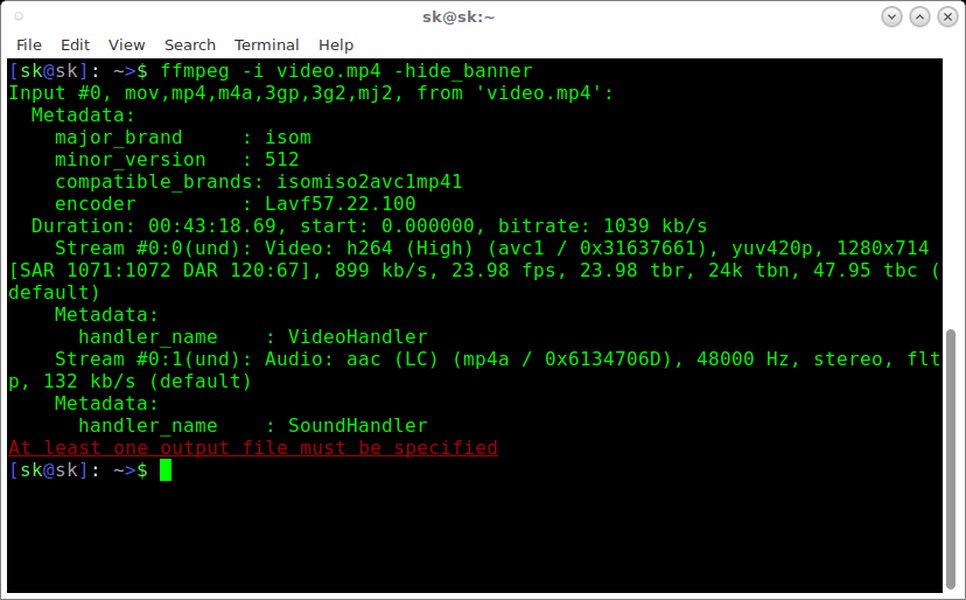
An example of an FFmpeg command being run in a terminal interface.
Visualizing Frame Rate Control Evolution
The transition from -vsync to -fps_mode represents a significant improvement in how FFmpeg handles frame rate synchronization. The following chart visualizes a qualitative comparison between the old -vsync (specifically its numeric variants) and the new -fps_mode option across several key attributes. This helps illustrate why -fps_mode is considered superior for modern video processing tasks. The scores are relative and illustrative, ranging from 1 (Low) to 10 (High).
As the chart indicates, -fps_mode generally offers superior flexibility, granularity, clarity, and future-proofing, making it the preferred choice for new FFmpeg scripts and for updating existing ones.
Mapping Old to New: "-vsync" to "-fps_mode" Equivalents
To help with the transition, here’s a table summarizing the common deprecated -vsync values and their recommended -fps_mode equivalents. This table serves as a quick reference for updating your FFmpeg commands.
Deprecated -vsync Option |
Typical Behavior | Recommended -fps_mode Equivalent |
Notes |
|---|---|---|---|
-vsync 0 or passthrough |
Passthrough timestamps | -fps_mode passthrough |
Passes frames through without modification of timestamps. |
-vsync 1 or cfr |
Constant Frame Rate (duplicating/dropping frames) | -fps_mode cfr |
Ensures constant frame rate. Best used with -r to specify the target rate. |
-vsync 2 or vfr |
Variable Frame Rate (passthrough timestamps) | -fps_mode vfr |
Preserves input timestamps, resulting in potentially variable frame rate output. |
-vsync drop |
Drop frames | -fps_mode drop |
Drops frames if input rate exceeds output rate defined by -r. Does not duplicate. |
-vsync -1 or auto |
Auto (muxer-dependent) | -fps_mode auto (or -fps_mode -1 for older compatibility, though string is preferred) |
FFmpeg automatically selects between CFR and VFR based on the output muxer's preference or capabilities. This is often the default if no option is specified. |
Always consult the latest FFmpeg documentation for the most up-to-date information, as behaviors can be refined with new FFmpeg versions.
Deep Dive: Understanding Frame Synchronization Concepts
The mindmap below provides a conceptual overview of video synchronization options in FFmpeg, highlighting the transition from the deprecated -vsync methods to the current -fps_mode system. It illustrates the relationships between different modes and their primary functions.
for constant rate"] id1_3["-vsync 2 (VFR)"] id1_3_1["Preserves input timestamps"] id1_4["-vsync drop"] id1_5["-vsync -1 (Auto)"] id1_6["Global Application"] id1_7["Numeric Arguments"] id2["Current Standard (-fps_mode)"] id2_1["-fps_mode passthrough"] id2_1_1["Equivalent to -vsync 0"] id2_2["-fps_mode cfr"] id2_2_1["Equivalent to -vsync 1
Ensures Constant Frame Rate"] id2_3["-fps_mode vfr"] id2_3_1["Equivalent to -vsync 2
Preserves Variable Frame Rate"] id2_4["-fps_mode drop"] id2_4_1["Drops frames to match output rate"] id2_5["-fps_mode auto"] id2_5_1["Muxer-dependent choice (CFR/VFR)"] id2_6["Per-Stream Control"] id2_7["String Arguments"] id2_8["More Flexible & Precise"]
This visualization helps in grasping how -fps_mode provides a more structured and versatile approach to handling frame rates compared to the older -vsync system.
Best Practices for Using "-fps_mode"
To make the most of the -fps_mode option and ensure smooth video processing, consider these best practices:
- Specify Output Frame Rate with
-r: When using-fps_mode cfror-fps_mode drop, it's highly recommended to explicitly set the desired output frame rate using the-roption (e.g.,-r 25,-r 30,-r 60). Without it, FFmpeg might use the input's average frame rate or another default, which might not be what you intend. - Avoid Mixing Deprecated and New Options: Do not use
-vsyncand-fps_modein the same command for the same stream, as-fps_modeis intended to override-vsync. Sticking exclusively to-fps_modeavoids potential conflicts or unexpected behavior and keeps your commands clean. - Test Your Output: Always verify the output video. Use tools like
ffprobe -show_streams output.mp4to inspect the frame rate and check for any audio-video synchronization issues. Play the video to ensure it meets your quality and playback expectations. - Update Scripts and Wrappers: If you have existing scripts, batch files, or applications that wrap FFmpeg and use
-vsyncwith numeric arguments, update them to use-fps_modeto prevent future compatibility issues or deprecation warnings/errors. - Consult FFmpeg Documentation: The official FFmpeg documentation is the definitive source for information on command-line options. Refer to it for the most current details, especially as FFmpeg is actively developed.
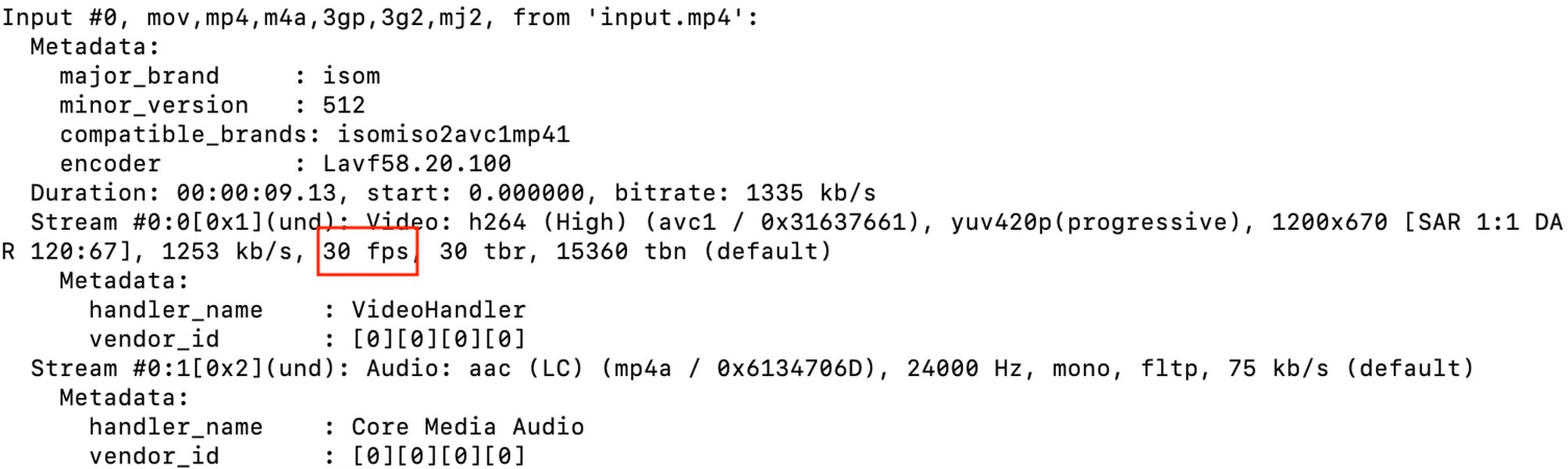
FFmpeg can be used to extract individual frames, where precise frame rate control is essential.
FFmpeg for Audio/Video Synchronization: A Broader Look
While -fps_mode directly addresses frame rate control, FFmpeg is a comprehensive tool often used to fix broader audio-video synchronization problems. Issues where audio and video become desynchronized can sometimes be related to inconsistent frame rates, but other factors can also be at play. FFmpeg provides various options and filters to address these, such as -itsoffset for shifting audio or video timing, or filters like asetpts and setpts for manipulating presentation timestamps.
The following video provides insights into using FFmpeg to tackle common audio/video synchronization challenges, which complements the understanding of frame rate management:
This video discusses techniques for fixing audio/video synchronization issues using FFmpeg, which can be related to frame rate handling.
Understanding how to properly manage frame rates with -fps_mode cfr is a foundational step in ensuring that video streams are well-formed, which can preemptively solve or simplify the resolution of certain sync issues.
Frequently Asked Questions (FAQ)
What happens if I still use the deprecated "-vsync 1"?
While older versions of FFmpeg might still process -vsync 1, newer versions will likely issue a deprecation warning. Eventually, this option may be completely removed, causing your commands to fail. It's best to transition to -fps_mode cfr for future compatibility and to leverage the more precise control it offers.
Is "-fps_mode cfr" always the best choice when I used "-vsync 1"?
Yes, if your intention with -vsync 1 was to achieve a constant frame rate by having FFmpeg duplicate or drop frames to match a target (often specified with -r), then -fps_mode cfr is the direct and recommended replacement. It provides the same core functionality with improved clarity and per-stream control.
Do I need to change anything else in my command besides replacing "-vsync 1"?
Primarily, the change involves replacing -vsync 1 with -fps_mode cfr. However, it's good practice to ensure you are also specifying the target output frame rate using the -r option (e.g., -r 30). While -vsync 1 might have implicitly worked with an output frame rate context, making it explicit with -r alongside -fps_mode cfr is clearer and more robust.
Will using "-fps_mode cfr" affect performance?
The performance impact should be comparable to using -vsync 1, as both options involve the process of analyzing timestamps and potentially duplicating or dropping frames. The primary change is in the command-line interface and underlying control logic, not necessarily a fundamental change in the frame adjustment workload itself for CFR output.
Recommended Queries
- How can I use FFmpeg to change a video's frame rate while minimizing quality loss?
- What are the key distinctions between constant frame rate (CFR) and variable frame rate (VFR) in video files?
- What advanced FFmpeg techniques can be used for perfectly synchronizing audio and video streams?
- What are the best practices for scripting FFmpeg commands for efficient batch video processing tasks?
References
Last updated May 18, 2025