
Unlock Your LMS Potential: Mastering Google Ads for Maximum Reach
Crafting high-converting keywords, headlines, and descriptions to dominate the e-learning market with your LMS product.
Effectively marketing a Learning Management System (LMS) requires a strategic approach, especially when using powerful tools like Google Ads. Standing out in a rapidly growing e-learning market means capturing the attention of potential customers—corporate training managers, educational institutions, HR professionals, and e-learning developers—precisely when they are searching for solutions. This guide delves into optimizing your Google Ads campaigns with targeted keywords, compelling headlines, and benefit-driven descriptions.
Highlights: Key Takeaways for LMS Google Ads Success
- Strategic Keyword Selection is Paramount: Utilize a mix of high-intent, long-tail, and feature-specific keywords identified through tools like Google Keyword Planner to attract relevant searchers while managing costs.
- Compelling Headlines Drive Clicks: Craft headlines that emphasize unique benefits, incorporate keywords naturally, evoke emotion, and use strong calls-to-action (CTAs) to capture attention immediately.
- Cohesive Ad Copy and Landing Pages Convert: Ensure your ad descriptions expand on headlines, highlight unique selling propositions (USPs), and lead to relevant, optimized landing pages that reinforce the ad's message and facilitate conversions.
Decoding Your Audience: The Foundation of Keyword Strategy
Identifying the Right Terms to Connect with Potential LMS Buyers
Keyword research forms the bedrock of any successful Google Ads campaign. It's about understanding the language your potential customers use when searching for an LMS. The goal is to find a balance between search volume (how many people are searching) and competition (how many other advertisers are bidding on the same terms). While high-volume keywords like "LMS" might seem attractive, they are often expensive and highly competitive. Integrating more specific, long-tail keywords can help you target niche audiences with higher purchase intent, often at a lower cost.
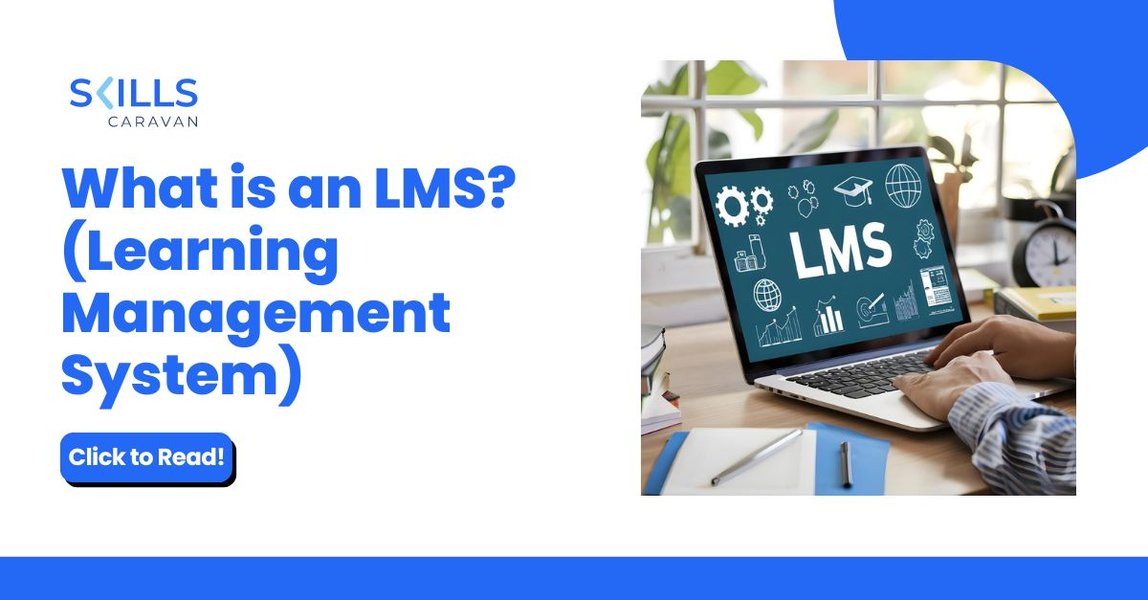
Understanding the fundamentals of Learning Management Systems helps tailor ad copy effectively.
Essential Keyword Categories for LMS:
- Brand Keywords: If you have brand recognition or want to protect your brand space (e.g., "[YourBrand] LMS", "[YourBrand] learning platform").
- Product/Generic Keywords: Broad terms describing the platform (e.g., "LMS software", "learning management system", "online learning platform", "eLearning platform").
- Feature-Specific Keywords: Terms highlighting key functionalities (e.g., "SCORM compliant LMS", "LMS with course builder", "mobile LMS app", "LMS with analytics", "gamified LMS").
- Problem/Solution Keywords: Targeting user needs or pain points (e.g., "improve employee training", "corporate training software", "online course management system", "virtual learning platform").
- Audience-Specific Keywords: Tailoring terms to specific users (e.g., "LMS for corporate training", "LMS for schools", "enterprise LMS", "LMS for small business").
- Long-Tail Keywords: Highly specific phrases indicating strong intent (e.g., "best LMS for small business 2025", "affordable cloud LMS for nonprofits", "LMS with certification tracking features").
Tools and Best Practices:
- Google Keyword Planner: This free tool is indispensable for discovering keyword ideas, checking search volumes, gauging competition, and getting bid estimates.
- Competitor Analysis: Tools like Semrush or Ahrefs can offer insights into the keywords your competitors are targeting.
- Match Types: Use a mix of match types. Exact Match
[like this]targets specific searches. Phrase Match"like this"includes variations. Broad Match (use cautiously, perhaps with modifiers+like +this) gives wider reach but requires diligent use of negative keywords. - Negative Keywords: Crucial for filtering out irrelevant searches (e.g., "free", "jobs", "templates", "open source") that waste budget.
- Ad Group Organization: Structure your campaigns logically. Aim for tightly themed ad groups, typically containing 5-10 closely related keywords, ensuring ads are highly relevant to the search terms within that group. Avoid keywords with extremely low search volume, as they may not trigger ads.
Crafting Click-Worthy Headlines
Making Your First Impression Count in Search Results
Your ad headlines are the most prominent part of your text ad, appearing in blue clickable text. With limited characters (typically up to 30 per headline, with Google often showing 2-3 headlines), they must immediately grab attention, convey relevance, and entice users to click. Effective headlines often incorporate keywords, highlight unique benefits, create urgency, or address a specific user need.
Strategies for High-Performing Headlines:
- Benefit-Oriented: Focus on what the user gains (e.g., "Boost Learning Engagement", "Reduce Training Costs", "Simplify Course Creation").
- Keyword Integration: Naturally include targeted keywords to improve relevance and Ad Rank (e.g., "Top-Rated LMS Platform", "SCORM-Compliant LMS"). Avoid keyword stuffing.
- Unique Selling Proposition (USP): Highlight what makes your LMS different (e.g., "AI-Powered Analytics Included", "Easy-to-Use Interface", "24/7 Expert Support").
- Emotional Appeal: Connect with user aspirations or frustrations (e.g., "The LMS You'll Love to Use!", "End Training Headaches").
- Use Numbers & Specificity: Quantify benefits or add timeliness (e.g., "Trusted by 500+ Companies", "2025's Leading LMS", "Launch Courses in Minutes").
- Include Calls-to-Action (Implicit or Explicit): Encourage the next step (e.g., "Try Our LMS Free Demo", "Get Your Custom Quote", "Discover Top LMS Features").
- Leverage Responsive Search Ads (RSAs): Provide Google with multiple headline options (up to 15), allowing its algorithm to test combinations and optimize for the best performance based on the search query and user.
Example Headline Ideas:
- Transform Employee Training Now
- Best LMS for Growing Businesses
- Scalable Cloud LMS Platform
- Easy-to-Use eLearning Software
- Boost ROI with Our LMS
- Get Your Free LMS Demo Today
- Mobile-Friendly Learning System
- Customizable LMS Solutions
- Unlock Your Team's Potential
- Affordable Corporate Training LMS
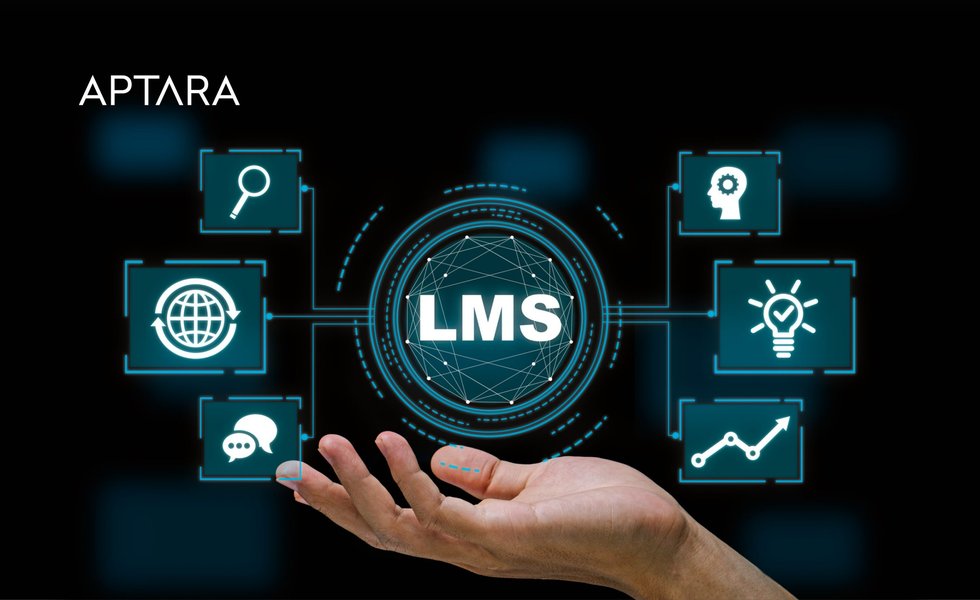
Modern LMS platforms offer advanced features that can be highlighted in ad copy.
Writing Persuasive Ad Descriptions
Elaborating on Value and Driving Action
Ad descriptions appear below the headlines and provide additional space (up to 90 characters per description line, typically two shown) to elaborate on your LMS product's value. They should expand on the promises made in the headlines, reinforce key benefits, highlight unique features, build trust, and include a clear call-to-action (CTA).
Best Practices for Descriptions:
- Expand on Headlines: Provide more detail about the benefits or features mentioned in the headlines.
- Highlight Key Features & USPs: Mention specific functionalities like analytics, integrations, mobile access, customization, or compliance support (SCORM, GDPR).
- Focus on Benefits, Not Just Features: Explain how features translate into advantages for the user (e.g., "Track progress in real-time to improve outcomes," not just "Real-time tracking").
- Address Pain Points: Show how your LMS solves common problems (e.g., "Simplify complex training processes," "Increase learner engagement").
- Include a Strong Call-to-Action (CTA): Tell users what you want them to do next (e.g., "Start Your Free Trial," "Request a Demo," "Learn More," "Get Pricing," "Download Brochure").
- Incorporate Keywords: Reinforce relevance by naturally including keywords from the ad group.
- Use Social Proof (if possible): Mentioning trust signals like "Trusted by leading companies" or "Award-winning platform" can be effective if space permits.
Example Description Lines:
- "Our intuitive LMS simplifies course creation & delivery. Powerful reporting & mobile access."
- "Boost employee skills with engaging, trackable online training. See why top companies choose us."
- "Cloud-based, SCORM-compliant LMS perfect for businesses & schools. Request your personalized demo!"
- "Affordable & scalable learning platform with gamification & certification tracking. Start free trial!"
- "Seamless integrations, customizable branding & dedicated support. Empower your learners today."
Visualizing Your Google Ads Strategy for LMS
A Mindmap Overview
To bring these components together, here’s a mindmap illustrating the core elements of an effective Google Ads strategy for promoting your Learning Management System:
(Google Keyword Planner)"] id1b["Keyword Types
(Brand, Generic, Feature, Long-Tail)"] id1c["Match Types
(Exact, Phrase, Broad Modifier)"] id1d["Negative Keywords"] id1e["Ad Group Structure
(5-10 keywords/group)"] id2["Ad Copy Creation"] id2a["Compelling Headlines
(Benefits, USP, Keywords, CTA)"] id2b["Persuasive Descriptions
(Expand on headlines, Features, CTA)"] id2c["Responsive Search Ads (RSA)"] id3["Landing Page Optimization"] id3a["Relevance to Ad Copy"] id3b["Clear Value Proposition"] id3c["Strong Call-to-Action"] id3d["User Experience (Mobile-friendly)"] id4["Campaign Optimization"] id4a["Ad Extensions
(Sitelinks, Callouts, Structured Snippets)"] id4b["Bidding Strategies
(Target CPA, Target ROAS)"] id4c["Audience Targeting & Remarketing"] id4d["Performance Monitoring
(CTR, Conversion Rate, Quality Score)"] id4e["A/B Testing Ad Copy & Landing Pages"]
Integrating and Optimizing Your Campaign
Beyond Keywords and Copy: Fine-Tuning for Performance
A successful Google Ads campaign involves more than just strong keywords and ad copy. Continuous optimization and integration with your overall marketing efforts are key.
Key Optimization Tactics:
- Landing Page Alignment: Ensure your landing page directly relates to your ad copy and keywords. A user clicking an ad for "LMS with analytics" should land on a page detailing your analytics features, not a generic homepage. The landing page experience is a major factor in your Quality Score.
- Utilize Ad Extensions: Enhance your ads with extensions to provide more information and improve visibility. Use Sitelink extensions (linking to specific pages like Pricing, Features, Demo), Callout extensions (highlighting key benefits like "Free Trial," "24/7 Support"), and Structured Snippets (showcasing aspects like "Course Types," "Integrations").
- Leverage Remarketing: Target users who have previously visited your website but didn't convert. Show tailored ads to remind them of your LMS and encourage them to return. You can segment audiences based on behavior (e.g., visited pricing page, abandoned demo request).
- Refine Audience Targeting: Use Google Ads' audience features to target specific industries, company sizes, or job functions (e.g., HR Managers, Training Coordinators) if applicable to your LMS market.
- Monitor Performance & Iterate: Regularly analyze key metrics like Click-Through Rate (CTR), Conversion Rate, Cost Per Conversion, and Quality Score. Use insights from the Search Terms report to discover new negative keywords and potential positive keywords. A/B test different ad variations and landing pages continuously.
- Link Google Analytics: Connect your Google Ads account with Google Analytics for deeper insights into user behavior post-click and to enable more sophisticated remarketing lists and conversion tracking.
- Automated Bidding: Consider using smart bidding strategies like Target CPA (Cost Per Acquisition) or Target ROAS (Return On Ad Spend) once you have sufficient conversion data, allowing Google's AI to optimize bids in real-time.
Evaluating LMS Marketing Channel Effectiveness
Where Google Ads Fits in the Mix
While Google Ads is a powerful tool for capturing high-intent leads, it's often part of a broader marketing strategy. This radar chart provides a conceptual overview of the relative strengths of different channels typically used for marketing an LMS, based on factors like lead quality, cost-effectiveness, speed to results, targeting capability, and brand building potential. Google Ads often excels in targeting capability and speed but can be higher cost compared to organic methods.
Example Ad Structure
Putting It All Together
Here’s a sample structure combining the elements discussed, designed for a responsive search ad promoting a corporate LMS:
| Component | Example Text |
|---|---|
| Headline 1 | Transform Employee Training |
| Headline 2 | Easy-to-Use Corporate LMS |
| Headline 3 | Boost Skills & Engagement |
| Headline 4 (Example) | SCORM Compliant Platform |
| Headline 5 (Example) | Get Your Free Demo Today |
| Description 1 | Streamline onboarding & upskilling with our intuitive cloud LMS. Customizable courses, mobile access & powerful analytics. |
| Description 2 | Trusted by leading corporations to drive learning outcomes. See how [YourBrand] LMS can help. Request a personalized demo now! |
| Sample Keywords | corporate LMS, employee training platform, best LMS for business, cloud LMS software, online training system, SCORM LMS |
Deep Dive into Keyword Research
Mastering the Foundation of Your Campaign
Effective keyword research is crucial for reaching the right audience with your LMS product ads. Understanding how potential customers search is key. This video provides a comprehensive tutorial on Google Ads keyword research, covering tools like the Keyword Planner, targeting strategies, match types, and best practices relevant as of 2024/2025. Watching it can help you refine your approach to finding high-performing keywords that drive conversions for your LMS.
Frequently Asked Questions (FAQ)
How many keywords should I use per ad group?
What's the difference between broad match and exact match keywords?
How important is the landing page for Google Ads success?
Should I bid on my own brand name?
How do I measure the success of my LMS Google Ads campaign?
Recommended Further Exploration
- How can I optimize Google Ads landing pages specifically for LMS conversions?
- What are advanced Google Ads bidding strategies suitable for SaaS products like an LMS?
- Explore how to effectively use negative keywords to refine traffic in LMS Google Ads campaigns.
- Learn about integrating Google Ads data with a CRM for better lead tracking and ROI analysis for an LMS.
References
 assets.amazon.science
Last updated May 5, 2025