
Hardware vs. Software: Unpacking the Core of Your Computer
Discover the essential difference between the physical parts and the digital instructions that make your computer work.
Key Insights at a Glance
- Hardware is Tangible: It refers to the physical components you can touch, like the processor, memory, keyboard, and monitor.
- Software is Intangible: It consists of the programs, applications, and operating systems – the instructions that tell the hardware what to do.
- Interdependence is Crucial: Hardware provides the physical platform, while software controls and utilizes the hardware; neither can function effectively alone.
Understanding the Fundamentals: Hardware & Software
Every computer system, from the simplest smartphone to the most powerful supercomputer, operates through a combination of two fundamental elements: hardware and software. Understanding the distinction between these two is crucial to grasping how computers function, how they are maintained, and how they perform the myriad tasks we rely on daily. While they serve vastly different roles, they are completely interdependent, working in tandem to bring technology to life.
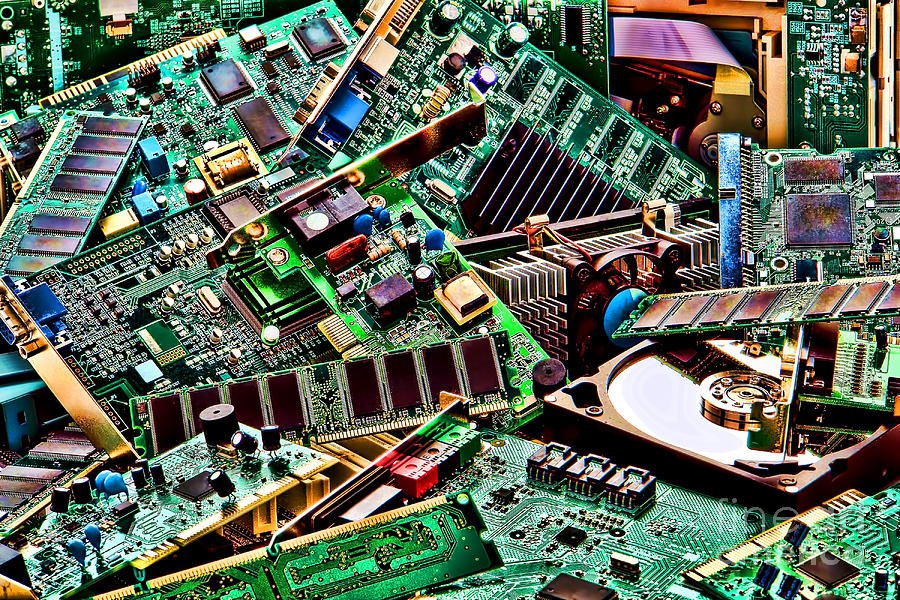
An assortment of physical computer hardware components.
What is Computer Hardware? The Physical Foundation
Defining the Tangible
Hardware encompasses all the physical, tangible parts of a computer system – everything you can physically see and touch. It constitutes the machinery and electronic circuitry that form the computer's structure. Think of hardware as the "body" of the computer, providing the physical means to perform operations.
Core Hardware Components
Hardware can be broadly categorized into internal and external components:
- Internal Hardware: These are the components located inside the computer's case. Key examples include:
- Central Processing Unit (CPU): Often called the "brain" of the computer, the CPU executes instructions from software and performs calculations.
- Random Access Memory (RAM): Provides temporary storage for data that the CPU needs quick access to while the computer is running.
- Motherboard: The main circuit board that connects all internal components like the CPU, RAM, and graphics card, allowing them to communicate.
- Storage Devices: Such as Hard Disk Drives (HDDs) or Solid-State Drives (SSDs), which store the operating system, software, and user files long-term.
- Graphics Processing Unit (GPU): Specializes in rendering images, video, and animations, crucial for gaming, video editing, and complex visual tasks.
- Power Supply Unit (PSU): Converts electrical power from an outlet into usable power for the computer's components.
- External Hardware (Peripherals): These are devices connected to the computer externally to expand its capabilities. Examples include:
- Input Devices: Keyboard, mouse, microphone, webcam (allow users to provide information to the computer).
- Output Devices: Monitor, printer, speakers (display or present information from the computer to the user).
- External Storage: USB drives, external hard drives.
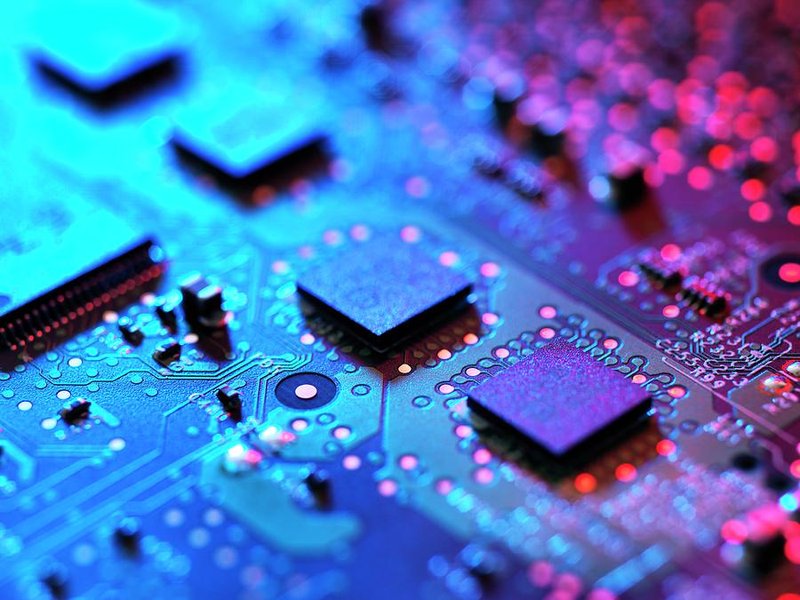
A detailed view of a computer motherboard, a central piece of hardware.
Characteristics of Hardware
- Tangibility: Hardware is physical and can be touched.
- Functionality: It executes tasks based on software instructions but cannot function meaningfully on its own.
- Upgradability: Hardware can often be upgraded (e.g., adding more RAM, installing a faster SSD) or replaced, requiring physical installation.
- Wear and Tear: Being physical, hardware components can degrade, wear out over time, or be damaged.
- Cost: Hardware components, especially high-performance ones, can represent a significant portion of a computer system's cost.
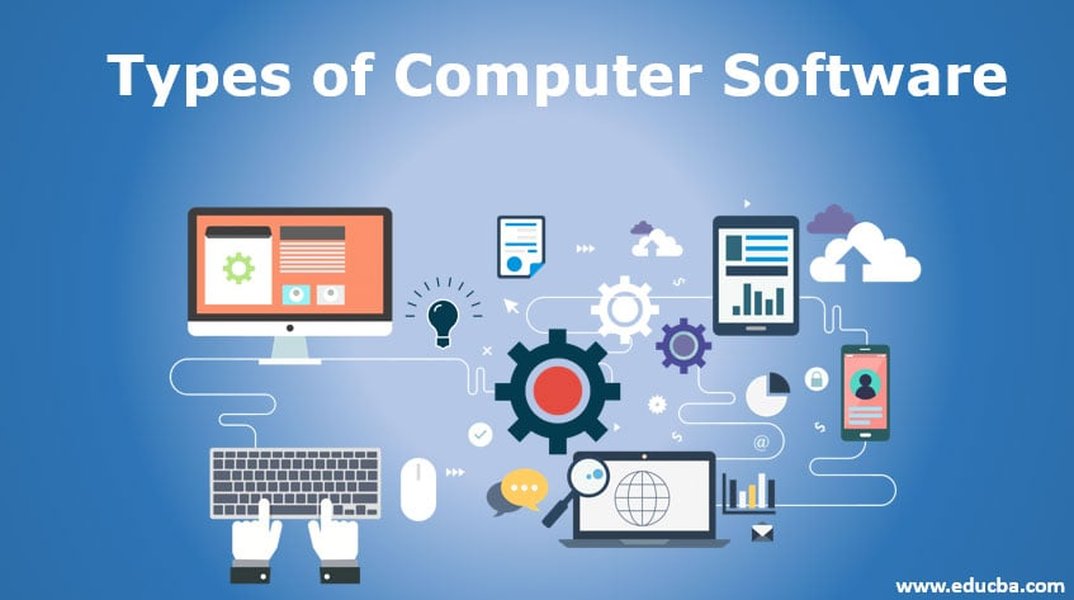
Visual representation of different software categories.
What is Computer Software? The Digital Instructions
Defining the Intangible
Software refers to the set of instructions, programs, data, and protocols that tell the computer hardware what to do and how to do it. Unlike hardware, software is intangible – you cannot physically touch it. It exists as digital code stored on hardware storage devices. Think of software as the "mind" or the "intelligence" that directs the hardware.
Major Types of Software
Software is generally classified into several categories:
- System Software: This type of software manages and controls the computer hardware and provides a platform for application software to run. Key examples include:
- Operating Systems (OS): Like Windows, macOS, Linux, Android, and iOS. The OS manages hardware resources (CPU, memory, storage), runs other software, and provides a user interface.
- Device Drivers: Small programs that allow the OS to communicate with specific hardware devices (e.g., printers, graphics cards).
- Utility Software: Programs designed to help analyze, configure, optimize, or maintain the computer (e.g., antivirus software, disk cleanup tools).
- Application Software (Apps): These are programs designed to perform specific tasks for the user. Examples are numerous and varied:
- Productivity Software: Word processors (Microsoft Word), spreadsheets (Excel), presentation software (PowerPoint).
- Web Browsers: Google Chrome, Firefox, Safari.
- Communication Software: Email clients, messaging apps.
- Multimedia Software: Media players (VLC), photo editors (Photoshop), video editors.
- Games: From simple mobile games to complex PC or console games.
- Programming Software: Tools used by developers to create, debug, and maintain other software. Examples include compilers, debuggers, and integrated development environments (IDEs).
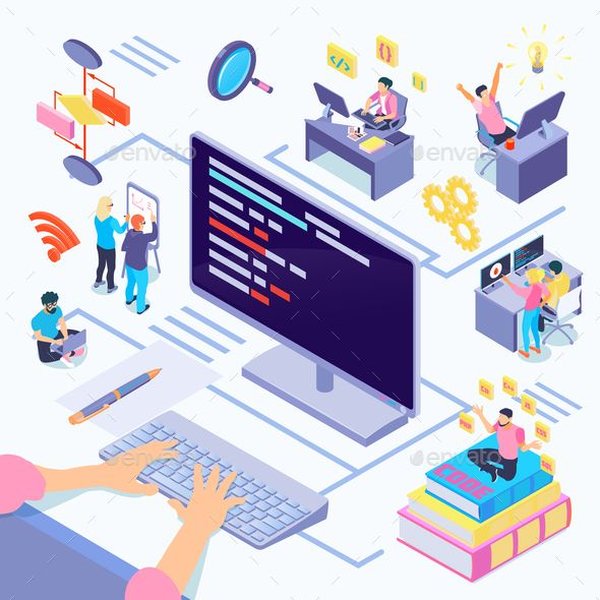
Software development involves writing code to create applications.
Characteristics of Software
- Intangibility: Software is not physical; it exists as digital code and data.
- Functionality: It provides the instructions and logic that make the hardware useful.
- Development: Software is developed through programming using various coding languages.
- Updatability: Software can be easily updated, modified, or deleted electronically via downloads and installations, often to fix bugs or add features.
- Lifespan: Software doesn't wear out physically but can become obsolete or incompatible with newer hardware or operating systems.
- Cost: Software costs vary widely, from free open-source software to expensive professional applications, often involving licensing fees.
The Symbiotic Relationship: How Hardware and Software Interact
Working Together
Hardware and software are fundamentally interdependent. Hardware provides the physical platform and resources necessary for software to run. Without hardware components like a CPU, memory, and storage, software would have nowhere to exist or execute. Conversely, hardware without software is essentially useless; it's a collection of circuits and metal that cannot perform any tasks on its own. The software provides the instructions that tell the hardware how to process data, respond to user input, and generate output. For example, when you type on your keyboard (hardware), the operating system (software) interprets the keystrokes and instructs the CPU (hardware) to process them, eventually displaying the characters on your monitor (hardware) via an application like a word processor (software).
This interaction allows computers to be versatile machines capable of performing a vast range of functions, from simple calculations to complex simulations. The development of both hardware and software continuously pushes the boundaries of what computers can achieve.
Visualizing the Relationship: Hardware and Software Mindmap
This mindmap illustrates the core concepts of hardware and software, their types, characteristics, and their essential interdependence in a computer system.
(Keyboard, Mouse)"] id1b2["Output Devices
(Monitor, Printer)"] id1b3["External Storage"] id1c["Characteristics"] id1c1["Tangible"] id1c2["Physical Upgrades"] id1c3["Wears Out"] id2["Software (Intangible)"] id2a["System Software"] id2a1["Operating System (OS)"] id2a2["Device Drivers"] id2a3["Utilities"] id2b["Application Software"] id2b1["Productivity Apps"] id2b2["Web Browsers"] id2b3["Games"] id2b4["Multimedia Tools"] id2c["Programming Software"] id2c1["Compilers"] id2c2["IDEs"] id2d["Characteristics"] id2d1["Intangible"] id2d2["Digital Updates"] id2d3["Doesn't Wear Out
(Can Become Obsolete)"] id3["Interdependence"] id3a["Hardware needs Software
to Function"] id3b["Software needs Hardware
to Run"]
The mindmap shows how the computer system branches into Hardware (physical components like CPU, RAM, peripherals) and Software (intangible instructions like OS, applications). It highlights their key characteristics and emphasizes their interdependence – one cannot function without the other.
Comparing Hardware and Software: Key Differences
While intertwined, hardware and software differ significantly in several key aspects. The table below summarizes these core differences:
| Feature | Hardware | Software |
|---|---|---|
| Nature | Physical, tangible components. | Intangible set of instructions, programs, and data. |
| Function | Executes instructions, provides the physical platform for operations. | Directs hardware, manages resources, enables tasks and applications. |
| Examples | CPU, RAM, motherboard, hard drive, monitor, keyboard, mouse. | Operating System (Windows, macOS), applications (Word, Chrome), drivers, games. |
| Creation / Development | Manufactured in factories using physical materials. | Developed by programmers through coding. |
| Modification / Updates | Requires physical replacement or addition of components. | Updated or modified digitally via installation or download. |
| Lifespan / Durability | Can wear out, break down, or become physically obsolete over time. | Does not physically wear out but can become outdated or incompatible. |
| Interaction | Operates based on low-level machine code. | Often uses higher-level languages, provides user interfaces. |
| Dependency | Requires software to perform useful tasks. | Requires hardware to run and execute instructions. |
Hardware vs. Software: A Comparative View
This radar chart provides a visual comparison of hardware and software across several key attributes. It helps illustrate their contrasting characteristics in areas like tangibility, cost factors, lifespan, how they are upgraded, and their mutual dependency.
As the chart illustrates, Hardware scores high on 'Tangibility' and 'Physical Wear', reflecting its physical nature. Software scores high on 'Ease of Digital Update' and 'Flexibility/Adaptability', highlighting its intangible and easily modifiable nature. Both show a high score for 'Dependency on the Other', reinforcing their symbiotic relationship. 'Initial Cost Potential' can be high for both, depending on the specific components or programs involved.
Exploring Further: Hardware and Software Explained
The following video provides a clear and engaging explanation of how hardware and software work together to power the technology we use every day. It visualizes the concepts discussed and reinforces the understanding of their interaction.
This video, titled "How Computers Work: Hardware and Software," breaks down the relationship between the physical components (hardware) and the digital instructions (software). It explains how software tells the hardware what to do, enabling everything from simple applications to complex games. Understanding this interaction is key to appreciating how digital technology functions.
Frequently Asked Questions (FAQ)
Can a computer run without software? +
No, a computer cannot perform any useful tasks without software. While the hardware provides the physical capability, it requires software (at least a basic operating system or firmware) to receive instructions, manage resources, and execute functions. Without software, the hardware is essentially inactive.
Can software exist without hardware? +
Software cannot run or execute without hardware. Software exists as digital code and needs hardware components like a processor (CPU) to execute its instructions, memory (RAM) to hold data temporarily, and storage (SSD/HDD) to be stored persistently. Software requires a physical platform (hardware) to operate.
Is firmware hardware or software? +
Firmware is a special type of software that is permanently programmed into a hardware device's read-only memory (ROM) or flash memory. It provides low-level control for the device's specific hardware. Because it's software embedded directly onto hardware and often not intended to be changed by the end-user, it sometimes blurs the line, but fundamentally, it is considered software.
What's the difference in how hardware and software are upgraded? +
Hardware upgrades involve physically replacing or adding components to the computer system, such as installing a new graphics card, adding more RAM, or swapping out a hard drive. Software upgrades, on the other hand, are done digitally by installing new versions, patches, or updates downloaded from the internet or installed from media, without physically changing the computer.
References
- Difference between Hardware and Software - GeeksforGeeks
- Hardware vs. software: What's the difference? - ZDNET
- What is computer hardware? - TechTarget
- Hardware vs Software - Diffen
- Differences between: Hardware vs Software - Codecademy Blog
- Computer hardware - Wikipedia
- Hardware vs Software: What’s the difference? - Corsair
Recommended Reads
Last updated April 25, 2025