
Unlock Your Inner Artist: Exploring the World of Digital Image Creation
Discover the tools and techniques available in 2025 to bring your visual ideas to life, from AI generators to powerful editing software.
While I, as a text-based AI assistant, cannot directly create visual images myself, I can certainly guide you through the exciting landscape of digital image creation! My purpose is to process information and provide comprehensive responses like this one. Fortunately, there's a vast array of powerful tools available today (as of Sunday, 2025-04-06) that empower anyone, from beginners to professionals, to create stunning pictures, graphics, and digital art.
Whether you want to generate unique images from text descriptions, edit existing photos, or paint digitally from scratch, there's a solution for you. Let's explore the options together.
Highlights: Key Ways to Create Images
- AI Image Generators: Harness the power of artificial intelligence to create unique images simply by typing text descriptions. Tools like DALL-E 3 and Midjourney can turn your words into visuals.
- Photo Editing & Graphic Design Software: Utilize robust platforms like Adobe Photoshop, Canva, or Fotor to manipulate photos, create designs, and combine various visual elements. Many now include AI-powered features.
- Digital Drawing & Painting Apps: For those who want to draw or paint digitally, applications like Procreate or Sketchpad offer virtual canvases and brushes to mimic traditional art techniques.
AI Image Generators: Turning Text into Art
Effortless Creation with Artificial Intelligence
One of the most revolutionary developments in recent years is the rise of AI image generators. These tools use complex algorithms, often combining different AI models like autoregressive and diffusion models, to interpret your text prompts and generate corresponding images. Some advanced models, like MIT's HART, focus on generating high-quality images faster and more efficiently, even on standard computers or phones.
How They Work
You provide a descriptive text prompt (e.g., "a photorealistic image of a cat wearing sunglasses riding a bicycle on the moon"), and the AI analyzes the text to understand the objects, attributes, actions, and style requested. It then synthesizes an image based on its training data, which consists of vast datasets of images and their associated text descriptions.
Key Features & Considerations
- Prompt Adherence: How accurately the AI interprets and follows your text prompt.
- Image Quality & Detail: The resolution, clarity, and level of detail in the generated image.
- Customization & Editing: Many platforms offer tools to refine prompts, select styles (e.g., photorealistic, cartoon, oil painting), adjust aspect ratios, or even make minor edits to the generated image (though editing might be a premium feature).
- Speed & Accessibility: Generation times vary, and some tools are web-based, while others might be integrated into apps or software.
- Potential for "Hallucinations": AI might sometimes misinterpret prompts or generate unexpected or nonsensical elements.
Popular AI Image Generators
- DALL-E 3 (OpenAI/Microsoft): Known for its strong prompt adherence and integration into tools like Microsoft Designer and ChatGPT Plus.
- Midjourney: Highly regarded for producing artistic and often stunningly detailed images, primarily accessed via Discord.
- Leonardo AI: Offers a good balance of quality and features, including a free tier, making it accessible for exploration.
- Adobe Firefly: Integrated into Adobe's Creative Cloud suite, designed with commercial use safety in mind (trained on licensed content).
- Picsart AI Image Generator: Part of the Picsart suite, allowing text-to-image generation within their platform.
Digital Art & Photo Editing Software: Your Creative Suite
Tools for Manipulation, Enhancement, and Creation
Beyond AI generation, traditional digital art and photo editing software remain indispensable tools for creators. These platforms offer a wide spectrum of functionalities, from basic photo touch-ups to complex digital painting and graphic design.
Photo Editors
Photo editors focus on enhancing or modifying existing photographs. Modern editors often incorporate AI to simplify complex tasks:
- Basic Adjustments: Brightness, contrast, saturation, cropping, resizing.
- Filters & Effects: Applying stylistic looks or correcting lens distortions.
- AI-Powered Features:
- Background Removal/Replacement: Isolating subjects automatically.
- Object Removal: Erasing unwanted elements seamlessly (like Adobe's Generative Fill).
- Image Enhancement: One-click improvements for color, sharpness, and lighting.
- Upscaling: Increasing image resolution using AI.
- Deblurring & Denoising: Improving clarity and reducing noise.
- Style Transfer: Applying artistic styles (e.g., sketch, painting) to photos (like Fotor's GoArt).
Examples include Adobe Photoshop, Adobe Lightroom, Canva, Pixlr, Fotor, PicMonkey, GIMP (free, open-source), PhotoDirector Essential, and MyEdit.
Digital Drawing & Painting Software
These tools simulate traditional art mediums, providing brushes, canvases, layers, and color palettes for creating original artwork from scratch.
- Key Features: Customizable brushes, pressure sensitivity (with compatible hardware like drawing tablets), layers for non-destructive editing, color mixing tools, vector and raster capabilities.
- Hardware Considerations: While some can be used with a mouse, a drawing tablet (like those from Wacom, XP-Pen, or Huion) or a tablet computer with a stylus (like an iPad with Apple Pencil) significantly enhances the experience.
Examples include Adobe Photoshop, Procreate (iPad-only), Clip Studio Paint, Krita (free, open-source), Autodesk Sketchbook, and online tools like Sketchpad.
Graphic Design Platforms
These often combine photo editing, text tools, layout features, and sometimes illustration capabilities, focusing on creating compositions for web, print, or social media.
- Key Features: Templates, stock photo/graphic libraries, drag-and-drop interfaces, text tools, collaboration features.
Examples include Adobe Illustrator (vector-focused), Canva, Adobe Express, PicMonkey, and Piktochart (infographics).
Comparing Image Creation Tool Types
Feature Focus and User Experience Radar
Different types of image creation tools cater to different needs and skill levels. This chart provides a comparative overview based on common characteristics. AI Generators excel in speed and concept generation from text but offer less fine-tuned control. Traditional software provides deep features but has a steeper learning curve. Online platforms often prioritize ease of use and templates.
Visualizing the Digital Canvas
Glimpses into the Tools and Techniques
Seeing is believing! The images below offer a peek into the world of digital art creation, showcasing various tools, interfaces, and the kind of artwork you can achieve. From sophisticated desktop software with complex toolbars to intuitive tablet apps and online platforms, the digital canvas takes many forms. Notice the common elements like layers, color palettes, and brush selections, which are fundamental to many digital art workflows.
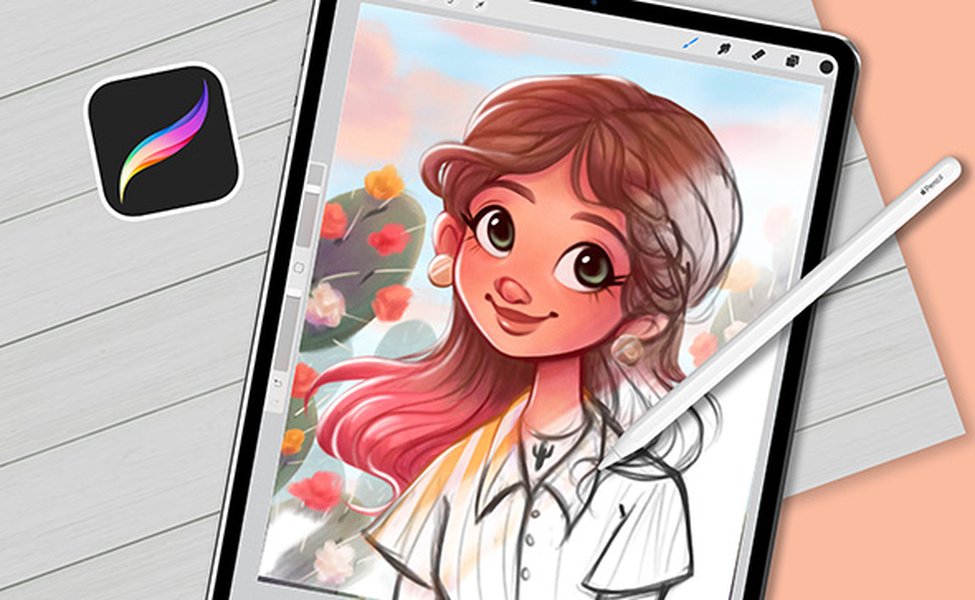
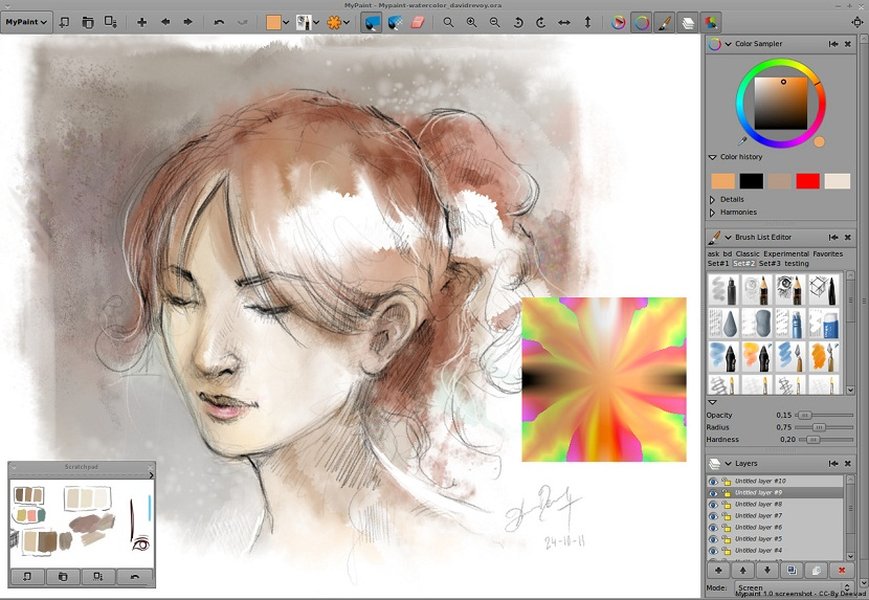
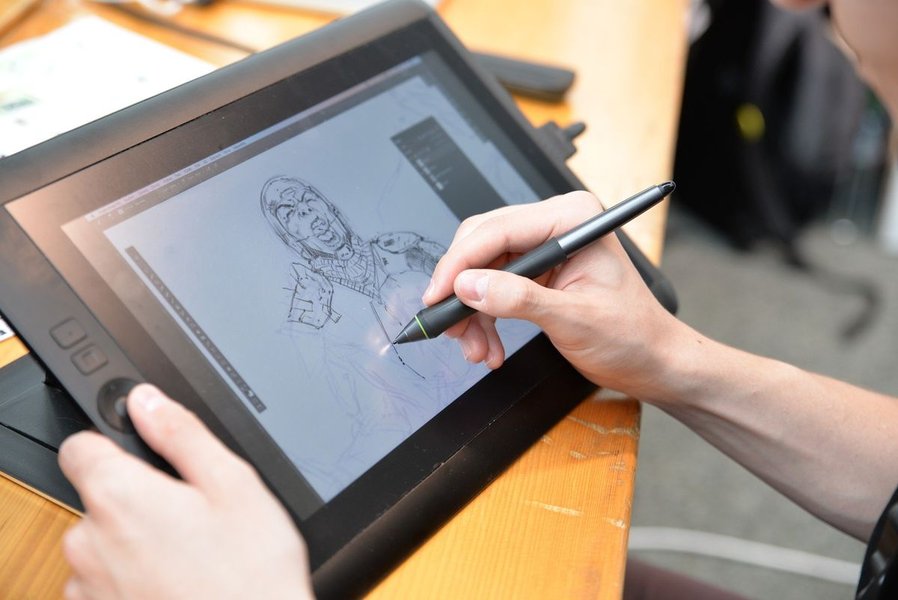
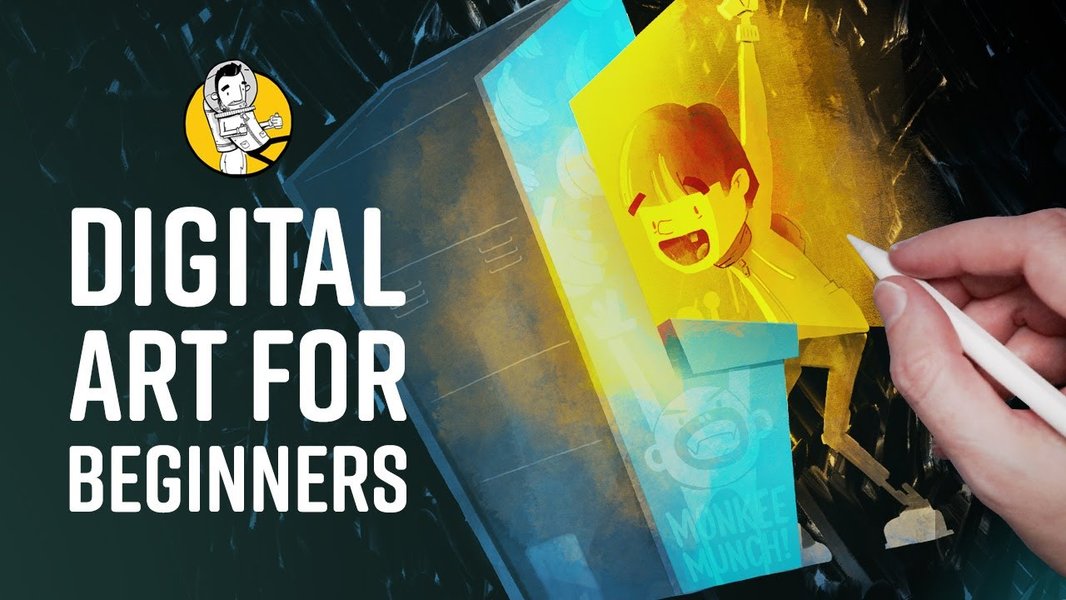
These visuals highlight environments like Procreate on an iPad, various desktop software interfaces, and the common setup involving drawing tablets connected to computers. They underscore the versatility and accessibility of digital art tools available today.
Mapping the Image Creation Ecosystem
Understanding the Connections
The world of digital image creation is interconnected. AI generators can provide starting points, photo editors refine existing images, and digital art software allows for creation from the ground up. Understanding the different categories and how they relate can help you choose the right tool for your specific project. This mindmap illustrates the main categories and some popular examples within each.
Essential Concepts in Image Creation
Fundamentals for Better Visuals
Regardless of the tool you choose, understanding some fundamental principles can significantly improve the quality of your images:
Color Theory:
Understanding how colors interact, create moods, and draw attention is crucial. Concepts include the color wheel, complementary colors, analogous colors, saturation, and value.Composition:
This refers to the arrangement of elements within your image. Principles like the rule of thirds, leading lines, balance, symmetry/asymmetry, and framing help create visually appealing and impactful compositions.Lighting and Shadow:
How light interacts with subjects defines form, creates depth, sets the mood, and adds realism or drama. Understanding light sources, highlights, midtones, and shadows is key.
While AI can handle some aspects automatically, a basic grasp of these concepts empowers you to make better creative decisions, whether crafting prompts for AI or manually editing/creating images.
Exploring AI Image Tools: A Video Guide
See AI Image Generation in Action
To get a practical sense of how AI image generation tools work and what they can achieve, visual guides can be incredibly helpful. The video below provides an overview of some popular AI image tools, demonstrating their interfaces and capabilities. It covers how to use text prompts effectively and showcases the kind of creative outputs possible, making it a great starting point for anyone curious about incorporating AI into their content creation workflow.
This tutorial delves into practical usage, offering tips on how to leverage these powerful tools for generating content, illustrating ideas, or simply exploring creative possibilities with AI.
Feature Comparison: Popular Image Creation Tools
Choosing the Right Tool for Your Needs
With so many options, selecting the right tool can seem daunting. This table compares some of the frequently mentioned tools across different categories, highlighting their primary function, key features, ideal user, and typical pricing model to help guide your choice.
| Tool Name | Type | Key Features | Best For | Cost Model |
|---|---|---|---|---|
| DALL-E 3 / Microsoft Designer | AI Image Generator | Text-to-image, strong prompt adherence, integration with other Microsoft tools. | Generating images from text descriptions, quick concept visuals. | Free (limited) / Subscription (via ChatGPT Plus or Microsoft Copilot Pro) |
| Leonardo AI | AI Image Generator | Text-to-image, various models/styles, image-to-image, prompt enhancement tools. | Exploring AI art generation, creating detailed images with customization. | Free Tier / Subscription |
| Adobe Photoshop | Photo Editing & Digital Art Software | Advanced photo manipulation, digital painting, layers, extensive brushes, AI features (Generative Fill). | Professionals, detailed editing and complex digital art. | Subscription (Adobe Creative Cloud) |
| Procreate | Digital Drawing & Painting App | Intuitive interface, vast brush library, optimized for iPad & Apple Pencil. | Digital illustration and painting on iPad. | One-time Purchase |
| Canva | Graphic Design Platform & Photo Editor | Templates, drag-and-drop interface, stock library, basic photo editing, collaboration, Canva Draw, AI features. | Beginners, social media graphics, presentations, quick designs. | Free / Subscription (Canva Pro) |
| Pixlr | Online Photo Editor & AI Tools | Photo editing (basic & advanced versions), AI image generator, background removal, filters. | Quick online edits, accessible AI tools. | Free / Subscription |
| Fotor | Online Photo Editor & AI Tools | Photo editing, collage maker, design tools, AI enhancer, AI art effects (GoArt). | General photo editing, applying artistic AI styles. | Free / Subscription |
| Sketchpad | Online Drawing App | Simple drawing tools, vector support, various brushes, export options (JPEG, PNG, SVG). | Simple digital drawings, accessible for all ages. | Free |
Frequently Asked Questions (FAQ)
Quick Answers to Common Queries
What's the main difference between AI Image Generators and Photo Editors? +
AI Image Generators create entirely new images from text descriptions you provide. They synthesize visuals based on patterns learned from vast datasets. Photo Editors, on the other hand, are used to modify or enhance existing images (photographs or other graphics). While many modern photo editors now include AI-powered features (like object removal or background replacement), their primary function is manipulation rather than initial creation from scratch based on text.
Which type of tool is best for a complete beginner? +
For absolute beginners wanting to create graphics or simple designs quickly, platforms like Canva or Adobe Express are often recommended due to their user-friendly interfaces, templates, and drag-and-drop functionality. If the goal is to create unique images without prior design skills, AI Image Generators are very accessible – you just need to type a description. For basic photo editing, online tools like Pixlr or Fotor's free versions are good starting points.
Do I need expensive software or hardware to start creating digital art? +
Not necessarily! There are many excellent free options available. For photo editing and graphic design, Canva, Pixlr, GIMP, and Adobe Express offer free tiers or are entirely free. For digital drawing/painting, Krita is a powerful free and open-source option, and Sketchpad is a simple free online tool. While professional software like Adobe Photoshop or dedicated hardware like drawing tablets offer more capabilities, you can definitely start exploring digital creation without a significant investment using free web-based or downloadable tools.
Can AI completely replace traditional graphic design or digital art software? +
Currently, AI tools are powerful assistants and generators, but they don't typically offer the same level of precise control, complex layering, vector manipulation, or nuanced artistic refinement found in traditional software like Photoshop, Illustrator, or Procreate. AI excels at generating ideas, creating initial drafts, or automating specific tasks (like background removal). Many professionals see AI as another tool in their toolkit, augmenting their workflow rather than replacing the need for skilled artistry and detailed editing capabilities offered by dedicated software.
References
- Best AI Image Generators of 2025 - CNET
- AI tool generates high-quality images faster, using fewer resources - MIT News
- Free Online Photo Editor - Canva
- Pixlr: Free Online AI Photo Editor, Image Generator & Design Tool - Pixlr
- Create Digital Art in One Click for Free with Photo Editor - Fotor
- 10 Best Free Photo Editors for PC [2025 Updated] - CyberLink
- Procreate - Procreate
- Sketchpad - Draw, Create, Share! - Sketchpad
Recommended
Last updated April 6, 2025