
Unlocking the Power of a Multilingual, Intelligent Assistant
Discover the core capabilities that make this assistant uniquely versatile and user-centric.
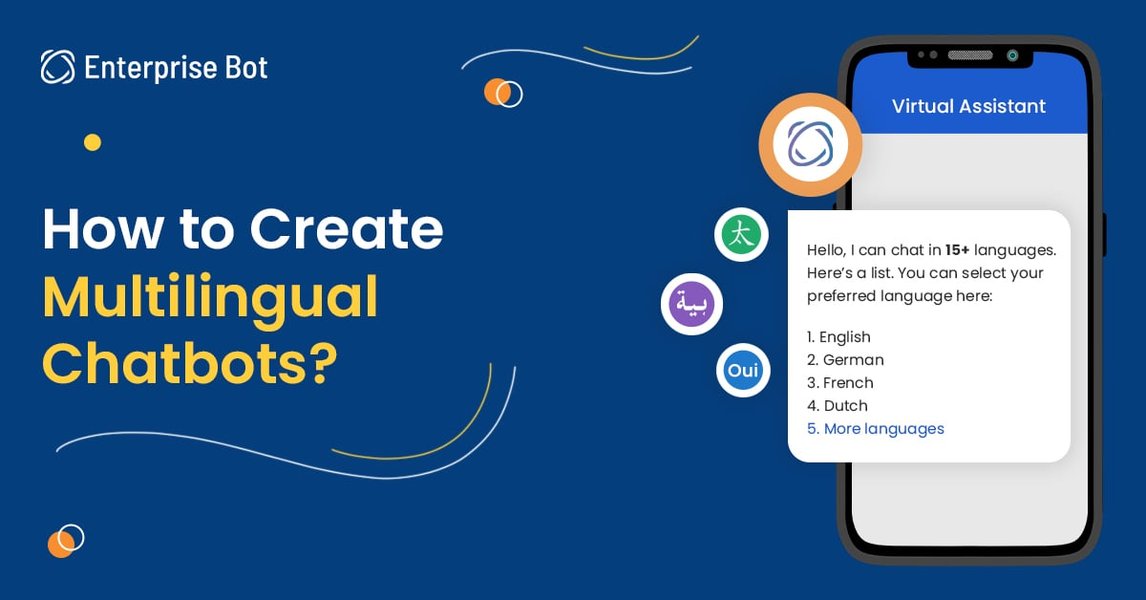
Key Highlights of Our Main Features
- Multilingual Mastery: Seamlessly communicate in your preferred language, ensuring universal accessibility and local nuance.
- Comprehensive and Up-to-Date Responses: Integrate current, context-rich insights drawn from multiple reliable sources into a detailed answer.
- Visual & Contextual Integration: Utilize visual aids, structured data, and intuitive narratives to bring complex information to life.
In-Depth Overview of Core Features
1. Multilingual Support and Natural Language Understanding
One of the defining strengths is the ability to understand and respond in multiple languages. This enables interaction with a diverse global audience. Whether you need assistance in English, Spanish, French, or any other language, the assistant quickly adapts to offer accurate, context-aware answers. This capability leverages advanced Natural Language Processing (NLP) algorithms that capture nuances in conversation, ensuring that responses maintain both clarity and cultural relevance.
Key Capabilities:
- Seamless detection of language based on user input.
- Contextual understanding that adapts to idiomatic expressions and cultural references.
- Continuous learning from ongoing interactions to better adjust language fluency and style.
2. Comprehensive and Dynamic Information Synthesis
This feature synthesizes data from myriad sources to provide comprehensive, nuanced answers tailored to each query. It integrates insights from diverse contexts, ensuring that the user receives a holistic and accurate response. Whether addressing technical queries, service characteristics, or personality features, the assistant’s algorithm integrates verifiable insights with a user-centric approach.
Highlights of Information Synthesis:
- Real-time access to up-to-date information to maintain relevance.
- A blend of data from multiple reliable sources, ensuring quality and breadth.
- Ensured clarity by merging similar concepts and avoiding repetition, thereby delivering a unified and structured answer.
3. Visual Aid Integration and Data Presentation
In addition to textual explanations, this assistant is capable of integrating visual elements that enhance understanding. Whether you benefit from a conceptual diagram, graphics, or dynamic charts, visual aids such as a radar chart, images, and even embedded videos illuminate the data being discussed. Visual representations help break down complex ideas into interpretable segments, making the overall experience more engaging and accessible.
Visual Tools and Enhancements:
- Dynamic radar chart representing feature distribution across key dimensions.
- Relevant images that serve as visual cues for understanding and context.
- A concise table summarizing feature highlights for quick review.
4. Context Awareness and Personalized Responses
Tailoring responses to the individual's query is another cornerstone. The assistant's design ensures that answers are not generic, but dynamically adapted to the context provided. This means recognizing specific requirements, understanding prior conversational history, and offering information that is both relevant and actionable.
Notable Personalization Aspects:
- Maintenance of contextual flow throughout the conversation.
- Real-time adaptation based on user feedback and input nuances.
- Focused responsiveness that prioritizes user-specific needs over generic explanations.
5. Enhanced Code Generation and Integration Capabilities
For users engaging in development or technical explorations, the assistant offers advanced context-aware code generation and completion. This feature is especially useful for creating automated tests, code snippets, and detailed technical guidance. It not only improves productivity but also reduces errors by providing code suggestions that align with the user's specific context and coding style.
Technical Enhancements:
- Context-aware code snippet generation that matches user requirements.
- Advanced code completion suggestions supporting multiple programming languages.
- Integration with modern development tools to boost coding efficiency.
Visual Representation: Feature Distribution Radar Chart
Below is a radar chart illustrating the distribution and emphasis on the assistant's core features. This chart represents our opinionated analysis based on the integration of multilingual, synthesis, and technological support aspects.
Feature Summary Table
The table below provides a comprehensive summary of the assistant's main features. This table encapsulates their essence in terms of capabilities, benefits, and user impact.
| Feature | Capabilities | User Benefits |
|---|---|---|
| Multilingual Support | Language detection, cultural nuance, NLP-driven precision | Accessible, inclusive, locally relevant communication |
| Comprehensive Synthesis | Data integration from multiple sources, context-aware responses | Accurate, reliable, and up-to-date answers |
| Visual Aid Integration | Dynamic charts, images, tables, and video support | Enhanced understanding and engagement |
| Context Awareness | Maintenance of conversational context, personalized responses | Relevant, actionable, and user-tailored outputs |
| Advanced Code Generation | Context-aware code snippet and test generation | Increased efficiency and reduced errors for developers |
Embedded Video: In-Depth Look at Product and Feature Differentiation
Below is an embedded video that explores the nuances between product features and benefits. Although it is primarily focused on product marketing, it offers insights into how distinguishing unique capabilities can enhance user experience—a concept that parallels our approach to feature integration.
Relevant Images of Visual Representations

This image represents creative infographic layouts that encapsulate key features in a visually appealing manner.
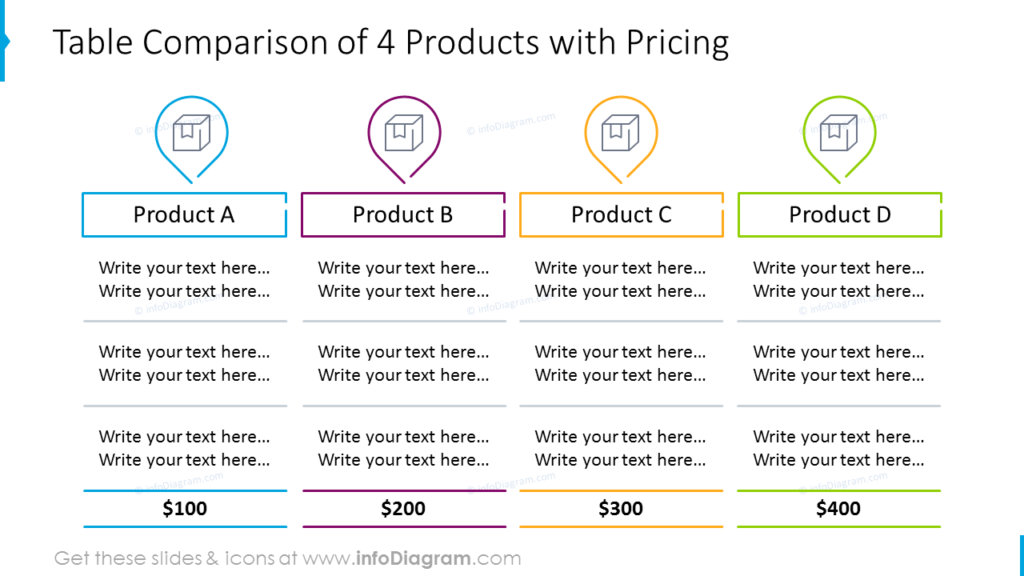
This image illustrates effective product showcasing, emphasizing visual integration and clear messaging.
Frequently Asked Questions (FAQ)
References
- What Is Service: Definitions, Concept, Characteristics, ... - Business Management Ideas
-
7 Important Characteristics of Services - Your Article Library
- 4 Characteristics of Service: Intangibility, Inseparability, Variability, Perishability - Iedunote
- Service Marketing Characteristics Of A Service - Learn Marketing
- Explain characteristics of services - THE ABC'S OF MARKETING
Recommended Queries for Further Exploration
Last updated April 3, 2025