
Unlock Network Resilience: Exploring QoS Simulation Beyond Linux tc
Discover powerful tools and techniques to mimic real-world network conditions and ensure your applications perform flawlessly under stress.
Simulating Quality of Service (QoS) is crucial for understanding how network applications behave under varying conditions like limited bandwidth, high latency, or packet loss. While the Linux tc (traffic control) command is a fundamental and powerful tool for manipulating network traffic directly within the kernel, several other tools and platforms offer similar or complementary functionalities, often with different interfaces or focuses. These tools allow developers, network engineers, and researchers to create controlled environments to test application performance, validate network designs, and ensure reliability before deployment.
Key Insights into QoS Simulation Tools
- Linux
tcis Foundational: It provides granular, kernel-level control over traffic shaping, scheduling, policing, and emulation (via Netem) but can have a steep learning curve. - Diverse Alternatives Exist: Tools range from simpler user-space utilities (Trickle) and graphical interfaces (tcgui) to comprehensive network simulators (GNS3, Packet Tracer) and specialized hardware/software impairment testers.
- Simulation Goals Vary: Choose tools based on whether you need simple bandwidth limiting, complex network topology simulation, realistic impairment emulation, or integrated monitoring and analysis.
Deep Dive into Linux Traffic Control (tc)
The Kernel's Network Swiss Army Knife
Linux tc is a command-line utility, part of the iproute2 package, that interfaces directly with the Linux kernel's traffic control subsystems. It's the standard tool for managing network traffic on Linux systems, offering fine-grained control over how packets are queued, prioritized, and transmitted.
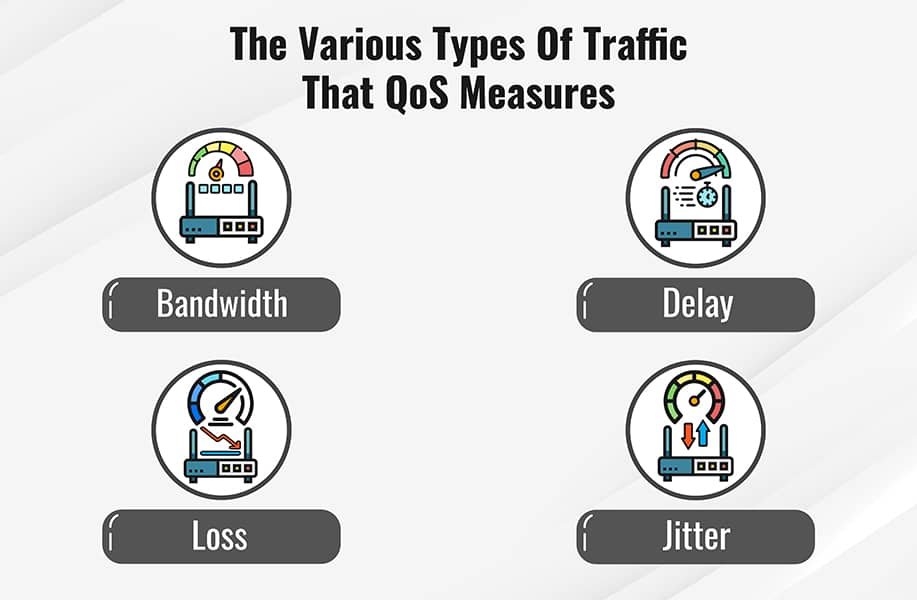
Visual representation of how QoS prioritizes network traffic.
Core Capabilities:
- Shaping: Controlling the rate of outgoing traffic to prevent overwhelming downstream devices or adhere to service level agreements. Bandwidth limits can be set using various algorithms.
- Scheduling: Determining the order in which queued packets are sent. Different queuing disciplines (qdiscs) like FIFO, SFQ, or HTB can be used to manage fairness or priorities.
- Classification: Categorizing packets based on criteria like source/destination IP address, port numbers, or DSCP markings, allowing different rules to be applied to different types of traffic.
- Policing: Limiting incoming traffic, often by dropping packets that exceed a defined rate. Unlike shaping, policing doesn't typically buffer excess traffic.
- Emulation (Netem): Simulating adverse network conditions.
Key Components within tc:
- Queuing Disciplines (qdiscs): Algorithms that manage how packets are stored and forwarded. Examples include:
- HTB (Hierarchical Token Bucket): A versatile classful qdisc for creating complex hierarchical bandwidth allocation structures. Ideal for guaranteeing bandwidth to specific traffic classes while allowing borrowing of unused bandwidth.
- TBF (Token Bucket Filter): A simpler classless qdisc for basic rate limiting.
- SFQ (Stochastic Fairness Queuing): A classless qdisc that promotes fairness among different flows by hashing them into separate queues.
- Netem (Network Emulator): A specialized qdisc used to add artificial delay, jitter, packet loss, duplication, corruption, and reordering to traffic. It's invaluable for simulating WAN conditions or unreliable links. For example:
tc qdisc add dev eth0 root netem delay 100ms 10ms loss 5%adds a 100ms delay (±10ms jitter) and 5% packet loss to the eth0 interface.
- Classes: Used with classful qdiscs (like HTB) to divide bandwidth and apply different rules to different categories of traffic.
- Filters: Mechanisms (like
u32orfwmark) used to classify packets and direct them to the appropriate class or qdisc.
While incredibly powerful, mastering tc requires understanding networking concepts and its specific syntax, which can be complex. It operates directly on network interfaces, providing system-wide control.
Exploring Alternatives and Complements to tc
Finding the Right Tool for Your QoS Simulation Needs
Beyond tc, a variety of tools cater to different QoS simulation requirements, often offering simpler interfaces or broader network modeling capabilities.
User-Space and Simplified Traffic Shapers
- Trickle: A lightweight, user-space bandwidth shaper. It's simpler than
tcand focuses on limiting the bandwidth usage of specific applications rather than entire network interfaces. Useful for quick, per-process rate limiting. - TrafficToll: Aims to provide functionality similar to Windows' NetLimiter on Linux, allowing per-application and per-interface bandwidth control. It can offer a more intuitive approach for users accustomed to graphical bandwidth managers.
- Shorewall: Primarily a firewall configuration tool, Shorewall includes features for traffic shaping that act as a higher-level abstraction over
tc. It simplifies setting up shaping rules through configuration files rather than directtccommands.
Graphical Interfaces for tc
- tcgui: A Python-based web interface designed to manage basic
tctraffic shaping rules. It provides a visual way to add, view, and remove rules, makingtcmore accessible for simpler, short-term simulation tasks.
Demonstration of tcgui, a web-based GUI for managing Linux traffic control rules.
This video showcases tcgui, providing a visual alternative for managing some of the functionalities offered by the command-line tc tool. While command-line tools like tc offer maximum flexibility, GUIs can lower the entry barrier for common tasks like setting bandwidth limits or introducing basic delays, making QoS simulation accessible to a wider audience or for quicker setup in testing environments.
Comprehensive Network Simulators/Emulators
These tools allow modeling entire network topologies, including routers, switches, links, and end hosts, providing a platform to test QoS policies in a broader context.
- GNS3 (Graphical Network Simulator 3): An open-source simulator primarily used for emulating network hardware (like Cisco IOS, Juniper JUNOS). Users can build complex virtual networks and configure QoS policies on the emulated devices.
- Cisco Packet Tracer: A popular educational tool from Cisco for designing, configuring, and troubleshooting virtual networks. It supports basic QoS configuration and visualization.
- Huawei eNSP (Enterprise Network Simulation Platform): A graphical simulator focused on Huawei network equipment, allowing users to practice configuration, including QoS features.
- NS-2/NS-3 (Network Simulator): Widely used in academic research for simulating network protocols and performance, including detailed QoS mechanism evaluation. Less focused on device emulation, more on protocol behavior.
- Keysight EXata: A commercial "network digital twin" platform for high-fidelity simulation and emulation of large, complex networks, including detailed QoS analysis and testing.
- Mininet: An emulator primarily used for Software-Defined Networking (SDN) research, allowing rapid prototyping of networks on a single machine.
tccan be easily integrated into Mininet topologies to control link characteristics.
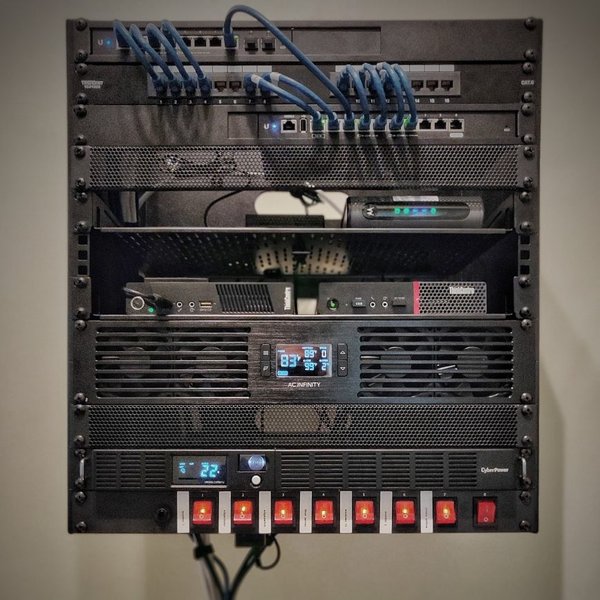
Example of a home lab setup which could utilize network simulation tools for testing.
Specialized Impairment Tools
- GL Communications Network Impairment Simulators: Offer hardware or software solutions specifically designed to introduce precise impairments (delay, loss, jitter, bandwidth limits) into live or test traffic streams for rigorous QoS testing.
Monitoring and Analysis Tools
While not simulators themselves, these tools are often used alongside simulation tools to measure and analyze the impact of QoS policies.
- SolarWinds NetFlow Traffic Analyzer: Provides detailed network traffic analysis and reporting, including QoS performance metrics, helping to validate simulation results.
- N-able QoS Monitoring Tool / Paessler PRTG: Offer monitoring capabilities to track QoS metrics like latency, jitter, and packet loss in real or simulated environments.
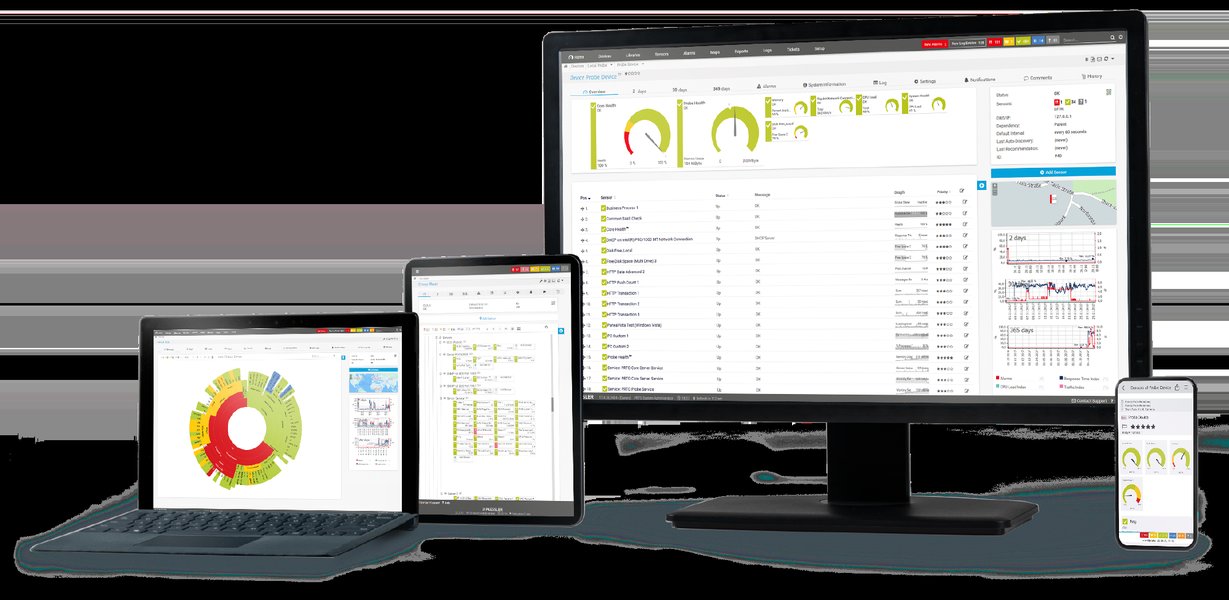
Example dashboard showing QoS monitoring metrics.
Comparing QoS Simulation Approaches
Choosing the Best Fit
The best tool depends on the specific simulation goal. tc offers precise, low-level control on a single Linux machine. Network simulators provide topology-level testing. User-space tools offer simplicity for basic tasks. The following table summarizes key characteristics of selected tools:
| Tool | Primary Function | Interface | Granularity | Complexity | Cost | Typical Use Case |
|---|---|---|---|---|---|---|
Linux tc |
Traffic Shaping, Scheduling, Policing | CLI | System/Interface | High | Free (Built-in) | Detailed kernel-level traffic control, impairment emulation via Netem. |
Netem (within tc) |
Network Impairment Emulation | CLI (via tc) |
System/Interface | Moderate (within tc) |
Free (Built-in) | Simulating latency, loss, jitter, reordering on a link. |
| Trickle | Bandwidth Shaping | CLI | Per-Application | Low | Free | Simple rate limiting for individual applications. |
| Shorewall | Firewall & Traffic Shaping | Configuration Files | System/Interface | Moderate | Free | Simplified setup of tc rules, often alongside firewall rules. |
| tcgui | Traffic Shaping GUI | Web GUI | System/Interface | Low | Free | Visual management of basic tc shaping rules for short-term tests. |
| GNS3 | Network Simulation/Emulation | GUI | Network Topology | High | Free | Building and testing complex virtual networks with device configurations (incl. QoS). |
| GL Impairment Tools | Network Impairment Emulation | GUI/API (Varies) | Link/Traffic Flow | Moderate-High | Commercial | Precise, high-performance impairment testing for labs and production testing. |
Visualizing Tool Capabilities
Relative Strengths of QoS Simulation Tools
This chart provides a visual comparison of selected tools based on key attributes relevant to QoS simulation. Ratings are relative and intended to illustrate general strengths:
As shown, tc offers high feature richness and flexibility but lower ease of use compared to GUI or simpler tools. GNS3 excels in scalability and community support for network-level simulation. Trickle and tcgui prioritize ease of use for specific tasks.
Mapping the QoS Simulation Landscape
Understanding Tool Categories
This mind map categorizes the various tools discussed based on their primary approach to QoS simulation, helping to visualize the relationships between different types of solutions.
- Delay
- Loss
- Jitter
- Reordering"] id2["User-Space Tools"] id2a["Trickle
(Per-Application Bandwidth)"] id2b["TrafficToll
(NetLimiter-like)"] id3["Higher-Level Interfaces"] id3a["Shorewall
(Firewall Integration)"] id3b["tcgui
(Web GUI for tc)"] id4["Network Simulators/Emulators"] id4a["GNS3"] id4b["Cisco Packet Tracer"] id4c["Huawei eNSP"] id4d["NS-2 / NS-3"] id4e["Keysight EXata"] id4f["Mininet"] id5["Specialized Impairment Tools"] id5a["GL Communications"] id6["Monitoring & Analysis"] id6a["SolarWinds NTA"] id6b["PRTG / N-able"]
The mind map illustrates that tc forms the core for direct traffic manipulation on Linux, while other tools provide alternative interfaces, operate at the application level, simulate entire networks, or specialize in impairment generation.
Frequently Asked Questions (FAQ)
Clarifying Common Queries
What exactly does Linux tc do?
Why simulate QoS instead of testing on a live network?
What's the difference between network simulation and emulation?
Which tool should I choose?
Recommended Next Steps
- Learn how to use Linux tc netem to simulate specific packet loss and latency scenarios.
- Explore a detailed comparison between GNS3 and Cisco Packet Tracer for network simulation tasks.
- Find practical examples of Hierarchical Token Bucket (HTB) configuration using Linux tc for advanced bandwidth management.
- Discover the best practices for effectively testing application performance under various simulated network conditions.
References
 168hours.wordpress.com
Last updated May 2, 2025