
Mastering Web Scraping for Micro Center Open Box Deals
Explore a robust Python solution to scrape, analyze, and save clearance computer data.
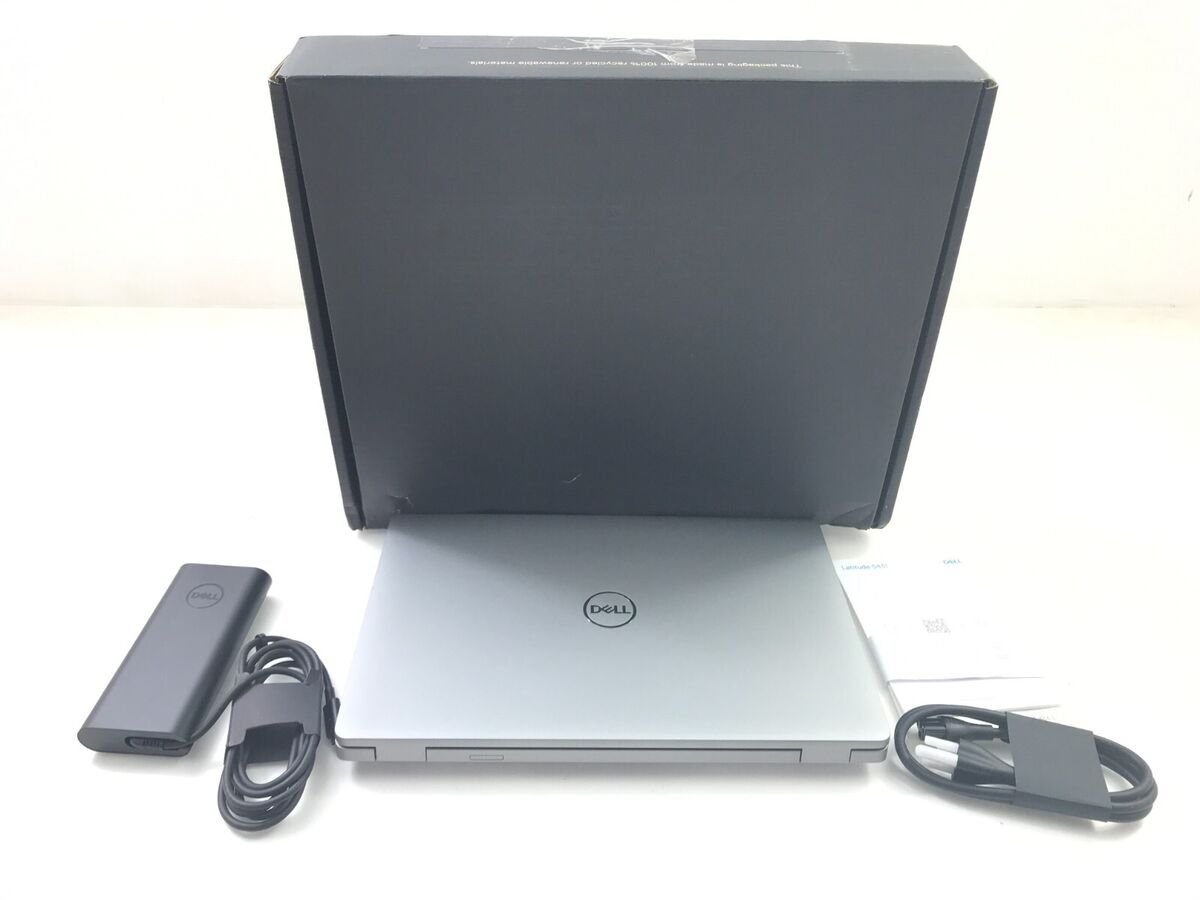
Key Insights
- Dynamic Content Handling: Use Selenium when JavaScript renders price data.
- Data Extraction & Calculation: Employ BeautifulSoup to parse HTML and calculate discount percentages.
- Data Organization: Sort results (most expensive to cheapest) and save to CSV using pandas.
Overview
This guide demonstrates a comprehensive Python solution that scrapes open box computer prices from Micro Center’s Chicago, IL store. The script scrapes the webpage, extracts details such as the computer’s name, its regular price, the discounted open box price, calculates the discount percentage, and then saves the collected data into a CSV file. The results are sorted from the most expensive computer to the least expensive.
Step-by-Step Python Code
Requirements
Please install the following Python libraries before running the code:
- requests
- beautifulsoup4
- pandas
- selenium
- webdriver-manager
You can install these via pip:
# Install libraries using pip
pip install requests beautifulsoup4 pandas selenium webdriver-manager
The Python Code
The following is a complete Python script that includes error handling, dynamic content extraction with Selenium, parsing with BeautifulSoup, discount calculation, and CSV file creation sorted by the open box price.
import time
import requests
from bs4 import BeautifulSoup
import pandas as pd
from selenium import webdriver
from selenium.webdriver.chrome.service import Service
from selenium.webdriver.common.by import By
from selenium.webdriver.support.ui import WebDriverWait
from selenium.webdriver.support import expected_conditions as EC
from webdriver_manager.chrome import ChromeDriverManager

def scrape_microcenter_openbox(url):
    """
    Scrapes open box computer data from Micro Center's clearance page for the Chicago, IL store.
    Returns a list of dictionaries with details about each computer.
    """
    # Set up Selenium with Chrome driver to handle dynamic content
    driver = webdriver.Chrome(service=Service(ChromeDriverManager().install()))
    # Open the target URL
    driver.get(url)

    try:
        # Wait until the products are loaded on the page
        WebDriverWait(driver, 15).until(
            EC.presence_of_element_located((By.CSS_SELECTOR, "div.product-list-item"))
        )
    except Exception as e:
        print("Error waiting for products to load:", e)
        driver.quit()
        return []

    # Use BeautifulSoup to parse the rendered page
    soup = BeautifulSoup(driver.page_source, 'html.parser')
    driver.quit()

    # The CSS selectors below are based on a sample site structure;
    # they may require adjustments if Micro Center changes their HTML layout.
    products = soup.select("div.product-list-item")

    data = []

    for product in products:
        try:
            # Extract product name/title
            name_elem = product.find('h2', class_='product-name')
            if not name_elem:
                continue
            name = name_elem.get_text(strip=True)

            # Extract open box (current) price element
            open_box_price_elem = product.find('span', class_='price-cleared-sale')
            # Likewise, extract the regular price element
            regular_price_elem = product.find('span', class_='price-regular')

            if open_box_price_elem and regular_price_elem:
                # Clean currency values: remove '$', commas, etc.
                open_box_price_str = open_box_price_elem.get_text(strip=True).replace('$', '').replace(',', '')
                regular_price_str = regular_price_elem.get_text(strip=True).replace('$', '').replace(',', '')
                try:
                    open_box_price = float(open_box_price_str)
                    regular_price = float(regular_price_str)
                except ValueError:
                    continue

                # Calculate discount percentage
                if regular_price > 0:
                    discount_percentage = ((regular_price - open_box_price) / regular_price) * 100
                else:
                    discount_percentage = 0.0

                data.append({
                    'Name': name,
                    'Regular Price': regular_price,
                    'Open Box Price': open_box_price,
                    'Discount Percentage': round(discount_percentage, 2)
                })
        except Exception as ex:
            print("Error parsing a product:", ex)
            continue

    return data

def save_data_to_csv(data, filename):
    """
    Saves the scraped data to a CSV file after sorting by open box price
    from most expensive to the cheapest.
    """
    # Create a DataFrame from the data list of dictionaries
    df = pd.DataFrame(data)
    # Sort by 'Open Box Price' column in descending order
    df.sort_values(by='Open Box Price', ascending=False, inplace=True)
    # Write the DataFrame to CSV
    df.to_csv(filename, index=False)
    print("Data successfully saved to", filename)

if __name__ == "__main__":
    # URL for Micro Center clearance open box computers for Chicago IL store
    # This URL is an example and might need adapting to reflect actual filtering.
    url = "https://www.microcenter.com/site/content/search?location=IL-Chicago&catId=4294931513&clearanceOpenBox=true"
    scraped_data = scrape_microcenter_openbox(url)

    if scraped_data:
        save_data_to_csv(scraped_data, 'microcenter_openbox_prices.csv')
    else:
        print("No data scraped. Please check the URL or selectors.")
Detailed Explanation
Selenium for Dynamic Content
This script utilizes Selenium to render JavaScript-loaded content. This is crucial when the price data isn’t directly available in the static HTML delivered by requests. The driver waits until the page populates the product list before retrieving the page source for parsing.
Data Extraction With BeautifulSoup
After JavaScript execution, BeautifulSoup parses the HTML to extract relevant information such as the product title, open box price, and regular price using appropriate CSS selectors. Prices are cleaned to remove characters like the dollar sign and commas.
Discount Calculation and Sorting
The discount percentage is computed using the formula:
\( \text{discount\_percentage} = \left(\frac{\text{regular\_price} - \text{open\_box\_price}}{\text{regular\_price}}\right) \times 100 \)
Results are then stored in a pandas DataFrame and sorted in descending order by the open box price (most expensive to cheapest). Finally, the DataFrame is saved as a CSV file.
Data Organization Visualized
Sample Data Table
| Name | Regular Price | Open Box Price | Discount Percentage (%) |
|---|---|---|---|
| Example Computer A | 1200.00 | 999.99 | 16.67 |
| Example Computer B | 1500.00 | 1300.00 | 13.33 |
| Example Computer C | 1100.00 | 950.00 | 13.64 |
References
- Web Scraping with Python - Bright Data
- Scrape Data from Website to CSV - WebScrapeAI
-
Python Web Scraping Data to CSV - HackTheDeveloper
- BeautifulSoup Documentation - Crummy
- Pandas Documentation - pandas
Recommended Queries
Last updated March 25, 2025