
Developing Software for the Nintendo NES
A comprehensive guide to designing and programming NES software
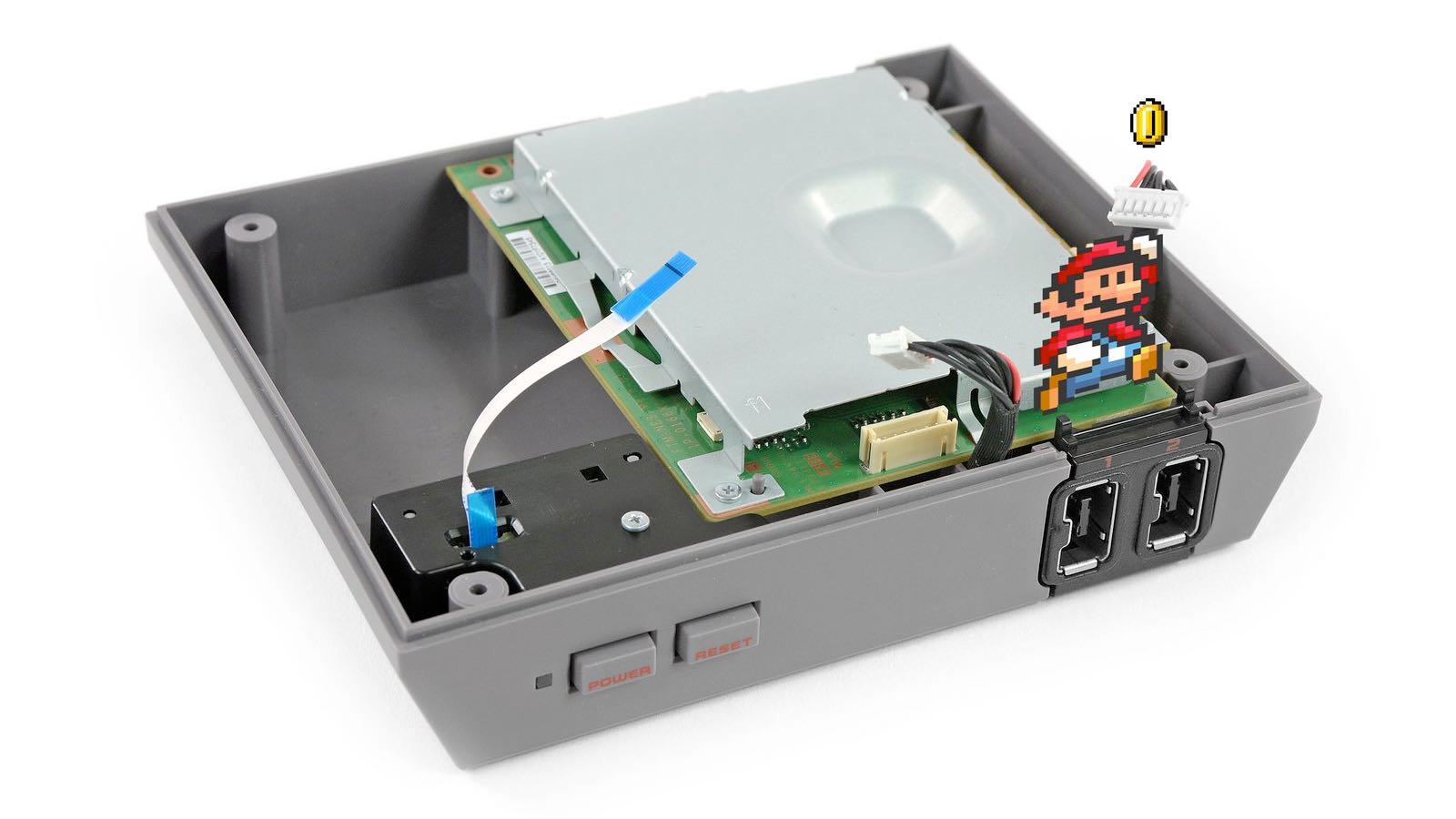
Key Takeaways
- Mastering Low-Level Programming: Understanding the 6502 assembly language and NES architecture is essential.
- Setting Up Your Environment: Choosing the right development tools, including assemblers, compilers, and emulators, forms the backbone of your development process.
- Iterative Development and Testing: Begin with small projects and use robust debugging tools to gradually build more complex software.
Introduction
Developing software for the Nintendo Entertainment System (NES) is both a challenging and rewarding venture. It combines learning low-level programming with a deep dive into vintage hardware architecture. While the NES has limited hardware compared to modern systems, it offers a unique platform to understand the intricacies of early game development. This guide covers everything you need to know—from understanding the basic architecture and programming languages to setting up your development environment and debugging your software.
In the following sections, we will explore the essential components of NES programming, outline the tools and resources you need, and provide step-by-step instructions to help you create your very own NES game or application.
Understanding the NES Architecture
Overview of the NES Hardware
The NES is powered by a custom 8-bit microprocessor based on the 6502 architecture, often referred to as the 2A03 in North American systems and the 2A07 in European variants. The console is built with several key components:
- CPU (2A03/2A07): This is the central processing unit, which executes the 6502 assembly instructions that form the backbone of NES games.
- PPU (Picture Processing Unit): This component handles the rendering of graphics, including sprites, tiles, and backgrounds. Understanding the PPU is vital for creating compelling visuals.
- Memory: The NES has limited RAM and ROM spaces. Knowing the memory map, which includes areas such as the zero page and fixed memory banks, is crucial for efficient programming.
- Audio: The NES includes a sound processing unit that uses simple waveforms and noise channels to create game audio.
Effective NES development requires a thorough grasp of these elements and an appreciation for the constraints and possibilities they offer.
The Importance of 6502 Assembly Language
Most classic NES software was directly programmed in 6502 assembly language—a low-level language that gives you precise control over the hardware. Learning assembly can be challenging, however, it allows you to optimize your software for performance and memory usage, which is essential on the limited hardware of the NES.
For those who prefer a slightly higher-level approach, programming in C with a compiler like cc65 is also an option. While this approach can simplify development, keep in mind that familiarity with assembly and the NES's hardware remains invaluable.
Setting Up Your NES Development Environment
Choosing Your Tools
The first step in your NES development journey involves setting up a robust environment. This includes choosing the right programming language, assembler or compiler, emulator, and additional tools for graphics and audio creation.
Programming Languages and Assemblers
As mentioned earlier, you can choose between 6502 assembly language and C. If you opt for assembly, popular assemblers include:
- NESASM3 or asm6: These are commonly used assemblers that efficiently convert your assembly code into machine code that the NES can execute.
- CC65: A cross-compiler that allows you to write NES software in C. Although it may not be as efficient as assembly, it can be a great starting point for novice programmers.
Development Editors and IDEs
While simple text editors can suffice, using an Integrated Development Environment (IDE) can significantly speed up your development process. Editors like Notepad++, Atom, or Visual Studio Code (with appropriate plugins for assembly or C) provide syntax highlighting, auto-completion, and debugging support.
Emulators for Testing and Debugging
Emulators play a crucial role in NES development. They allow you to run your ROM files on modern computers and provide essential debugging features. Some of the most popular emulators include:
- FCEUX: Known for its robust debugging tools, this emulator is a favorite among NES developers.
- Mesen: Offers advanced debugging capabilities and high compatibility with NES software.
- Nestopia: Another reliable emulator that supports a variety of NES features.
Additional Tools for Graphics and Audio
Creating visuals for your NES software involves working with tiles and sprites. Tools such as YY-CHR are dedicated to designing and editing these graphics. Similarly, there are specialized tools for creating and testing audio samples that conform to the NES sound hardware.
Organizing Your Development Process
A well-organized development process is essential for managing the complexity of NES programming. An effective strategy involves:
- Starting Small: Begin with simple projects such as a "Hello, World" display or a basic sprite render. This allows you to get comfortable with the NES’s architecture and the development tools.
- Incremental Learning: Gradually introduce more complex features such as background scrolling, sprite collision, and audio playback into your projects.
- Iterative Testing: Use your chosen emulator to frequently test your code. Debugging early and often makes it easier to identify issues and improve your code efficiency.
- Documentation: Keeping detailed notes and commenting your code helps manage the complexity and makes future modifications easier.
Programming Your NES Software
Starting With a Basic Program
A conventional first project is to create a minimal working example, often a "Hello, World" or a simple sprite animation. This program will help you become comfortable with the fundamentals of the NES hardware and software compilation. When you start writing a program:
- Ensure your code follows the correct structure for NES ROMs, including headers and memory allocation sections.
- Make use of basic routines to initialize the PPU and set up the screen.
- Incrementally build up from displaying static graphics to more dynamic animations or gameplay elements.
Below is a simple example structure for a basic NES program written in assembly:
; NES Header (iNES format)
  .inesprg 1         ; PRG ROM size in 16 KB units
  .ineschr 1         ; CHR ROM size in 8 KB units
  .inesmap 0         ; Mapper number
  .inesmir 1         ; Mirroring flag: vertical

; Reset vector
  .org $C000
RESET:
  SEI                ; Disable interrupts
  CLD                ; Clear decimal mode
  LDX #$FF
  TXS                ; Set up stack

  ; Initialize graphics or other systems here

MAIN_LOOP:
  JMP MAIN_LOOP    ; Infinite loop to keep the program running

; Interrupt vectors
  .org $FFFA
  .dw 0            ; NMI vector (if used)
  .dw RESET        ; Reset vector
  .dw 0            ; IRQ/BRK vector (if used)
This program sets up a basic runtime environment. As you gain confidence, you can integrate more sophisticated routines for handling graphics, sound, and user input.
Exploring Advanced Topics
Once you have mastered the basics, you can explore more advanced concepts in NES development:
- Tile-Based Graphics: NES graphics are based on tiles arranged into backgrounds and sprites. Understanding how to manipulate these tiles, manage palettes, and handle scrolling is key to creating rich visual experiences.
- Memory Management: With limited RAM and ROM, efficient memory handling is vital. Learn how to use the NES memory map to optimize your code and ensure smooth operation.
- Game Logic & Controllers: Implementing game logic includes everything from collision detection to user input processing through the NES controller ports. Directly interfacing with hardware registers enables precise control over game events.
- Audio Programming: Utilize the NES's sound channels and simple waveform generation capabilities to create engaging audio. Mastering the audio hardware helps to enhance the player experience significantly.
Tile Maps and Sprites
The graphical output of the NES is constructed using tile maps and sprite data. A tile map is essentially a grid where each cell represents a small graphic tile, while sprites are movable graphical objects that overlay the background. Your understanding of how to load these resources into memory and modify them in real-time is essential for dynamic game visuals.
Hardware Constraints and Optimization
NES hardware is resource-constrained by today's standards. As such, a significant part of programming involves optimization techniques:
- Cycle Counting: Being aware of the CPU cycles each instruction consumes can help you optimize performance, ensuring that your game runs smoothly even on constrained hardware.
- Efficient Use of Memory: Minimize memory usage and reuse code where possible. Techniques such as loop unrolling and careful staging of game logic can save both processing time and memory space.
- Interrupt Management: Proper handling of hardware interrupts, such as the Non-Maskable Interrupt (NMI) generated by the PPU, is crucial for synchronizing graphics updates and other time-sensitive tasks.
Compiling, Linking, and ROM Creation
After writing your code, you need to compile and link it into a ROM file that the NES or an emulator can run. This process typically involves:
- Using an assembler or compiler to convert your source code into object code.
- Linking the object files into a single binary ROM file, ensuring the inclusion of necessary headers (such as the iNES header) and correct memory mappings.
- Loading the ROM into an emulator for testing and debugging.
Debugging and Iterative Development
Debugging is an integral part of NES development. Given the low-level nature of the programming involved, even small errors can result in unexpected behavior. Emulators with built-in debugging tools allow you to:
- Step Through Code: Watch exactly how your program executes instruction by instruction.
- Inspect Memory: Monitor memory addresses and verify that data is stored and manipulated correctly.
- Set Breakpoints: Pause execution at critical points to diagnose issues in real time.
Iterative development, where you build, test, and refine small blocks of functionality, is key to managing the complexity of your projects. As you become more experienced, you may adopt more sophisticated debugging strategies, including the use of logging and automated testing routines.
Practical Project Workflow
Step-by-Step Development Process
Below is a practical workflow outlining the major steps required to develop NES software:
| Phase | Description |
|---|---|
| Learning & Research | Study the NES architecture, 6502 assembly, and available development tools. |
| Environment Setup | Install assemblers, compilers, text editors, and emulators. Configure your workspace. |
| Initial Programming | Create a simple program (e.g., a "Hello, World" or sprite demo) to test your setup. |
| Development & Testing | Incrementally build new features, continuously test using an emulator, and refine your code. |
| Advanced Features | Add complex game logic, detailed graphics handling, sound synthesis, and optimized routines. |
| Finalization | Compile and link your code into a ROM file, conduct thorough testing, and prepare for distribution. |
This structured workflow ensures that you maintain clear goals throughout your development process and can systematically address the challenges posed by NES hardware constraints.
Alternative Development Approaches
While most NES software is crafted using 6502 assembly, there are alternative approaches available:
- Using C with cc65: This method allows programmers who are more comfortable with C to work on NES projects. Though it may be less efficient, it serves as an excellent entry point into NES programming.
- Game Creation Tools: For those who prefer minimal coding, tools exist that simplify certain aspects of NES development. These tools may have limitations compared to custom code but can rapidly produce playable prototypes.
Documenting and Sharing Your Work
Importance of Community and Documentation
The NES development community is vibrant and passionate. Sharing your projects not only garners valuable feedback but also contributes to the collective knowledge of retro game programming. Maintaining comprehensive documentation for your project offers several benefits:
- Ease of Maintenance: Well-documented code is easier to modify and extend, whether by yourself or by other developers.
- Learning Resource: Your documented experiences can serve as a guide for beginners entering the field of NES programming.
- Collaboration: Sharing your methods and solutions can help you connect with other enthusiasts and even lead to collaborative projects.
Distribution and Real-World Testing
Once your software is complete, consider testing it on actual NES hardware. This might involve programming tools that allow you to burn your ROM onto a chip or using flash cartridges. While many developers remain content to test within emulators, running your project on original hardware can provide invaluable insights into the performance and potential quirks of the NES.
Additionally, publishing your work on community forums, dedicated websites, and repositories can help you reach an audience of fellow developers and retro gaming enthusiasts.
Conclusion
Developing software for the Nintendo NES is a multifaceted journey that takes you from low-level assembly programming to advanced hardware optimization. Through mastering the basics of the NES architecture, setting up a robust development environment, and progressing through iterative design and debugging, you can create engaging and authentic retro experiences. Whether you choose to write your software in 6502 assembly or use higher-level alternatives like C, every step of the process deepens your understanding of both the platform and the foundations of computing.
Embrace the challenges and intricacies of working with limited hardware, document your journey, and connect with the community to further your skills. The joy of bringing a piece of gaming history to life on the NES can be immensely rewarding and remains a testament to the enduring appeal of retro game development.
References
- Programming Language Tools - Reddit
- Create NES Game - GitHub
- NESdev Beginner's Guide - NESdev Forums
- NES Programming Guide - NESdev Wiki
- NES Starter Kit - GitHub
More
Last updated February 19, 2025