
Mastering Null Value Handling in Salesforce CRM Analytics
A Comprehensive Guide to Including and Managing Null Values for Enhanced Data Analysis
Key Highlights for Handling Null Values
- Enabling Null Value Inclusion: Configure your Salesforce CRM Analytics settings to include null values in queries, ensuring comprehensive data representation.
- Utilizing the Coalesce Function: Employ the `coalesce()` function to replace null values with specified alternatives, maintaining data integrity and sort order.
- Strategic Data Imputation: Implement data imputation techniques, such as replacing nulls with 0, mean, or median values, or use machine learning models for advanced imputation.
When working with data in Salesforce CRM Analytics, handling null values is crucial for accurate and comprehensive analysis. Null values, representing missing or unknown data, can significantly impact your insights if not managed correctly. This guide provides a detailed overview of how to effectively allow and handle null values in Salesforce CRM Analytics, ensuring you get the most out of your data.
Understanding Null Value Handling in CRM Analytics
Null values can arise for various reasons, such as incomplete data entry, system errors, or data integration issues. By default, Salesforce CRM Analytics may exclude or treat null values in a way that skews your analysis. Therefore, it's essential to configure your settings to include null values and then implement strategies to handle them appropriately.
Enabling Null Value Inclusion
To ensure that null values are included in your CRM Analytics queries, follow these steps:
- Navigate to Setup: Go to your Salesforce Setup menu.
- Find Analytics Settings: Use the Quick Find box to search for "Analytics" and select "Settings."
- Enable Null Value Inclusion: Look for the option labeled "Include null values in CRM Analytics queries" and select it.
- Save Your Settings: Click "Save" to apply the changes.
By enabling this setting, you instruct CRM Analytics to recognize and include null values in your datasets and queries, providing a more complete view of your data.
Strategies for Handling Null Values
Once null values are included, you need to decide how to handle them. Here are several strategies you can employ:
- Coalesce Function:
- The `coalesce()` function is useful for replacing null values with a specified value. This is particularly helpful for maintaining data integrity and ensuring that records are not lost during sorting.
- For example, you can replace null values with "-", "0", or any other placeholder that makes sense for your data.
- Data Imputation:
- Data imputation involves replacing null values with estimated or calculated values. Common methods include:
- Replacing with 0: Suitable for numeric fields where a missing value can reasonably be interpreted as zero.
- Replacing with Mean/Median: Calculate the mean or median of the non-null values in the column and use that to fill in the nulls. This is useful for maintaining the distribution of the data.
- Machine Learning Models: For more sophisticated imputation, you can use machine learning models to predict the missing values based on other variables in your dataset.
- Data imputation involves replacing null values with estimated or calculated values. Common methods include:
- Conditional Logic:
- Use conditional statements (e.g., IF, THEN, ELSE) to handle null values differently based on specific criteria.
- For example, you might assign different categories or labels based on whether a value is null or not.
Practical Implementation with Recipes and Dataflows
Salesforce CRM Analytics offers tools like recipes and dataflows to transform and manipulate data. Here's how you can use these tools to handle null values:
- Recipes:
- Recipes allow you to define transformations on your data, including handling null values.
- You can use the "Predict Missing Values" transformation to automatically impute missing values in categorical fields.
- Recipes provide a user-friendly interface to apply various data transformations without writing code.
- Dataflows:
- Dataflows are used for more complex data transformations and integrations.
- You can use the dataflow editor to modify datasets and define how null values are handled.
- Dataflows allow you to flag null values, group by null values, and perform other advanced data manipulations.
Example: Using the Coalesce Function in a Recipe
Suppose you have a field called "Opportunity Name" that sometimes contains null values. To replace these null values with "No Name," you can use the `coalesce()` function in a recipe:
// Example of using coalesce() in a recipe transformation
New Field Value = coalesce('Opportunity Name', "No Name")
This transformation creates a new field called "New Field Value" that contains the value of "Opportunity Name" if it's not null, and "No Name" if it is null.
Example: Imputing Missing Values in a Dataflow
In a dataflow, you can use the `computeExpression` transformation to impute missing values. For example, to replace null values in a numeric field called "Revenue" with the average revenue, you can use the following expression:
// Example of imputing missing values in a dataflow
Revenue_Imputed = IF(ISNULL(Revenue), Average_Revenue, Revenue)
Where `Average_Revenue` is a field that contains the calculated average revenue.
Best Practices for Working with Null Values
To effectively manage null values in Salesforce CRM Analytics, consider these best practices:
-
Document Your Approach: Clearly document how you handle null values in your data transformation processes. This ensures consistency and makes it easier for others to understand your approach.
-
Understand the Impact: Be aware of how different null handling strategies can impact your analysis. Choose the method that best suits your data and your analytical goals.
-
Test Your Transformations: Thoroughly test your data transformations to ensure that null values are handled correctly and that your analysis is accurate.
-
Monitor Data Quality: Regularly monitor your data quality to identify and address the root causes of null values.
Illustrative Table: Null Value Handling Techniques
The following table summarizes various techniques for handling null values in Salesforce CRM Analytics, along with their typical use cases and considerations. This overview will help you select the most appropriate method for your specific data scenario.
| Technique | Description | Use Case | Considerations |
|---|---|---|---|
| Coalesce Function | Replaces null values with a specified value. | Ensuring fields have a non-null value for sorting or display purposes. | Choose a replacement value that is meaningful in the context of the data. |
| Imputation with 0 | Replaces null values with zero. | Numeric fields where a missing value can reasonably be interpreted as zero (e.g., sales quantity). | May skew the distribution of the data if many values are missing. |
| Imputation with Mean/Median | Replaces null values with the average or middle value of the non-null entries. | Numeric fields where you want to maintain the overall distribution of the data. | Sensitive to outliers, especially the mean. Consider using the median for skewed distributions. |
| Machine Learning Imputation | Uses machine learning models to predict and fill in missing values based on other variables. | Complex datasets where missing values are related to other variables. | Requires more advanced knowledge and computational resources. Ensure the model is properly trained and validated. |
| Conditional Logic | Uses IF, THEN, ELSE statements to handle null values based on specific criteria. | Categorizing or labeling data differently based on whether a value is null. | Define clear and logical conditions to ensure accurate handling of null values. |
Visualizing CRM Analytics Dashboards
Salesforce CRM Analytics dashboards provide a visual representation of your data, allowing you to quickly identify trends, patterns, and insights. Properly handling null values is crucial for accurate and meaningful visualizations. Here are some examples of how CRM Analytics dashboards can be used to visualize data with effective null value management:
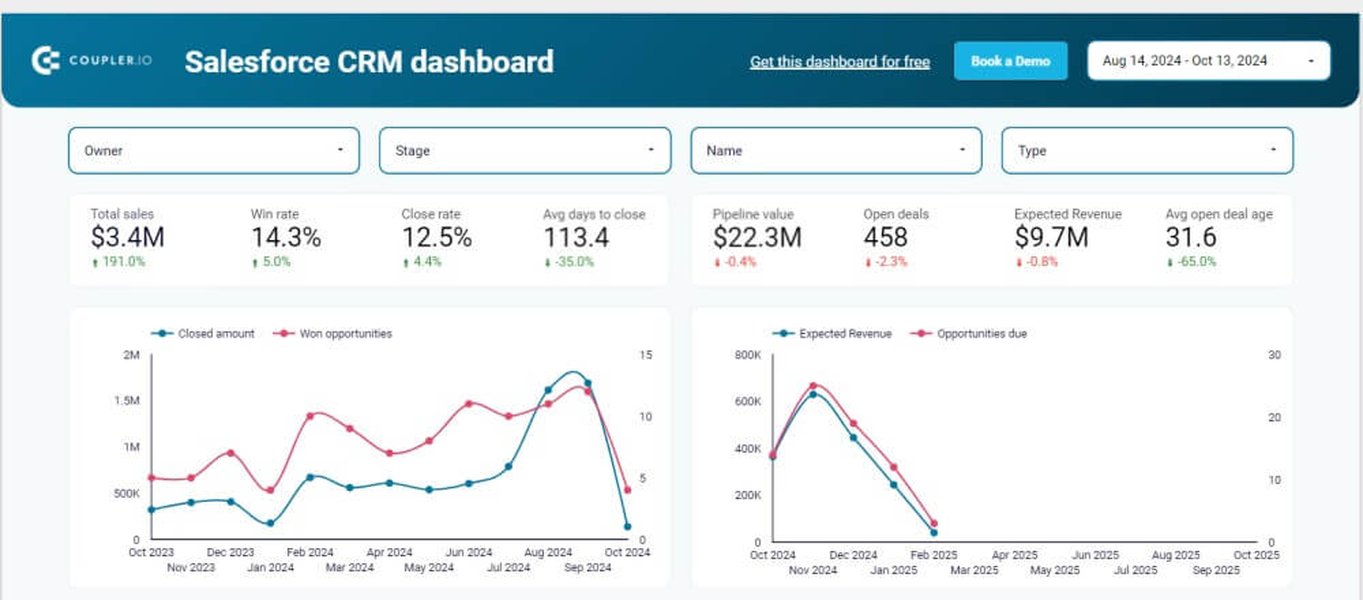
Example of a Salesforce CRM Dashboard
Dashboards can present data in various formats, including charts, tables, and graphs, providing an interactive way to explore your data. Consider utilizing bucket fields to organize and group data for clearer visualization.
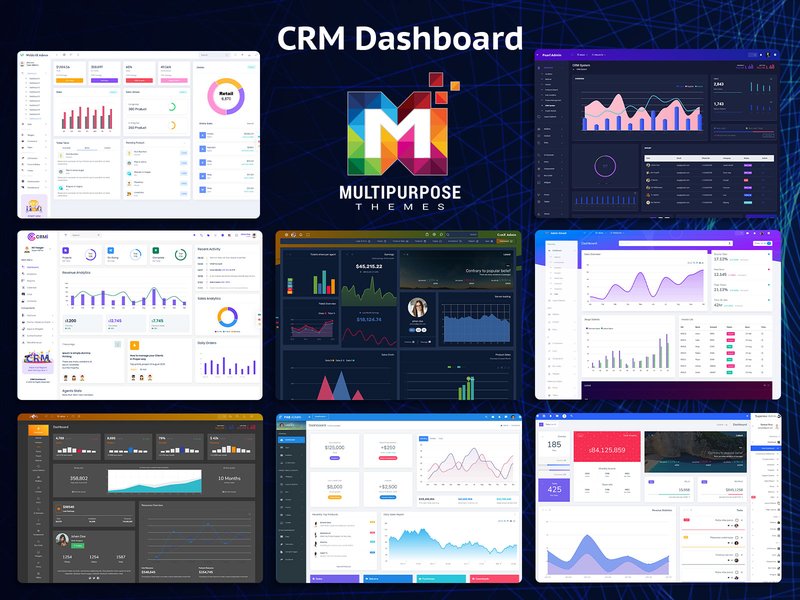
Illustrative CRM Analytics Dashboard
Incorporating dynamic visualizations can enhance the user experience and provide deeper insights into your CRM data. Ensure your dashboards reflect accurate data by managing null values appropriately.
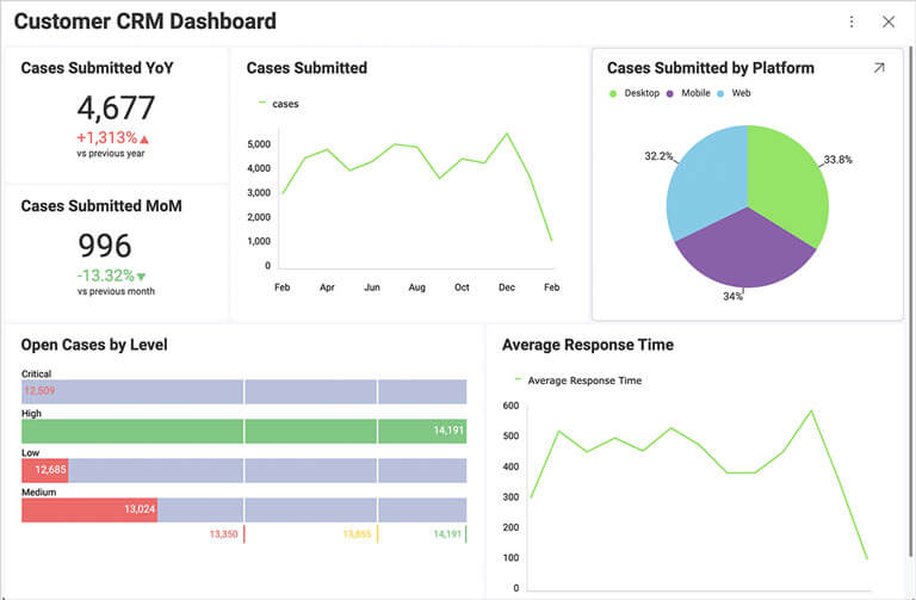
Example of an Embedded CRM Analytics Dashboard
These dashboards typically include key performance indicators (KPIs), sales performance metrics, customer behavior analysis, and other relevant data points to help businesses make informed decisions. Visualizing data with effective null value management ensures that the insights derived from these dashboards are accurate and reliable.
Youtube Video: Handling Missing Data
Effectively managing missing data is crucial for accurate analysis and decision-making. This video provides practical strategies for handling and reporting data with missing values, helping to ensure the reliability of your insights.
FAQ: Handling Null Values in Salesforce CRM Analytics
How do I enable null value handling in Salesforce CRM Analytics?
To enable null value handling, go to Setup, search for "Analytics" in the Quick Find box, select "Settings," and then choose "Include null values in CRM Analytics queries." Save your settings to apply the changes.
What is the coalesce() function and how can I use it?
The coalesce() function is used to replace null values with a specified value. For example, coalesce('Opportunity Name', "No Name") will replace any null values in the "Opportunity Name" field with "No Name."
What are some common data imputation techniques for handling null values?
Common data imputation techniques include replacing null values with 0, the mean, or the median of the non-null values. You can also use machine learning models for more advanced imputation.
How can I use recipes to handle null values in CRM Analytics?
Recipes provide a user-friendly interface to transform your data. You can use the "Predict Missing Values" transformation to automatically impute missing values in categorical fields, or use expressions to replace null values with specified values.
What are the best practices for working with null values in CRM Analytics?
Best practices include documenting your approach, understanding the impact of different null handling strategies, testing your transformations, and regularly monitoring data quality.
References
Last updated April 11, 2025