
Unlocking Your Potential: Mastering Project 50 in Notion
Discover the structured self-improvement journey fixed into a 50-day challenge.
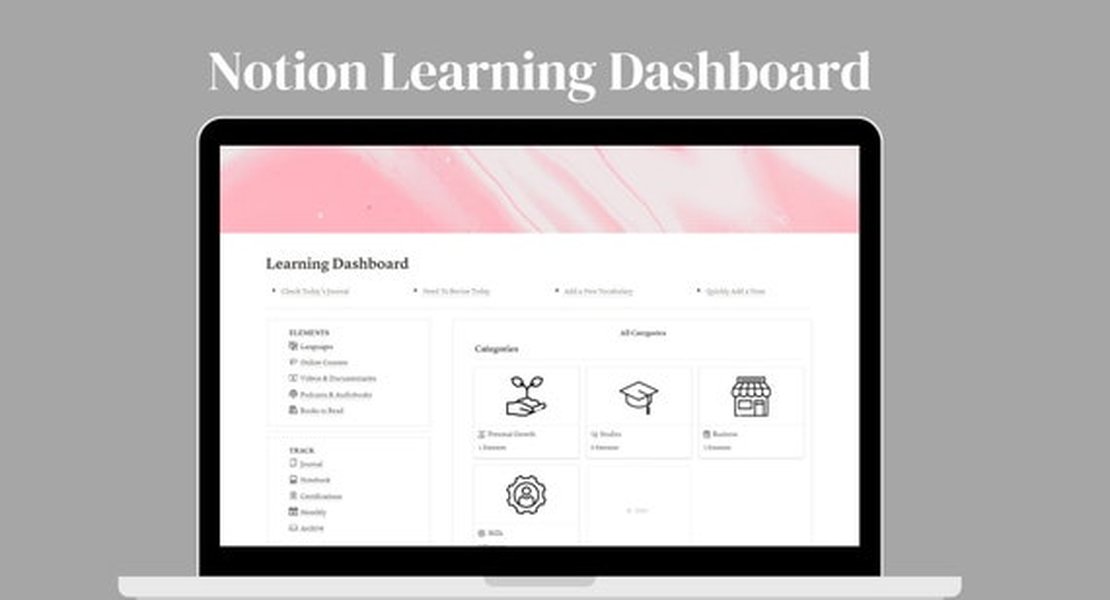
Key Highlights
- Comprehensive Tracking: Integrate habit tracking, journaling, and goal-setting in one central hub.
- Customizable Features: Personalize your workspace with dashboards, progress rings, and unique widget integrations.
- Motivating Interface: Leverage intuitive visualizations and charts to stay accountable and inspired.
Understanding the Project 50 Challenge in Notion
The Project 50 Challenge is a transformative 50-day commitment crafted to help you set meaningful goals, develop healthy habits, and stimulate significant personal growth. Central to this journey is utilizing Notion—a versatile tool that has become a catalyst for self-improvement enthusiasts. Notion’s flexible environment allows you to create and modify templates that suit your challenges, from daily task management to elaborate journaling systems.
At its core, Project 50 is about intentionally shaping your life through disciplined daily actions. Participants engage in a series of predefined tasks and guidelines designed to empower them to focus on self-improvement. The challenge encourages sustained effort, reflection, and continuous progress monitoring, providing a structured blueprint for turning aspirations into tangible outcomes.
Key Components of Project 50 Notion Templates
Multiple Notion templates available for Project 50 incorporate various features that make tracking and managing the challenge both effective and engaging. Below is an analysis of the core components typically included in these templates:
Goal and Habit Tracking
One of the fundamental aspects of these templates is the goal-setting module. Users can clearly list down their daily, weekly, and even long-term goals before jumping into the challenge. Habit trackers are integrated into these layouts, enabling you to monitor activities such as exercise, reading, skincare routines, meditation, and more. The visual progress rings and charts provide feedback on your performance and boost motivation by offering a tangible record of improvement over time.
Daily and Weekly Journaling
Self-reflection is pivotal in the Project 50 challenge. The customizable daily journal sections are designed for you to note your feelings, record accomplishments, and outline struggles. This reflective practice not only enhances self-awareness but also reinforces the commitment to your personal development journey. Weekly summaries further allow you to assess progress, reframe challenges, and reset objectives for the forthcoming days.
Task Management and Visual Dashboard
The Project 50 Notion templates excel in their visual presentation of tasks and progress. Using a dashboard that integrates multiple views (daily, weekly, monthly), you gain a comprehensive outlook of the entire challenge. Tasks are clearly defined, often accompanied by deadlines and checkboxes, ensuring that nothing slips through the cracks. A distinctive progress tracker, such as a progress ring or bar graph, offers immediate, satisfying visual feedback on whether you are on course with your goals.
Widget and Integration Support
Many advanced templates feature integrations with third-party tools, notably the Spotify widget. This integration allows you to embed motivational playlists directly within your Notion dashboard. Music can drive productivity, and the presence of these curated playlists adds another dimension of engagement to your 50-day challenge. In addition to audio aids, several templates incorporate timelines, calendars, and even dedicated sections for skincare or reading trackers.
Visualizing Your Progress: An Interactive Radar Chart
Tracking your progress is an important component of personal development. Below is an interactive radar chart that illustrates various dimensions of the Project 50 challenge, such as habit adherence, journaling consistency, task completion, and overall motivation. Each dataset represents a different facet of your journey, offering a clear view of your performance over time.
Mapping the Project 50 Challenge: A Mermaid Mindmap
The mindmap below presents a simplified overview of the various components involved in a typical Project 50 Notion template. This diagram highlights the interconnected nature of the challenge’s building blocks—from goal setting to habit tracking and journaling.
Integrating Tools: A Notion Template Feature Overview Table
The following table outlines the key features commonly found in Project 50 Notion templates and compares the functionalities available across different popular templates:
| Feature | Description | Benefit |
|---|---|---|
| Goal Tracking | Set and monitor daily, weekly, and long-term goals | Helps maintain focus and direction |
| Habit Tracker | Record and visualize habit formation | Promotes consistency and accountability |
| Daily Journaling | Space for self-reflection and daily reviews | Enhances self-awareness and motivation |
| Task Management | Checklist for daily tasks and challenges | Ensures efficient progress monitoring |
| Visual Dashboard | Combines progress visuals with schedule views | Provides a clear snapshot of performance |
| Widget Integrations | Embedding Spotify playlists and other widgets | Creates a motivating and singular workspace |
Enhancing Learning: Related Video Resource
For those who learn best visually, the following video provides an in-depth walkthrough of setting up and using a Project 50 template in Notion. This video demonstrates practical steps along with creative ideas to optimize your personal dashboard.
Common Questions About Project 50 in Notion
What is the Project 50 challenge?
How does Notion enhance the Project 50 challenge?
Can I customize the templates to fit my needs?
Where can I find reliable Project 50 templates?
References
- Project 50 on Gumroad - Gumroad
- Project 50 Challenge Template - Prototion
- Project 50 Dashboard Template - Notion
- Free Project 50 Template - Notion
- Project 50 Tracker - Notion Template on Gumroad
Recommended Related Queries
Last updated April 1, 2025