
Unlock Efficiency: How Revver EDMS and Document Digitization Transformed Operations from 2018-2025
Discover the strategic impact of implementing Revver EDMS and document digitization, revolutionizing data management and workflow efficiency.
Key Highlights of Revver EDMS and Document Digitization (2018-2025)
- Enhanced Efficiency: Streamlined document workflows and reduced manual tasks, leading to significant time savings.
- Improved Accessibility: Centralized digital repository providing easy access to documents, fostering better collaboration and decision-making.
- Cost Reduction: Lowered storage costs, minimized paper usage, and optimized operational expenses through digitization.
What is Revver EDMS and Why is it Important?
Revver, formerly known as eFileCabinet, is a leading platform designed to transform document-dependent work into a powerful source of growth and positive impact for organizations. It's an intelligent document workflow and automation platform that saves time across the business landscape and meets security and compliance requirements. With Revver, businesses can manage and automate two-way document gathering and sharing, which powers client relationships across various industries, including insurance, accounting, property management, and healthcare.
Key Features of Revver EDMS
- Document Management: Intelligent organization, workflow automation, and secure file-sharing.
- Automation Workflows: Easy creation of automation workflows for tasks like completing and storing daily reports with employee signatures.
- Reporting and Analytics: Ability to build dashboards and reports leveraging folders, metadata, and work being done.
- Integrations: Seamless integration with Microsoft 365, Salesforce, DocuSign, and other essential business tools.
Benefits of Implementing Revver EDMS
- Improved Efficiency: Automation of repetitive tasks and streamlined document workflows.
- Enhanced Security: Secure storage and access controls to protect sensitive information.
- Better Compliance: Tools to meet regulatory and compliance requirements.
- Increased Productivity: Easier access to documents and improved collaboration among team members.
Document Digitization: Transforming Physical Documents into Digital Assets
Document digitization is the process of converting physical documents into digital formats. This involves scanning paper documents, indexing them, and integrating them into digital workflows. The goal is to create electronic versions that facilitate management, search, storage, and long-term preservation.
Why Digitize Documents?
- Accessibility: Digital documents can be accessed from anywhere, at any time.
- Efficiency: Streamlined processes for searching, retrieving, and sharing documents.
- Cost Savings: Reduced costs associated with physical storage, printing, and handling.
- Security: Enhanced security measures to protect sensitive information.
- Environmental Impact: Reduction in paper usage, contributing to environmental sustainability.
Key Steps in Document Digitization
- Analysis and Planning: Identify document types, prioritize based on importance and usage frequency.
- Scanning: Convert physical documents into digital images using specialized scanning equipment.
- Indexing: Assign metadata to each document for easy search and retrieval.
- Optical Character Recognition (OCR): Convert scanned images into searchable text.
- Quality Control: Verify the accuracy and completeness of digitized documents.
- Integration: Integrate the digitized documents into a document management system.
The Impact of Revver EDMS and Document Digitization (2018-2025)
Implementing Revver EDMS and document digitization services from January 2018 to March 2025 has likely yielded significant improvements in efficiency, accessibility, and cost savings. The attached Excel sheet provides a detailed breakdown of the files scanned per year per month, offering insights into the progress and impact of the digitization efforts.
Quantifiable Benefits
- Time Savings: Reduced time spent searching for and retrieving documents.
- Storage Costs: Lowered expenses related to physical document storage.
- Operational Efficiency: Streamlined workflows and improved collaboration.
- Compliance: Enhanced ability to meet regulatory and compliance requirements.
Challenges and Solutions
While implementing Revver EDMS and document digitization offers numerous benefits, it's essential to address potential challenges:
- Implementation Time: Onboarding can take four to six weeks, depending on the organization's size and complexity.
- Technical Expertise: Requires a certain level of technical expertise to implement and maintain.
- Data Security: Ensuring the security of digitized documents is critical.
Solutions include:
- Partnering with Revver's Customer Success Team: Leverage their expertise for onboarding and implementation.
- Training Employees: Provide adequate training to ensure employees can effectively use the new system.
- Implementing Robust Security Measures: Use access controls, encryption, and regular security audits to protect data.
Revver EDMS and Document Digitization in Action
To further illustrate the transformative power of document digitization, consider the following real-world applications:
Use Cases Across Industries
Accounting Firms
Accounting firms can leverage Revver EDMS and document digitization to manage financial reports, tax documents, and compliance records efficiently. This ensures easy access to critical information, streamlined audits, and enhanced client service.
Healthcare Providers
Healthcare providers can digitize patient records, medical histories, and insurance documents, improving accessibility and ensuring compliance with healthcare regulations. This leads to better patient care, reduced administrative burdens, and enhanced data security.
Legal Firms
Legal firms can digitize legal documents, contracts, and case files, enabling quick retrieval of information and improved collaboration among legal teams. This ensures better case management, reduced risk of lost documents, and enhanced client confidentiality.
Visualizing the Digitization Process
Document digitization involves several key steps, transforming physical documents into accessible digital formats. The following images illustrate this process, highlighting the transition from paper to digital.
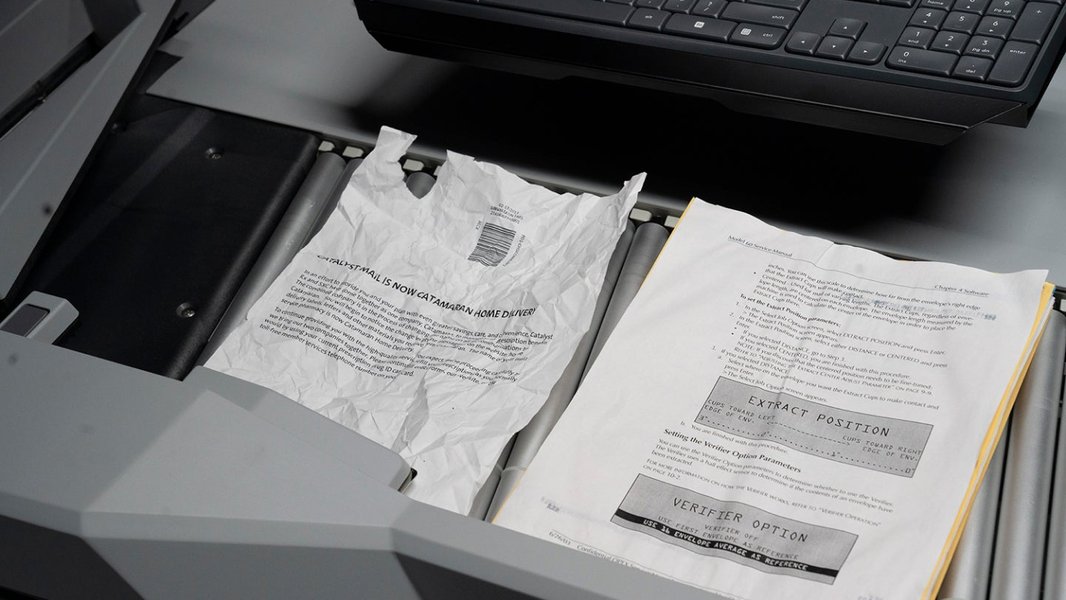
Archive Scanning Solutions.

Document Scanning / Archive & Bulk Scanning.
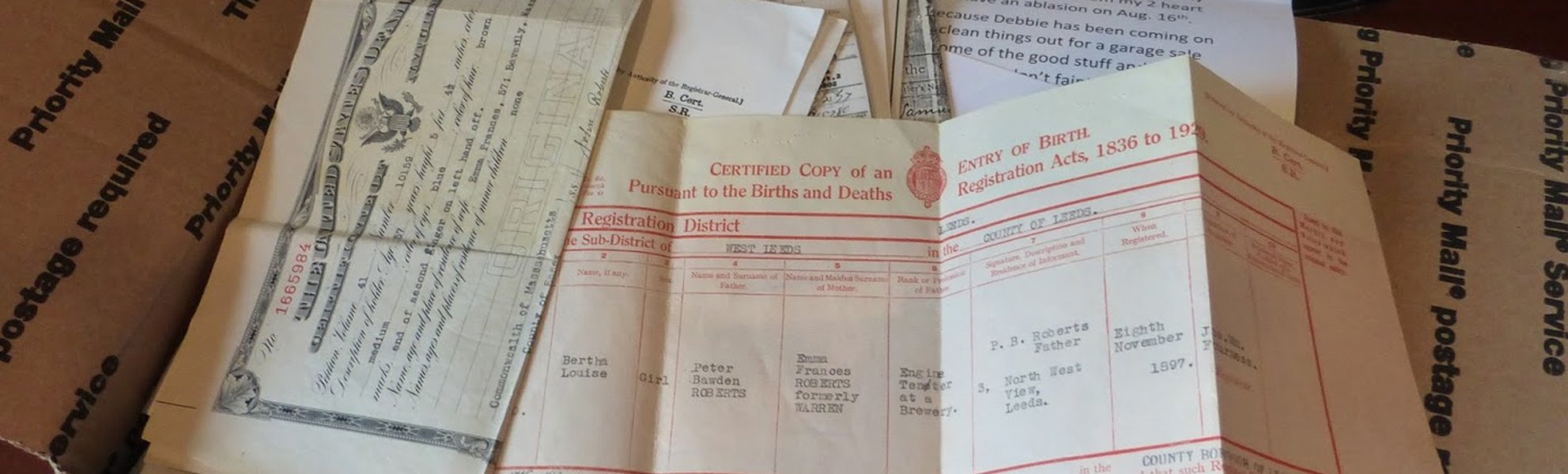
Scanning Personal Document Collections and Digitisation Services.
These images showcase the comprehensive nature of document digitization, from initial scanning to organized digital storage. By leveraging these services, organizations can ensure their documents are not only preserved but also easily accessible and manageable.
Document Digitization: Choosing the Right Approach
There are several approaches to document digitization, each with its own set of advantages and considerations. Whether to handle the process in-house or outsource it to a specialized service provider depends on factors such as the volume of documents, available resources, and specific business needs.
In-House Digitization vs. Outsourcing
In-House Digitization:
- Pros: More control over the process, potentially lower costs for small volumes, and immediate access to digitized documents.
- Cons: Requires investment in equipment and training, may divert resources from core business activities, and can be slower for large volumes.
Outsourcing to a Digitization Service Provider:
- Pros: Access to specialized equipment and expertise, faster turnaround times for large volumes, and reduced burden on internal resources.
- Cons: Higher costs, less control over the process, and potential security concerns if the provider's security measures are inadequate.
When selecting a digitization service provider, it's crucial to consider factors such as their experience, security protocols, ability to tailor services to your specific needs, and the technology they employ. Ensure they offer secure document handling, OCR cleanup services, and compliance with relevant regulations.
The Role of Optical Character Recognition (OCR)
Optical Character Recognition (OCR) is a critical technology in document digitization. It converts scanned images of text into machine-readable text, enabling users to search, edit, and manipulate the content within digitized documents.
How OCR Enhances Document Digitization
- Searchability: OCR enables full-text searching of digitized documents, making it easy to find specific information.
- Editability: OCR allows users to edit and update the text within digitized documents.
- Data Extraction: OCR can be used to extract data from structured documents such as forms and invoices.
- Accessibility: OCR makes documents more accessible to individuals with disabilities by converting them into text-based formats that can be read by screen readers.
The accuracy of OCR is crucial for ensuring the quality of digitized documents. Advanced OCR technologies use machine learning and artificial intelligence to improve accuracy and handle a wider range of document types and languages. In cases where OCR accuracy is critical, human-in-the-loop verification can be used to correct any errors.
Choosing the Right Document Management System (DMS)
A Document Management System (DMS) is essential for organizing, storing, and managing digitized documents. A DMS provides a centralized repository for all digital documents, along with tools for version control, access control, workflow automation, and search.
Key Features of a DMS
- Centralized Repository: A single location for storing all digital documents.
- Version Control: Tracks changes to documents and allows users to revert to previous versions.
- Access Control: Restricts access to documents based on user roles and permissions.
- Workflow Automation: Automates document-related tasks such as approvals and notifications.
- Search: Enables users to quickly find documents using keywords, metadata, or full-text search.
- Integration: Integrates with other business systems such as ERP, CRM, and HR.
When selecting a DMS, consider factors such as scalability, ease of use, security, integration capabilities, and cost. Popular DMS solutions include Revver, SharePoint, and various cloud-based options.
Document Digitization and Compliance
Many industries are subject to strict regulations regarding the storage and management of documents. Document digitization can help organizations comply with these regulations by providing secure, auditable, and easily accessible digital records.
Compliance Benefits of Document Digitization
- Secure Storage: Digital documents can be stored securely with encryption and access controls.
- Audit Trails: DMS systems can track all actions taken on a document, providing a complete audit trail.
- Retention Policies: DMS systems can enforce document retention policies, ensuring that documents are retained for the required period and then disposed of securely.
- Disaster Recovery: Digital documents can be easily backed up and recovered in the event of a disaster.
Examples of regulations that may require document digitization include HIPAA (for healthcare), GDPR (for data privacy), and various industry-specific regulations. It's important to consult with legal and compliance experts to ensure that your document digitization efforts meet all applicable regulatory requirements.
Table: Comparing Traditional vs. Digital Document Management
This table summarizes the key differences between traditional, paper-based document management and digital document management systems like Revver EDMS.
| Feature | Traditional (Paper-Based) | Digital (EDMS) |
|---|---|---|
| Accessibility | Limited to physical location | Accessible from anywhere with internet |
| Searchability | Manual search, time-consuming | Instant search with keywords and metadata |
| Storage | Requires physical space, costly | Digital storage, cost-effective |
| Security | Vulnerable to loss, damage, theft | Secure with encryption and access controls |
| Collaboration | Difficult, requires physical sharing | Easy sharing and collaboration |
| Version Control | Difficult to manage versions | Automated version control |
| Environmental Impact | High paper consumption | Reduced paper consumption |
| Compliance | Difficult to track and maintain | Automated compliance tracking |
The Future of Document Management
The future of document management is likely to be driven by advancements in artificial intelligence (AI), machine learning (ML), and cloud computing. AI and ML can automate document classification, data extraction, and workflow automation, while cloud computing enables greater scalability, accessibility, and collaboration.
Emerging Trends in Document Management
-
AI-Powered Document Management: AI can automate tasks such as document classification, data extraction, and workflow routing.
-
Cloud-Based DMS: Cloud-based DMS solutions offer greater scalability, accessibility, and collaboration.
-
Mobile Document Management: Mobile apps enable users to access and manage documents from anywhere.
-
Blockchain for Document Security: Blockchain technology can be used to ensure the security and integrity of digital documents.
As technology continues to evolve, document management systems will become even more intelligent, automated, and integrated with other business systems. Organizations that embrace these trends will be well-positioned to improve efficiency, reduce costs, and gain a competitive advantage.
Youtube: The Power of OCR in Document Digitization
This YouTube video, "How OCR is Revolutionizing Document Digitization," provides a practical demonstration of Optical Character Recognition (OCR) technology. It showcases how OCR extracts text from images and scanned documents, making them searchable and editable. The video highlights the efficiency and accuracy gains achieved through OCR, underscoring its vital role in modern document management systems. It's relevant because it visually explains how scanned documents are transformed into usable data, a key component of the digitization process you've implemented.
Frequently Asked Questions (FAQ)
References
Last updated April 10, 2025