
Navigating the Wayback Machine's Archives: How to Find Specific Forum Posts
Understanding the capabilities and limitations of searching archived web content for forum discussions
Key Insights for Searching Archived Forum Content
- Limited Search Capability: The Wayback Machine doesn't support direct full-text search across archived pages
- URL-Based Navigation: Searches must begin with the specific URL you want to explore through time
- Manual Exploration Required: You'll need to browse through specific date snapshots and use browser-based search to find content
Understanding the Wayback Machine's Search Limitations
Yes, it is possible to search for content within the Wayback Machine's archives of the fullrangedriver forum, but not through a straightforward full-text search. The Wayback Machine (web.archive.org) primarily functions as an archive that allows you to view snapshots of websites as they appeared at different points in time. However, its search capabilities are fundamentally different from traditional search engines.
Current Limitations of the Wayback Machine
The Wayback Machine has several important limitations when it comes to searching for specific content:
- It primarily indexes home pages of domains rather than every page within a site
- It does not offer full-text search across all archived content
- Its site search function only finds keywords that appeared on the home page of domains
- Search results are ranked based on the number of captures and relevant links to the site's homepage
This means that directly searching for "university classic" across all archived posts from fullrangedriver.com isn't possible with the Wayback Machine's native functionality.
Step-by-Step Guide to Searching Archived Forum Content
To search for "university classic" within archived posts from the fullrangedriver forum, you'll need to follow this process:
Method 1: Using the Standard Wayback Machine Interface
- Navigate to the Wayback Machine: Go to web.archive.org
- Enter the Specific URL: Input the forum URL
http://fullrangedriver.com/forum/viewforum.php?id=2into the search bar - Browse Available Snapshots: You'll see a calendar view displaying when snapshots were taken
- Select a Date: Click on a specific date when you believe the content might have been present
- Manual Search: Once the archived page loads, use your browser's Find function (Ctrl+F or Command+F) to search for "university classic" within that specific snapshot
- Repeat as Needed: You may need to browse multiple snapshots from different dates to find the content you're seeking
Example URL Format for Direct Access
To view all captures of the forum, you can use this format:
http://web.archive.org/*/http://fullrangedriver.com/forum/viewforum.php?id=2Method 2: Using Wayback Classic Interface
An alternative approach is to use the Wayback Classic interface, which offers a slightly different search experience:
- Visit wayback-classic.net
- Enter the base URL
fullrangedriver.cominto the search field - Enter "university classic" as your search term
- Initiate the search
However, keep in mind that this search will only look for these terms on the domain's home page, not within the specific forum section or individual posts.
| Search Method | Pros | Cons | Best For |
|---|---|---|---|
| Standard Wayback Machine | Direct access to all archived snapshots | Manual browsing required | Thorough exploration of specific date ranges |
| Wayback Classic | Keyword search functionality | Limited to homepage content only | Quick checks if terms appear on main site |
| Wildcard URL Search | Shows all captures of specific page | No content filtering | Finding all available snapshots quickly |
| Browser Find Function | Precise term location | One page at a time only | Confirming term presence on a specific snapshot |
Understanding Search Efficiency with a Radar Chart
Different search methods offer varying levels of efficiency across different dimensions when searching archived forum content. This radar chart compares the effectiveness of different approaches to finding specific content in the Wayback Machine:
Advanced Search Strategies: A Mindmap
This mindmap outlines the various approaches and strategies for searching archived forum content on the Wayback Machine, helping you understand how different methods connect:
Why Searching Archived Forums is Challenging
Searching for specific content in archived forum posts presents unique challenges compared to searching current web content. Here's why:
Technical Limitations of Web Archives
The Wayback Machine was designed primarily to preserve web content rather than to make it searchable. Its architecture focuses on capturing snapshots of web pages at specific moments in time, not on indexing the content for search purposes. This fundamental design choice leads to significant limitations:
Preservation vs. Searchability
The Internet Archive prioritizes comprehensive preservation over search functionality. The sheer volume of data they archive (measured in petabytes) makes full-text indexing extremely resource-intensive, which is why the Wayback Machine's search capabilities remain limited to URL-based navigation rather than content-based search.
Incomplete Captures
Forum content is particularly challenging to archive completely. Dynamic content loading, member-only areas, and complex site structures mean that the Wayback Machine often captures incomplete versions of forum pages. Some posts, attachments, or even entire threads might be missing from archives.
Historical Context of Archive Development
When the Wayback Machine was developed in the late 1990s, the primary goal was to preserve as much of the nascent web as possible before it disappeared. Search functionality was a secondary consideration, and the technical architecture reflects these priorities. While search capabilities have improved over time, they remain fundamentally limited by the original design decisions.
Visual Examples of Full Range Drivers
While searching for specific forum content about "university classic" drivers in the archives, it might be helpful to know what these speakers typically look like. Below are some examples of full range drivers similar to what might be discussed on the fullrangedriver forum:
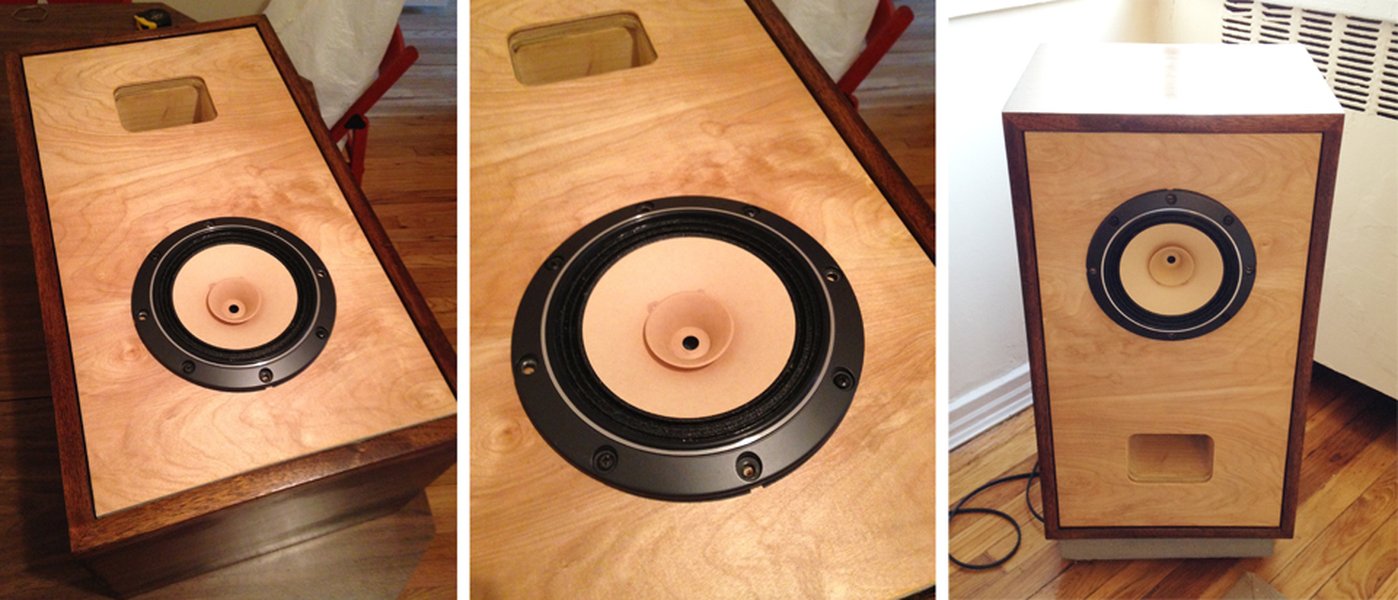
A classic Fostex full range driver mounted in a cabinet, similar to designs often discussed on fullrangedriver forums

Dayton Audio RS100-4 full range driver, a popular modern alternative to vintage drivers
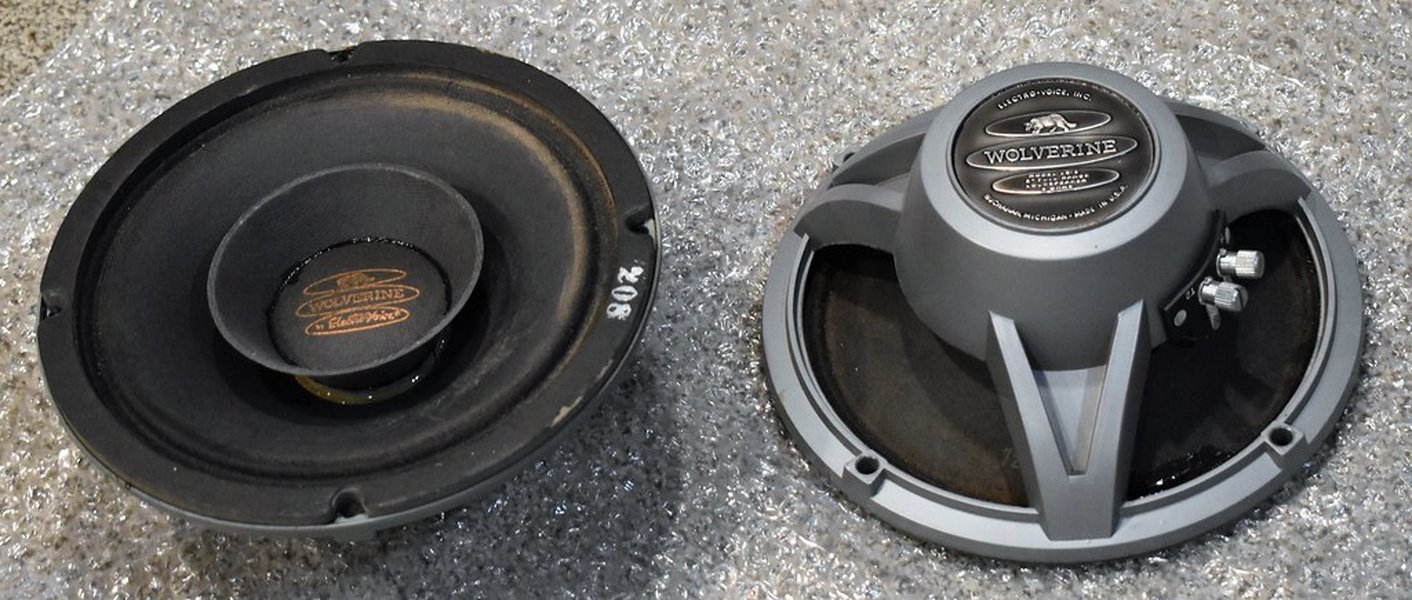
A complete speaker system utilizing full range drivers, showing how they might be implemented
FAQ: Searching the Wayback Machine
References
- Internet Archive: Wayback Machine - Main Interface
- Wayback Classic - Alternative Wayback Machine Interface
- Wayback Classic Search Help - Explanation of Search Features
- Using The Wayback Machine - Internet Archive Help Center
- Internet Archive Help Center - General Documentation
Recommended Searches
Last updated April 7, 2025