
Determining the Optimal Stripe Webhook Event for Successful Subscriptions
Implementing Reliable Stripe Webhooks to Confirm Successful Subscription Payments
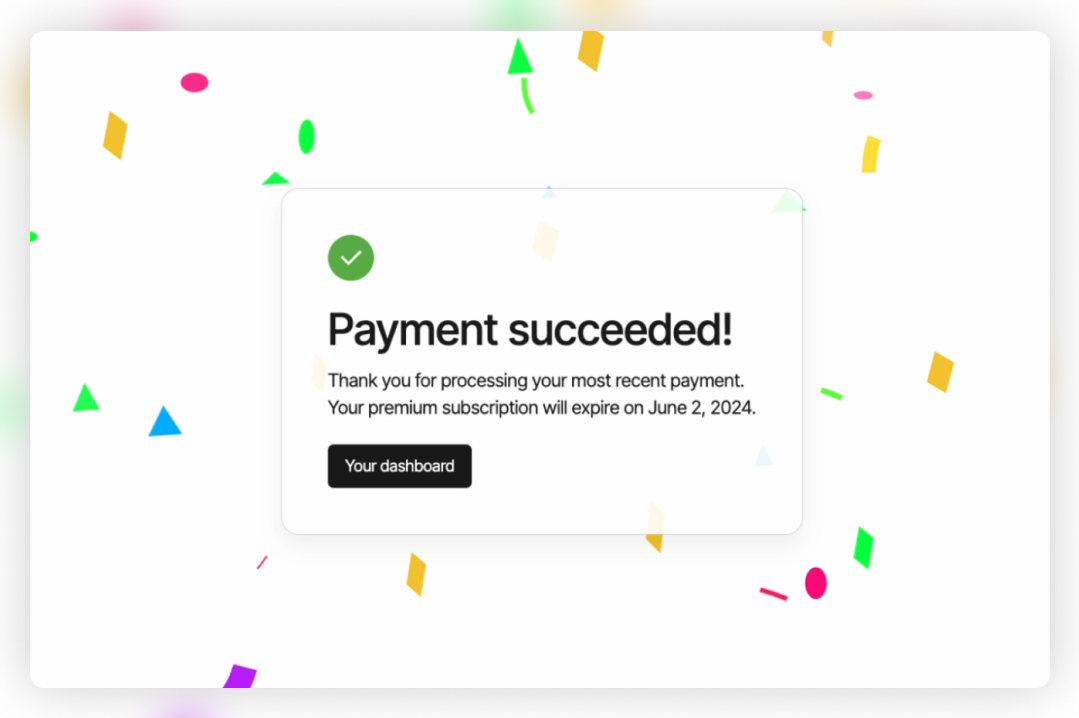
Integrating Stripe's subscription payments into your application requires robust handling of webhook events to ensure that actions are taken only when payments are successfully processed. Relying solely on the checkout.session.completed event can lead to inconsistencies, as this event does not guarantee that a payment has succeeded. In this comprehensive guide, we'll explore the best approach to determine when to call your successful_subscription() function, ensuring that your application responds accurately to successful payments.
Key Takeaways
- Use
invoice.payment_succeededfor Reliable Payment Confirmation: This event confirms that a subscription's payment was successfully processed. - Avoid Relying on
checkout.session.completed: This event only indicates that the checkout session ended, not that the payment was successful. - Implement Robust Error Handling and Verification: Always verify webhook signatures and handle events securely to maintain the integrity of your application.
Understanding Stripe Webhook Events
Stripe sends various webhook events to notify your application about changes in the payment process. Understanding these events is crucial to ensure that your application responds appropriately. Below, we'll delve into the key events related to subscription payments:
Why invoice.payment_succeeded Is the Best Choice
The invoice.payment_succeeded event is triggered when a payment for an invoice is successfully processed. This event is particularly reliable for subscription payments due to the following reasons:
- Confirms Successful Payment: It indicates that the customer's payment was accepted, and the invoice was marked as paid.
- Handles Recurring Payments: It covers both initial and recurring subscription payments, ensuring consistency across the subscription lifecycle.
- Provides Relevant Data: Includes essential information like the
subscription_idandcustomer_id, which are vital for updating records and provisioning services.
Limitations of Other Events
Several other events might seem suitable but have limitations:
checkout.session.completed: Indicates that the checkout process finished, but the payment could have failed afterward (e.g., due to insufficient funds or card issues).invoice.paid: Similar toinvoice.payment_succeeded, but less specific. It can sometimes be triggered in cases where adjustments are made without actual payment.payment_intent.succeededandcharge.succeeded: Generally used for one-time payments and may not provide the subscription context necessary for subscription management.
Implementing the Webhook
To ensure that your successful_subscription() function is called only when a subscription payment succeeds, update your webhook handler to listen for the invoice.payment_succeeded event. Below is the step-by-step implementation:
Step 1: Verify the Webhook Event
Begin by verifying the webhook signature to ensure the request originates from Stripe. This prevents unauthorized requests from triggering your webhook handler.
import stripe
from flask import Flask, request, jsonify

app = Flask(__name__)

# Your Stripe webhook secret
STRIPE_WEBHOOK_SECRET = "your_stripe_webhook_secret"

@app.route("/webhook", methods=["POST"])
def webhook():
    payload = request.data
    sig_header = request.headers.get("Stripe-Signature")
    event = None

    try:
        # Verify the webhook signature
        event = stripe.Webhook.construct_event(
            payload, sig_header, STRIPE_WEBHOOK_SECRET
        )
    except ValueError as e:
        # Invalid payload
        return jsonify({"error": "Invalid payload"}), 400
    except stripe.error.SignatureVerificationError as e:
        # Invalid signature
        return jsonify({"error": "Invalid signature"}), 400
Step 2: Handle the invoice.payment_succeeded Event
Check if the event type is invoice.payment_succeeded and extract necessary information such as the subscription ID and customer ID. This data is essential for updating your records and providing services to the customer.
    # Handle the event
    if event["type"] == "invoice.payment_succeeded":
        # Extract subscription details
        invoice = event["data"]["object"]
        subscription_id = invoice.get("subscription")
        customer_id = invoice.get("customer")

        # Call your function to handle successful subscription
        successful_subscription(subscription_id, customer_id)
Step 3: Define the successful_subscription() Function
Implement your business logic within the successful_subscription() function. This might include updating your database, provisioning services, sending confirmation emails, or any other actions required when a subscription payment succeeds.
def successful_subscription(subscription_id, customer_id):
    # Your logic to handle a successful subscription
    # Example: Update your database or trigger other actions
    print(f"Subscription {subscription_id} for customer {customer_id} was successfully paid.")
    # Implement additional business logic here
Step 4: Return a Response to Stripe
After processing the event, return a 200 HTTP status code to acknowledge receipt. This prevents Stripe from resending the event.
    # Return a response to acknowledge receipt of the event
    return jsonify({"status": "success"}), 200
Complete Webhook Implementation
Combining all the steps above, your webhook endpoint should look like this:
import stripe
from flask import Flask, request, jsonify

app = Flask(__name__)

# Your Stripe webhook secret
STRIPE_WEBHOOK_SECRET = "your_stripe_webhook_secret"

@app.route("/webhook", methods=["POST"])
def webhook():
    payload = request.data
    sig_header = request.headers.get("Stripe-Signature")
    event = None

    try:
        # Verify the webhook signature
        event = stripe.Webhook.construct_event(
            payload, sig_header, STRIPE_WEBHOOK_SECRET
        )
    except ValueError as e:
        # Invalid payload
        return jsonify({"error": "Invalid payload"}), 400
    except stripe.error.SignatureVerificationError as e:
        # Invalid signature
        return jsonify({"error": "Invalid signature"}), 400

    # Handle the event
    if event["type"] == "invoice.payment_succeeded":
        # Extract subscription details
        invoice = event["data"]["object"]
        subscription_id = invoice.get("subscription")
        customer_id = invoice.get("customer")

        # Call your function to handle successful subscription
        successful_subscription(subscription_id, customer_id)

    # Return a response to acknowledge receipt of the event
    return jsonify({"status": "success"}), 200

def successful_subscription(subscription_id, customer_id):
    # Your logic to handle a successful subscription
    # Example: Update your database or trigger other actions
    print(f"Subscription {subscription_id} for customer {customer_id} was successfully paid.")
    # Implement additional business logic here
Additional Considerations
Handling Idempotency
Ensure that your successful_subscription() function is idempotent, meaning that it can handle multiple identical events without causing unintended effects (e.g., duplicating records). Use unique identifiers like the invoice or subscription ID to track processed events.
Processing Events Asynchronously
If your business logic is complex or time-consuming, consider processing the event asynchronously. This allows your webhook endpoint to return a response promptly, preventing timeouts and ensuring that Stripe does not retry the event.
Handling Other Relevant Events
While invoice.payment_succeeded is critical for successful payments, you may also want to handle other events:
invoice.payment_failed: To handle failed payments and notify customers or retry payment attempts.customer.subscription.updated: To track subscription changes such as upgrades, downgrades, or cancellations.invoice.finalized: If you need to take action when an invoice is finalized but not yet paid.
Security Best Practices
Always adhere to security best practices when handling webhooks:
- Verify Webhook Signatures: Ensure that events are genuinely from Stripe by verifying signatures.
- Use HTTPS Endpoints: Secure your webhook endpoint with HTTPS to protect data in transit.
- Limit Exposure: Keep your webhook endpoint private and avoid exposing unnecessary information.
Understanding the Event Flow
It's essential to understand how Stripe processes subscription payments and sends events:
Subscription Creation
When a customer subscribes, Stripe creates a subscription and generates an invoice for the initial payment. The payment process involves multiple steps, and various events are emitted:
-
customer.subscription.created: Indicates that a new subscription was created. -
invoice.created: A new invoice was generated for the subscription. -
invoice.finalized: The invoice amounts are finalized and ready for payment. -
charge.succeeded: The payment was successfully charged (for one-time payments). -
invoice.payment_succeeded: The invoice payment was successfully processed.
Event Timing and Reliability
Events may not always arrive in the order you expect due to network delays or retries. Therefore, relying on an event that directly confirms a successful payment is crucial. The invoice.payment_succeeded event provides this confirmation and contains all necessary information for your application to proceed confidently.
Conclusion
By updating your webhook to listen for the invoice.payment_succeeded event, you ensure that your successful_subscription() function is called only when a payment has been successfully processed. This approach enhances the reliability of your application and provides a better experience for your customers.
Remember to implement proper error handling, security measures, and consider processing events asynchronously if needed. By following these best practices, you'll have a robust and secure integration with Stripe's subscription system.
References
- Stripe Documentation: Using Webhooks with Subscriptions
- Stripe Documentation: Setting Up Webhooks
- Stripe API Reference: Event Types
Last updated January 23, 2025