
Transforming Spreadsheet Struggles into Success: Practical Approaches for Young Learners
How hands-on activities and real-world applications can build essential data skills in basic 7 students
Essential Insights for Teaching Spreadsheets
- Practical relevance is key - When students understand real-world applications of spreadsheets, their motivation and engagement significantly increase
- Scaffolded learning produces best results - Breaking down spreadsheet skills into manageable chunks prevents overwhelm and builds confidence systematically
- Interactive collaboration enhances learning - Group activities and peer teaching create a supportive environment where students can learn from each other
Understanding Common Spreadsheet Challenges
Teaching spreadsheet applications to basic 7 learners requires recognizing their specific challenges. Many students struggle with the abstract nature of data handling, formula creation, and understanding the grid-based interface. Without proper guidance, these difficulties can lead to frustration and disengagement.
Research shows that when students encounter difficulties with spreadsheets, it's often because they don't see the practical relevance or lack foundational understanding of how data works in a structured environment. By implementing practical-based approaches, educators can bridge this gap and transform spreadsheet learning from a tedious task into an engaging experience.
Practical Teaching Strategies
Start with Basic Familiarization
Before diving into complex functions, introduce students to the spreadsheet environment. Help them understand the interface, including:
- Recognizing the grid layout with rows and columns
- Understanding cell references (A1, B2, etc.)
- Basic navigation techniques
- Simple data entry and editing
Begin by emphasizing that spreadsheets are simply organized ways to store and analyze information, regardless of whether you're using Google Sheets, Microsoft Excel, or other applications.
Implement Hands-On Activities
Practical activities are crucial for developing spreadsheet skills. Consider these engaging exercises:
- Times Table Quiz: Create a times table with conditional formatting that changes cell colors based on correct answers
- Class Survey: Have students collect data from classmates (favorite foods, sports, etc.) and organize it in a spreadsheet
- Simple Budget Project: Guide students through creating a basic budget for a class party or event
- Battleships Game: Use spreadsheets to play games that reinforce understanding of cell references and coordinates
Connect to Real-World Applications
When students understand the practical relevance of spreadsheets, their engagement improves significantly. Demonstrate real-world applications such as:
- Tracking sports statistics from favorite teams
- Planning a budget for a dream vacation
- Analyzing environmental data from the local community
- Creating graphs to visualize classroom achievements
Utilize Visual Learning
Many basic 7 learners are visual learners who benefit from seeing data represented graphically:
- Teach students to create simple charts and graphs from their data
- Use color coding and conditional formatting to highlight patterns
- Create visual step-by-step guides for common spreadsheet tasks
- Incorporate video tutorials for visual demonstrations
Progressive Skill Development Model
This radar chart illustrates the typical skill progression of basic 7 students through different stages of spreadsheet instruction. Notice how project-based learning significantly improves advanced skills like data analysis and problem-solving compared to basic instruction alone.
Scaffolded Learning Approach
One of the most effective strategies for teaching spreadsheet skills is to use a scaffolded approach that gradually builds complexity. This ensures students master foundational skills before moving to more advanced concepts.
| Learning Stage | Skills Focus | Practical Activities | Assessment Methods |
|---|---|---|---|
| Introduction | Interface navigation, basic data entry | Scavenger hunt in the spreadsheet, simple data collection | Completion checklist, peer review |
| Basic Functions | Simple formulas (SUM, AVERAGE), cell formatting | Class survey with calculations, formatting practice | Mini-projects, skill demonstrations |
| Data Organization | Sorting, filtering, conditional formatting | Sports statistics organization, class rankings | Problem-solving tasks, data organization challenges |
| Visual Representation | Chart creation, data visualization | Creating graphs from survey data, visual storytelling | Data presentation, visual analysis tasks |
| Integration Projects | Combining all skills, problem-solving | Budget planning, event management, data analysis projects | Comprehensive projects, peer evaluation |
Collaborative Learning Strategies
Peer collaboration can significantly enhance spreadsheet learning. Consider these collaborative approaches:
- Pair Programming: One student enters data while another provides guidance
- Group Challenges: Create friendly competitions where teams solve spreadsheet problems
- Peer Teaching: Allow students who master concepts to teach others
- Collaborative Projects: Assign group projects where each student contributes a different element
Gamification Elements
Incorporating game elements makes spreadsheet learning more engaging:
- Create achievement badges for mastering different skills
- Implement point systems for completed challenges
- Set up "spreadsheet races" for quick skill practice
- Develop digital escape rooms that require spreadsheet skills to solve
Spreadsheet Teaching Mindmap
This mindmap highlights the key components of effective spreadsheet teaching for basic 7 learners, showing how different elements connect to create a comprehensive learning experience.
Video Tutorial: Basic Spreadsheet Introduction
This video provides an excellent introduction to spreadsheet basics that's appropriate for basic 7 learners. It covers the fundamental concepts of spreadsheet applications in a clear, student-friendly manner that addresses many common difficulties.
Practical Classroom Examples
Here are some practical examples of how spreadsheets can be used effectively in the classroom to develop data handling skills:
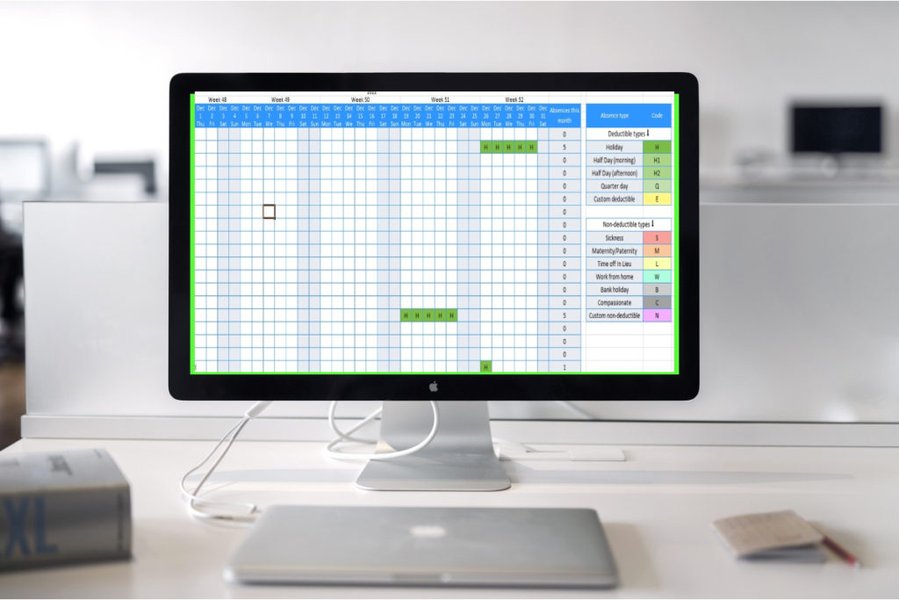
Teacher-guided instruction: Direct instruction helps students navigate the initial learning curve of spreadsheet applications. This approach works best for introducing new concepts before transitioning to hands-on practice.

Collaborative learning: Students working together on spreadsheet projects can solve problems collectively and learn from each other's approaches. This method encourages communication and critical thinking while building spreadsheet skills.
Frequently Asked Questions
References
- How To Use Excel and Spreadsheets In The Classroom – Zenva Schools
- Spreadsheets Topic Guide for Teachers - Teaching Packs
- P1: Spreadsheet basics - Essential Spreadsheets: a Practical Guide
- Spreadsheets - Teach Computing Curriculum
- 10 Excel and Google Spreadsheets for Teachers | Resilient Educator
- Teaching Spreadsheets - A guide to introducing Spreadsheets to Primary Students
-
Digital Technologies Hub on Spreadsheets
Recommended Topics
Last updated April 3, 2025