
Bring Math to Life: Creating the Ultimate Totoro Multiplication Video
Transform learning into a magical adventure with Studio Ghibli's beloved forest spirit as your multiplication guide
Key Elements for Your Totoro Math Video
- Blend whimsical Ghibli aesthetics with clear mathematical concepts to create an engaging educational experience
- Structure your video with a storytelling approach that uses Totoro's forest environment to visualize multiplication as groups of natural objects
- Incorporate interactive elements that encourage viewers to participate in solving multiplication problems alongside Totoro
Creating Your Totoro Multiplication Video: Complete Guide
Creating a short video featuring Totoro teaching multiplication combines the magical world of Studio Ghibli with educational content. This guide will walk you through developing a concept, writing a script, choosing production methods, and bringing your video to life.
Concept Development & Educational Approach
Before diving into production, it's essential to establish a clear concept and educational approach for your Totoro multiplication video. Effective math videos for children use concrete visual representations before moving to abstract concepts.
Age-Appropriate Mathematical Concepts
Determine your target age group and focus on appropriate multiplication concepts:
| Age Group | Multiplication Concepts | Totoro Teaching Approach |
|---|---|---|
| Ages 5-7 | Introduction to multiplication as repeated addition | Totoro gathering groups of acorns or leaves |
| Ages 7-9 | Basic multiplication facts and patterns | Totoro organizing forest items in arrays |
| Ages 9-11 | Multiplication properties and problem-solving | Totoro demonstrating commutative property with forest friends |
Visual Representation Strategy
Multiplication is best taught through visual grouping. Leverage Totoro's forest setting to show multiplication as groups of natural elements:
- Groups of acorns, leaves, or forest spirits to represent numbers
- Visual arrays that show row-and-column organization
- Counting totals to reinforce the connection between repeated addition and multiplication
Scripting Your Totoro Multiplication Video
A well-structured script ensures your video effectively teaches multiplication while maintaining the charm of Totoro's character. Below is a comprehensive script outline for a 3-4 minute video.
Script Outline: "Totoro's Multiplication Forest"
Introduction (0:00-0:30)
- Opening scene: Peaceful forest setting with Totoro appearing from behind a large camphor tree
- Totoro waves hello with his signature smile
- Friendly narration: "Welcome to Totoro's forest! Today, Totoro will show us the magic of multiplication."
Basic Concept of Multiplication (0:30-1:15)
- Totoro finds 3 baskets
- Little forest spirits (like the soot sprites) place 4 acorns in each basket
- Narration explains: "Multiplication helps us count groups of things quickly. Instead of counting 4 + 4 + 4, we can say 3 × 4 = 12."
- Visual display of the equation with animated numbers
Visual Arrays (1:15-2:00)
- Totoro creates an array of leaves on the ground (5 rows of 2 leaves)
- Narration: "Multiplication can also be shown as rows and columns. Here are 5 rows with 2 leaves in each row."
- Counting: "That's 5 groups of 2, or 5 × 2 = 10 leaves total."
- Totoro rearranges them to show 2 rows of 5 leaves
- Narration explains the commutative property: "5 × 2 is the same as 2 × 5!"
Interactive Practice (2:00-3:00)
- Totoro presents a multiplication problem: 4 × 3
- Narration encourages viewers: "Can you help Totoro solve this? How many forest spirits with 4 groups of 3 dust bunnies?"
- Pause for viewer response
- Totoro reveals the answer with visual grouping
- One more practice problem with Totoro showing excitement when solved
Musical Review (3:00-3:30)
- Short, catchy song reinforcing multiplication concepts
- Totoro and forest spirits dance while demonstrating more multiplication examples
Conclusion (3:30-4:00)
- Totoro summarizes key multiplication concepts
- Encouragement for viewers to practice multiplication
- Totoro waves goodbye and disappears behind a tree
Visual Style Guide & Character Design
Capturing the essence of Studio Ghibli's art style is crucial for an authentic Totoro-themed video. Here's how to approach the visual elements:
Art Style Elements
- Soft, watercolor-like backgrounds with detailed natural elements
- Simple but expressive character animations
- Warm, natural color palette dominated by greens, browns, and blues
- Hand-drawn style (even if digitally created)
- Attention to small details like blowing grass, falling leaves, or subtle movements
Mathematical Visualizations
Numbers and equations should be integrated naturally into the Ghibli aesthetic:
- Numbers can appear as glowing elements floating in the air
- Equations can form from natural elements like twigs or leaves
- Arrays and groups should use forest items (acorns, leaves, dust bunnies)
- Simple animations showing the transformation from groups to multiplication
This radar chart compares different production methods for creating your Totoro multiplication video, evaluating each approach across key dimensions like educational value, visual appeal, and mathematical clarity. Mixed media approaches score highest overall, combining the strengths of different techniques.
Production Methods & Technical Approach
There are several ways to bring your Totoro multiplication video to life, each with its own advantages and challenges:
Traditional Animation
Creating hand-drawn animation in the style of Studio Ghibli offers the most authentic look but requires significant artistic skill:
- Use software like Adobe Animate, ToonBoom Harmony, or Clip Studio Paint
- Draw keyframes and in-betweens for fluid character movement
- Create separate layers for backgrounds, characters, and effects
- Requires strong drawing skills and understanding of animation principles
AI-Assisted Creation
Modern AI tools can help generate Ghibli-style visuals even if you lack traditional animation skills:
- Use Ghibli-specific diffusion models to generate base images from text descriptions
- Convert static images to video using AI animation tools
- Edit and refine AI-generated content to ensure educational accuracy
- Consider tools like Getimg.ai's Ghibli Diffusion or Clipfly's AI Ghibli Generator
Mixed Media Approach
Combining multiple techniques often yields the best results for educational content:
- Use traditional or AI-generated backgrounds
- Animate Totoro and key characters with either 2D animation or puppeting techniques
- Add digital overlays for mathematical elements (numbers, equations, diagrams)
- Incorporate stop-motion elements for certain objects if desired
Software Recommendations
- Animation: Adobe Animate, ToonBoom Harmony, OpenToonz (used by Studio Ghibli)
- Video Editing: Adobe Premiere Pro, DaVinci Resolve, Final Cut Pro
- AI Generation: Getimg.ai (Ghibli Diffusion model), Clipfly AI Ghibli Generator
- Audio: Adobe Audition, Audacity, GarageBand
This mindmap outlines the complete production workflow for creating your Totoro multiplication video, from initial concept development through pre-production, production, and post-production phases. Each branch represents key tasks and considerations at every stage of the process.
Audio Production & Voice Acting
The audio components of your Totoro multiplication video are crucial for both engagement and educational clarity:
Voice Acting & Narration
Totoro doesn't speak in the original film, so consider these approaches:
- Use a narrator to explain concepts while Totoro demonstrates visually
- Have Totoro make his characteristic roars at appropriate moments
- Consider adding a child character who interacts with Totoro and verbalizes the learning
Music & Sound Design
The right music enhances both the Ghibli atmosphere and learning experience:
- Gentle, playful background music inspired by Joe Hisaishi's Ghibli compositions
- Nature sounds for the forest setting (rustling leaves, gentle breezes)
- Special sound effects for mathematical events (when numbers appear or calculations happen)
- Consider a short, catchy musical segment for the multiplication song
Interactive Audio Elements
Enhance engagement with interactive audio cues:
- Pause moments with a distinct sound to indicate when viewers should respond
- Celebratory sounds when problems are solved correctly
- Totoro's excited roars when discovering new multiplication concepts
This origami Totoro finger puppet tutorial could provide inspiration for a mixed-media approach to your video. While not directly teaching multiplication, it demonstrates how Totoro can be brought to life through simple animation techniques. For your multiplication video, you could adapt similar puppetry methods while incorporating mathematical concepts.
Educational Best Practices
To ensure your Totoro multiplication video is not just entertaining but educationally effective:
Pedagogical Approaches
- Concrete to Abstract: Begin with physical objects (acorns, leaves) before introducing symbols (numbers, ×)
- Multiple Representations: Show multiplication in various forms (groups, arrays, number lines)
- Scaffolded Learning: Start with simple concepts before introducing properties like commutativity
- Spaced Repetition: Review key concepts throughout the video in different contexts
Engaging Viewers
Keep young viewers invested in the learning experience:
- Ask viewers questions directly and pause for their responses
- Include countdown moments for thinking time
- Have Totoro make "mistakes" that viewers can catch and correct
- Celebrate successful learning moments with Totoro's excited reactions
Visual Learning Enhancements
Optimize visual elements for mathematical understanding:
- Use consistent color coding for numbers and operations
- Highlight groupings with subtle visual effects
- Show the relationship between repeated addition and multiplication
- Use animated transitions to demonstrate mathematical transformations
Visual Inspiration Gallery
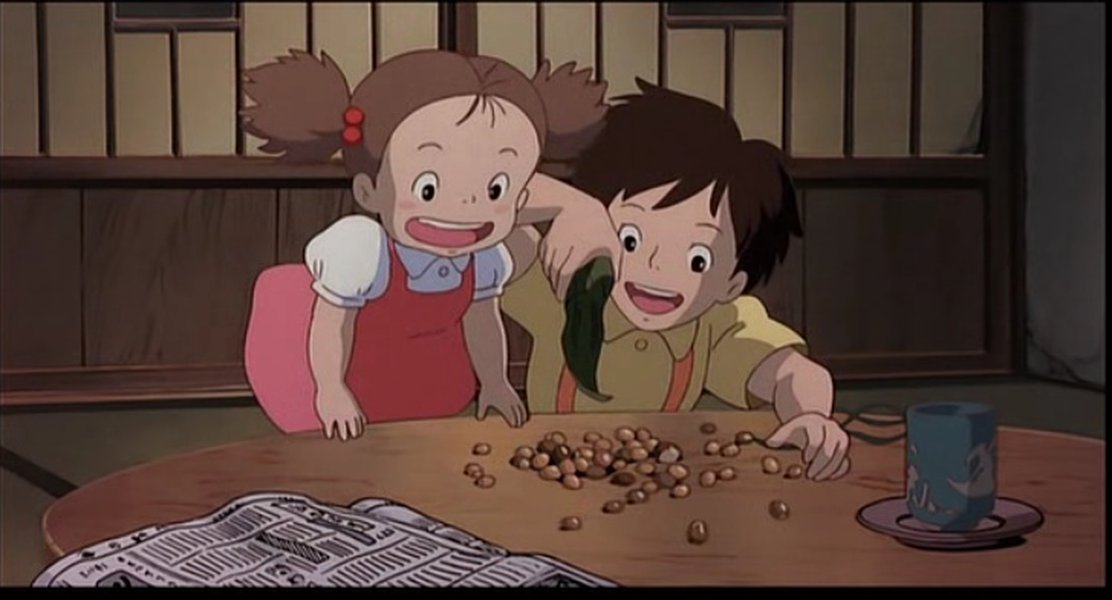

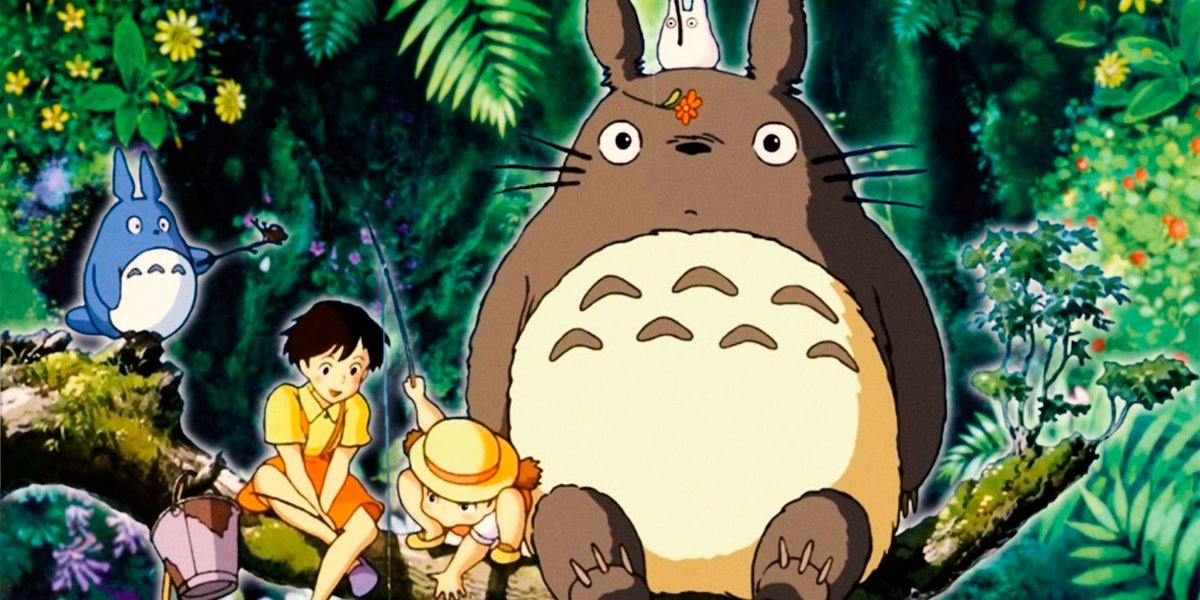
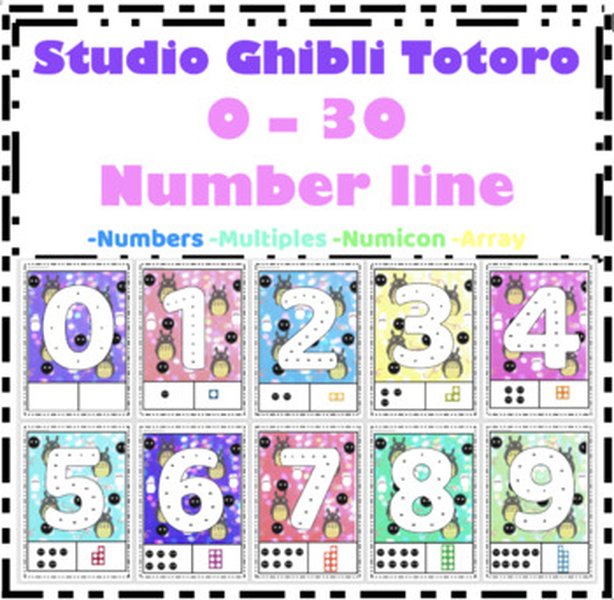
These images provide visual inspiration for your Totoro multiplication video. The first image shows Totoro with acorns, which could be used for demonstrating counting and grouping. The second provides a serene forest backdrop perfect for your educational setting. The third illustrates how Totoro interacts with children, which could inspire your approach to viewer engagement. The fourth shows an existing educational resource that incorporates Totoro into number displays.
Frequently Asked Questions
References
- Ghibli Diffusion - AI Model for Generating Studio Ghibli-Style Images - GetImg.ai
- AI Ghibli Generator for Studio Ghibli-Style Videos - ClipFly.ai
- KS1 10 Times Table Game - Totoro Theme - Teaching Resources
- Totoro Studio Ghibli 1-30 Numbers Math Wall Display - TeachersPayTeachers
- Videos that Teach Multiplication - Lucky Little Learners
- Free Animated Multiplication Videos - Multiplication.com
- Fun Ways to Teach Multiplication Tables Using Video Lessons & Songs - Flocabulary
Recommended Explorations
 nebusresearch.wordpress.com
 cdn2.rsc.org.uk
Last updated April 9, 2025