
Unlock AI Artistry: Mastering Prompts for Precise ChatGPT Image Generation
Learn the secrets to transforming your ideas into stunning, accurate AI-generated artwork with detailed prompts.
Key Insights for Generating Accurate AI Art
- Specificity is Paramount: The level of detail and clarity in your prompt directly determines the accuracy and quality of the artwork generated by AI like DALL-E through ChatGPT.
- Master the Core Components: A successful prompt meticulously defines the subject, art style, setting, color palette, lighting, mood, and composition.
- Iteration Leads to Perfection: Don't expect the first image to be perfect. Refining your prompt based on initial results is a crucial step in achieving your desired vision.
The Crucial Role of Detailed Prompts
Creating precise and accurate artwork using ChatGPT, particularly through its integration with AI image generators like DALL-E (often available via ChatGPT Plus), hinges almost entirely on the quality of your text prompt. Think of the prompt as the blueprint for the AI. A vague instruction leads to a generic or unpredictable outcome, while a detailed, well-structured prompt guides the AI to generate an image that closely matches your specific vision. The more precise your language, the more accurate the resulting artwork will be.
This process, often referred to as prompt engineering, involves carefully crafting your request to include multiple layers of detail. It's not just about *what* you want to see, but *how* you want to see it rendered.
Accessing Image Generation Capabilities
To utilize ChatGPT for image creation, you typically need access to a version integrated with an image generation model like DALL-E. This is commonly available through subscriptions such as ChatGPT Plus. Once you have access, you can directly input your descriptive prompts to generate visual art.
Deconstructing the Perfect Prompt: Essential Elements
To achieve precision, break down your artistic concept into distinct components. Including these elements in your prompt significantly increases the likelihood of generating accurate and compelling artwork.
Defining the Core Subject
Clearly state the main focus of your image. Be specific about what or who should be depicted.
- Instead of: "A person"
- Try: "A portrait of a thoughtful elderly woman with kind eyes and silver hair, sitting by a window."
Setting the Scene: Location and Environment
Describe the background and surroundings. This adds context and depth to the image.
- Instead of: "A forest"
- Try: "An enchanted, misty forest at twilight, with ancient, moss-covered trees and glowing fungi on the forest floor."
Choosing the Artistic Style
Specify the desired aesthetic. Mentioning art movements, techniques, or general styles guides the AI's rendering approach.
- Examples: Pop Art, Impressionism, Surrealism, Abstract, Photorealistic, Cartoonish, Art Deco, Ghibli-style, Cyberpunk, Watercolor.
- Try: "Generate an image in the style of French Impressionism, capturing the soft, dappled light."
- Note: While referencing general styles is effective, directly using specific, named artists to copy their style may be restricted due to ethical guidelines and copyright policies. It's better to describe the *characteristics* of the style.
Painting with Words: Color and Lighting
Detail the color palette and lighting conditions. This dramatically impacts the mood and realism of the artwork.
- Instead of: "Night scene"
- Try: "A neon-drenched cyberpunk cityscape at night, with reflections on wet pavement, predominantly blues and purples, contrasted with bright yellow and pink signs."
- Specify lighting: "Warm golden hour sunlight," "Dramatic chiaroscuro lighting," "Soft, diffused overhead light."
Capturing the Mood: Atmosphere and Emotion
Incorporate words that convey the desired feeling or atmosphere.
- Examples: Serene, chaotic, mysterious, joyful, melancholic, wondrous, tense.
- Try: "A surreal dreamscape evoking a sense of profound wonder and slight confusion."
Finer Details: Composition and Specific Elements
Guide the arrangement of elements and include unique objects or details. Mention camera angles or viewpoints if relevant.
- Instead of: "A room"
- Try: "A cozy, cluttered artist's studio viewed from a low angle, featuring paint-splattered easels, half-finished canvases, and sunlight streaming through a large window."
- Include specifics: "Incorporate elements like speech bubbles," "featuring fantastical floating islands," "with intricate mechanical details."
Action and Movement
If the scene involves activity, describe it clearly.
- Example: "Waves crashing powerfully against jagged black rocks during a storm."
Visualizing Prompt Element Impact
Different elements within a prompt can have varying degrees of influence on the final artwork's accuracy and adherence to your vision. This radar chart provides a conceptual overview of how much impact key prompt components typically have. Greater specificity in areas like Subject and Style often yields more precise results, while elements like Mood require careful phrasing to translate effectively.
Note: This chart represents a conceptual estimation of influence, not empirical data. The actual impact can vary based on the AI model and the specific prompt phrasing.
Mindmap: Structuring Your AI Art Prompt
Visualizing the structure of a prompt can help ensure all crucial elements are considered. This mindmap illustrates the key components branching out from the core idea of creating an effective AI art prompt.
Using this structure helps organize your thoughts and ensures a comprehensive description is provided to the AI.
Crafting Your Request & Iterating
Formulating the Prompt
Once you have identified the key components, assemble them into a cohesive descriptive sentence or paragraph. You can either directly input this detailed description into the image generator or ask ChatGPT to help refine it further.
- Direct Prompt Example: "Create a pop art image of a retro robot exploring a vibrant, alien jungle. Use bold primary colors, thick black outlines, and halftone dot patterns. The robot should look curious, holding a glowing flower. Low angle shot, dynamic composition."
- Asking ChatGPT for Help: "Generate a detailed prompt for an AI image generator. The scene is a surreal desert landscape under a double moon. Include giant, crystalline rock formations, a lone figure in a flowing cloak looking towards the moons, and an atmosphere of quiet mystery. The style should be painterly with visible brushstrokes."
The Importance of Iteration
AI image generation is often an iterative process. The first result might not perfectly capture your vision. Don't be discouraged! Analyze the output and identify what needs changing.
- Refine your prompt: Add more detail, clarify ambiguous terms, or change specific elements. For instance, if the colors aren't right, be more specific: "Change the color palette to emphasize cool blues and greens."
- Use positive and negative prompts (if supported): Some tools allow specifying what *not* to include, which can help remove unwanted elements.
- Experiment: Try slight variations in wording, style descriptors, or composition details. Sometimes small changes can yield significantly different results.
Prompt Components and Examples Table
This table summarizes the key elements to include in your prompt, providing examples for clarity.
| Component | Description | Example |
|---|---|---|
| Subject | The main focus of the image. | "A majestic white wolf" |
| Action | What the subject is doing. | "howling at a full moon" |
| Setting | The environment or location. | "on a snowy mountain peak" |
| Style | The artistic approach or medium. | "in a realistic oil painting style" |
| Color Palette | Dominant colors or color scheme. | "using cool blues, whites, and deep purples" |
| Lighting | The type and direction of light. | "with dramatic moonlight casting long shadows" |
| Atmosphere/Mood | The feeling or emotion conveyed. | "evoking a sense of solitude and wildness" |
| Composition | Arrangement, framing, camera angle. | "medium shot, slightly low angle looking up at the wolf" |
| Specific Details | Unique elements or textures. | "with visible breath misting in the cold air" |
Combining these elements creates a rich prompt: "A majestic white wolf howling at a full moon on a snowy mountain peak, in a realistic oil painting style, using cool blues, whites, and deep purples, with dramatic moonlight casting long shadows, evoking a sense of solitude and wildness. Medium shot, slightly low angle looking up at the wolf, with visible breath misting in the cold air."
Exploring AI Art Potential: Visual Examples
The power of detailed prompts lies in their ability to generate a vast range of artistic styles and complex scenes. Below are examples that showcase the potential outcomes when AI image generators are guided by specific instructions. These images illustrate different styles and subjects, representing the kind of precise and accurate artwork achievable through careful prompt engineering.
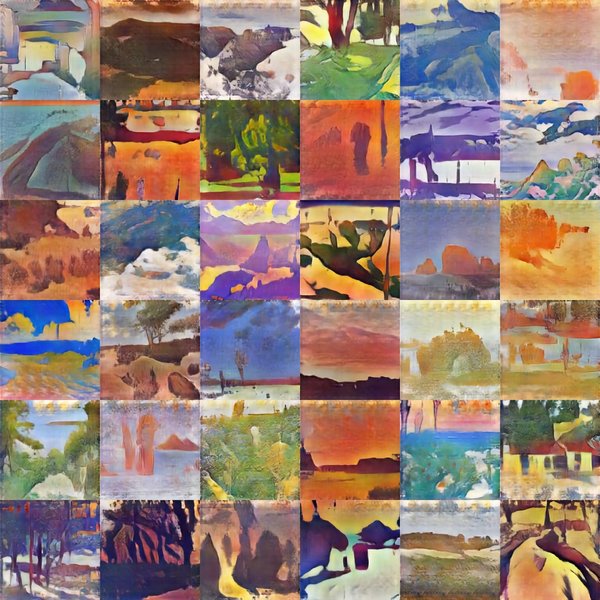
Example of a potentially AI-generated photorealistic portrait, achievable with prompts specifying high detail, realistic lighting, and subject characteristics.

Example of potentially AI-generated surreal art, requiring prompts that describe dreamlike qualities, unusual juxtapositions, and specific symbolic elements.
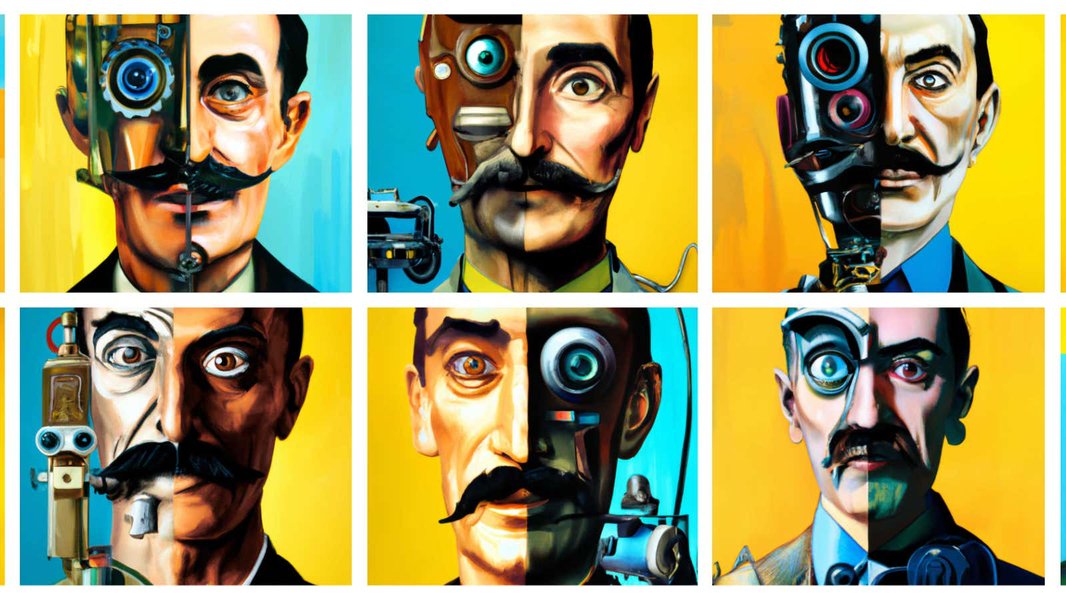
Example of a potentially AI-generated stylized scene, likely produced using prompts defining a unique artistic style, subject matter, and composition (e.g., "astronaut riding a horse in photorealistic style").
Video Guide: Writing Better AI Art Prompts
For a deeper dive into crafting effective prompts, this video tutorial offers practical tips and examples. It explores how to structure your requests to ChatGPT and other AI platforms to achieve better, more predictable results in your AI-generated artwork.
The tutorial covers structuring prompts, using descriptive language, and iterating on ideas – key techniques discussed here for generating precise and accurate AI art.
Ethical Considerations
When generating AI art, it's important to be mindful of ethical guidelines and platform policies:
- Real People: Avoid creating images of identifiable private individuals without consent. Generating images of public figures may also be restricted.
- Copyright: Do not attempt to replicate copyrighted characters or artworks directly. Describe styles or elements generically rather than naming specific protected works or creators if the intent is mimicry.
- Harmful Content: Do not create prompts for offensive, hateful, or explicit content, as this violates usage policies.
- Artist Styles: While you can describe styles (e.g., "impressionistic," "cubist"), prompting using a specific artist's name to directly copy their unique style is often against policy and raises ethical concerns about originality and attribution.
Frequently Asked Questions (FAQ)
Do I need a special subscription like ChatGPT Plus?
Often, yes. Image generation capabilities are typically integrated into premium versions of AI assistants like ChatGPT Plus, which provides access to models like DALL-E. Free versions usually focus on text-based tasks.
What if the generated image isn't accurate?
This is common. The key is iteration. Review the image, compare it to your prompt, and identify the discrepancies. Then, refine your prompt by adding more specific details, clarifying ambiguous terms, adjusting style descriptors, or changing the composition instructions. Try regenerating the image with the updated prompt.
Can I use the names of famous artists in my prompts?
While technically possible in some cases, using specific artist names to directly replicate their style is often discouraged or restricted by platform policies due to ethical and copyright concerns. It's generally better practice to describe the *characteristics* of the style you want (e.g., "in a style with bold colors and thick lines like pop art" or "with swirling brushstrokes reminiscent of Van Gogh") rather than using the artist's name directly.
How long should my prompt be?
Longer, more detailed prompts generally yield more precise results than short, vague ones. Aiming for a prompt that clearly outlines the subject, style, setting, colors, mood, and composition (potentially 50-100 words or more) is often effective. However, avoid overloading the prompt with contradictory or unrelated information, which can confuse the AI.
Can I upload a reference image?
Some AI art generation tools and platforms allow users to upload reference images to guide the generation process. This can help the AI understand specific visual elements, compositions, or styles you want to incorporate or adapt. Check the specific features of the tool you are using (like newer versions of DALL-E within ChatGPT) to see if image input is supported.
References
- 15 Prompts to Generate Better ChatGPT & Dall-e Images - Manticore Marketing
- 30+ ChatGPT Prompts For Artists [2024] - AllPrompts
- How to make images with ChatGPT: Tips and tricks for AI generated art - Pocket-lint
- How To Use ChatGPT To Create AI Art Prompts - Medium
- 70+ Powerful ChatGPT Prompts for Midjourney [List UPDATED] - LearnPrompt
- Full Guide To Creating Stunning AI-Generated Images Using AI Art Prompts - WritingMate.ai
- AI in Art: Using ChatGPT for Creative Inspiration - Promptsty
Recommended Reading
Last updated April 10, 2025