
Securing Your PHP Code: Fortifying Against Common Vulnerabilities
Protecting Your Application and Data from Malicious Attacks
Ensuring the security of your PHP applications is paramount in today's digital landscape. Vulnerabilities can expose sensitive data, compromise system integrity, and lead to significant damage. This guide explores strategies to secure your PHP code, focusing on the provided example and general best practices.
Key Security Highlights
- Input Validation and Sanitization: Crucial for preventing injection attacks like SQL injection and XSS. Never trust user input directly.
- Parameterized Queries: The most effective method to prevent SQL injection by separating SQL logic from data.
- Secure File Inclusion: Restricting file inclusion to known, safe files and keeping sensitive files outside the webroot.
Analyzing the Provided Code and Identifying Vulnerabilities
Let's examine the provided PHP code snippet and pinpoint its security weaknesses:
<?php

include($_GET['pl']);

global $wpdb;

$camp_id = $_POST['camp_id'];

$masta_reports = $wpdb->prefix . "masta_reports";

$count = $wpdb->get_results("SELECT count(*) co from  $masta_reports where camp_id=$camp_id and status=1");

echo $count[0]->co;

?>
Vulnerability 1: Remote File Inclusion (RFI) / Local File Inclusion (LFI)
The line include($_GET['pl']); is highly vulnerable to File Inclusion attacks. An attacker can manipulate the pl parameter in the URL to include and execute arbitrary files from the server or even remote locations, potentially leading to code execution and full system compromise.
Vulnerability 2: SQL Injection
The line $count = $wpdb->get_results("SELECT count(*) co from $masta_reports where camp_id=$camp_id and status=1"); is vulnerable to SQL injection. The $camp_id variable is directly concatenated into the SQL query without proper sanitization or using prepared statements. An attacker can inject malicious SQL code into the camp_id POST parameter to manipulate the query, potentially gaining access to sensitive data, modifying the database, or even dropping tables.
Fortifying the Code: Implementing Security Measures
To make the provided PHP code invulnerable while maintaining its original functionality, we need to address the identified vulnerabilities with robust security practices.
Preventing File Inclusion Attacks
Directly including files based on user input is extremely dangerous. If the intention is to include specific, known files, a whitelist approach should be used. If the inclusion is not essential to the core functionality, it should be removed entirely. If it is necessary, consider mapping input to predefined, safe file paths.
<?php

// Define a whitelist of allowed files
$allowed_includes = [
    'file1' => '/path/to/safe/file1.php',
    'file2' => '/path/to/safe/file2.php',
    // Add more allowed files here
];

// Check if the requested file is in the whitelist
if (isset($_GET['pl']) && array_key_exists($_GET['pl'], $allowed_includes)) {
    include($allowed_includes[$_GET['pl']]);
} else {
    // Handle invalid input - perhaps log an error or show an error page
    die("Invalid file specified.");
}

global $wpdb;

$camp_id = $_POST['camp_id'];

$masta_reports = $wpdb->prefix . "masta_reports";

// ... rest of the code, secured against SQL Injection

?>
In this corrected code, we define an array $allowed_includes containing a map of user-friendly keys to the actual, safe file paths. We then check if the pl GET parameter exists and if its value is a key in our whitelist. Only if both conditions are met do we include the corresponding file. This prevents attackers from including arbitrary files.
It is also highly recommended to store files intended for inclusion outside of the web-accessible root directory. This prevents direct access to these files even if the include vulnerability were to be exploited.
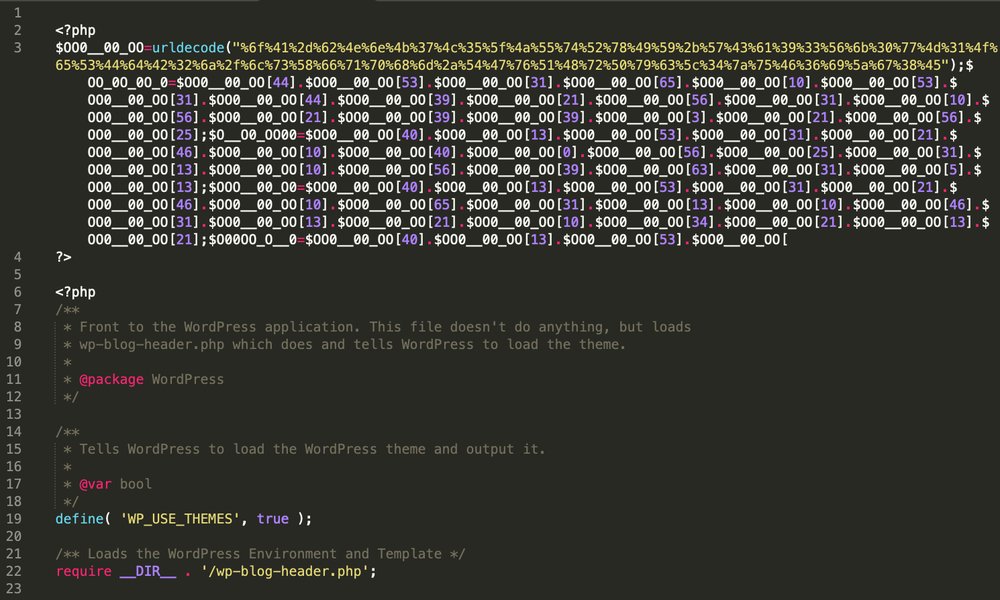
Visual representation of how processes might be affected by malicious inclusions.
Preventing SQL Injection
The most effective way to prevent SQL injection in WordPress and with the $wpdb object is to use prepared statements with $wpdb->prepare(). This function correctly sanitizes the input before incorporating it into the SQL query.
<?php

// Assume file inclusion is handled securely or removed

global $wpdb;

// Validate and sanitize the input
$camp_id = isset($_POST['camp_id']) ? intval($_POST['camp_id']) : 0; // Ensure it's an integer

$masta_reports = $wpdb->prefix . "masta_reports";

// Use prepared statements to prevent SQL injection
$sql = $wpdb->prepare(
    "SELECT count(*) co FROM {$masta_reports} WHERE camp_id = %d AND status = 1",
    $camp_id
);

$count = $wpdb->get_results($sql);

echo $count[0]->co;

?>
In this improved code, we first use intval() to ensure that $camp_id is treated as an integer, adding an initial layer of input validation. More importantly, we use $wpdb->prepare(). The %d is a placeholder for an integer, and $wpdb->prepare() handles the proper escaping of the $camp_id variable, preventing malicious SQL code from being injected.
Using prepared statements is a fundamental security practice when interacting with databases in PHP, especially within the WordPress environment.
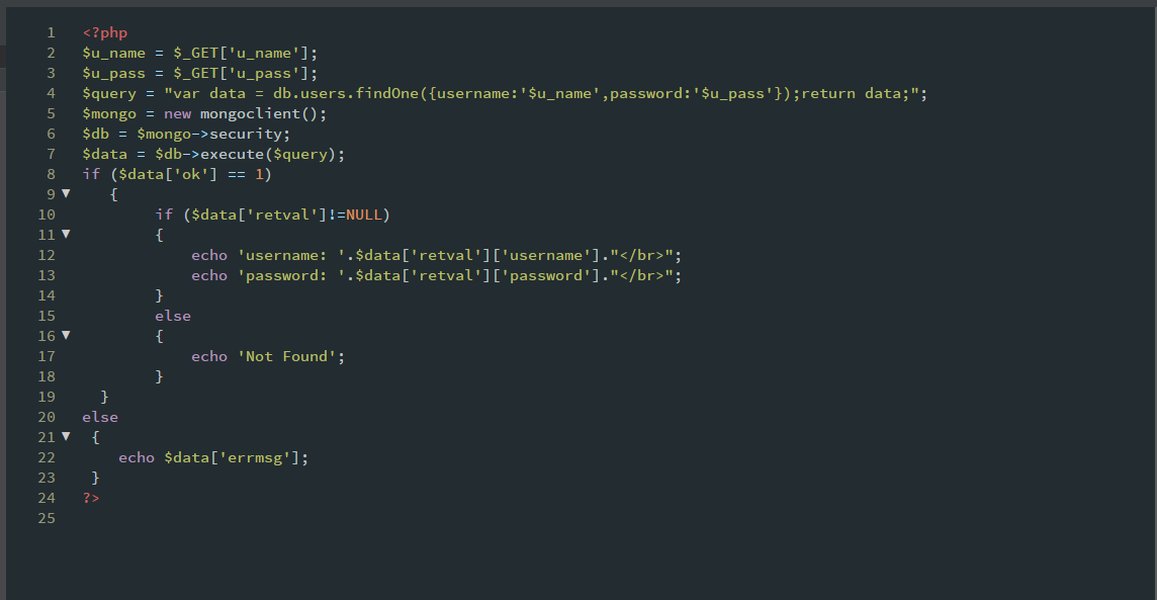
An illustration related to database security and injection attacks.
General PHP Security Best Practices
Beyond addressing the specific vulnerabilities in the provided code, it's crucial to adopt a comprehensive approach to PHP security. Here are some key best practices:
Always Validate and Sanitize User Input
Never trust any data that comes from the user, whether it's from GET requests, POST requests, cookies, or even files. Always validate that the input is in the expected format and sanitize it to remove any potentially harmful characters or code. PHP provides filtering functions like filter_var() and filter_input() for this purpose.
<?php

$email = filter_var($_POST['email'], FILTER_SANITIZE_EMAIL);
if (!filter_var($email, FILTER_VALIDATE_EMAIL)) {
    // Invalid email address
}

$age = filter_var($_POST['age'], FILTER_SANITIZE_NUMBER_INT);
if (!filter_var($age, FILTER_VALIDATE_INT)) {
    // Invalid age
}

?>
Use Prepared Statements for Database Queries
As demonstrated in the corrected code, using prepared statements or parameterized queries is the most effective defense against SQL injection. This separates the query logic from the data, ensuring that user input is treated as data and not executable code.
Protect Against Cross-Site Scripting (XSS)
XSS attacks occur when an attacker injects malicious scripts into web pages viewed by other users. To prevent XSS, escape all output that is rendered in the browser. Functions like htmlspecialchars() or esc_html() in WordPress can convert special characters into their HTML entities, preventing them from being executed as code.
<?php
$user_comment = "<script>alert('XSS Attack!');</script>";
echo htmlspecialchars($user_comment, ENT_QUOTES, 'UTF-8');
?>
Secure Session Management
Sessions are used to maintain user state across multiple requests. Ensure that session IDs are generated securely, transmitted over HTTPS, and have appropriate expiration times. Regenerate session IDs on login and privilege changes to prevent session fixation attacks.
Implement Proper Error Handling
Avoid displaying detailed error messages to users, as these can reveal sensitive information about your application's structure or database. Configure PHP to log errors securely to a file instead of displaying them on the screen.
Keep Software Updated
Regularly update PHP, your web server, database server, and any libraries or frameworks you are using. Updates often include security patches that address known vulnerabilities.
Restrict File Permissions
Set appropriate file and directory permissions to prevent unauthorized access or modification of your code and data files. Sensitive configuration files should be placed outside the webroot.
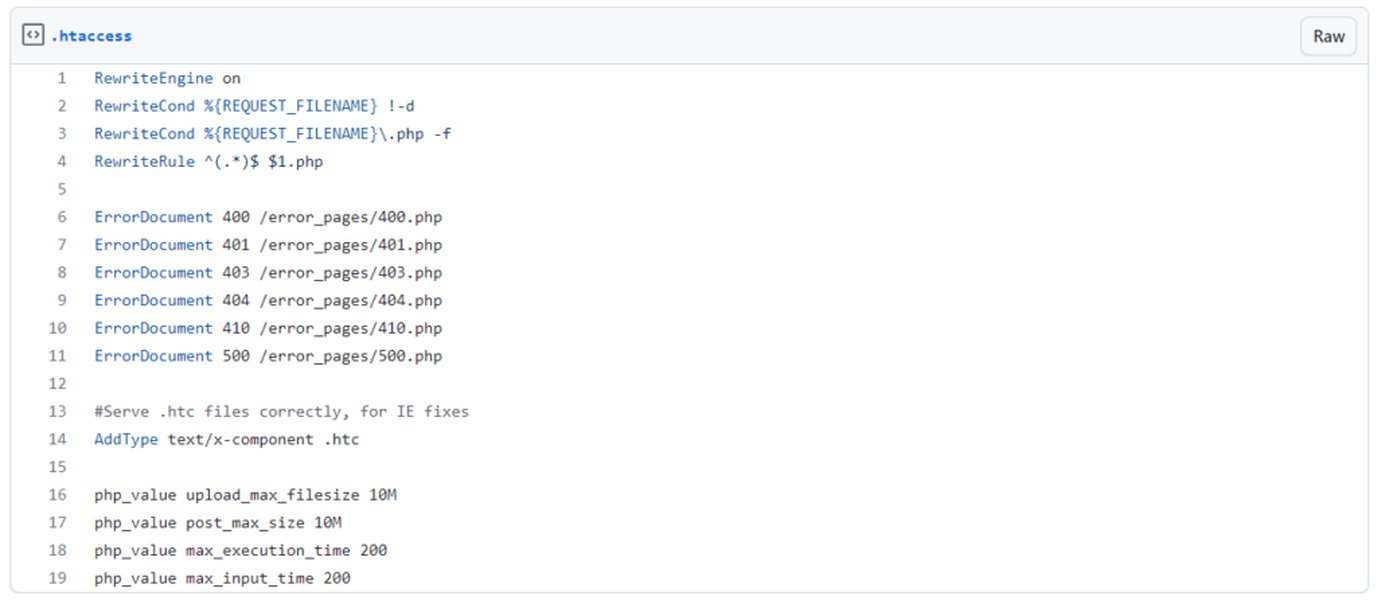
Example of an .htaccess file which can be used to restrict access.
Use a Web Application Firewall (WAF)
A WAF can provide an additional layer of security by filtering malicious traffic before it reaches your application. Many hosting providers offer WAF services.
Table of Common PHP Vulnerabilities and Prevention Methods
Here's a summary of common PHP vulnerabilities and the corresponding prevention techniques:
| Vulnerability | Description | Prevention Methods |
|---|---|---|
| SQL Injection | Attacker injects malicious SQL code into queries. | Prepared Statements, Parameterized Queries, Input Sanitization |
| Cross-Site Scripting (XSS) | Attacker injects malicious scripts into web pages. | Output Escaping (e.g., htmlspecialchars), Input Validation |
| File Inclusion (LFI/RFI) | Attacker includes and executes arbitrary files. | Whitelist of allowed files, Store files outside webroot, Disable remote file inclusion |
| Cross-Site Request Forgery (CSRF) | Attacker tricks a user into performing unwanted actions. | CSRF Tokens, SameSite Cookies |
| Session Hijacking/Fixation | Attacker compromises or fixes a user's session. | Secure Session IDs, Regenerate Session IDs, HTTPS, Session Expiration |
| Insecure Direct Object References (IDOR) | Attacker accesses objects or data they shouldn't have access to. | Proper access control and authorization checks |
Utilizing WordPress Security Features
Since the original code snippet uses global $wpdb;, it's operating within a WordPress environment. WordPress provides built-in functions and best practices for enhancing security:
Using $wpdb->prepare()
As discussed, this is the standard and recommended way to interact with the database in WordPress to prevent SQL injection.
Input Validation and Sanitization with WordPress Functions
WordPress offers several functions to validate and sanitize user input, such as sanitize_text_field(), sanitize_email(), sanitize_url(), etc. Use these functions where appropriate.
<?php
$user_name = sanitize_text_field($_POST['user_name']);
$user_email = sanitize_email($_POST['user_email']);
?>
Escaping Output with WordPress Functions
For preventing XSS, use WordPress functions like esc_html(), esc_attr(), esc_url(), etc., when displaying user-provided data in HTML attributes, URLs, or general content.
<p>Hello, <?php echo esc_html($user_name); ?>!</p>
<a href="<?php echo esc_url($website_url); ?>">Visit Website</a>
Keeping WordPress Core, Themes, and Plugins Updated
Just like updating PHP, keeping your WordPress installation and all its components updated is vital for security. Vulnerabilities are often discovered and patched in newer versions.
Changing the Database Prefix
While not a direct code-level security measure, changing the default wp_ database prefix can make it slightly harder for attackers to target your database with automated tools.
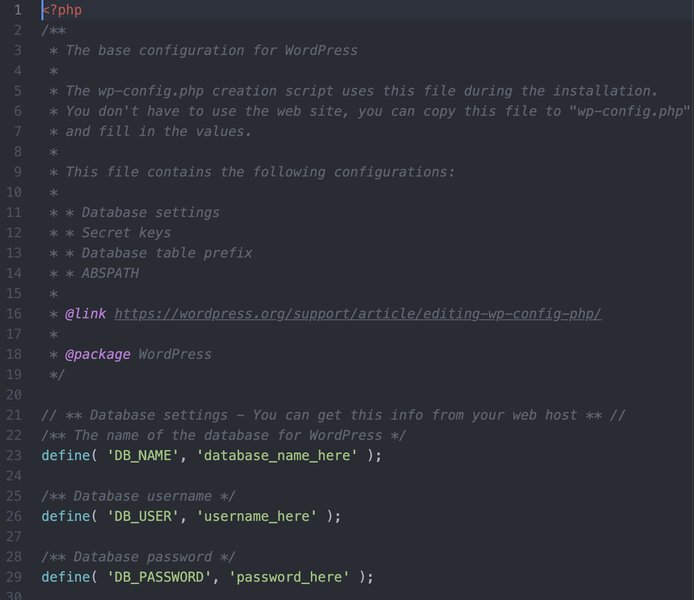
Location of the wp-config.php file where the database prefix can be changed.
Further Considerations
Limiting Database User Privileges
The database user that your PHP application uses should have only the necessary privileges. Avoid using a user with full administrative rights.
Security Plugins
For WordPress sites, security plugins can offer a range of protections, including firewalls, malware scanning, and vulnerability detection.
Frequently Asked Questions (FAQ)
What is the biggest security risk in the original code?
Both the file inclusion vulnerability and the SQL injection vulnerability are critical. The file inclusion is particularly dangerous as it can lead to remote code execution, giving an attacker full control of the server.
Is input sanitization enough to prevent SQL injection?
While sanitization helps, it's not a foolproof method against SQL injection. Parameterized queries/prepared statements are the most reliable defense as they ensure that user input is treated as data, not executable SQL.
Why is keeping PHP and WordPress updated important for security?
Updates often include patches for newly discovered security vulnerabilities. Running outdated software leaves you exposed to these known weaknesses.
Should I display error messages to users?
No, displaying detailed error messages can provide attackers with information about your system that they can use to exploit vulnerabilities. Log errors securely on the server instead.
References
Last updated May 6, 2025