
Kinds of Weather PowerPoint
Comprehensive guide for creating engaging weather presentations
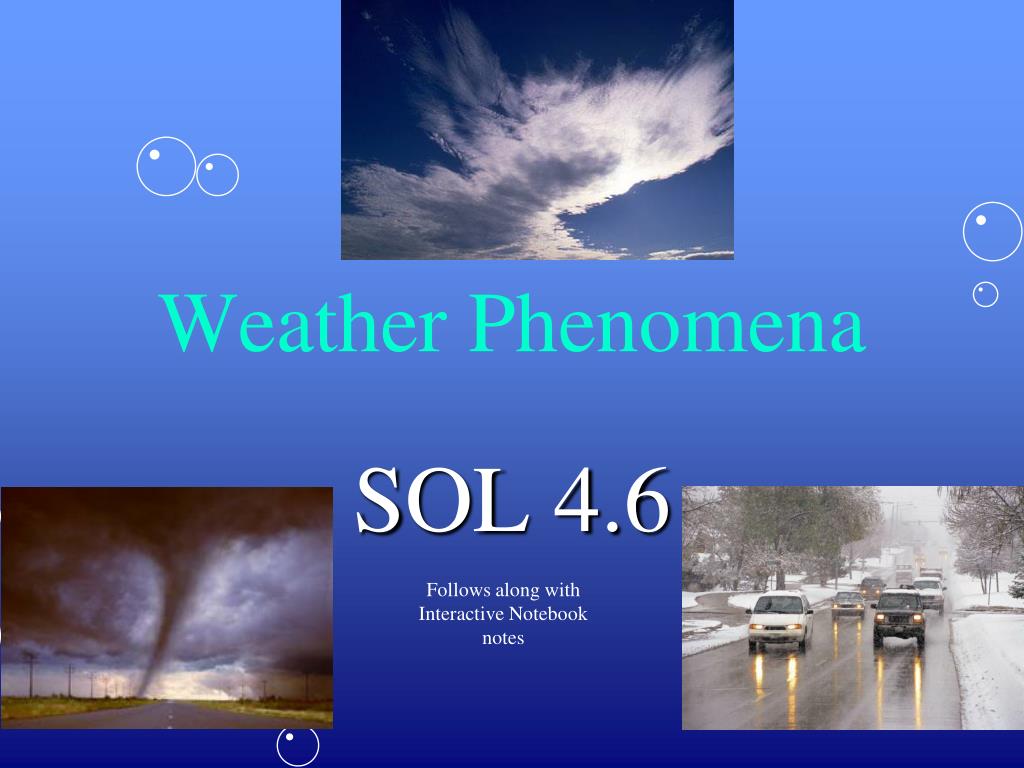
Key Highlights
- Engaging Visuals: Enhance your presentation with high-quality images and interactive elements.
- Informative Content: Include detailed descriptions of various weather types and their real-life impacts.
- Educational Tools: Utilize diagrams, instruments, and interactive segments to promote active learning.
Introduction
A well-crafted PowerPoint presentation on various kinds of weather not only informs but also captivates the audience. Such a presentation is useful in academic settings, language learning environments, and professional seminars on meteorology. Teachers, students, or enthusiasts can benefit from structured content that explains weather phenomena, characteristics of different weather conditions, and the impact of these conditions on daily life.
Content Suggestions and Structure
1. Overview of Weather Concepts
Begin by establishing the base understanding of the term "weather" and its distinction from climate. Explain that weather refers to short-term atmospheric conditions while climate concerns longer-term averages over extended periods. You can illustrate these differences using clear graphs, charts, and examples.
Key Topics to Cover:
- Definition and elements of weather
- Distinction between weather and climate
- The importance of weather forecasting
2. Descriptions of Different Weather Types
Your presentation can become a valuable resource by describing common weather conditions such as sunny, cloudy, rainy, windy, and stormy. Each weather type should include detailed characteristics. For example:
- Sunny: Describes clear skies with abundant sunlight and high visibility.
- Cloudy: Discusses the presence of cloud cover, potential overcast conditions, and reduced brightness.
- Rainy: Focuses on precipitation types, intensity of rainfall, and typical impacts on outdoor activities.
- Windy: Covers definitions of wind speed, directions, and the effects on temperature and human comfort.
- Stormy: Illustrates aspects of thunderstorms including lightning, heavy rains, and sometimes hail.
Enhance these sections with images representing each type of weather. Using real-world photographs or animated graphics can help your audience quickly grasp the visual differences.
3. Incorporating Interactive Elements
Interactive elements are essential for engaging the viewer:
- Interactive Buttons: Embed buttons linking to supplementary videos or detailed animations.
- Embedded Weather Videos: Include short clips demonstrating weather phenomena like rainbows forming or storm dynamics.
- Quizzes and Polls: Integrate simple quizzes or polling slides to help assess understanding and maintain audience interest.
- Live Weather Data: Consider incorporating live weather monitors or animated gauges that show real-time temperature, wind speed, or precipitation levels.
4. Using Diagrams and Instruments in Weather Education
A section dedicated to meteorological instruments not only makes the presentation more engaging but also educational:
- Rain Gauge: Explain how this tool measures precipitation levels.
- Wind Vane: Describe how it indicates wind direction.
- Anemometer: Introduce this device for measuring wind speed.
Including illustrations and simplified diagrams of these instruments can help demystify how weather data is collected.
5. Age-Specific and Audience Tailoring
Different audiences require varying levels of detail:
- Elementary Students: Use simple language, colorful visuals, and include interactive elements like matching games or flashcards.
- High School and College Students: Incorporate detailed diagrams, scientific explanations, and case studies on weather phenomena and forecasting techniques.
- Career-Oriented Presentations: For those entering the field of meteorology, add sections on weather maps, forecasting models, and the science behind weather prediction.
Design and Presentation Tips
Visual Appeal
Creating a visually engaging presentation is half the battle won. Ensure that your slides have a consistent theme and color palette. Visual aids such as high-resolution images, weather diagrams, and dynamic backgrounds should complement the text without overwhelming it.
Consistency and Readability
Maintain a consistent layout throughout the slides. Use appropriate fonts, sizes, and color contrasts to ensure readability. Break up text with bullet points and images, and avoid cluttering the slides with too much information.
Incorporating Data with Tables
Using tables can help present weather data more clearly. Consider including tables that compare different weather types based on attributes such as temperature, precipitation, wind speed, and common effects on the environment.
Example Weather Comparison Table
| Weather Type | Temperature Range | Precipitation Level | Wind Speed | Key Characteristics |
|---|---|---|---|---|
| Sunny | 24°C - 35°C | Low | Low to Moderate | High brightness, clear skies |
| Cloudy | 15°C - 25°C | Variable | Moderate | Overcast, diffused lighting |
| Rainy | 10°C - 20°C | High | Low to Moderate | Continuous precipitation, occasional showers |
| Windy | Varies | Low | High | Strong winds, rapid air movement |
| Stormy | 5°C - 20°C | High | High | Thunderstorms, lightning, heavy rains |
Resources and Ready-to-Use Templates
Numerous online resources can assist you in creating an excellent weather PowerPoint presentation. These resources offer templates, interactive elements, and a wealth of images. Here are some to explore:
Online Template Providers
- Weather PowerPoint Templates - SlideModel
- Free Weather PowerPoint Templates - SlidesCarnival
- Weather Templates for Google Slides & PPT - SlidesGo
- National Weather Service Virtual Presentations
- Customizable Weather Templates - Canva
Additional Educational Resources
For deeper insights into various weather phenomena and techniques on how to teach or present them effectively, browse these resources:
- Weather and Its Types Presentation - SlideShare
- Kindergarten Weather Lesson - Teachers Pay Teachers
- Different Types of Weather - PBS LearningMedia
- Weather PowerPoint on Google Slides
- Kinds of Weather - SlideShare
Advanced Presentation Ideas
Integrating Real-Time Weather Data
To further enhance your presentation, consider blending in real-time weather information. Many online widgets and APIs can fetch current weather statistics, such as temperature, precipitation, and wind speed. Embedding such data can make your slides dynamic and highly interactive.
Using Animations and Transitions
Utilize slide transitions and animations to simulate weather changes over time. For example, you can animate a transition from a sunny morning to a rainy afternoon, highlighting the dynamic nature of weather. Such transitions not only enhance engagement but also reinforce the temporal aspects of weather.
Creating Supplementary Materials
Supplement your PowerPoint with handouts, worksheets, or interactive digital materials. These materials can include:
- Weather Journals: Encourage students to record daily weather patterns and compare them to forecasted data.
- Interactive Quizzes: Use platforms like Kahoot or Quizlet to test the audience’s understanding of weather concepts.
- Case Studies: Present historical weather events or unusual weather phenomena to stimulate discussion and deeper understanding.
Pedagogical Considerations
Adapting for Different Learning Styles
Consider incorporating content for visual, auditory, and kinesthetic learners:
- Visual Learners: Use diagrams, photographs, and color-coded charts to represent weather data and concepts.
- Auditory Learners: Include voice-over narrations or background commentary that explains complex topics in simple terms.
- Kinesthetic Learners: Provide interactive activities that involve moving objects on a slide or using digital tools to simulate weather instruments.
Interactive Learning Strategies
Engaging an audience actively not only improves retention but also helps learners apply theoretical knowledge practically. Consider these strategies:
- Case-Based Learning: Discuss real-life scenarios such as sudden weather changes and their impacts.
- Group Discussions: Facilitate conversations around weather patterns, forecasting errors, or climate change implications.
- Role Playing: Encourage students to act as meteorologists interpreting data and predicting weather changes.
Technical Enhancements
Embedding Multimedia
Multimedia elements can significantly elevate the impact of your presentation. Consider including:
- Videos: Integrate short clips displaying dynamic weather phenomena such as thunderstorms, snowfalls, or wind patterns.
- Audio Clips: Add sound effects like rain, thunder, or wind to create an immersive environment.
- Interactive Maps: Embed maps that update with current weather forecasts and satellite data, especially useful for advanced audiences and weather enthusiasts.
Data Visualization
Effective data visualization is critical when discussing weather trends and meteorological data. Use diagrams that plot temperature changes over time, precipitation graphs, and wind charts to enable clear comparisons between different weather patterns.
Implementation Steps
Step-by-Step Guide
When building your PowerPoint presentation, a structured approach can ensure that every element is well-integrated:
- Plan Your Content: Begin with a storyboard—outline the sections such as introduction, weather types, interactive segments, and advanced topics.
- Gather Visuals: Source high-quality images, video clips, and infographics related to various weather phenomena.
- Create a Consistent Theme: Choose a color palette and font style that enhance readability and maintain uniformity across slides.
- Integrate Multimedia: Embed interactive elements, charts, and real-time data widgets where applicable.
- Test and Refine: Run through the presentation multiple times to check for flow, clarity, and technical performance. Get feedback from peers or target users to fine-tune the content.
Additional Examples and Resources
Learning from other educators and experts can provide invaluable insights. Below is a summary of various resources that offer sample presentations and detailed guides on weather topics:
| Resource Type | Description | Link |
|---|---|---|
| Template Collection | Customizable weather templates with visuals and icons. | SlideModel |
| Free Templates | Stylish and interactive weather slides for Google and PPT. | SlidesCarnival |
| Educational Presentation | PPT specifically aimed at explaining various kinds of weather for academic purposes. | SlideShare |
| Lesson Plans | Weather lesson plans integrated with interactive activities and assessments. | Teachers Pay Teachers |
| Interactive Maps | Real-time weather map presentations and data visualization tools. | National Weather Service |
References
- Weather PowerPoint Templates - SlideModel
- Free Weather PowerPoint Templates - SlidesCarnival
- Weather Templates for Google Slides & PPT - SlidesGo
- National Weather Service Virtual Presentations
- Customizable Weather Templates - Canva
Recommended Queries
Last updated March 20, 2025