
Advanced Cursor Usage in Coding
Mastering the art of cursor manipulation and AI assistance for efficient development
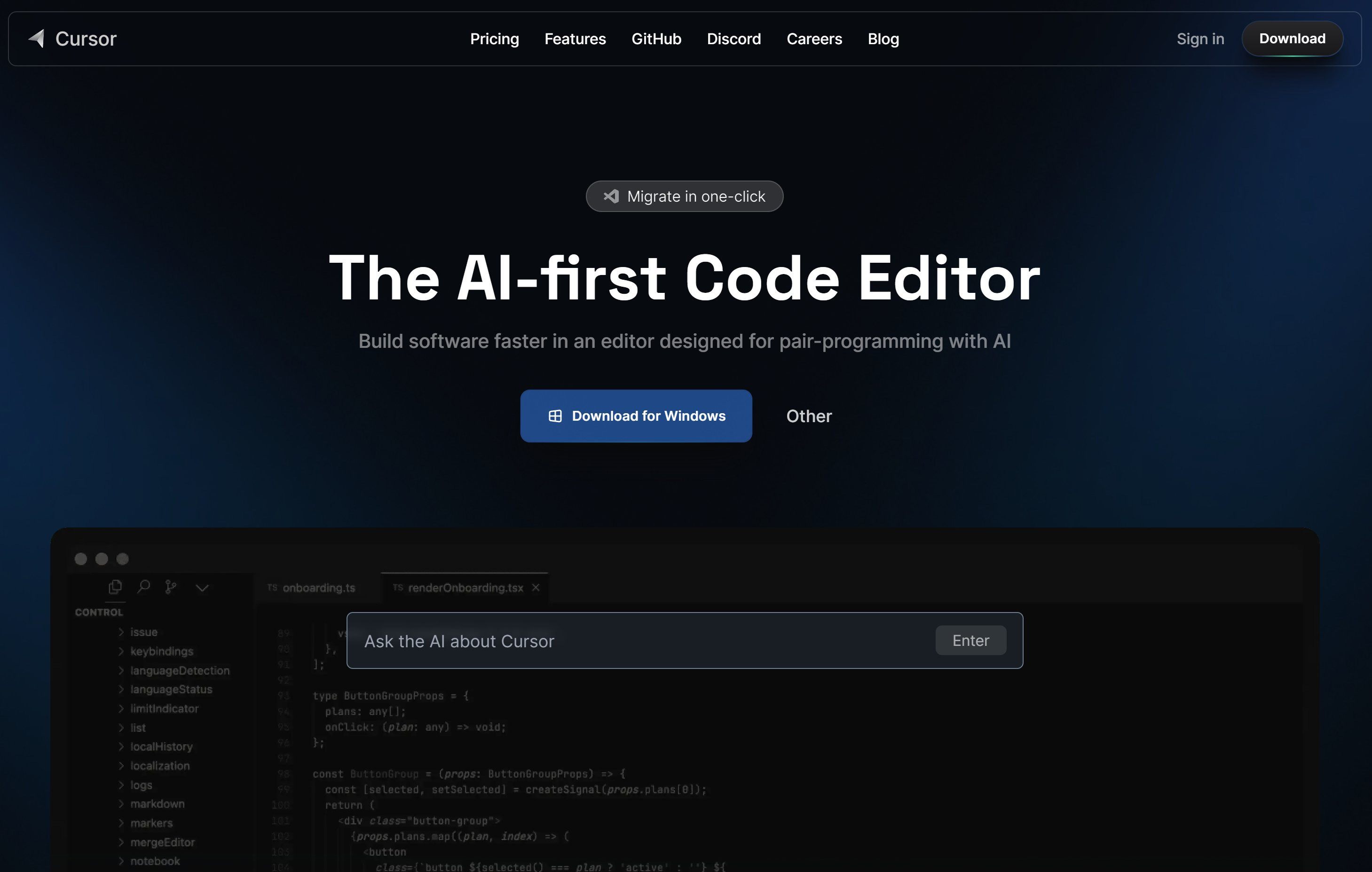
Key Highlights
- Contextual Navigation: Techniques to use cursors for both code navigation and contextual AI enhancements.
- Productivity Enhancements: Leveraging AI prompts, custom configurations, and shortcuts to boost coding efficiency.
- Versatile Applications: Advanced cursor usage spans from database result iteration and UI manipulation to AI-assisted integrated development environments.
Introduction
The concept of "advanced cursor usage" in coding can be viewed from multiple perspectives. It encompasses not only the traditional use in database programming and basic UI navigation but also extends to novel AI-assisted techniques integrated into modern code editors and note-taking applications. When developers harness the power of advanced cursors, they can significantly improve productivity, streamline workflows, and enhance the overall coding experience by blending manual expertise with AI-powered suggestions.
Types of Cursor Use in Coding
Advanced cursor usage can be categorized into two primary areas: the traditional technical uses and the modern AI-assisted implementations. Each type offers unique benefits and requires distinct strategies for optimization.
1. Database Cursor Techniques
Database cursors are a vital tool in managing rows in SQL queries and handling data computations that go beyond the capabilities of set-based operations. Advanced techniques in this area include:
a. Efficient Iteration
Iterating over query results using cursors allows developers to process large data sets without suffering from memory limitations. The key features include:
- Server-side and Scrollable Cursors: Use server-side cursors to navigate large datasets without loading them entirely into the application memory. Scrollable cursors enable moving both forward and backward within the result set.
- Keyset Pagination: Instead of relying on an offset, keyset pagination uses a unique identifier (e.g., a timestamp or primary key value) to maintain a consistent and efficient pointer. This greatly benefits applications handling real-time data or large tables.
- Updateable Cursors: Handling cursors that can update data as it is being iterated. This allows modifications on a row-by-row basis without needing separate update operations.
b. Performance Considerations
While cursors can be indispensable in certain scenarios, they might introduce performance bottlenecks if not optimized. Advanced cursor usage in databases includes:
- Minimizing Memory Footprint: Avoid loading entire datasets into memory by using server-side cursors and streaming results.
- Batch Processing: Instead of processing one row at a time, batching operations can reduce the number of round-trips to the database, thereby diminishing latency and resource usage.
- Transactional Control: Using explicit transaction boundaries when processing data with cursors helps maintain data integrity and consistency, particularly in complex multi-user environments.
2. Cursor Functionality in User Interfaces
Cursor usage in the context of user interfaces refers to the manipulation of the mouse pointer, text insertion points, and other interactive elements within a graphical or terminal environment. Advanced usage in this domain includes:
a. Custom Mouse and Text Cursors
Developers can enhance user experience and accessibility by customizing cursor behavior and appearance:
- System APIs and Customization: Modern operating systems and development frameworks allow for modification of cursor icons, animations, and behaviors through APIs.
- Terminal-Based Interfaces: Libraries such as curses (or ncurses) in Python and C enable sophisticated text mode applications. You can control cursor blinking, positioning, and even create dynamic designs for command-line tools.
- Accessibility Features: Dynamically adjusting cursor focus and user attention by employing timers or interactive prompts helps people with disabilities navigate the interface more easily.
b. Advanced Text Editors and IDEs
Many modern integrated development environments (IDEs) and text editors are incorporating AI-powered features that revolutionize traditional cursor navigation:
- Multi-Cursor Editing: Tools now allow multiple selections or cursors within the same document. This feature is invaluable for making simultaneous changes across a codebase.
- Smart Code Navigation: Using keyboard shortcuts along with advanced cursor movements like jumping to function definitions, matching braces, and selecting entire blocks of code add efficiency to the development workflow.
- Regex Based Cursors: Advanced editors even include the ability to place cursors on all instances matching a regular expression, allowing batch modifications that conform to specific patterns.
AI-Assisted Cursor Tools in Coding
The evolution of AI-assisted coding has transformed how developers interact with code editors and manage cursor behavior. AI-driven tools integrate advanced cursor functionalities, allowing for an interactive and context-sensitive approach to programming.
1. AI-Powered Code Editors
AI-powered code editors provide various features that leverage advanced cursors to enhance productivity. Some key functionalities include:
a. Context-Aware Code Completion
AI-assisted code editors analyze the current program context to provide highly relevant code completion suggestions. These tools employ:
- Real-time Analysis: As you move your cursor through your code, the AI engine dynamically understands the context and provides predictive suggestions for completing lines or entire code blocks.
- Project-Specific Rules: Through the creation of configuration files such as ".cursorrules", developers can customize how the AI interacts with their coding style and project requirements. This ensures continuity across the codebase while adhering to best practices.
- Integration with Documentation: By referencing inline notes or separate markdown documentation, the editor can provide insights and recommendations that span beyond the immediate file.
b. Collaborative Features and Code Navigation
Collaboration has been made simpler through innovative cursor functions, particularly in team-based projects:
- Real-Time Collaborative Editing: Several code editors now allow multiple developers to work in the same file simultaneously with each participant’s cursor visible. This facilitates easier discussions, code reviews, and real-time debugging sessions.
- AI Chat Integration: Developers can interact with the code repository through a chat interface. Using natural language, they can search the codebase, get explanations of complex code segments, or even suggest modifications directly near relevant cursors.
- Unified View of Project Context: By "anchoring" the AI with contextual project information, these editors can offer targeted suggestions across various files, ensuring a cohesive development experience.
2. Advanced Cursor Shortcuts and Workflow Optimization
In addition to AI-driven tools, the proper use of advanced cursor shortcuts significantly accelerates coding tasks. Optimizing navigation and text manipulation can lead to exponential improvements in productivity.
a. Navigation Shortcuts
Using keyboard shortcuts not only reduces the reliance on the mouse but also ensures that developers can perform complex tasks in a fraction of the time. Techniques include:
- Multi-cursor Selections: Tools like Ctrl+Click (Cmd+Click on Mac) allow developers to place multiple cursors in different locations of the file, making simultaneous edits seamless.
- Jumping to Function Definitions: Enhanced navigation features enable quick movement between code definitions, allowing developers to inspect or revise parts of the code without scrolling endlessly.
- Text Block Selection: Combined with regex-based selection, developers can highlight entire code segments that match specific patterns, enabling batch operations or refactoring with minimal manual intervention.
b. Workflow Automation and Command Integration
Besides shortcuts, workflow optimizations are supported through automation commands that interface directly with the text editor or Integrated Development Environment (IDE):
- Prompt Files and Notepads: Developers can incorporate detailed prompt files and notepads. These files serve as references that the AI can use to align code generation and suggestions with project-specific requirements.
- SOPs for Common Tasks: Creating Standard Operating Procedures (SOPs) ensures that repetitive tasks are automated. By integrating these SOPs with the coding environment, the cursor functions as a gateway to executing frequently performed tasks without rework.
- Simultaneous Editing: Some environments provide advanced multi-line editing via “Composer” features, which allow multiple files or code sections to be updated simultaneously with the help of AI suggestions.
Practical Implementations: Tools and Techniques
Let’s delve into specific implementations where advanced cursor usage plays a central role in optimizing coding workflows.
1. Code Editor Plugins and Enhancements
Several modern code editors have embraced plugins designed to leverage advanced cursor functionalities:
a. Plugin Integrations for AI Assistance
The integration of AI with traditional code editors has revolutionized how cursors can be utilized:
- AI Prompt Libraries: These libraries allow developers to interact with the code using natural language prompts. Commands such as "jump to next instance" or "select this pattern across the file" are interpreted by the AI to place cursors in multiple places.
- Context Files (.cursorrules): By creating a dedicated configuration file at the project root, developers can instruct the AI on coding standards, preferred libraries, and even project scope. This ensures consistency in code styling and behavior across different modules.
- Notepads for Code Context: Serving as an augmented form of inline documentation, notepads help maintain coding context that the AI can further use to drive intelligent suggestions during multi-cursor editing sessions.
b. Multi-Cursor Techniques in Note-Taking Applications
Beyond traditional code editors, similar cursor enhancements are also available in note-taking applications that support markdown and rich text. An example is the integration of these techniques for efficient note management:
- Advanced Cursors for Navigation: Plugins in note-taking apps enable users to quickly navigate between similar phrases or annotations, making document revisions faster.
- Regex-based Selection Modes: By applying regular expressions, users can identify and edit similar occurrences sequentially, enhancing overall document consistency.
- Custom Commands for Incremental Insertions: These features help insert sequential information (such as numbering or timestamps) at multiple points simultaneously, saving time during documentation or project note updates.
2. Real-World Example – Table of Cursor Capabilities
The following table illustrates a comparative view of various advanced cursor techniques found in different tools and environments. Each technique is linked to its primary application domain.
| Aspect | Database Cursors | UI/Terminal Cursors | AI-Assisted Cursor Features |
|---|---|---|---|
| Iteration | Server-side and scrollable iteration for large datasets. | Multi-cursor placement in text editors and GUI applications. | Context-aware suggestions and real-time editing support. |
| Performance | Batch processing and updateable cursors to manage memory efficiently. | Optimized cursor navigation and selection techniques for improved response times. | AI-driven context analysis to deliver faster coding suggestions and batch edits. |
| Customization | Transactional control and pagination to tailor data handling. | Custom mouse cursors, accessibility adjustments, and terminal cursor controls. | Custom rules files (.cursorrules), prompt files, and interactive chat-based code assistance. |
| Collaboration | Coordinated data operations within transactional frameworks. | Real-time cursor tracking in multi-user environments. | Simultaneous multi-cursor editing with team collaboration features and integrated version control. |
Strategies for Mastering Advanced Cursor Usage
Adopting advanced cursor techniques involves not only learning the shortcuts and features offered by your environment but also establishing a workflow that interconnects manual precision with automated intelligence. Below are several strategies to fully harness advanced cursor usage:
1. Define Project-Specific Rules
Create configuration files that encapsulate your coding standards and project specifics. Files such as ".cursorrules" instruct AI assistants to adhere to consistent styles, naming conventions, and architectural decisions. By doing so, you ensure that all suggestions provided by the AI align with the project’s goals.
2. Utilize AI Prompts and Notepads
Leverage detailed prompt files and notepads to offer context to your AI tools. These supporting documents provide clues about your coding intentions, complexities, and special requirements, which in turn allow AI systems to deliver more accurate and sophisticated cursor-anchored suggestions and code corrections.
3. Embrace Multi-Cursor and Navigation Shortcuts
Invest time in mastering the multi-cursor functionalities of your editor. Whether it is through simple keyboard shortcuts or specialized commands, being well-versed with these tools will significantly reduce the time needed for repetitive edits and allow you to focus on higher-level coding challenges.
4. Integrate Workflow Automation Tools
Automate recurring tasks by developing standard operating procedures (SOPs) that integrate with your editor’s AI capabilities. This approach can help you avoid manual errors while ensuring that every part of your project is consistently updated in accordance with the latest coding standards and practices.
Practical Case Study
Imagine a scenario in which a development team is working on a large-scale web application. The project involves hundreds of files and uses a mix of backend and frontend technologies. The team decides to integrate advanced cursor techniques to improve collaboration and minimize manual edits.
Workflow Integration
The team begins by setting up a ".cursorrules" file in the project repository to define coding style, naming conventions, and format rules that align with industry best practices. Simultaneously, they enable multi-cursor editing in their chosen code editor, which supports AI-driven suggestions and real-time collaboration.
Key Techniques Employed
Some of the specific features the team leverages include:
- Context-Aware Navigation: As team members examine complex functions scattered across the codebase, the AI-powered search enables instant jumps between function definitions, streamlining code review sessions.
- Regex-Based Selection: The team often needs to refactor repeated code patterns. Using regex-based multi-cursor selection, they update variable names and adjust function parameters across multiple files simultaneously.
- Real-Time Collaboration: During live coding sessions, all active developers see each other’s cursors, making it easier to escalate issues, share insights, and commit on the fly.
- Automated Bug Finding and Suggestions: An integrated bug finder within the AI assistant identifies potential syntactic and semantic mistakes, offering precise suggestions which are then applied seamlessly across relevant sections of the code.
Outcomes
The integration of advanced cursor usage in this real-world scenario results in:
- Enhanced Productivity: Developers report significant time savings on routine tasks, allowing them to focus on higher-level logic and innovation.
- Consistent Code Quality: Adhering to project-specific rules ensures uniformity and reduces the probability of errors or style discrepancies.
- Smoother Collaboration: With real-time visual cues such as multiple cursor placements and AI-guided code amendments, collaboration becomes more intuitive and less error-prone.
- Scalable Solutions: Even as the project grows, the ability of cursors to handle large volumes of code in an efficient manner ensures a scalable development process.
Tools and Resources for Further Exploration
Developers interested in mastering advanced cursor usage in their coding practices have a variety of tools and resources at their disposal. Some of the most impactful include:
1. Contemporary AI-Powered Code Editors
Editors that merge intelligent code completion with advanced cursor functionality are gaining prominence as essential tools for modern development. These environments often include:
- Integrated Chat Interfaces: Use natural language commands to query, navigate, and refactor code.
- Real-Time Collaboration Tools: Enable multiple cursors and shared editing sessions for distributed teams.
- Customizable Rules and Profiles: Files such as ".cursorrules" ensure consistent coding standards throughout the project lifecycle.
2. Specialized Cursor Plugins for Note-Taking Apps
For those who combine programming with extensive documentation or note-taking, specialized plugins enhance text manipulation and cursor navigation. These plugins allow users to synchronize annotations, perform regex-based searches, and adjust multi-cursor functionality for efficient editing.
3. Online Communities and Forums
Active participation in developer communities offers access to cutting-edge techniques, peer-to-peer advice, and custom scripts that extend the native capabilities of your editor. Many forums and blogs share step-by-step guides for implementing and mastering advanced cursor functionalities.
Conclusion
Advanced cursor usage in coding exemplifies the convergence of traditional programming techniques with modern AI-driven enhancements. Whether you are iterating over large datasets using database cursors, customizing UI interactions for accessibility, or harnessing multi-cursor functionalities in an AI-powered environment, mastering these techniques will transform your coding workflow. By defining project-specific rules, integrating AI prompts, utilizing multi-cursor shortcuts, and automating routine tasks, developers can maximize efficiency, enforce consistency, and streamline collaborative efforts in complex projects.
Overall, the adoption of advanced cursor strategies offers tangible benefits—ranging from improved performance and reduced manual effort to better collaboration and quality control. As coding environments continue to evolve with AI and smarter interfaces, mastering these advanced techniques will remain essential for developers looking to stay ahead in a competitive and rapidly changing technological landscape.
References
- Advanced techniques for coding in Cursor - Practical Programmatic
- Cursor Tips&Tricks - Cursor Coding
- Cursor 101: Your Go-To Resource for Cursor and AI-Powered Coding - Cursor 101
- Best practices for medium / large projects - Cursor Forum
Recommended Further Exploration
Last updated February 20, 2025