
Exploring the World of AI Image Generation
Discovering the capabilities of AI in creating visual content
Key Insights into AI Image Generation
- AI image generators can transform text descriptions into unique visual art and photorealistic images.
- Several platforms offer free AI image generation tools, making it accessible to a wide range of users.
- Leading AI models like DALL-E 3, Midjourney, and Imagen 3 are at the forefront of generating high-quality and detailed images.
As an AI assistant, I can provide information and guide you on how to generate images using various AI tools. While I don't directly generate images myself in this format, I can explain the process, recommend prominent AI image generators, and discuss their features and capabilities. The field of AI image generation is rapidly evolving, allowing users to create a wide array of visual content from simple text prompts.
Understanding AI Image Generation
How Text Becomes Visual Art
AI image generation, often referred to as text-to-image AI, utilizes sophisticated machine learning models to interpret natural language descriptions (prompts) and translate them into visual outputs. These models have been trained on vast datasets of images and their corresponding text descriptions, enabling them to understand the relationship between words and visual elements. When you provide a prompt, the AI analyzes the text, identifies key concepts, styles, and objects, and then synthesizes a new image based on that understanding.
The Role of Prompts
The quality and specificity of the text prompt significantly influence the resulting image. A detailed and well-crafted prompt can lead to more accurate and compelling visuals. Users can specify various aspects such as the subject matter, artistic style (e.g., watercolor, photorealistic, cyberpunk), mood, lighting, color palette, and even camera angles.
Underlying Technologies
Several different AI models power these image generators. Some of the most well-known include:
- Generative Adversarial Networks (GANs): These models use two neural networks, a generator and a discriminator, that work in opposition to create increasingly realistic images.
- Diffusion Models: These models work by gradually adding noise to an image and then learning to reverse the process to generate a clear image from random noise, guided by a text prompt. Many of the current leading models utilize this technology.
The advancements in these models have led to a significant improvement in the quality, coherence, and creativity of AI-generated images.
Leading AI Image Generation Tools
A Comparative Look at Popular Platforms
The market for AI image generators is competitive, with various platforms offering unique features and capabilities. Here's an overview of some of the prominent tools available in 2025:
DALL-E 3 by OpenAI
Integrated with ChatGPT, DALL-E 3 is praised for its strong adherence to prompts and ability to handle complex queries. It offers various editing and customization options, making it a popular choice for detailed image creation. It's known for generating images with a high level of detail.
Access to DALL-E 3 is available through ChatGPT Plus for a monthly subscription, with limited free access also provided.
Midjourney
Midjourney is frequently highlighted for its artistic results and ability to produce high-quality, often stunning, visuals. It's favored by artists and those looking for more creative and stylized outputs. Access is typically through a Discord server, requiring a subscription.
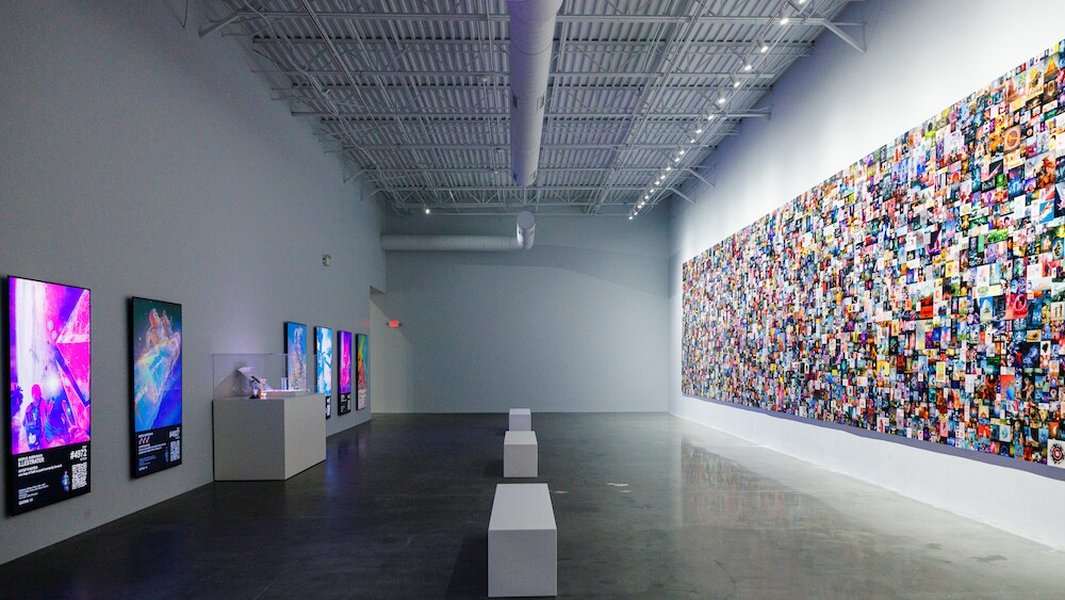 Observing AI-generated art in a digital gallery.
Imagen 3 by Google
Google's Imagen 3, accessible via platforms like ImageFX and integrated with the Gemini chatbot, is another powerful model known for its impressive image generation capabilities. It works well with detailed prompts and offers various styles.
Adobe Firefly
Adobe Firefly focuses on generative AI for creative workflows and is known for producing copyright-safe images, trained on licensed content. It offers features like text-to-image and the ability to use reference photos for inspiration, making it suitable for designers and content creators.
Other Notable Generators
Several other platforms provide valuable AI image generation tools, including:
- Canva: Integrates AI image generation (including DALL-E and Imagen) within its user-friendly design platform, making it easy to incorporate AI visuals into various projects.
- Microsoft Designer: Offers a free AI image generator powered by DALL-E 3, requiring only a Microsoft account.
- Pixlr: Provides free online photo editing tools including an AI image generator.
- Leonardo AI: Mentioned as an easy-to-use tool for creating AI images.
- Stable Diffusion: An open-source model that allows for greater customization and can be run on personal hardware.
- Recraft: Offers free AI image generation with a focus on editable vector graphics.
- Freepik AI Image Generator: Provides a real-time text-to-image tool with prompt examples.
- Fotor AI Image Generator: Allows generating images from text or image prompts and offers editing tools.
- Picsart AI Image Generator: Enables instant image generation from text prompts with style selection.
- Craiyon: A free AI image generator that allows creating unlimited AI illustrations without login.
- DeepAI: Offers a free online AI image generator for turning text into various art styles.
- Artguru: A simple, free AI image generator for creating diverse image types from text descriptions.
- Clipfly: Provides a free online AI image generator for quickly creating high-quality visuals from text.
- MyEdit: Offers free AI tools including text-to-image generation and image editing features.
Key Features and Considerations
What to Look for in an AI Image Generator
When choosing an AI image generator, consider the following features and aspects:
Prompt Adherence and Quality
The ability of the AI to accurately interpret and represent the text prompt is crucial. The quality, detail, and aesthetic appeal of the generated images also vary between models.
Ease of Use
Some platforms offer more intuitive interfaces and simpler workflows, making them ideal for beginners, while others provide more granular control for experienced users.
Customization Options
Look for tools that allow you to refine images, adjust styles, modify elements, and control parameters like aspect ratio, lighting, and color.
Editing Capabilities
Some platforms integrate image editing tools, allowing you to further enhance or modify the AI-generated images directly within the platform. Tools like Canva, Pixlr, Adobe Express, and Fotor offer integrated editing features.
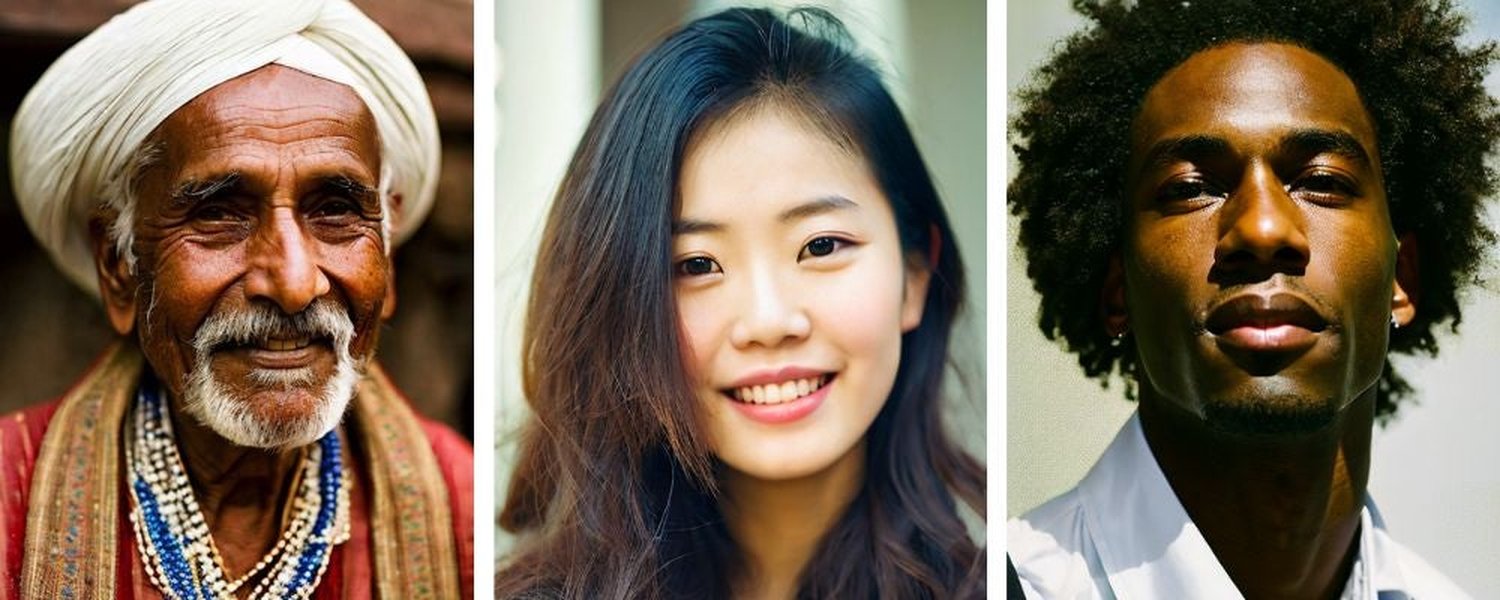 An example of an AI-generated abstract image.
Cost and Access
Many platforms offer free tiers with limited usage, while subscriptions unlock more features and higher generation limits. Some are entirely free.
Image to Image Functionality
Some advanced tools allow you to use an existing image as a reference or starting point, transforming it based on a text prompt while retaining certain characteristics of the original.
Text Accuracy in Images
Generating legible text within images can be a challenge for some AI models, although improvements are being made. Platforms like Ideogram are noted for better text accuracy.
Use Cases
AI-generated images can be used for various purposes, including:
-
Creating unique artwork and illustrations.
-
Generating visuals for social media content, blogs, and websites.
-
Developing concepts for branding and marketing materials.
-
Creating mockups and storyboards.
-
Producing images for presentations and reports.
Comparison of Select AI Image Generators
Highlighting Key Differences
| AI Generator | Key Strength | Access/Pricing | Notable Features |
|---|---|---|---|
| DALL-E 3 (via ChatGPT) | Prompt adherence, detailed images, complex queries | ChatGPT Plus (paid), Limited free access | Integrated with ChatGPT, editing options |
| Midjourney | Artistic results, high-quality renderings | Subscription (Discord) | Focus on aesthetic output |
| Imagen 3 (via ImageFX/Gemini) | Impressive generation, detailed prompts | Free (ImageFX), Integrated with Gemini | Various styles, works well with detailed prompts |
| Adobe Firefly | Copyright-safe images, creative workflows | Free online, integrates with Adobe products | Text-to-image, reference image use |
| Canva | User-friendly integration | Limited free, Pro subscription | Integrated with design tools, various styles |
| Microsoft Designer | Free access to DALL-E 3 | Free (Microsoft account) | Simple interface, good for quick generation |
Leveraging AI for Creative Projects
Beyond Simple Image Generation
AI image generators are not just for creating standalone images. They can be powerful tools within a broader creative workflow. Many platforms offer features that allow you to integrate AI-generated content with traditional editing and design tools.
Integrating with Design Platforms
Platforms like Canva and Adobe Express seamlessly integrate AI image generation with their existing design suites. This allows users to generate images and immediately use them in presentations, social media posts, flyers, and other design projects. Features like background removal, adding text overlays, and applying filters can further customize the AI-generated visuals.
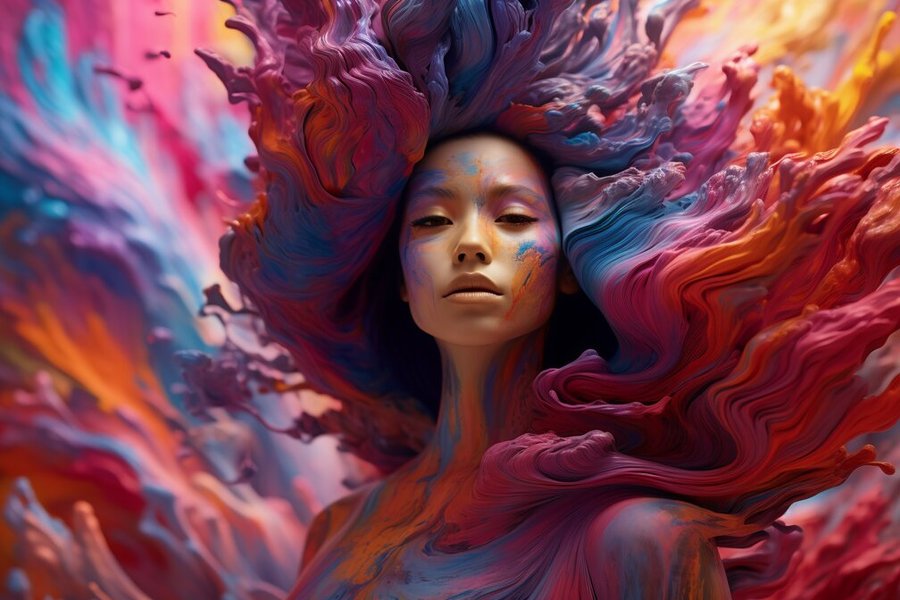 Abstract digital art created with AI.
Advanced Editing and Manipulation
Some AI tools offer advanced editing capabilities like inpainting (adding or replacing elements within an image) and outpainting (expanding an image beyond its original borders). These features allow for more sophisticated manipulation of AI-generated content.
Creating Different Styles and Variations
AI image generators often provide options to generate images in various artistic styles, from photorealistic to stylized illustrations. Users can experiment with different styles and generate multiple variations of an image based on the same prompt.
Frequently Asked Questions About AI Image Generation
Are AI-generated images truly original?
AI models are trained on existing data, and the output is a synthesis of that data. While the resulting image is unique to the specific prompt and generation process, there are ongoing discussions about originality and copyright in AI-generated art. Some platforms, like Adobe Firefly, specifically focus on training on licensed or public domain content to address copyright concerns.
Can AI generate images of specific people?
The ability to generate photorealistic images of individuals, especially recognizable faces, is a sensitive area due to privacy and ethical considerations. Many AI image generators have safeguards in place to prevent the generation of identifiable individuals without consent.
Is it free to use AI image generators?
Many AI image generators offer a free tier with limitations on the number of images you can generate or the features you can access. Premium subscriptions typically remove these limitations and offer additional capabilities. Some platforms, like Craiyon and parts of Microsoft Designer, offer completely free image generation.
How can I get the best results from an AI image generator?
Providing a detailed and specific text prompt is key. Experiment with different keywords, styles, and parameters offered by the generator. Iteration is often necessary to achieve the desired result; generate multiple images and refine your prompt based on the outputs.
What are the limitations of AI image generation?
While AI image generation is advanced, there are still limitations. Generating accurate and legible text within images can be challenging. Complex scenes with multiple interacting elements can sometimes result in distorted or nonsensical outputs. Understanding context and subtle nuances in prompts can also be difficult for the AI.
References
Last updated May 4, 2025