
Building a Mobile-Friendly Pac-Man with TypeScript
A comprehensive guide to recreating the classic arcade experience for modern devices using TypeScript and HTML5 Canvas.
Recreating classic arcade games like Pac-Man is a popular and effective way to learn new programming languages and technologies. Building a mobile-friendly version using TypeScript provides an excellent opportunity to explore modern JavaScript development practices, leveraging static typing for improved code maintainability and scalability. This guide delves into the key aspects of developing such a game, highlighting essential tools, techniques, and considerations for a smooth and engaging mobile experience.
Key Highlights for Your Pac-Man Project
- TypeScript for Structure: Utilize TypeScript's features like classes, interfaces, and types to build a well-organized and less error-prone game codebase.
- HTML5 Canvas for Graphics: Render the game's visuals, including the maze, Pac-Man, ghosts, and pellets, using the HTML5 Canvas API for flexible and performant graphics.
- Mobile Responsiveness: Design the game layout and controls to adapt seamlessly to various screen sizes and touch interactions for a true mobile-friendly experience.
Why Choose TypeScript for a Pac-Man Game?
Leveraging Static Typing for Enhanced Development
TypeScript, a superset of JavaScript, brings static typing to your project. This means you can define the types of your variables, function parameters, and return values. This seemingly small addition offers significant benefits, especially in larger or more complex projects like game development:
Improved Code Maintainability and Readability
With explicit type annotations, your code becomes more self-documenting. It's easier for you and other developers to understand the intended use of variables and the expected input/output of functions. This clarity reduces the likelihood of errors and makes maintaining the codebase over time much simpler.
Early Error Detection
TypeScript's static analysis catches type-related errors during the development phase, before you even run your code. This is a stark contrast to JavaScript, where such errors would only surface at runtime, potentially leading to unexpected bugs and crashes. Catching errors early saves valuable debugging time.
Enhanced Tooling and Development Experience
IDEs and code editors with TypeScript support can provide powerful features like autocompletion, code navigation, and refactoring based on the type information. This significantly boosts developer productivity and makes the coding process more efficient and enjoyable.
Structuring Your Game Logic with Types
In a game like Pac-Man, you'll have various entities such as Pac-Man, ghosts, pellets, and the maze itself. Using TypeScript interfaces and classes, you can define clear structures for these entities, their properties (like position, speed, state), and their behaviors (like movement, collision detection). This object-oriented approach helps in organizing the game logic in a modular and manageable way.
The Role of HTML5 Canvas in Game Rendering
Bringing the Visuals to Life
The HTML5 <canvas> element is the backbone for rendering the graphics of your web-based Pac-Man game. It provides a drawing surface within the browser that you can manipulate using JavaScript (or TypeScript). Here's how it's crucial for this project:
Dynamic Graphics and Animation
Unlike static HTML elements, the canvas allows for dynamic drawing. You can draw shapes, images, and text, and crucially, update them rapidly to create smooth animations. This is essential for depicting Pac-Man moving through the maze, the ghosts chasing, and pellets being eaten.
Drawing the Maze
The Pac-Man maze has a specific structure with walls and paths. You can represent this maze as a data structure (e.g., a 2D array) in your TypeScript code and then iterate through it to draw the maze elements onto the canvas using functions like fillRect() or strokeRect() for walls and arc() for pellets.
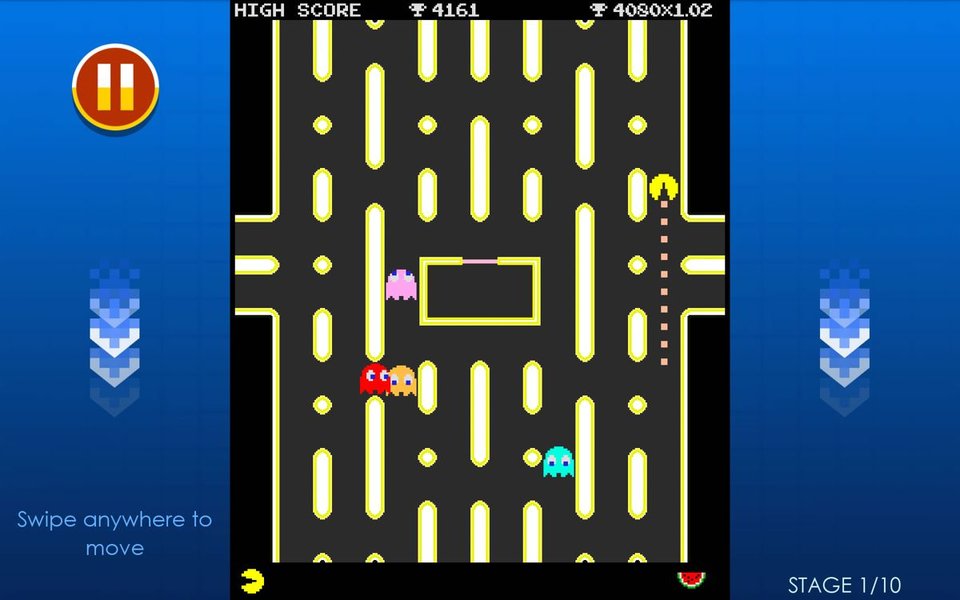
A mobile view of a Pac-Man game.
Rendering Game Entities
Pac-Man and the ghosts are typically represented as sprites or images. You can load these images and draw them onto the canvas at their current positions. As the game state updates (e.g., Pac-Man moves), you clear the relevant parts of the canvas and redraw the entities in their new locations, creating the illusion of movement.
Handling Game State Changes
The canvas is also used to display dynamic game elements like the score, lives, and the game over screen. You can draw text and other visual indicators on the canvas to provide feedback to the player about the current game state.
Designing for Mobile Responsiveness
Ensuring a Seamless Experience Across Devices
Creating a truly mobile-friendly Pac-Man game goes beyond just running it on a phone. It requires careful consideration of the user interface and controls to be intuitive and functional on smaller touchscreens.
Flexible Layouts with CSS
While the game rendering happens on the canvas, the surrounding HTML structure and CSS are crucial for creating a responsive layout. Use CSS techniques like flexbox or grid to arrange the canvas and any control elements (like on-screen buttons) so that they adapt well to different screen sizes and orientations.
body {
    display: flex;
    justify-content: center;
    align-items: center;
    min-height: 100vh;
    margin: 0;
    background-color: black;
}

#game-container {
    display: flex;
    flex-direction: column;
    align-items: center;
}

canvas {
    border: 1px solid white;
}

#controls {
    margin-top: 20px;
    display: grid;
    grid-template-areas:
        ". up ."
        "left . right"
        ". down .";
    gap: 10px;
}

.control-button {
    width: 60px;
    height: 60px;
    background-color: yellow;
    border-radius: 50%;
    display: flex;
    justify-content: center;
    align-items: center;
    font-size: 24px;
    cursor: pointer;
    user-select: none; /* Prevent text selection on touch */
}

#up { grid-area: up; }
#left { grid-area: left; }
#right { grid-area: right; }
#down { grid-area: down; }
This CSS example demonstrates how you might structure a container for your canvas and controls, using CSS Grid for a directional pad layout suitable for touch input.
Touch Controls
Since mobile devices rely on touch input, you'll need to implement touch-based controls. This can involve adding on-screen buttons for directional movement (up, down, left, right) or implementing swipe gestures. Your TypeScript code will need to listen for touch events on these elements or the canvas itself and translate them into game actions (moving Pac-Man).
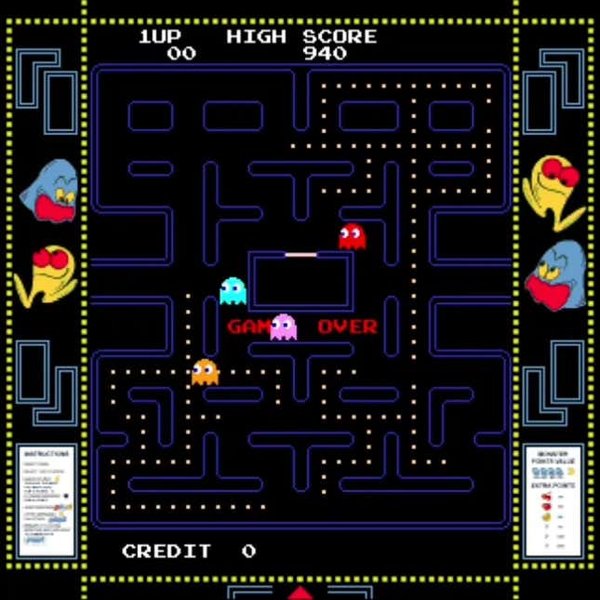
Intense moments in Pac-Man gameplay.
Handling Different Screen Sizes
The canvas size itself might need to be adjusted based on the device's screen dimensions to ensure the game is neither too small nor too large. You can use JavaScript to get the window's dimensions and resize the canvas accordingly. It's also important to consider the aspect ratio to avoid distortion.
Core Game Logic in TypeScript
Implementing the Rules and Behaviors
The heart of your Pac-Man game lies in its logic, which will be primarily written in TypeScript. This includes managing the game state, handling character movements, detecting collisions, and updating the score.
Game State Management
You'll need a way to keep track of the game's current state: is the game running, paused, or over? What is the current score? How many lives does Pac-Man have left? TypeScript enums and interfaces can be useful for defining and managing these different states and associated data.
Character Movement and Animation
Both Pac-Man and the ghosts need to move within the maze. This involves updating their position based on input (for Pac-Man) or AI (for ghosts). You'll also need to handle animations, like Pac-Man's chomping mouth, by cycling through different sprite frames.
Collision Detection
A fundamental part of Pac-Man is detecting when characters collide with walls, pellets, power pellets, fruit, and each other. Your TypeScript code will need functions to check for these collisions based on the positions and sizes of the entities. For example, you might check if the bounding boxes of two entities overlap.
Ghost AI
Implementing the distinct behaviors of the four ghosts (Blinky, Pinky, Inky, and Clyde) is a classic challenge. Each ghost has a different target tile they try to reach, influencing their movement patterns. You'll need to translate these AI rules into TypeScript logic that determines the ghosts' next move.
Setting Up Your Development Environment
Getting Started with TypeScript and Canvas
Before you start coding, you'll need to set up your development environment to work with TypeScript and HTML5 Canvas.
Installing TypeScript
If you don't have Node.js and npm (or yarn) installed, you'll need to do that first. Then, you can install TypeScript globally using npm:
npm install -g typescriptThis will allow you to use the tsc command to compile your TypeScript code into JavaScript.
Project Structure
A typical project structure for a game like this might look like this:
my-pacman-game/
├── src/
│   ├── game.ts         // Main game logic
│   ├── entities/       // Classes for Pac-Man, ghosts, etc.
│   │   ├── pacman.ts
    │   ├── ghost.ts
    │   └── ...
│   ├── utils/          // Helper functions (e.g., collision detection)
│   │   └── ...
│   └── index.ts        // Entry point
├── index.html          // The HTML file with the canvas
├── css/
│   └── style.css       // Styling for the page and controls
├── assets/
│   ├── images/         // Spritesheets and other images
│   └── audio/          // Sound effects
├── package.json        // npm package file
└── tsconfig.json       // TypeScript configuration
Configuring TypeScript
Create a tsconfig.json file in the root of your project to configure the TypeScript compiler. This file specifies options like the target JavaScript version, the module system, and the output directory for the compiled code.
{
    "compilerOptions": {
        "target": "es6",
        "module": "commonjs",
        "outDir": "./dist",
        "strict": true
    },
    "include": [
        "src/**/*.ts"
    ]
}
Compiling TypeScript
You can compile your TypeScript code by running the tsc command in your terminal from the project root. This will generate JavaScript files in the dist directory.
tscFor development, you can use tsc --watch to automatically recompile your code whenever you save changes.
Integrating Visual Elements
Adding Images and Audio
To make your Pac-Man game visually and audibly appealing, you'll need to integrate assets like images for sprites and audio for sound effects.
Loading Images
You can load images using the JavaScript Image object. Once an image is loaded, you can draw parts of it onto the canvas using the drawImage() method. This is particularly useful for spritesheets, where you have multiple frames of animation within a single image file.
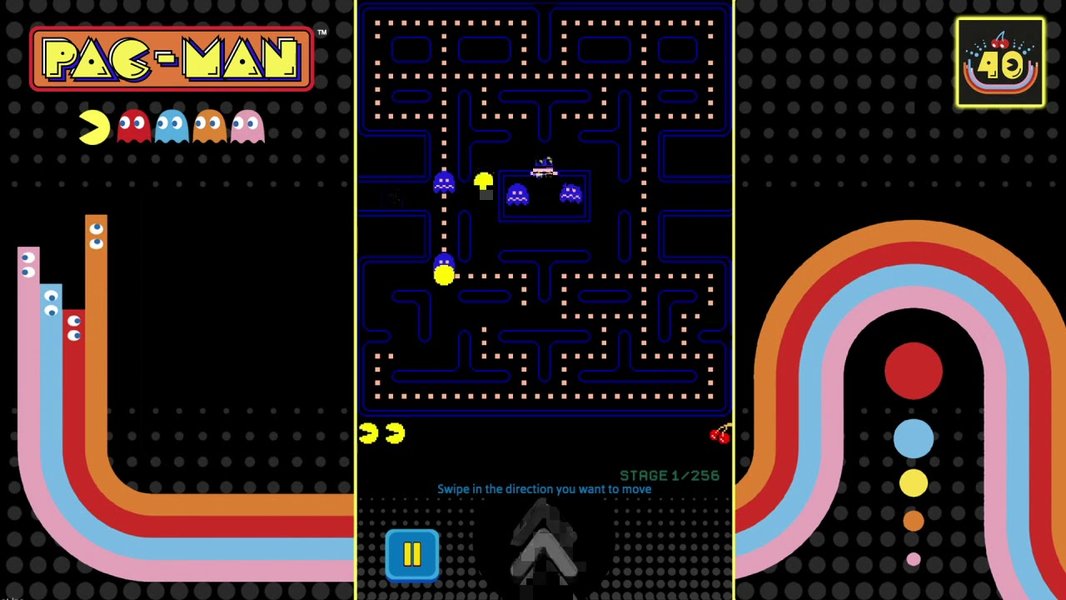
The mobile version of the official PAC-MAN game.
Adding Sound Effects
Web Audio API or the simpler HTML5 <audio> element can be used to play sound effects for events like eating pellets, eating ghosts, and losing a life. Preloading audio files is important to avoid delays when the sounds are triggered during gameplay.
Considering Game Performance
Optimizing for a Smooth Mobile Experience
Mobile devices can have limited processing power compared to desktops, so optimizing your game's performance is crucial for a smooth and enjoyable experience.
Efficient Rendering
Minimize the amount of drawing you do on the canvas each frame. Instead of clearing and redrawing the entire canvas, only redraw the areas that have changed. This technique, known as "dirty rectangle" rendering, can significantly improve performance.
Optimizing Game Logic
Write efficient algorithms for collision detection and ghost AI. Avoid unnecessary calculations or complex operations within your main game loop.
Asset Optimization
Use optimized image formats and compress your audio files to reduce loading times and memory usage.
Alternative Technologies and Frameworks
Exploring Other Tools for Game Development
While building Pac-Man with pure TypeScript and Canvas is a great learning experience, there are also game development frameworks and libraries that can simplify the process:
Phaser
Phaser is a popular 2D game framework for HTML5. It provides pre-built functionalities for handling sprites, animations, physics, input, and more, which can significantly speed up development. Phaser has excellent TypeScript support.
Here is a YouTube video demonstrating building a Pacman game using Phaser with TypeScript:
This video demonstrates how to create an HTML5 game from scratch using the Phaser framework with TypeScript, which is directly relevant to building a Pac-Man game.
React with TypeScript
For a component-based approach, you could also consider using React with TypeScript. While React is primarily for building user interfaces, it can be used for game development, especially for managing the game's state and rendering components. Libraries like React-Konva can help with canvas rendering within a React application.
Frequently Asked Questions
Can I use other languages besides TypeScript?
Yes, you can build a Pac-Man game using pure JavaScript, or other languages that compile to JavaScript. However, TypeScript offers advantages in terms of code maintainability and error detection, which can be very beneficial for game development.
How do I handle different screen resolutions?
You can adjust the canvas size dynamically based on the user's screen dimensions and use scaling techniques to ensure the game elements are displayed correctly regardless of the resolution. Using a responsive design approach with CSS is also crucial for the overall layout.
Are there existing Pac-Man implementations I can learn from?
Yes, there are many open-source Pac-Man implementations available on platforms like GitHub, written in various languages and using different technologies. Studying these projects can provide valuable insights and code examples.
How can I implement ghost AI?
The classic Pac-Man ghosts have distinct AI patterns based on targeting specific locations in the maze. You can implement this by writing functions that calculate the target tile for each ghost based on Pac-Man's position and the game state, and then use pathfinding algorithms (like A*) to determine the optimal route.
References
Last updated April 22, 2025