
Building a Powerful Blog Backend with Next.js, Zod, React Hook Form, and next-intl
A Comprehensive Guide to a Modern Development Stack
Building a robust and feature-rich blog requires a solid backend infrastructure to handle content management, user interactions, and potentially more. When working with Next.js, a powerful React framework, we can leverage its capabilities to build both the frontend and backend of our application. This guide explores implementing a blog backend within a Next.js project, integrating key libraries for data validation (Zod), form management (React Hook Form - RHF), and internationalization (next-intl). This combination offers a type-safe, efficient, and multilingual approach to blog development.
Key Highlights of This Approach
- Type-Safe Data Validation: Zod, a TypeScript-first schema library, provides robust validation for both incoming data on the backend and form data on the frontend, ensuring data integrity and reducing runtime errors.
- Efficient Form Management: React Hook Form simplifies form handling by minimizing re-renders and providing a streamlined API for managing form state, validation, and submission.
- Seamless Internationalization: next-intl offers comprehensive support for internationalizing your Next.js application, enabling localized content, routing, and date/number formatting.
Backend Implementation in Next.js
Next.js provides various ways to implement backend functionalities, ranging from API routes to Server Actions (introduced in Next.js 14). For a blog backend, you'll typically need to handle tasks such as creating, reading, updating, and deleting blog posts, managing users, and potentially handling comments or other interactions.
Utilizing API Routes
Next.js API routes, located within the pages/api or app/api directory, allow you to create serverless functions that can handle API requests. This is a common approach for building backend endpoints to interact with your database or external services.
Structuring API Routes for Blog Posts
You might structure your API routes like this:
// pages/api/posts/index.ts or app/api/posts/route.ts
import type { NextApiRequest, NextApiResponse } from 'next';

export default async function handler(req: NextApiRequest, res: NextApiResponse) {
  if (req.method === 'GET') {
    // Handle fetching all blog posts
  } else if (req.method === 'POST') {
    // Handle creating a new blog post
  } else {
    res.setHeader('Allow', ['GET', 'POST']);
    res.status(405).end(<code>Method ${req.method} Not Allowed);
  }
}

// pages/api/posts/[slug].ts or app/api/posts/[slug]/route.ts
import type { NextApiRequest, NextApiResponse } from 'next';

export default async function handler(req: NextApiRequest, res: NextApiResponse) {
  const { slug } = req.query;

  if (req.method === 'GET') {
    // Handle fetching a single blog post by slug
  } else if (req.method === 'PUT') {
    // Handle updating a blog post by slug
  } else if (req.method === 'DELETE') {
    // Handle deleting a blog post by slug
  } else {
    res.setHeader('Allow', ['GET', 'PUT', 'DELETE']);
    res.status(405).end(Method ${req.method} Not Allowed);
  }
}
Within these handlers, you would implement the logic to interact with your database (e.g., using an ORM like Prisma or connecting directly with a driver).
Leveraging Server Actions (App Router)
With the Next.js App Router, Server Actions provide a way to run server-side code directly from your components, simplifying data mutations and form submissions. This can be a cleaner approach for handling form submissions related to creating or updating blog posts.
Implementing Blog Post Creation with Server Actions
A Server Action for creating a blog post might look like this:
// actions/blog.ts
'use server';

import { z } from 'zod';

const createPostSchema = z.object({
  title: z.string().min(1, 'Title is required'),
  content: z.string().min(10, 'Content is too short'),
});

export async function createBlogPost(formData: FormData) {
  const data = {
    title: formData.get('title'),
    content: formData.get('content'),
  };

  const validationResult = createPostSchema.safeParse(data);

  if (!validationResult.success) {
    return { errors: validationResult.error.formErrors.fieldErrors };
  }

  const { title, content } = validationResult.data;

  // Implement database logic to create the blog post
  console.log('Creating blog post:', { title, content });

  return { success: true };
}
This Server Action can then be called directly from a form within a Client Component.
Integrating Zod for Validation
Zod is a crucial library for ensuring the integrity of the data handled by your backend. It allows you to define schemas for your data shapes and validate incoming requests or form submissions against these schemas. This provides type safety and clear error reporting.
You can define Zod schemas for your blog post data, user data, or any other data structures your backend handles.
// schemas/blog.ts
import { z } from 'zod';

export const blogPostSchema = z.object({
  id: z.string().optional(),
  title: z.string().min(1, 'Title is required'),
  slug: z.string().min(1, 'Slug is required').regex(/^[a-z0-9-]+$/, 'Slug can only contain lowercase letters, numbers, and hyphens'),
  content: z.string().min(10, 'Content is too short'),
  authorId: z.string(),
  createdAt: z.date().default(() => new Date()),
  updatedAt: z.date().default(() => new Date()),
});

export type BlogPost = z.infer<typeof blogPostSchema>;
These schemas can be used in your API routes or Server Actions to validate the incoming request body or form data. Zod's safeParse method is particularly useful as it returns a result object indicating success or failure and providing detailed error information without throwing an exception.
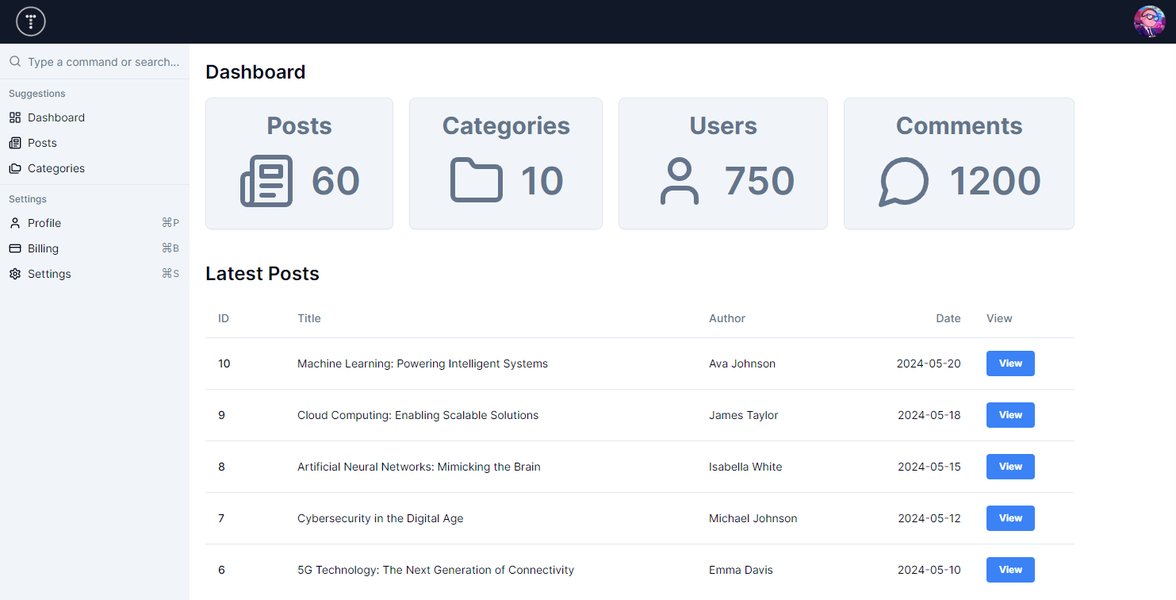
An example of form validation errors, often powered by libraries like Zod.
Integrating React Hook Form for Frontend Forms
While React Hook Form is primarily a frontend library for managing form state and validation, it integrates seamlessly with Zod and is essential for creating the user interface that interacts with your backend. RHF reduces the amount of code you need to write for forms and improves performance by minimizing re-renders.
You can connect RHF to your Zod schemas using the @hookform/resolvers/zod package. This allows RHF to handle validation based on your Zod schemas.
// components/BlogPostForm.tsx
'use client';

import { useForm } from 'react-hook-form';
import { zodResolver } from '@hookform/resolvers/zod';
import { z } from 'zod';
import { createBlogPost } from '@/actions/blog'; // Assuming you are using Server Actions

const formSchema = z.object({
  title: z.string().min(1, 'Title is required'),
  content: z.string().min(10, 'Content is too short'),
});

type FormValues = z.infer<typeof formSchema>;

export default function BlogPostForm() {
  const { register, handleSubmit, formState: { errors } } = useForm<FormValues>({
    resolver: zodResolver(formSchema),
  });

  const onSubmit = async (data: FormValues) => {
    // If using Server Actions:
    const formData = new FormData();
    formData.append('title', data.title);
    formData.append('content', data.content);
    const result = await createBlogPost(formData);
    if (result?.errors) {
      // Handle server-side validation errors
    }

    // If using API Routes:
    // await fetch('/api/posts', {
    //   method: 'POST',
    //   headers: {
    //     'Content-Type': 'application/json',
    //   },
    //   body: JSON.stringify(data),
    // });
  };

  return (
    <form onSubmit={handleSubmit(onSubmit)}>
      <div>
        <label htmlFor="title">Title</label>
        <input id="title" {...register('title')} />
        {errors.title && <span>{errors.title.message}</span>}
      </div>
      <div>
        <label htmlFor="content">Content</label>
        <textarea id="content" {...register('content')} />
        {errors.content && <span>{errors.content.message}</span>}
      </div>
      <button type="submit">Create Post</button>
    </form>
  );
}
This example demonstrates how to use RHF with Zod for client-side validation and submit the form data to either a Server Action or an API route.
Implementing Internationalization with next-intl
To make your blog accessible to a global audience, internationalization (i18n) is essential. The next-intl library provides a comprehensive solution for internationalizing your Next.js application, including handling localized routing, messages, dates, and numbers.
Setting up next-intl
You'll typically configure next-intl in your next.config.js file and potentially use middleware to handle locale detection and routing.
// next.config.js
const withNextIntl = require('next-intl/plugin')(
  './i18n.ts' // Path to your next-intl configuration
);

module.exports = withNextIntl({
  // Other Next.js configuration options
});
// i18n.ts
import { getRequestConfig } from 'next-intl/server';

export default getRequestConfig(async ({ locale }) => ({
  messages: (await import(<code>./messages/${locale}.json)).default,
}));
// middleware.ts
import createMiddleware from 'next-intl/middleware';

export default createMiddleware({
  locales: ['en', 'fr', 'de'], // Supported locales
  defaultLocale: 'en'
});

export const config = {
  // Match only internationalized pathnames
  matcher: ['/', '/(fr|de)/:path*']
};
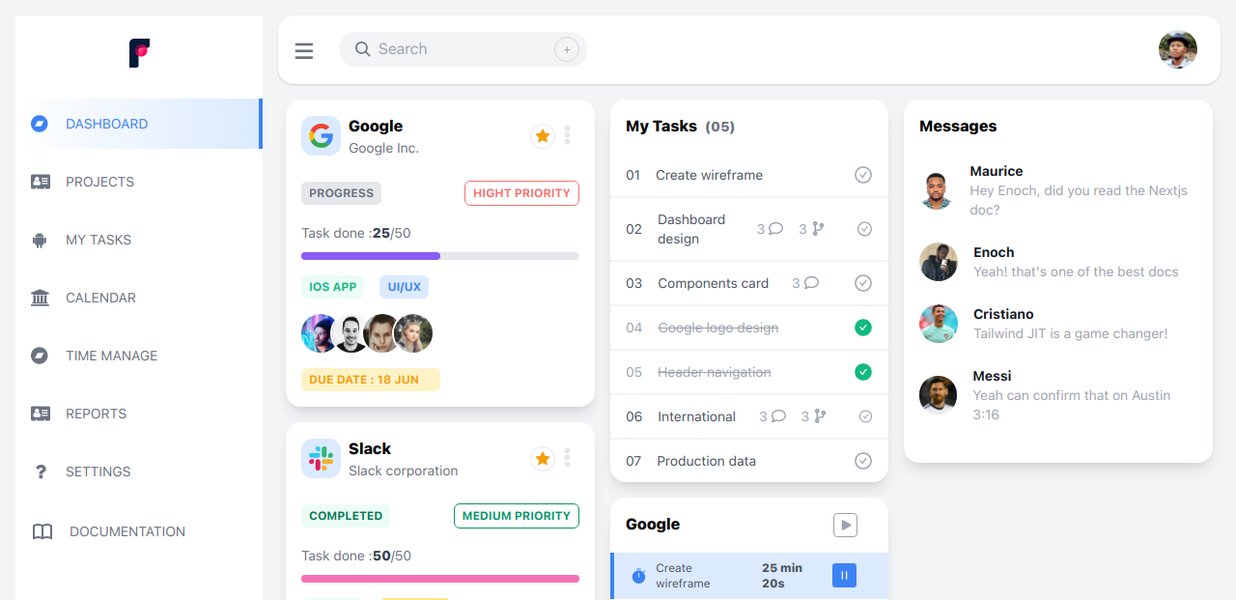
Visualizing the flow of internationalized routing in a Next.js application.
Localizing Blog Content
For blog post content, you might store translations in your database or use a headless CMS that supports internationalization. next-intl is primarily for localizing UI text, dates, and numbers. However, you can use the current locale provided by next-intl to fetch the appropriate translated content from your backend.
Within your backend logic (API routes or Server Actions), you can access the locale from the request headers or parameters to retrieve or store localized blog content.
Database Considerations
Choosing a database is a critical part of building your blog backend. Common choices for Next.js applications include:
- MongoDB: A NoSQL database often used with Mongoose or a similar ODM.
- PostgreSQL: A powerful relational database, often used with Prisma or other ORMs.
- MySQL: Another popular relational database.
- Headless CMS (e.g., Strapi, Sanity, Prismic): These platforms provide a dedicated interface for managing content and can serve as your blog's backend via APIs. This can significantly simplify content management, especially for non-technical users.
The choice of database will influence how you implement data fetching, creation, updating, and deletion in your backend code.
A tutorial on building a dynamic blog with Next.js and Strapi, a headless CMS.
Combining the Pieces
Here's a simplified overview of how these technologies work together in a blog backend implementation:
| Technology | Role in Blog Backend | Integration |
|---|---|---|
| Next.js | Provides the framework for building both frontend and backend (API routes, Server Actions). Handles routing and server-side rendering. | Forms the core application structure. API routes or Server Actions handle backend logic. |
| Zod | Defines schemas for validating data structures (e.g., blog posts, user input). Ensures data integrity. | Used in API routes or Server Actions to validate incoming request bodies or form data. Integrated with React Hook Form for frontend validation. |
| React Hook Form (RHF) | Manages form state, input handling, and client-side validation. Simplifies building forms for creating/editing blog posts. | Used in frontend components to build forms. Connected to Zod schemas for validation using resolvers. Submits data to API routes or Server Actions. |
| next-intl | Handles internationalization (i18n) for localized content, routing, dates, and numbers. | Configured in next.config.js and middleware for routing. Provides hooks/functions to access the current locale and format localized text in frontend components. Backend can use the locale to fetch translated content. |
| Database/CMS | Stores blog post data, user information, and other relevant content. | Interacted with by API routes or Server Actions to perform CRUD operations on blog data. |
Building a Blog Backend: Step-by-Step
1. Set up your Next.js Project
Create a new Next.js project using create-next-app. Choose TypeScript for better type safety, which pairs well with Zod.
npx create-next-app@latest my-blog-app --typescript
2. Install Dependencies
Install the necessary packages:
npm install zod react-hook-form @hookform/resolvers next-intl
# Or using yarn
yarn add zod react-hook-form @hookform/resolvers next-intl
3. Define Zod Schemas
Create Zod schemas for your blog post data and any other data structures you need to validate.
4. Implement Backend Logic (API Routes or Server Actions)
Create API routes or Server Actions to handle CRUD operations for your blog posts. Use your Zod schemas to validate incoming data. Connect to your chosen database or headless CMS.
5. Build Frontend Forms with React Hook Form and Zod
Create React components for your blog post forms using React Hook Form. Use the Zod resolver to connect your RHF forms to your Zod schemas for validation.
6. Configure and Integrate next-intl
Set up next-intl in your Next.js project for internationalization. Configure locales, create message files, and use next-intl hooks and components to display localized text and handle routing.
7. Connect Frontend to Backend
From your frontend components (e.g., within your RHF form submission handler), make requests to your API routes or call your Server Actions to interact with the backend.
8. Handle Localization of Content
If your blog post content needs to be localized, implement logic in your backend to store and retrieve translated content based on the requested locale.
Advantages of This Stack
Combining Next.js, Zod, React Hook Form, and next-intl offers several benefits for building a blog:
-
Improved Developer Experience: TypeScript and Zod provide type safety, reducing errors and making the codebase easier to understand and maintain. RHF simplifies form development.
-
Robust Validation: Zod offers powerful and flexible validation capabilities.
-
Efficient Forms: RHF's performance optimizations lead to faster and more responsive forms.
-
Built-in Internationalization: next-intl provides a comprehensive and well-integrated solution for making your blog multilingual.
-
Full-Stack Capabilities: Next.js allows you to build both the frontend and backend within a single framework, simplifying deployment and development workflow.
FAQ
Can I use a different validation library instead of Zod?
Yes, while Zod is popular for its TypeScript-first approach and seamless integration with React Hook Form, you could potentially use other validation libraries like Yup or Joi. You would need to find the appropriate resolver for React Hook Form if you choose a different library.
Is it necessary to use Server Actions for the backend?
No, you can also use traditional API routes (in the pages/api or app/api directory) to handle your backend logic. Server Actions are a newer feature in the App Router that can simplify certain workflows, particularly form submissions and data mutations.
How do I handle user authentication and authorization for the blog backend?
Implementing authentication and authorization is crucial for protecting your backend endpoints and ensuring only authorized users can create, edit, or delete blog posts. You can use libraries like NextAuth.js or implement your own authentication system using techniques like JWTs (JSON Web Tokens).
Where should I store my blog post content?
You have several options for storing blog post content, including relational databases (PostgreSQL, MySQL), NoSQL databases (MongoDB), or a Headless CMS. The best choice depends on your specific needs and preferences. Headless CMSs are often a good choice for blogs as they provide a user-friendly interface for content creation and management.
How does next-intl handle localized URLs?
next-intl supports internationalized routing, allowing you to have locale prefixes in your URLs (e.g., /en/about, /fr/a-propos). This is typically configured in the middleware.
References
Last updated May 4, 2025