
Optimizing Phonak Lumity Hearing Aids for a Concert
An in-depth guide on setting your hearing aids for live music
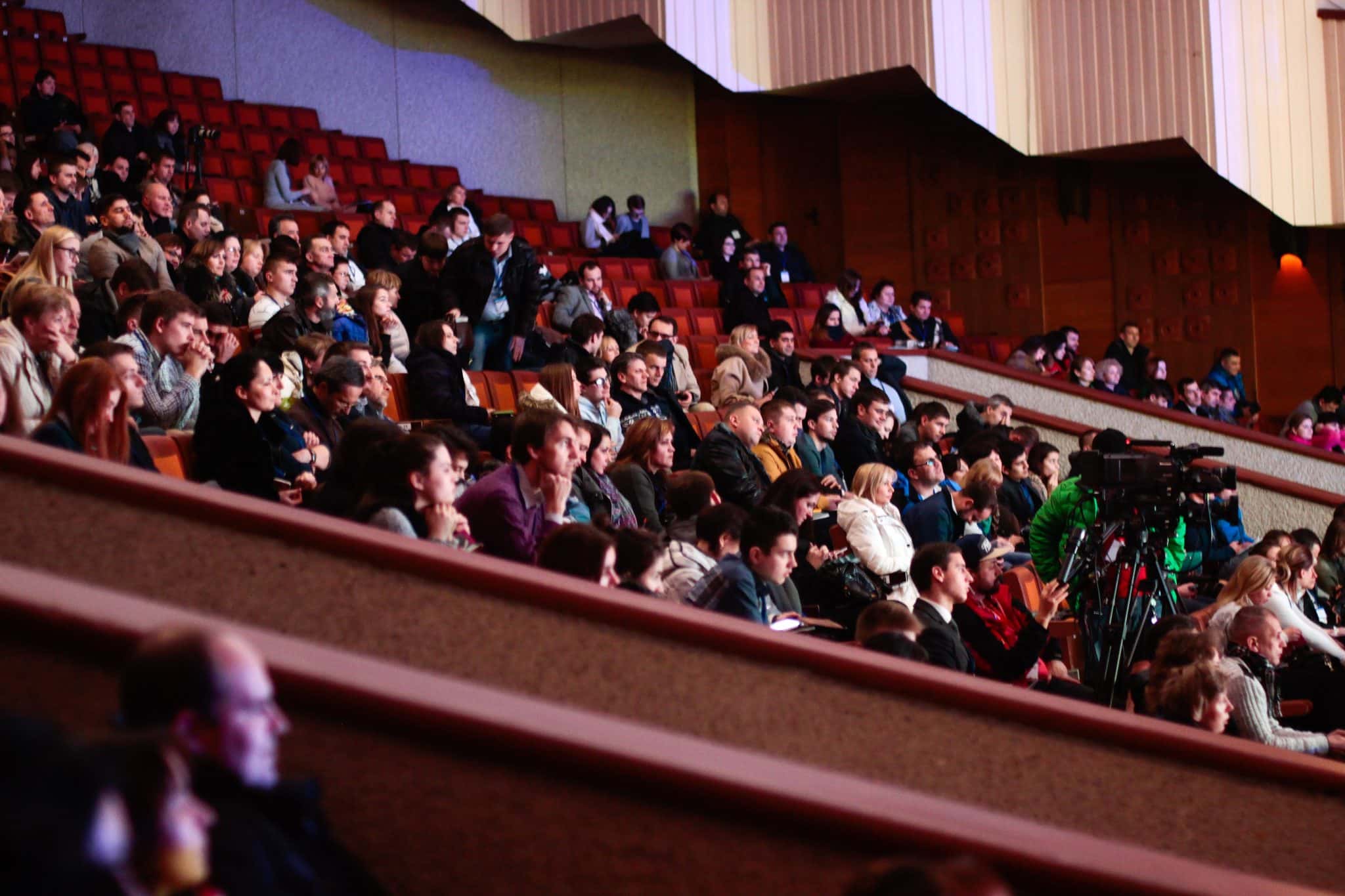
Key Insights
- Custom Music Program: Leverage a dedicated music or concert mode via your hearing aid settings to maximize sound quality and dynamic range.
- App-Driven Adjustments: Utilize the My Phonak app to fine-tune parameters such as noise reduction, speech focus, and volume for a tailored listening experience.
- Professional Personalization: Work with your audiologist to calibrate and update firmware, ensuring personalized adjustments and safety during high sound pressure levels.
Introduction
When attending a live concert, the auditory experience can be unparalleled – especially when your hearing aids are meticulously optimized for music. Phonak Lumity hearing aids are designed with advanced features that allow you to adapt to various acoustic environments. With firmware powered by features such as AutoSense 5.0 and dedicated music programs, these devices provide an immersive experience that preserves musical nuances, enhances dynamic range, and minimizes unwanted ambient noise. This guide will help you understand how to properly set up and adjust your hearing aids for live concerts, ensuring a comfortable and enhanced musical experience.
Understanding Concert Acoustics
Concert halls and arenas present challenging auditory environments due to a combination of factors such as high sound pressure levels, complex reverberation patterns, and varying crowd noise. The acoustic characteristics of a live performance require hearing aids to be both adaptive and finely tuned. Phonak Lumity hearing aids, with their sophisticated sound processing and customization capabilities, are ideally suited to handle these scenarios by emphasizing music over background chatter, preserving the intricate details of live instruments, and maintaining overall sound clarity.
Acoustic Challenges in Concert Venues
Concert venues typically exhibit:
- Reverberation: Echoes and reflections that can muddle original musical details.
- High Decibel Levels: Powerful amplification that may result in discomfort or distortion if not managed properly.
- Ambient Noise: The sound of the crowd and background chatter, which can interfere with the ability to focus on the performance.
By understanding these challenges, you can adjust your hearing aids to better isolate the music and reduce interference from unwanted noise.
Setting Up Your Phonak Lumity Hearing Aids
The key to an optimal concert experience lies in properly customizing your hearing aid settings. Below are the essential steps and areas of adjustment to consider:
1. Firmware and Software Updates
Begin by ensuring that your Phonak Lumity hearing aids are running the latest firmware. Manufacturers occasionally roll out updates that enhance performance in specific listening environments and may optimize features such as AutoSense 5.0.
Additionally, confirm that your hearing aids are programmed based on your current hearing profile. This step not only ensures optimal sound amplification but also tailors the device to your unique hearing loss needs.
2. Activating and Customizing Music-Specific Programs
Phonak Lumity hearing aids are equipped with the capacity to detect and switch to a music mode automatically. The AutoSense 5.0 system typically recognizes a music environment after 5-10 seconds of continuous musical input. However, for an enhanced experience, many users benefit from manually selecting or customizing a concert-specific program.
a. Dedicated Music or Concert Mode
The most common and effective approach is to use the dedicated Music program available via the My Phonak app. This mode is specifically designed to:
- Preserve a wide frequency range that captures the full spectrum of musical notes and instrument harmonics.
- Enhance bass and treble for a more dynamic presentation.
- Minimize noise reduction to maintain the natural dynamics of live music, avoiding over-compression that could flatten the musical expression.
For users whose devices allow manual adjustments, it is advisable to customize settings based on the venue and type of music. This ensures that music is not over-emphasized or muffled by overly aggressive noise reduction features.
b. Custom Programs via the My Phonak App
The My Phonak app is a robust tool that allows you fine-grained control over various parameters of your hearing aids. When setting up your device for a concert:
- Noise Reduction: Adjust this setting to a lower level. This reduction helps to diminish background noise from the crowd and other ambient sounds without sacrificing the clarity of the music.
- Speech Focus: Even though you are at a concert, adjusting the speech focus to a wider setting can help diversify the sound field, ensuring that you capture the broad range of musical tones rather than a narrow frequency band.
- Volume Control and Dynamics: Start with a moderate volume setting and adjust it gradually. Consider reducing dynamic compression to prevent distortion in loud passages or during sudden changes in the musical performance.
Never hesitate to experiment with these settings in a controlled environment before attending the concert. Testing allows you to balance the amplification, ensuring that soft instrumental details are not lost while loud segments remain comfortable.
3. Real Ear Measurement (REM) and Professional Tuning
An essential part of getting your hearing aids ready for any specialized situation, including live music events, is obtaining a Real Ear Measurement (REM). This process involves an audiologist measuring how sound is being delivered directly to your ear. REM ensures that the device settings are accurately calibrated for your hearing loss profile. If you've customized a music or concert program, a professional can validate these settings, making sure that they complement your specific auditory needs.
Follow-up appointments are recommended as they allow further fine-tuning after experiencing real-life concert conditions. Communication with your hearing care provider will be critical in refining your device’s performance.
4. Utilizing Automatic Modes and Manual Overrides
Phonak Lumity hearing aids are engineered to automatically transition between different listening environments. The AutoSense 5.0 feature recognizes when you are exposed to music and temporarily switches the device to a mode better suited to high-fidelity sound reproduction.
Although this automatic mode is highly sophisticated, some users find that manual override through the app yields more consistent results in challenging acoustic environments like a concert. Locking in a preferred program for the duration of the event prevents unexpected switching that could result in audio inconsistency.
5. Volume and Compression Settings for Concert Levels
Concerts are characterized by rapidly fluctuating sound levels. Balancing volume and compression is crucial to avoid distortion and discomfort. Key strategies include:
- Setting the initial volume lower to allow for gradual adjustment as the ambient sound levels rise.
- Employing less aggressive compression to preserve the dynamic range of the music. This ensures that both quiet and loud passages are rendered naturally, respecting the performance’s intent.
- Regularly monitoring and adjusting settings during the concert, either manually or through your connected app, to match the evolving soundscape.
Some users prefer to leave one hearing aid unamplified to retain a sense of natural spatial hearing, a decision that should be discussed with a professional if you are particularly sensitive to high-volume environments.
6. Safety and Comfort Considerations
Maintaining comfort during a concert is as important as achieving optimal sound quality. High decibel levels in a concert can be potentially damaging if your hearing aids do not incorporate proper protective measures. Many devices come equipped with peak-sound management systems that safeguard your ears from sudden loud sounds.
Additionally, consider practical aspects such as battery life. Ensure that your hearing aids are fully charged before the event – many Phonak Lumity devices can last up to 24 hours on a single charge. In addition to battery longevity, feedback management programs help prevent unwanted whistling or feedback when you are near speakers or if you inadvertently cover the device with your hand.
Detailed Settings Overview
The table below outlines a detailed overview of the settings and considerations for optimizing your Phonak Lumity hearing aids specifically for a concert environment:
| Setting | Description | Recommended Adjustment |
|---|---|---|
| Program Mode | Select a dedicated Music or Concert program that prioritizes music fidelity. | Activate via My Phonak app or consult your audiologist. |
| Noise Reduction | Minimize background crowd noise while maintaining the richness of musical dynamics. | Set to a low level in music mode. |
| Speech Focus | Adjust the microphone directionality to accommodate live music environments. | Select a wider focus to capture a full sound field. |
| Volume Settings | Control initial amplification to avoid discomfort when the music starts. | Begin with moderate levels and adjust gradually. |
| Dynamic Range/Compression | Ensure the hearing aids do not overly compress musical passages, preserving natural dynamics. | Reduce dynamic compression settings as needed. |
| Feedback Management | Prevent unwanted acoustic feedback caused by speaker proximity. | Run anti-feedback programs before the event. |
| Battery Life | Make sure your device is fully charged to last through the event. | Recharge fully before the concert. |
Additional Considerations and Accessories
Depending on the concert venue and personal requirements, additional devices and features can further enhance your listening experience:
1. Wireless Streaming Accessories
For particular venues where direct sound streaming is available, consider accessories that pair with your hearing aids. For instance, wireless microphones or systems can be used to direct audio directly from the source into your device, allowing for an even more controlled sound environment.
However, while such accessories might be beneficial in reducing the disadvantageous effects of reverberation, live concerts often intend for you to enjoy ambient sound alongside the primary performance. Assess whether the supplemental device would enhance your experience or detract from the natural concert atmosphere.
2. Experimentation and Real-Time Adjustments
Even with a carefully programmed setup, listening to live music might reveal nuances that require in-the-moment adjustments. The My Phonak app provides you the flexibility to quickly switch between settings. Whether it’s increasing volume slightly to catch a quiet guitar solo or adjusting noise reduction after a burst of crowd noise, the ability to fine-tune your hearing aids in real time is invaluable.
A useful tip is to simulate a concert-like environment well in advance. Consider inviting a friend over for a music session that mimics live dynamics, or attend a rehearsal, which allows you to fine-tune your personal settings based on practical experience. This also provides an opportunity to communicate any persisting issues to your audiologist, who can then suggest further modifications.
3. Environmental Acoustics and Seat Position
The venue’s layout and your seat’s relative positioning can have an impact on acoustics. Be aware that if you are very close to the speakers, the settings must account for elevated sound pressure, whereas a seat further away may require slight adjustments to volume and focus. Understanding your concert space helps in tailoring your settings, ensuring that your hearing aids never become over-sensitive or under-responsive.
Best Practices for a Seamless Concert Experience
To sum up, here are best practices you should observe:
- Pre-Concert Check: Verify that your hearing aids have the latest firmware, are fully charged, and have been fitted using Real Ear Measurement for your individual needs.
- Test Your Settings: Always try your custom program in environments resembling a concert, ensuring that you can fine-tune the settings prior to the live event.
- Consult with a Professional: Collaboration with your audiologist is key in making sophisticated adjustments that cater to both your hearing profile and the acoustic dynamics of the venue.
- Remain Flexible: Use the My Phonak app’s real-time control to adjust settings as needed during the performance. Be mindful of board-level noise reduction, dynamic range preservation, and volume management to enjoy every nuance of your favorite live music.
Conclusion and Final Thoughts
Optimizing your Phonak Lumity hearing aids for a concert involves a careful blend of device customization, professional support, and active in-the-moment adjustments. The dedicated music programs available in these hearing aids allow for precise control of sound quality, tailored to the unique challenges of a live performance setting. Whether you are leveraging automatic features like AutoSense 5.0 or manually adjusting settings through the My Phonak app, the goal remains the same: to deliver an immersive musical experience that highlights every dynamic nuance without compromising comfort.
By understanding the acoustic demands of concert venues, you can set up your devices to minimize ambient noise, preserve the natural expansiveness of music, and protect your hearing from excessive sound levels. Remember that the key lies in pre-concert testing, real-time adjustments during the performance, and continuous communication with your audiologist. With these strategies, your hearing aids not only facilitate clear sound reproduction but also transform your live concert experience into one that is rich, vibrant, and personally tailored.
References
- Phonak Lumity Best Settings for Streaming Music? - Hearing Tracker Forums
- Looking forward to my new Lumity Hearing aids - Reddit
- Features – Phonak Audéo Lumity - Phonak
- Phonak Lumity Life Music Feature Rocks - Hearing Tracker Forums
- Optimizing Hearing Aids for Music - Hearing Tracker
Recommended Queries for Further Exploration
Last updated February 20, 2025