
Unlocking AI's Power in Your Gutenberg Workflow: Beyond the Myths
Discover how AI tools like Copilot, Cursor, and LLM chats can revolutionize your WordPress Gutenberg projects, despite perceived limitations.
Contrary to some initial research findings, the landscape for utilizing AI tools in WordPress projects, especially with the Gutenberg editor, is not only viable but rapidly expanding. As of May 2025, numerous solutions and workarounds exist to powerfully integrate AI assistants like GitHub Copilot, editor-specific AI like Cursor (by functional analogy), and general Large Language Models (LLMs) into your development process. Let's explore the multifaceted possibilities.
Key Insights: AI & Gutenberg Development
- Plugin Ecosystem is Key: Many AI capabilities are delivered directly within the Gutenberg editor through specialized WordPress plugins, bridging the gap between external AI tools and the WordPress environment.
- Hybrid Workflows Prevail: The most effective approach often involves a combination of using AI for code generation and debugging in your Integrated Development Environment (IDE), alongside AI plugins for content creation and site building within WordPress.
- Focus on Specific Tasks: AI can assist in various stages, from scaffolding custom blocks and generating boilerplate code to creating content, suggesting layouts, and even optimizing images and SEO.
Harnessing AI Coding Assistants (Copilot, Cursor-like tools)
Developing Blocks and Themes with AI Support
While AI coding assistants like GitHub Copilot and AI-enhanced editors such as Cursor don't "live code" directly within the Gutenberg post/page editing interface, they are invaluable during the development phase of custom blocks, themes, and plugins. You can use these tools within your preferred code editor (e.g., VS Code, JetBrains) to significantly speed up development.
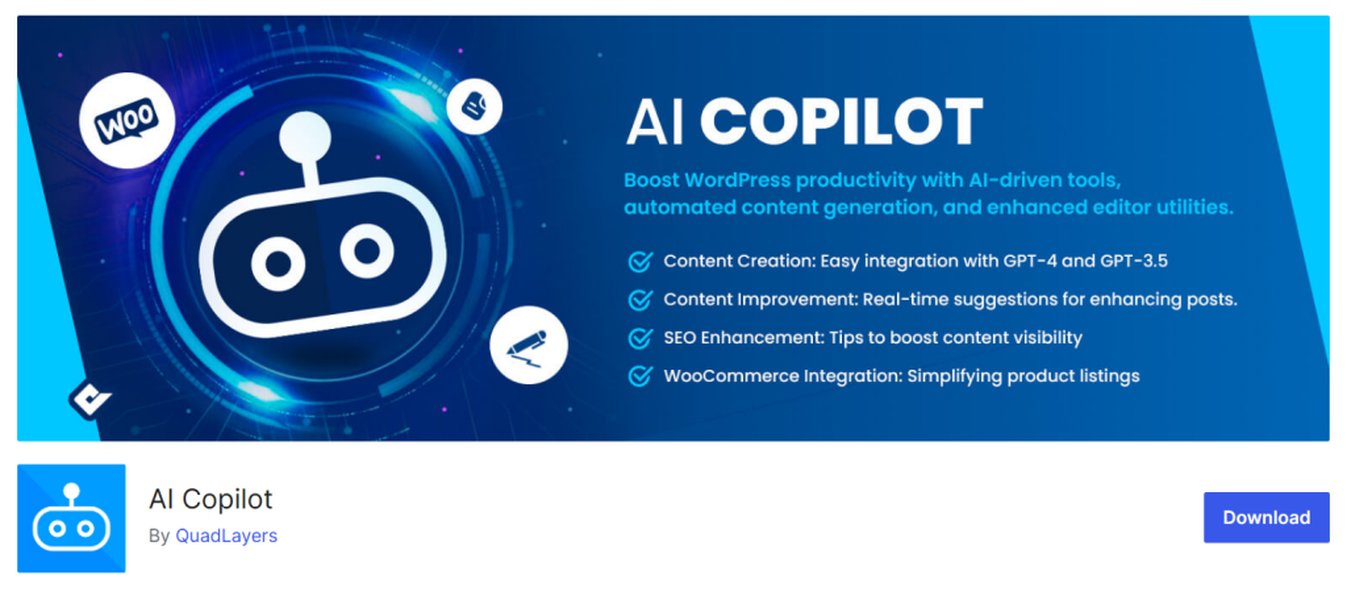
AI tools can streamline various aspects of WordPress development, including Gutenberg projects.
Code Generation and Scaffolding
AI tools can generate boilerplate code for custom Gutenberg blocks, including the necessary React components, block attributes, and editor-side rendering logic. By providing clear prompts or comments, you can guide the AI to produce:
- Initial structure for
block.json,edit.js, andsave.jsfiles. - Reusable React components for your block's user interface.
- PHP functions for server-side rendering or dynamic block registration.
- Suggestions for implementing complex block attributes and controls.
Using tools like WP Scripts, which streamlines the build process for Gutenberg blocks, in conjunction with AI coding assistants can further enhance productivity. For example, you can ask Copilot to help write JavaScript for user interactions within a block or PHP for handling data persistence.
Debugging and Code Refinement
AI assistants can help identify potential issues in your code, suggest optimizations, and explain complex code snippets. If you encounter an error while developing a Gutenberg block, you can paste the problematic code into an LLM chat or use Copilot Chat to get suggestions for fixes or alternative approaches. This is particularly useful for understanding the intricacies of the Gutenberg API or React lifecycles within the block editor.
AI-Powered Plugins: Bringing Intelligence into Gutenberg
A significant number of WordPress plugins have emerged that integrate AI functionalities directly into the Gutenberg editor. These plugins primarily focus on content creation, site building, and content optimization.
Content Creation and Enhancement
Several plugins leverage AI, often powered by OpenAI's GPT models or similar LLMs, to assist with writing and refining content directly within Gutenberg blocks:
- 10Web AI Assistant: Works within both the Gutenberg block editor and the Classic Editor to generate, edit, and optimize content.
- WP AI CoPilot: Integrates with OpenAI APIs (GPT-3/4) to facilitate AI-driven content creation, offering features like text generation, summarization, and translation within the WordPress editor.
- AI Writer by Gutenberg Hub: Provides an AI writing assistant directly in Gutenberg, featuring real-time suggestions, content streaming, rewriting, tone adjustment, and translation.
- AI Editor Plugin / AI Block Editor: These types of plugins embed AI assistance into Gutenberg, allowing users to create and populate core blocks (like paragraphs, headings, lists) by simply prompting the AI.
These tools often provide a sidebar interface or a dedicated AI block where you can input prompts to generate article drafts, product descriptions, headlines, or social media posts. They can also help with rewriting existing text, improving grammar, and adjusting the tone of your content.
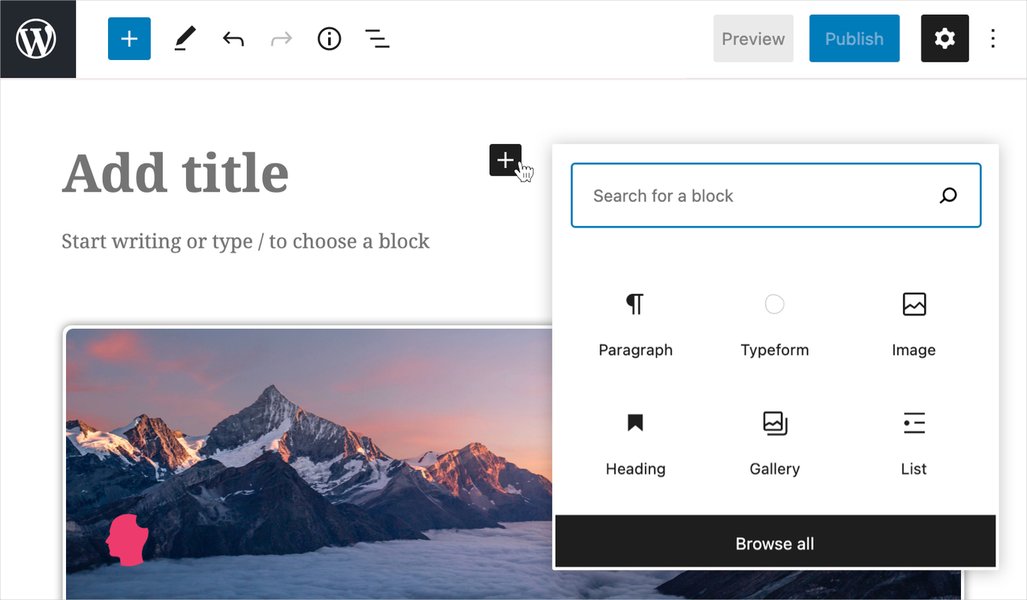
AI plugins enhance the capabilities of the WordPress Gutenberg block editor.
AI for Block Design and Layout
Some plugins extend AI capabilities to assist with the design and layout of your Gutenberg-powered pages:
- Kadence AI & Kadence Blocks: Kadence AI offers AI-powered Gutenberg blocks and features like generating initial content for sections based on keywords, and even helps in selecting designs from a library. Kadence Blocks itself provides a suite of powerful, customizable blocks that can be enhanced with AI-generated content.
- Kubio AI: An AI website builder for WordPress with an interface similar to Gutenberg but with added AI capabilities for site building, including suggestions for layouts and design elements.
These tools can suggest block layouts, help with color schemes, and even auto-generate entire sections of a page based on your input, streamlining the design process.
Comparing AI Integration Approaches in Gutenberg
Different methods of integrating AI into Gutenberg development offer varying strengths. The following radar chart provides a conceptual comparison of common approaches based on factors like ease of use, direct integration, coding power, content focus, and setup complexity. These are subjective assessments to illustrate general tendencies.
This chart illustrates that dedicated AI plugins for Gutenberg offer high ease of use and direct integration for content tasks. AI coding assistants excel in raw code generation power but require development outside the WordPress admin. External LLM chats are easy to start with but offer less direct integration. AI-powered site builders provide a balanced approach, often with good integration and ease of use for overall site construction.
Utilizing LLM Chats and External AI Platforms
A Hybrid Approach to AI Assistance
Even without direct integration, general-purpose LLM chat interfaces (like ChatGPT, Claude, etc.) and specialized AI platforms can be powerful allies in your Gutenberg development workflow.
Brainstorming and Problem Solving
You can use LLM chats to:
- Brainstorm ideas for custom blocks or plugin features.
- Generate pseudo-code or outline the logic for complex functionalities.
- Get explanations of WordPress hooks, filters, or Gutenberg APIs.
- Draft user documentation or marketing copy for your project.
- Generate HTML/CSS snippets that you can then adapt for Custom HTML blocks or theme stylesheets.
Specialized AI Platforms for WordPress
Platforms like CodeWP are specifically tailored for WordPress development, including Gutenberg. CodeWP offers AI-generated code snippets for WordPress, WooCommerce, and popular plugins, along with chat-based support. It understands WordPress-specific contexts better than general LLMs, making it a valuable tool for generating PHP, JavaScript, and CSS relevant to Gutenberg block development or theme customization.
This video demonstrates building a dynamic WordPress Gutenberg block with AI assistance, showcasing a practical application of AI in development.
The video above provides a practical example of how AI tools, like ChatGPT, can be used to assist in the development of dynamic Gutenberg blocks. It typically involves setting up a development environment, defining the block's requirements, and then using AI to generate code snippets for JavaScript (for interactivity and editor controls) and PHP (for server-side logic or data fetching). This approach exemplifies the hybrid workflow where AI augments the developer's capabilities rather than replacing them entirely.
Visualizing AI's Role in Gutenberg Development
The following mindmap illustrates the interconnected ways AI can be applied to WordPress Gutenberg projects, from initial code scaffolding to content creation and ongoing optimization. It highlights key tool categories and their applications.
This mindmap shows that AI's role isn't monolithic; rather, it's a collection of tools and techniques that can be applied at different stages and for various purposes within the Gutenberg ecosystem. Developers can pick and choose based on their specific needs, whether it's speeding up custom block creation with Copilot or generating engaging blog posts with an AI content plugin.
Key AI Tools and Integration Strategies for Gutenberg
The table below summarizes some prominent AI tools and plugins, outlining their primary integration method with Gutenberg and key features relevant to WordPress development in 2025.
| Tool/Plugin Category | Specific Examples | Primary Integration with Gutenberg | Key Features for Gutenberg Projects |
|---|---|---|---|
| AI Coding Assistants | GitHub Copilot, Cursor (similar AI-IDE functionality) | External (IDE-based); code output used for custom blocks/themes | Code generation (JS, PHP, CSS), boilerplate for blocks, debugging, code explanation, accelerates custom development. |
| Content Generation Plugins | 10Web AI Assistant, WP AI CoPilot, AI Writer by Gutenberg Hub, AI Editor Plugin | Direct (within Gutenberg editor via blocks or sidebar) | AI-powered text generation, content rewriting, translation, tone adjustment, headline suggestions, populating blocks with AI content. |
| Block Enhancement & AI Design Plugins | Kadence AI (with Kadence Blocks), Kubio AI | Direct (provides AI-powered blocks or enhances existing ones) | AI-generated design patterns, layout suggestions, pre-filled content for sections, dynamic content capabilities within blocks. |
| WordPress-Specific AI Platforms | CodeWP | External (platform-based); generates WordPress/Gutenberg specific code | AI-generated code snippets for WordPress core, themes, and plugins (including Gutenberg), troubleshooting, chat support tailored for WordPress. |
| General LLM Chats | ChatGPT, Claude, etc. | External (manual copy-paste of output); can inform content or code | Brainstorming, outlining, generating HTML/CSS snippets, explaining concepts, drafting text for import into Gutenberg. |
This table highlights the diversity of AI tools available. For deep development tasks like creating custom, complex Gutenberg blocks, AI coding assistants used in an IDE are powerful. For content creators and site builders, plugins that integrate AI directly into the Gutenberg interface offer immense productivity gains. A holistic strategy often involves using a mix of these approaches.
Frequently Asked Questions (FAQ)
Can tools like GitHub Copilot directly write code inside my live Gutenberg editor?
No, AI coding assistants like GitHub Copilot or Cursor primarily operate within your code editor (e.g., VS Code). They help you write the PHP, JavaScript, and CSS for your custom Gutenberg blocks, themes, or plugins. You then deploy this code to your WordPress site. They don't interact live with the Gutenberg UI you see when editing a post or page.
Are there AI tools that help generate content directly within Gutenberg?
Yes, many plugins like WP AI CoPilot, 10Web AI Assistant, Kadence AI, and AI Editor integrate AI content generation capabilities directly into the Gutenberg editor. These tools often add a new block type or a sidebar panel where you can prompt the AI to write text, suggest headlines, or even create entire sections of content.
How can I use LLM chats (like ChatGPT) effectively for Gutenberg development?
LLM chats are excellent for brainstorming, getting explanations of code or WordPress concepts, generating initial drafts of content, or creating snippets of HTML/CSS. You can ask for help structuring a custom block, understanding a WordPress hook, or drafting copy for a specific page. The output often needs to be adapted and integrated manually or via a plugin, but it can significantly speed up these tasks.
What is the role of WP Scripts when using AI for Gutenberg block development?
WP Scripts is a toolkit that simplifies the build process for Gutenberg blocks by providing pre-configured scripts for common tasks like compiling JavaScript (ESNext, JSX) and CSS, linting, and formatting. When using AI tools like Copilot to write block code, WP Scripts helps you transform that modern JavaScript into a format browsers and WordPress understand, making the development and testing cycle smoother.
Recommended Next Steps
To further explore the integration of AI in your WordPress Gutenberg projects, consider researching these topics:
- How can I set up and use GitHub Copilot effectively for creating custom WordPress Gutenberg blocks?
- What are the top-rated AI content generation plugins compatible with the WordPress Gutenberg editor for this year?
- What are effective prompt engineering techniques for generating complex Gutenberg block structures using Large Language Models?
- What are the latest predictions and developments regarding the future integration of AI directly into WordPress core and the Gutenberg editor?
References

 wordpress.com
Last updated May 6, 2025