
Unlock Web Development Speed: Your Definitive Guide to Mastering Bootstrap
Discover the most effective strategies, resources, and hands-on techniques to become proficient in Bootstrap for modern, responsive web design.
Highlights: Your Fast Track to Bootstrap Proficiency
- Master Core Concepts: Prioritize understanding Bootstrap's grid system, responsive utilities, and pre-styled components as the foundation for efficient development.
- Combine Theory with Practice: Leverage official documentation and structured online courses, then immediately apply knowledge by building real-world projects.
- Embrace the Latest Version: Focus on Bootstrap 5 (currently v5.3) for its enhanced features, mobile-first approach, and extensive community support, while being aware of older versions still in use.
Prerequisites: Laying the Groundwork
Before diving into the intricacies of Bootstrap, a solid understanding of fundamental web technologies is crucial. Bootstrap is not a replacement for these core skills but rather a powerful toolkit that builds upon them. Ensure you have a comfortable grasp of:
- HTML (HyperText Markup Language): You'll need to be proficient in structuring web content using HTML tags. Bootstrap components are essentially pre-defined HTML structures with specific CSS classes.
- CSS (Cascading Style Sheets): Understanding CSS for styling, layout (including concepts like Flexbox and Grid, though Bootstrap provides its own grid), and responsiveness is vital. While Bootstrap offers many pre-built styles, you'll often need to customize or override them.
- JavaScript (Optional but Recommended): Basic JavaScript knowledge is beneficial, especially for utilizing Bootstrap's interactive components like modals, carousels, and dropdowns. While many components work out-of-the-box, understanding JS will allow for greater customization and integration.
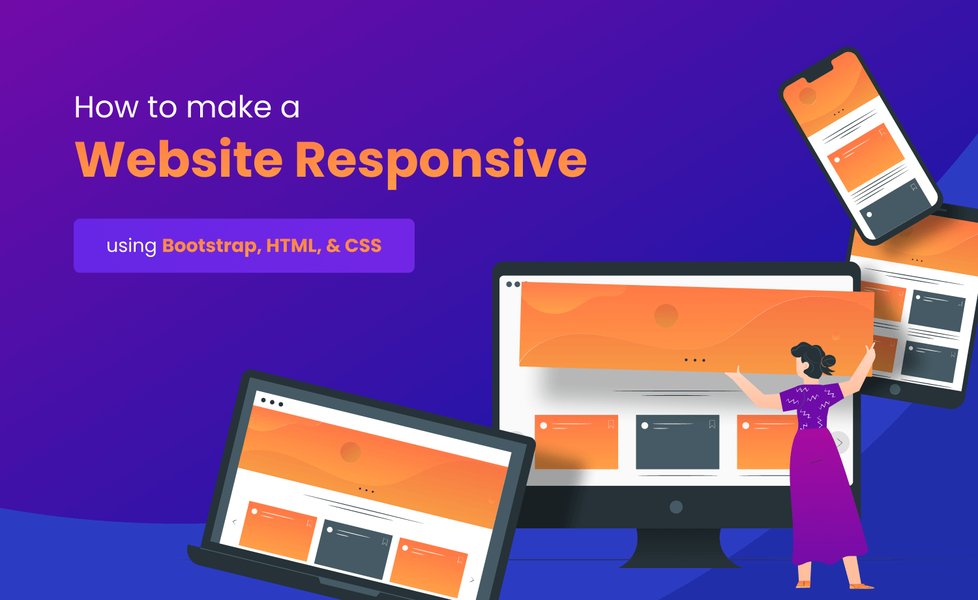
Bootstrap excels at creating layouts that adapt seamlessly to various screen sizes.
Embarking on Your Bootstrap Journey: A Multi-faceted Approach
Learning Bootstrap effectively involves a blend of theoretical understanding, practical application, and leveraging the vast resources available. The goal is to not just learn the syntax but to understand how to think in terms of Bootstrap's components and grid system to build responsive, mobile-first websites efficiently.
Leverage Official Documentation: Your Primary Source of Truth
The official Bootstrap documentation (currently for version 5.3) is an indispensable resource. It's comprehensive, up-to-date, and provides clear explanations, code examples, and best practices directly from the creators.
Key Areas to Focus On:
- Getting Started: Learn how to include Bootstrap in your projects, typically via CDN (Content Delivery Network) for ease of use or by downloading the source files.
- Layout: Deep dive into containers, the grid system, and breakpoints. This is fundamental to Bootstrap.
- Components: Explore the rich library of pre-built components like navbars, cards, modals, forms, buttons, and carousels. Understand their structure and customization options.
- Utilities: Discover powerful utility classes for spacing, typography, colors, display, flex, and more, allowing for rapid styling without writing custom CSS.
- Customize: Learn about theming with Sass variables for more advanced customization beyond utility classes.
Structured Learning: Online Courses and Tutorials
Online courses offer a guided learning path, often combining video lectures, reading materials, quizzes, and coding exercises. Many platforms cater to different learning styles and paces.
Recommended Platforms and Resources:
- FreeCodeCamp: Offers comprehensive, free tutorials, including full-length video courses on Bootstrap 5, often created by industry experts.
- W3Schools: Provides well-structured Bootstrap tutorials (covering versions 3, 4, and 5) with an interactive "Try it Yourself" editor, allowing you to experiment with code directly in the browser.
- TutorialsPoint & Tutorial Republic: Offer detailed, step-by-step guides covering Bootstrap basics to more advanced topics, including the grid system and practical examples.
- Udemy & Coursera: Host a wide array of Bootstrap courses, from introductory to advanced levels, often project-based. Look for courses focusing on the latest Bootstrap version and responsive design.
- Codecademy: Known for its interactive learning environment, Codecademy offers courses that teach Bootstrap through hands-on coding exercises.
When choosing a course, prioritize those that focus on Bootstrap 5 and emphasize building practical projects.
The Power of Practice: Building Real-World Projects
Theoretical knowledge is only one part of the equation. The most effective way to solidify your Bootstrap skills is by applying them to actual projects. Start simple and gradually increase complexity.
Project Ideas to Get Started:
- Recreate a simple webpage layout using Bootstrap's grid.
- Build a personal portfolio website.
- Design a landing page for a fictional product.
- Develop a simple blog layout.
- Attempt to replicate layouts of existing websites using Bootstrap components.
Many online courses incorporate project-based learning, which is highly beneficial. Don't be afraid to experiment and break things; it's part of the learning process.
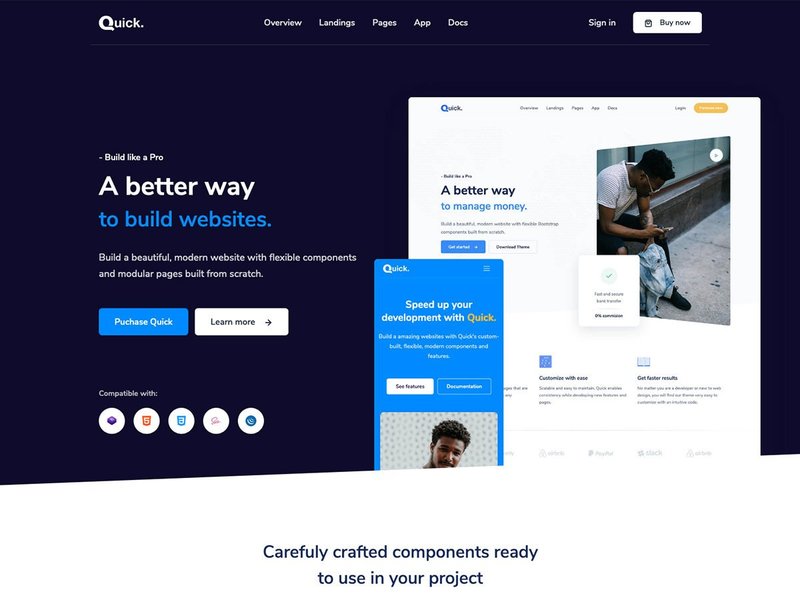
Bootstrap UI kits offer pre-designed elements to accelerate development.
Visualizing Your Learning Path with Bootstrap
To help you understand how different learning resources contribute to your Bootstrap journey, the following mindmap outlines the key stages and methods. This map illustrates the interconnected nature of foundational knowledge, core Bootstrap concepts, practical application, and community engagement.
This mindmap visualizes a structured approach, starting from understanding prerequisites, diving into core Bootstrap elements through documentation and courses, reinforcing learning with projects, and then potentially moving to advanced customization and community interaction.
Mastering Core Bootstrap Features
A deep understanding of Bootstrap's foundational features is essential for leveraging its full potential.
The Grid System: The Backbone of Responsiveness
Bootstrap's grid system is arguably its most powerful feature. It uses a series of containers, rows, and columns to lay out and align content. It’s built with flexbox and is fully responsive, allowing you to specify different column widths for different screen sizes (e.g., extra small, small, medium, large, extra large, and XXL).
Key Grid Concepts:
- Containers:
.containerfor a responsive fixed-width container or.container-fluidfor a full-width container. - Rows:
.roware wrappers for columns. - Columns: Content goes within columns (
.col-,.col-sm-, etc.). You can specify how many of the 12 available columns an element should span at various breakpoints.
Components and Utilities: Your Development Toolkit
Bootstrap comes packed with dozens of reusable components and utility classes.
Popular Components:
Navigation bars, buttons, forms, cards, modals, carousels, alerts, badges, dropdowns, and progress bars are just a few examples. Learning how to use and customize these can dramatically speed up development.
Utility Classes:
These are single-purpose CSS classes that apply a specific style, like margins (.m-1, .mt-2), padding (.p-3, .pb-4), text alignment (.text-center), colors (.text-primary, .bg-success), display properties (.d-flex, .d-none), and more. Utilities are key to Bootstrap's "functional CSS" approach, enabling rapid prototyping and customization without writing new CSS rules.
Mobile-First Philosophy: Designing for All Screens
Bootstrap is designed with a mobile-first strategy. This means styles are applied to the smallest screen sizes by default, and then scaled up for larger screens using CSS media queries. Understanding this approach is crucial for creating truly responsive websites that look great on any device.
This full course provides a great video introduction to Bootstrap 5 for beginners, covering key concepts and practical usage.
Comparing Learning Resources for Bootstrap
Different learning methods offer various strengths. The radar chart below provides a visual comparison of common Bootstrap learning resources across several key attributes. This can help you decide which combination of resources best suits your learning style and goals. The scores are subjective, ranging from 3 (lower emphasis) to 10 (higher emphasis).
As the chart illustrates, official documentation scores highest for up-to-date information, while hands-on projects excel in interactivity and practical application. Online courses offer a strong balance, particularly for structured learning. A blended approach, utilizing strengths from each resource, is often most effective.
Advanced Customization and Community
Tailoring Bootstrap: Sass and Theming
Once you're comfortable with the basics, you might want to customize Bootstrap more extensively. Bootstrap is built with Sass (Syntactically Awesome Style Sheets), a CSS preprocessor. By using Bootstrap's Sass source files, you can:
- Modify Variables: Change default colors, fonts, spacing, breakpoints, and more by overriding Sass variables.
- Use Mixins: Leverage Bootstrap's powerful mixins to create custom components or apply consistent styling.
- Selective Imports: Include only the parts of Bootstrap you need, reducing the final CSS file size.
This gives you fine-grained control over Bootstrap's appearance and functionality, allowing you to create truly unique designs.
Community and Collaboration: Learning Together
Don't underestimate the power of the web development community. When you encounter challenges or need inspiration:
- Stack Overflow: A vast Q&A resource for specific technical problems. Search for existing answers or ask your own (use tags like `bootstrap-5`).
- Reddit: Subreddits like `r/bootstrap` can be good for discussions, sharing projects, and getting advice.
- GitHub: Explore Bootstrap's official GitHub repository to see how it's built, report issues, or even contribute.
Looking at how others use Bootstrap in open-source projects or templates can also provide valuable insights.
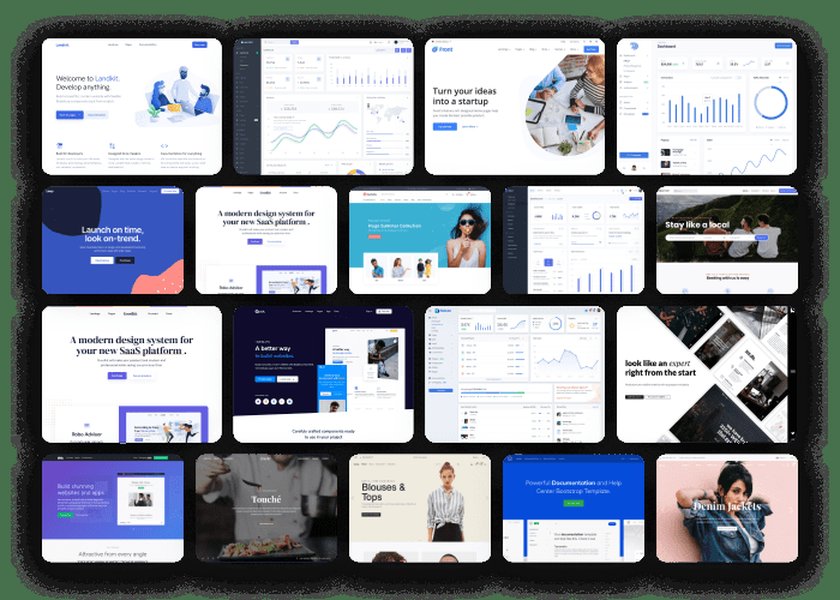
Bootstrap themes showcase the framework's versatility in creating diverse designs.
Learning Resources at a Glance
To help you navigate the various ways to learn Bootstrap, here's a table summarizing key types of resources, their features, and who they're best suited for:
| Resource Type | Key Features | Best For | Example Platforms/Methods |
|---|---|---|---|
| Official Documentation | Comprehensive, up-to-date, code examples, API reference | All learners; primary reference | getbootstrap.com |
| Interactive Online Courses | Structured lessons, video content, quizzes, coding exercises, projects | Beginners and intermediate learners seeking guided paths | FreeCodeCamp, Codecademy, Udemy, Coursera |
| Written Tutorials & Guides | Step-by-step instructions, focused topics, practical examples | Learners who prefer reading and self-paced study | W3Schools, TutorialsPoint, Tutorial Republic, blogs |
| Video Tutorials | Visual demonstrations, walk-throughs, often project-based | Visual learners, understanding complex concepts | YouTube (e.g., Traversy Media, freeCodeCamp channel) |
| Hands-on Projects | Real-world application, problem-solving, skill reinforcement | All learners; crucial for solidifying knowledge | Personal projects, course assignments, replicating websites |
| Community Forums & Q&A | Problem-solving, advice from experienced developers, peer learning | Troubleshooting, seeking specific solutions, staying updated | Stack Overflow, Reddit (r/bootstrap) |
A combination of these resources typically yields the best learning outcome, allowing you to gain theoretical knowledge, practical skills, and community support.
Frequently Asked Questions (FAQ)
What are the prerequisites for learning Bootstrap?
Before starting Bootstrap, you should have a solid understanding of HTML for structuring content and CSS for styling. Basic knowledge of JavaScript is also beneficial, especially for using Bootstrap's interactive components, but not strictly necessary to begin with layout and static components.
Which version of Bootstrap should I learn in 2025?
You should focus on learning the latest stable version, which is currently Bootstrap 5 (specifically v5.3 as of May 2025). It offers the most modern features, improvements (like dropping jQuery dependency and enhanced utility API), and ongoing support. While older versions like Bootstrap 4 are still used in many existing projects, new development should utilize Bootstrap 5.
How long does it take to learn Bootstrap?
The time it takes varies depending on your prior experience with HTML/CSS and the depth of knowledge you aim for. Basic understanding of the grid system and common components can be achieved within a few days to a week of dedicated study and practice. Becoming proficient and comfortable with customization and advanced features can take several weeks or months of consistent learning and project work. For example, some introductory courses are designed to be completed in 8-10 hours.
Is Bootstrap still relevant in 2025?
Yes, Bootstrap remains highly relevant in 2025. It is a widely used and mature front-end framework that significantly speeds up the development of responsive, mobile-first websites. Its comprehensive set of components, powerful grid system, extensive utility classes, and large community make it a valuable tool for web developers, from beginners to professionals. While other CSS frameworks and tools exist, Bootstrap's ease of use and widespread adoption ensure its continued relevance.
Recommended Further Exploration
Once you've grasped the fundamentals of Bootstrap, you might be interested in exploring these related topics to deepen your understanding and expand your skillset:
- How to customize Bootstrap themes using Sass?
- What are some advanced Bootstrap 5 components and their use cases?
- How does Bootstrap's grid system compare to native CSS Grid layout?
- Show me inspiring examples of websites built with Bootstrap 5.
References
Last updated May 7, 2025